\앱에서 설정한 웹 브라우저로 이동하는 url_launcher 패키지를 사용 했다.
https://pub.dev/packages/url_launcher/changelog
1. pubspec.yaml에 dependency 추가
flutter pub add url_launcher2. ios와 android 설정 파일에 각각 아래 코드를 추가해줘야 한다.
1) ios (ios-Runner-Info.plist)
<key>LSApplicationQueriesSchemes</key>
<array>
 <string>sms</string>  // sms 사용시
 <string>tel</string> 	// 연락처 사용시
 <string>https</string> //https 브라우저 사용시
 <string>http</string>	//http 브라우저 사용시
</array>
나는 브라우저만 사용할 것이라, http와 https만 추가했다.
공식 문서에는 sms와 tel만 나와있어서 아래 두 코드는 구글링으로 찾긴했다..
2) android (android-app-src-main-AndroidManifest.xml)
 <!-- Provide required visibility configuration for API level 30 and above -->
<queries>
  <!-- If your app checks for SMS support -->
  <intent>
    <action android:name="android.intent.action.VIEW" />
    <data android:scheme="sms" />
  </intent>
  <!-- If your app checks for call support -->
  <intent>
    <action android:name="android.intent.action.VIEW" />
    <data android:scheme="tel" />
  </intent>
  <!-- If your application checks for inAppBrowserView launch mode support -->
  <intent>
    <action android:name="android.support.customtabs.action.CustomTabsService" />
  </intent>
</queries>`
여기도 마찬가지로 난 웹브라우저만 사용할 것이기 때문에 가장 아래에 있는 CustomTabsService 코드만 추가했다.
3. 탭 클릭시 브라우저 이동 로직 작성
return GestureDetector(
          onTap: () async {
            String ShoppingmallUrl = list_[index]['link'];
            await launchUrl(Uri.parse(ShoppingmallUrl));
          }
이런저런 방법으로 몇번 코드 작성 했는데
E/flutter ( 5405): [ERROR:flutter/runtime/dart_vm_initializer.cc(41)] Unhandled Exception: PlatformException(channel-error, Unable to establish connection on channel., null, null)
E/flutter ( 5405): #0 UrlLauncherApi.openUrlInApp (package:url_launcher_android/src/messages.g.dart:182:7)
E/flutter ( 5405):
E/flutter ( 5405): #1 UrlLauncherAndroid.launchUrl (package:url_launcher_android/url_launcher_android.dart:101:19)
E/flutter ( 5405):
E/flutter ( 5405):
이런 에러가 떴었다. 잘못된 점을 아무래도 모르겠어서 애뮬레이터를 껐다 키니까 정상 작동되더라 ..ㅋㅋ

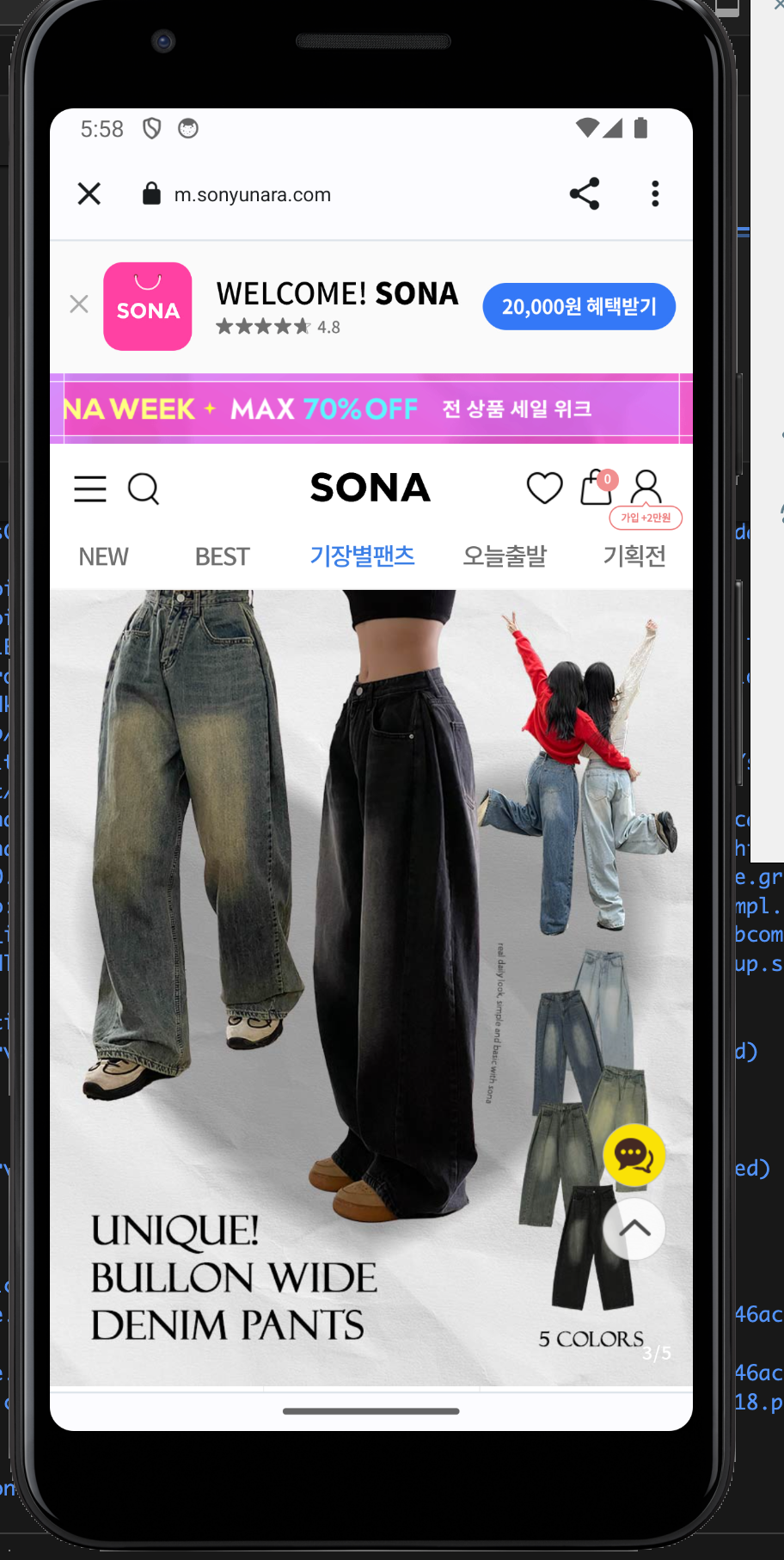
나중에 선택한 스타일의 쇼핑몰로 이동하는 것으로 바꿀 것이다 !
지금은 임시로 소녀나라로 이동하게끔 해놨다