MyBatis
MyBatis는 데이터베이스와 상호작용하기 위한 프레임워크로 SQL 코드와 자바 코드를 분리하는 데 도움이 되며 SQL 쿼리를 관리하기 쉽게 만든다. 또한 자바 객체(vo)와 데이터베이스 레코드간의 매핑을 간단하게 제공한다. 또한 설정이 간단하고 직관적이다.
MyBatis API 등록
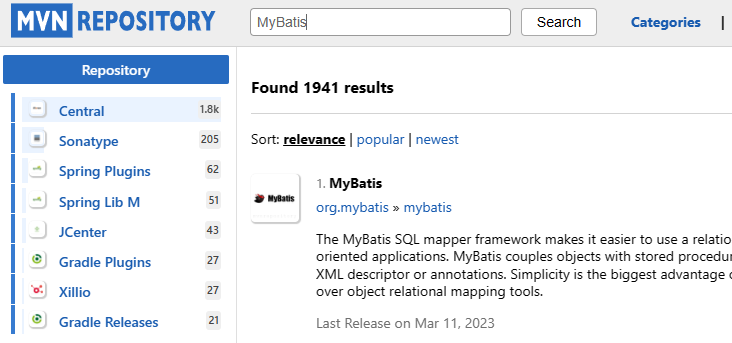
MVN REPOSITORY 'MyBais' 검색 후 3.4.6 다운로드
API 등록(pom.xml)
마찬가지로 </dependencies> 위에 등록

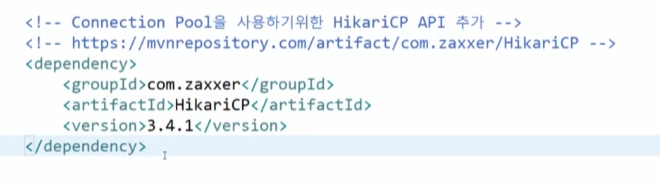
MVN REPOSITORY 'hikaricp' 검색 후 (hikari connection pool) 3.4.1 다운로드

</dependencies> 위에 등록
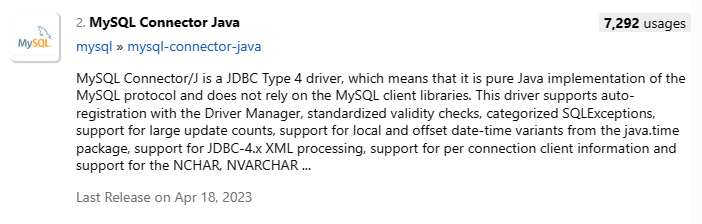
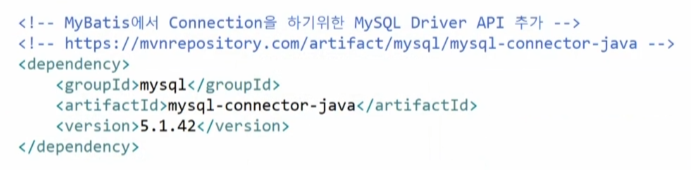
MVN REPOSITORY 'MySQL' 검색 후 MySQL connector JAVA 5.1.42 다운로드
</dependencies> 위에 등록
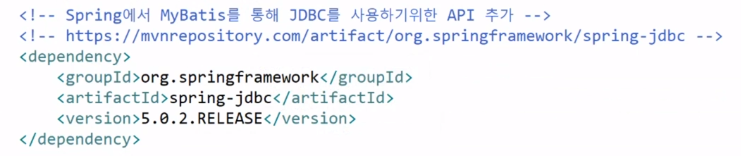
MVN REPOSITORY 'Spring JDBC' 검색 후 5.0.2다운로드
스프링 버전과 동일해야한다.
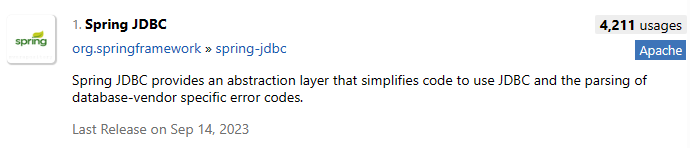
</dependencies> 위에 등록
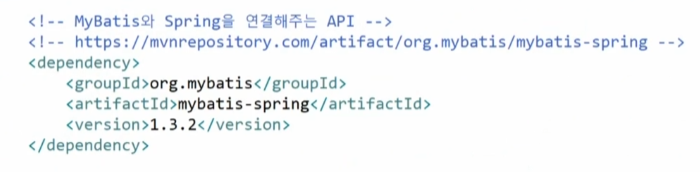
MVN REPOSITORY 'MyBatis Spring' 검색 후 1.3.2다운로드

</dependencies> 위에 등록
저장!!
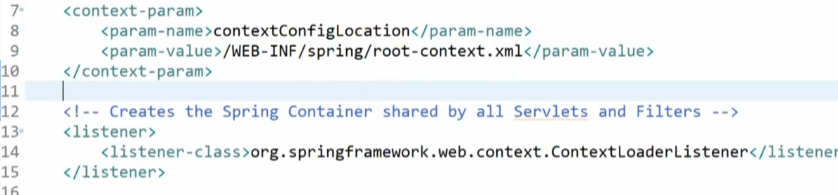
서버를 실행시키면 web.xml파일의 13번째 줄부터 시작하는 listener를 읽은 뒤 ContextLoaderListner를 읽어 MySQL DBMS를 MyBatis를 통해 읽게된다. ContextLoaderListner의 설정은 7번 째 줄부터 시작하는 contextConfigLocation에서 한다.
이는 root-context.xml에서 설정이 된다. Location이니까!
MyBatis 짧은 예시
java User vo
public class User {
    private int id;
    private String username;
    private String email;

    // Getter and Setter methods
}
sql
<mapper namespace="com.example.UserMapper">
    <select id="getUserById" resultType="com.example.User">
        SELECT * FROM users WHERE id = #{id}
    </select>
</mapper>
- select문의 id는 이후에 나올 mapper.xml에서 id의 값과 일치하다.
- resultType은 select문과 같이 DB에 저장하는 로직이 아닌 컨트롤러에 다시 리턴하기 위해서 작성한다.
- parameterType은 굳이 안써도 된다.
- #{id} 같은 형태로 작성한다.