React Hook Form
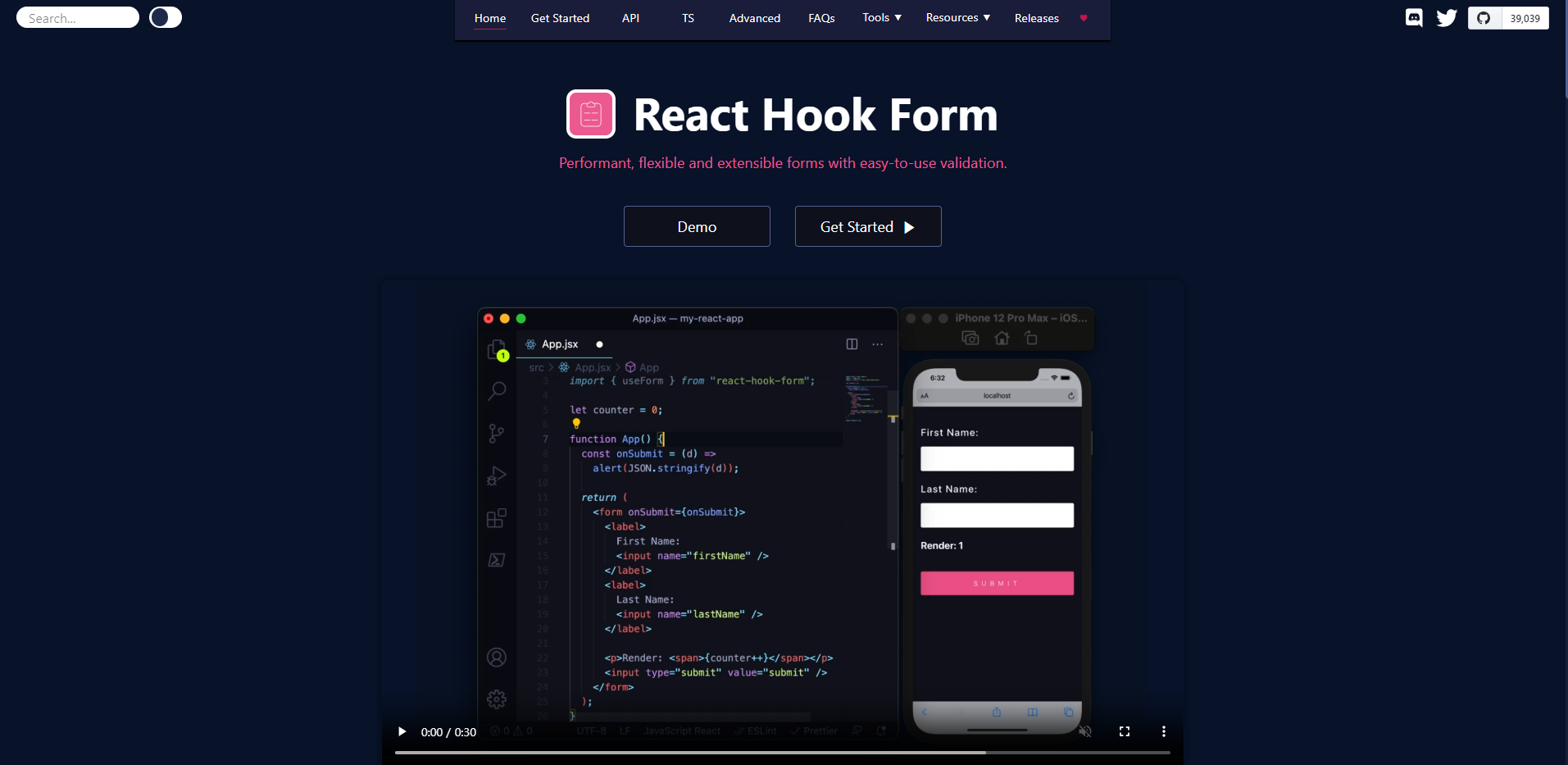
링크: https://react-hook-form.com/
React Hook Form이란 리액트에서 사용하는 폼 라이브러리이다.
구현이 간단해지며 높은 유연성과 유효성 검사가 가능하다는 장점을 가지고 있다.
여러 schema validataion과 이용이 가능하지만 zod를 이용할 예정이다.
원래는,
사실 위처럼 폼 라이브러리라고 하면 와닿진 않는다.
평소 대략적으로 아래의 코드처럼 써왔다. 이것보다 더 좋은 코드도 많겠지만
형태는 이렇게 구성해왔다.
import React from 'react'

export default function example() {
  const [example, setExample] = useState()
  const onChange= () => {
  ...
  }
  const submitHandler=()=>{
  ...
  }
  return (
    <div>
      <form onsubmit={submitHandler}>
      <label>example<label>
      <input placeholder="입력해주세요" value={example} onChange={onChange}/>
      <button type="submit">전송<button>
      </form>
    </div>
  )
}
react-hook-form에서는?
하지만 onChange라던가 handler를 굳이 설정하지 않아도
폼 라이브러리를 쓰면 간단하게 구성이 가능하다.
//출처: react-hook-form의 quick start 코드
import { useForm, SubmitHandler } from "react-hook-form"

type Inputs = {
  example: string
  exampleRequired: string
}

export default function App() {
  const {
    register,
    handleSubmit,
    watch,
    formState: { errors },
  } = useForm<Inputs>()
  const onSubmit: SubmitHandler<Inputs> = (data) => console.log(data)

  console.log(watch("example")) // watch input value by passing the name of it

  return (
    /* "handleSubmit" will validate your inputs before invoking "onSubmit" */
    <form onSubmit={handleSubmit(onSubmit)}>
      {/* register your input into the hook by invoking the "register" function */}
      <input defaultValue="test" {...register("example")} />

      {/* include validation with required or other standard HTML validation rules */}
      <input {...register("exampleRequired", { required: true })} />
      {/* errors will return when field validation fails  */}
      {errors.exampleRequired && <span>This field is required</span>}

      <input type="submit" />
    </form>
  )
}
위에서는 register에 id처럼 example이란 string을 부여하여
인풋의 값을 운용한다.
exampleRequired를 이용하여 span을 띄워 validation을 확인해주기도 한다.
아까 말했던 것처럼 error를 yup, zod 등으로도 다룰 수 있기 때문에
다른 형태로 validation을 할 것이다.
// ...생략

const formSchema = z.object({
  username: z.string().min(2, {
    message: "이름은 2글자 이상 입력해주세요",
  }),
})
// ...생략
const {
    register,
    handleSubmit,
    formState: { errors },
  } = useForm<LoginType>({
    resolver: zodResolver(FormSchema),
  });
 // ...생략
{nextStep && <SecondStep errors={errors} register={register} />}
따로 ui 폼을 쓰지 않는다면 위처럼 유효성 검사가 가능할 것이다.
이처럼 유효성검사와 오류를 다룰 수 있고
꽤나 간단하다는 점에서 편한 라이브러리이다.
단 typescript에서 props를 내려주려면 공식문서를 참고하여 익혀서 써야 하는 등
세세한 것은 공식문서를 많이 파야 더 유용하게 이용할 수 있다는 점이 조금 단점같다.
그래서 다음에 더 심화로 공부해볼 예정이다.

웹 개발자