<!DOCTYPE html>
<html lang="ko">
<head>
    <meta charset="UTF-8">
<title>04_css메소드  </title>
<style>
    #box{width: 400px; height: 300px; border: 1px solid black;}
</style>
<!-- jquery import -->
<script src="jquery-3.6.4.min.js"></script>
</head>
<body>
   <h3>css() 함수</h3>
    <p>
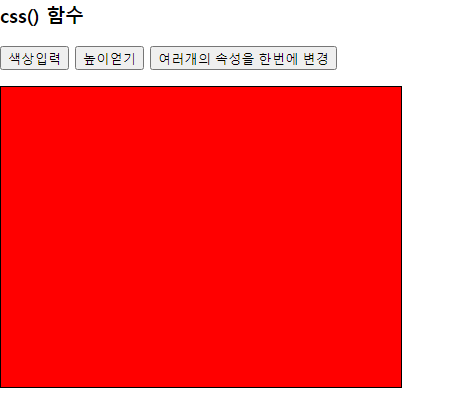
        <button>색상입력</button>
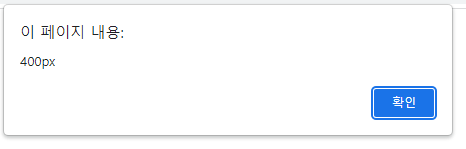
        <button>높이얻기</button>
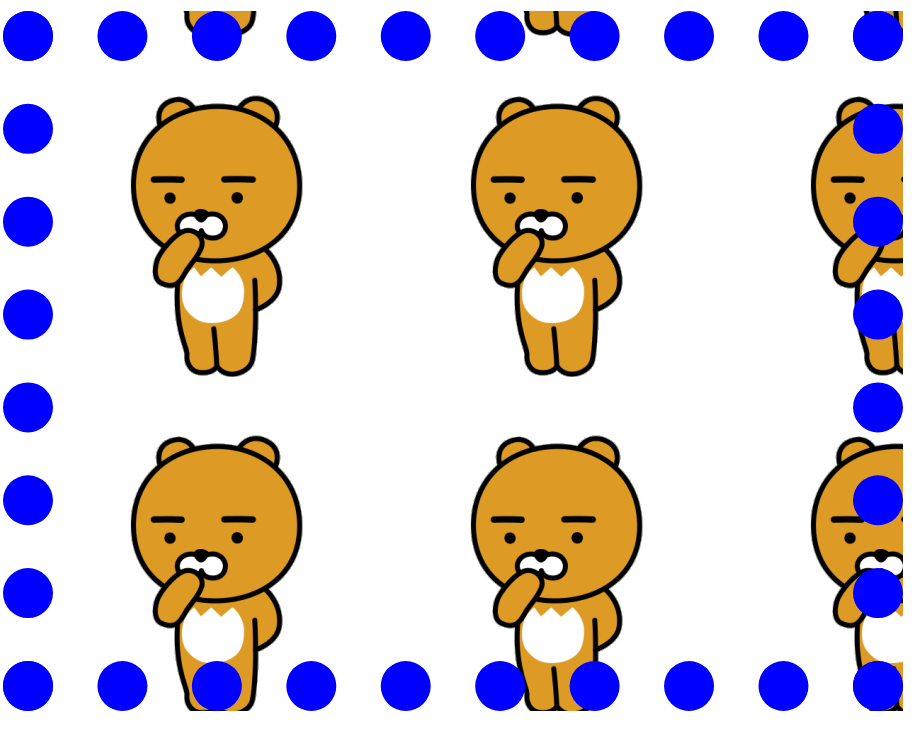
        <button>여러개의 속성을 한번에 변경</button>
    </p>
<div id='box'></div>

<script>
/*
 참조:  https://www.w3schools.com/jquery/jquery_dom_get.asp
        https://www.w3schools.com/jquery/jquery_dom_set.asp

     ● [getter와 setter함수]
         - jQuery는 대부분 getter와 setter함수 이름을 같이 사용한다
         - Javascript에서 스타일 접근 : document.getElementById("").style
         - jQuery에서 스타일 접근 함수 : css()함수
            1.  css(속성명)         :getter
            2.  css(속성명,속성값)   :setter
            3.  css({속성명:속성값,속성명:속성값,속성명:속성값...}) 여러개의 속성을 한꺼번에 세팅(json)

*/

    //body에 있는 button 요소를 통해서 접근하기
    //eq메소드
    //jquery에서 변수에 인덱스 번호를 부여해서 eq()메소드로 요소를 뽑아낸다
    //자바에서 리스트 형태에서 가져오는것과 동일하다. 0부터 시작한다
    $("button:eq(0)").click(function() {
        //setter 함수
        $("#box").css("background","red");

    });

    $("button:eq(1)").click(function () {
        //getter함수
        let width=$("#box").css("width");
        let height=$("#box").css("height");
        alert(width);
        alert(height);
    });

    $("button:eq(2)").click(function(){
            //JSON :KEY, VALUE 구성
            let width=800;
        $("#box").css({
           "width":width
           ,height:600
           ,"background":"url(../images/k7.png)"
           ,"border":"50px dotted blue"
        });
    });

</script>
</script>
</script>
</body>
</html>