Kafka 설치하기
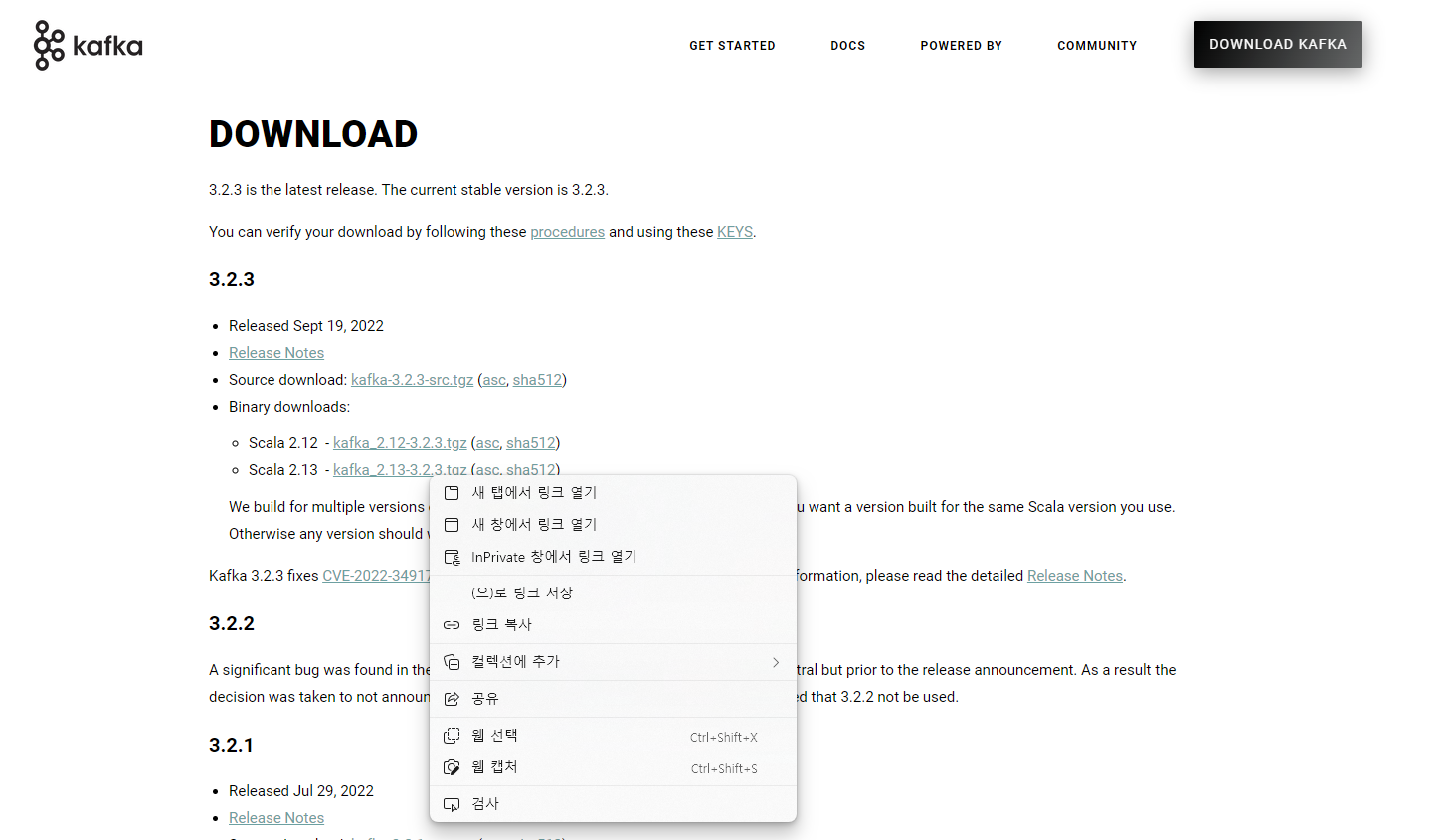
아래 사이트에서 .tgz 파일 우클릭 후 [링크 복사]
https://kafka.apache.org/downloads
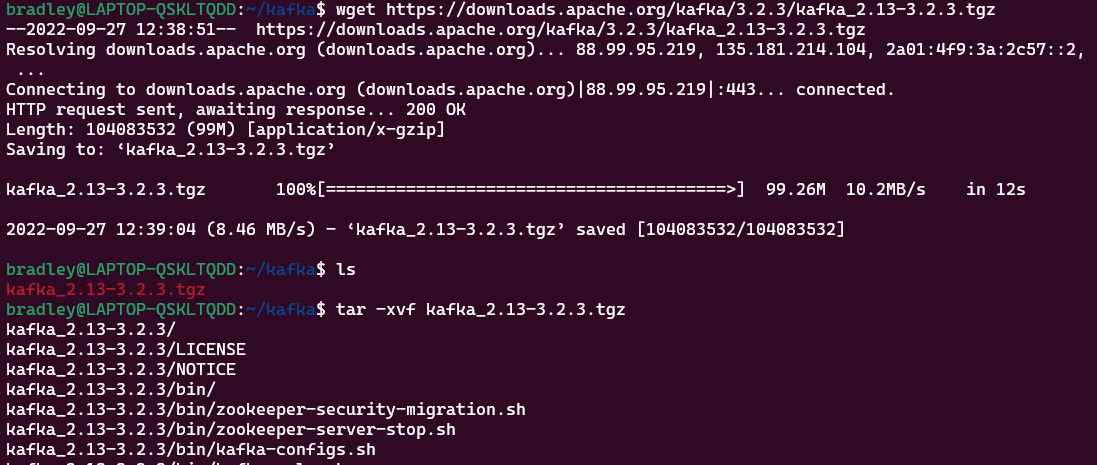
압축을 풀어준다.
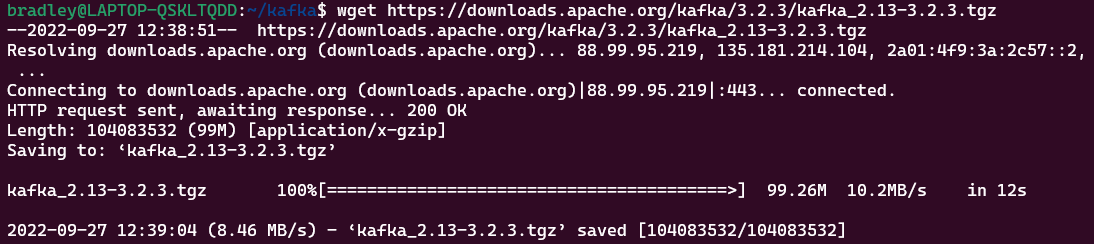
wget https://downloads.apache.org/kafka/3.2.3/kafka_2.13-3.2.3.tgz
tar -xvf kafka_2.13-3.2.3.tgz
Kafka 실행하기
Kafka Zookeeper 실행
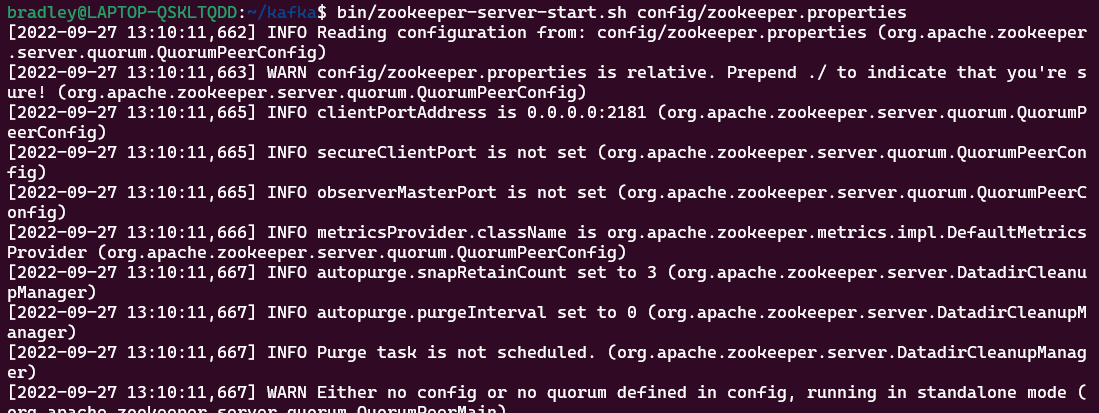
zookeeper-server-start.sh 파일로 Zookeeper를 실행한다.
bin/zookeeper-server-start.sh config/zookeeper.properties
Kafka Server 실행
Terminal을 하나 더 연 뒤 kafka-server-start.sh 파일로 Kafka Server를 실행한다.
bin/kafka-server-start.sh config/server.properties
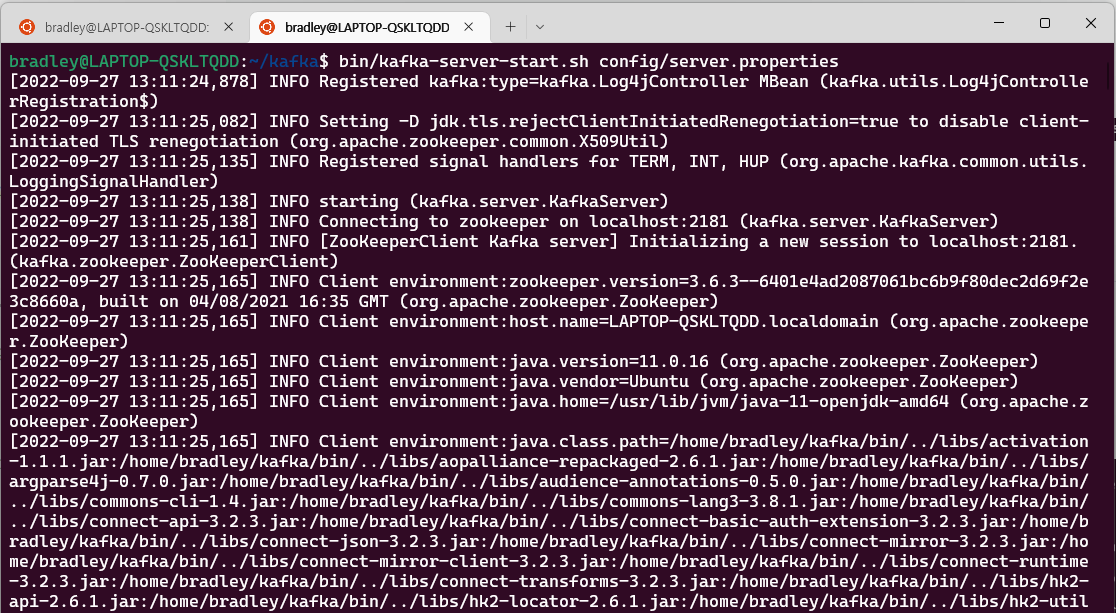
정상 실행 확인
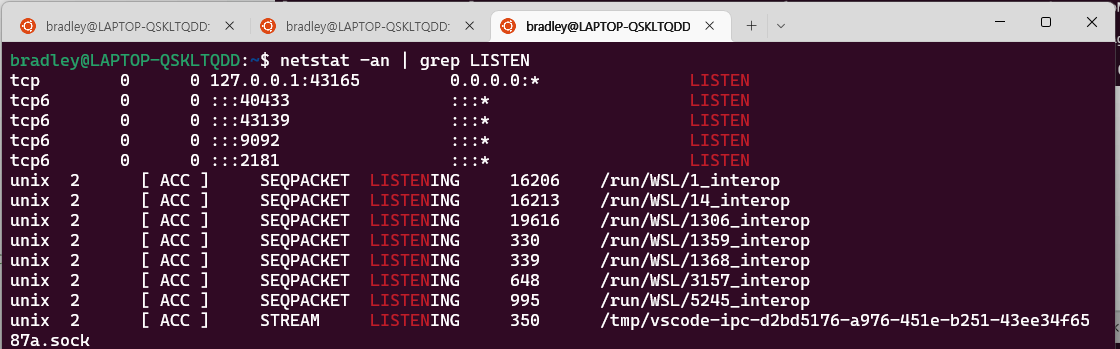
netstat 명령으로 보면 2181, 9092 Port가 LISTEN 상태인 것을 확인 할 수 있다.
netstat -an | grep LISTEN
2181- zookeeper9092- kafka server
Topic 생성하기
kafka-topics.sh 파일로 --create 옵션을 이용하여 Topic을 생성한다.
bin/kafka-topics.sh --create --topic test-topic --bootstrap-server localhost:9092

--describe 옵션으로 Topic에 대한 정보를 확인한다.
bin/kafka-topics.sh --describe --topic test-topic --bootstrap-server localhost:9092

Producer 생성하기
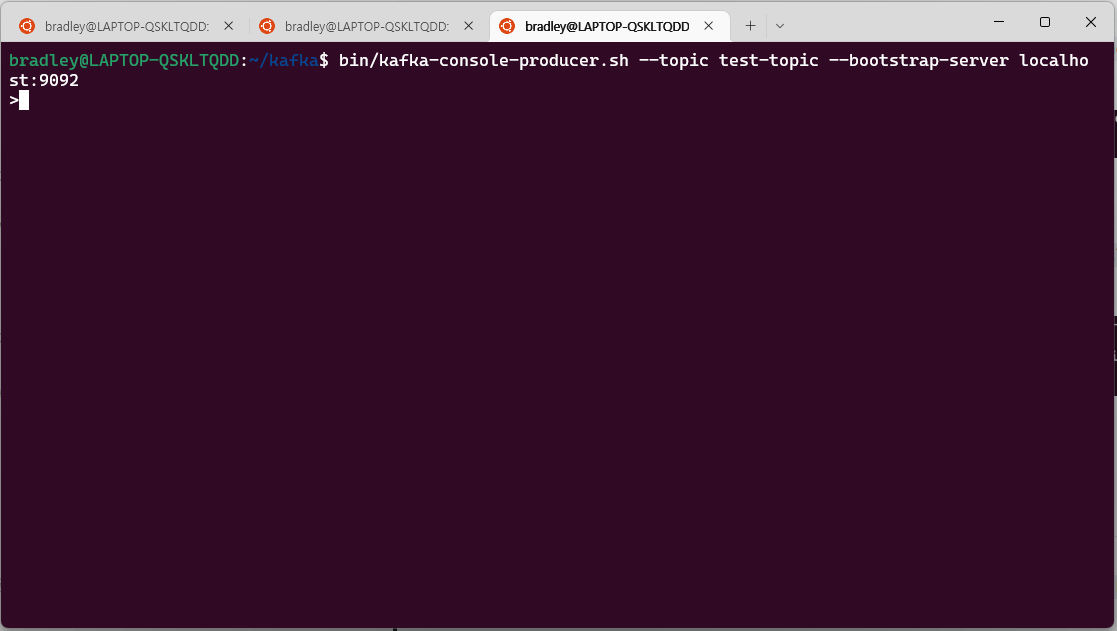
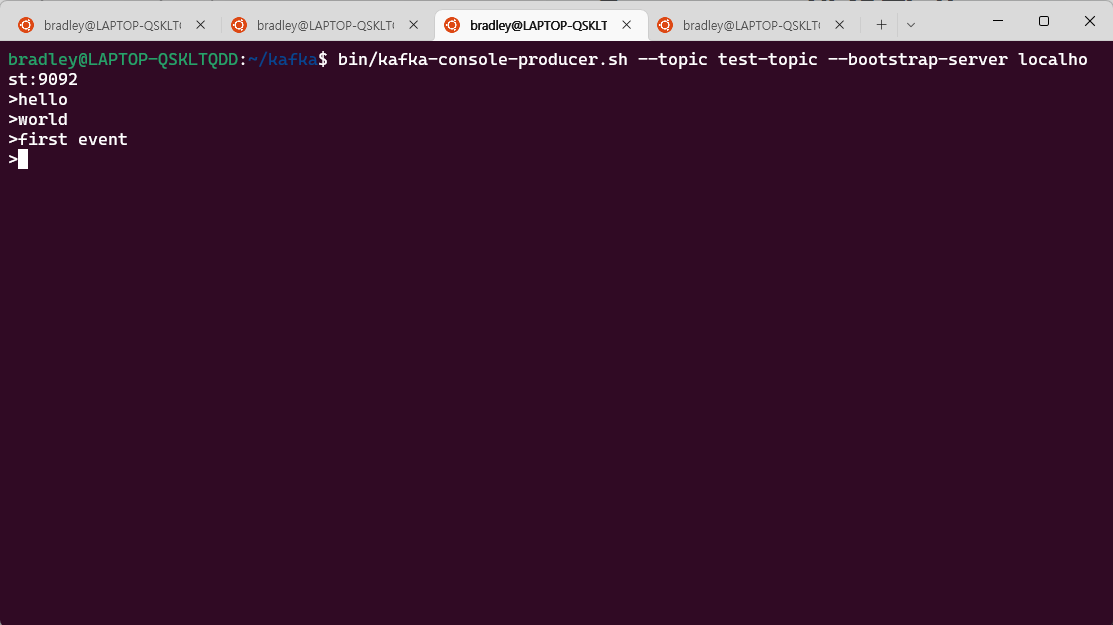
kafka-console-producer.sh 파일로 test-topic에 연결된 Producer를 생성한다.
bin/kafka-console-producer.sh --topic test-topic --bootstrap-server localhost:9092
Consumer 생성하기
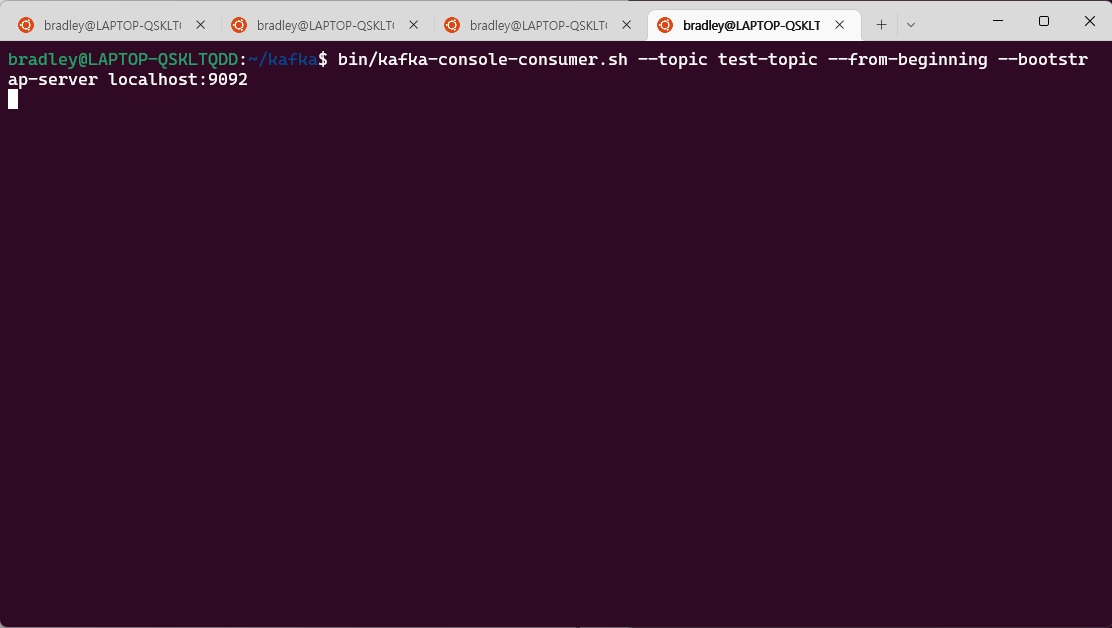
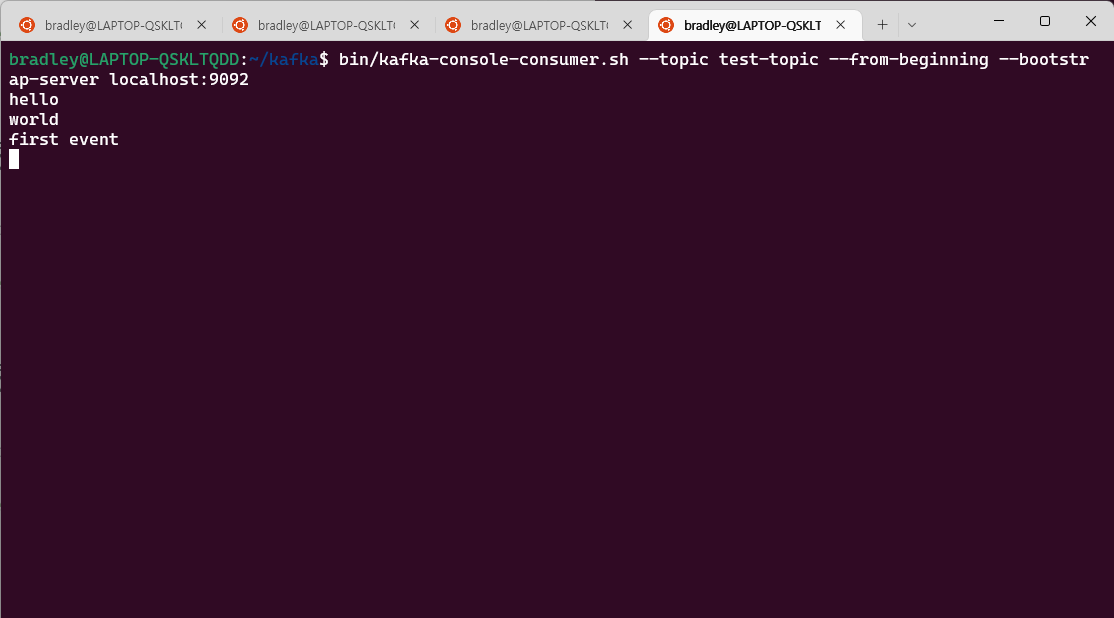
kafka-console-consumer.sh 파일로 test-topic을 구독하는 Consumer를 실행한다.
bin/kafka-console-consumer.sh --topic test-topic --from-beginning --bootstrap-server localhost:9092
--from-beginning: 최초 시작지점의 Offset부터 데이터를 가져온다.
Event 전송하기
Producer에 메세지를 입력해보면 Consumer에서 메세지를 전송받는 것을 확인할 수 있다.
Consumer Group 확인하기
Consumer Group을 따로 생성하지 않으면 Unique한 Consumer Group이 자동으로 생성한다.
kafka-consumer-groups.sh 파일로 --list 옵션을 확인하면 Consumer Group 목록을 확인할 수 있다.
bin/kafka-consumer-groups.sh --list --bootstrap-server localhost:9092 console-consumer-20805