Koyeb
Koyeb docs
Koyeb is a developer-friendly serverless platform designed to let businesses easily deploy reliable and scalable applications globally. The platform has been created by Cloud Computing Veterans and is financially backed by industry leaders.
Koyeb allows you to deploy all kind of services including full web applications, APIs, and background workers.
AWS에서 호스팅 하기 이전 비용 절감 및 안정적 마이크로 서비스 배포를 위해
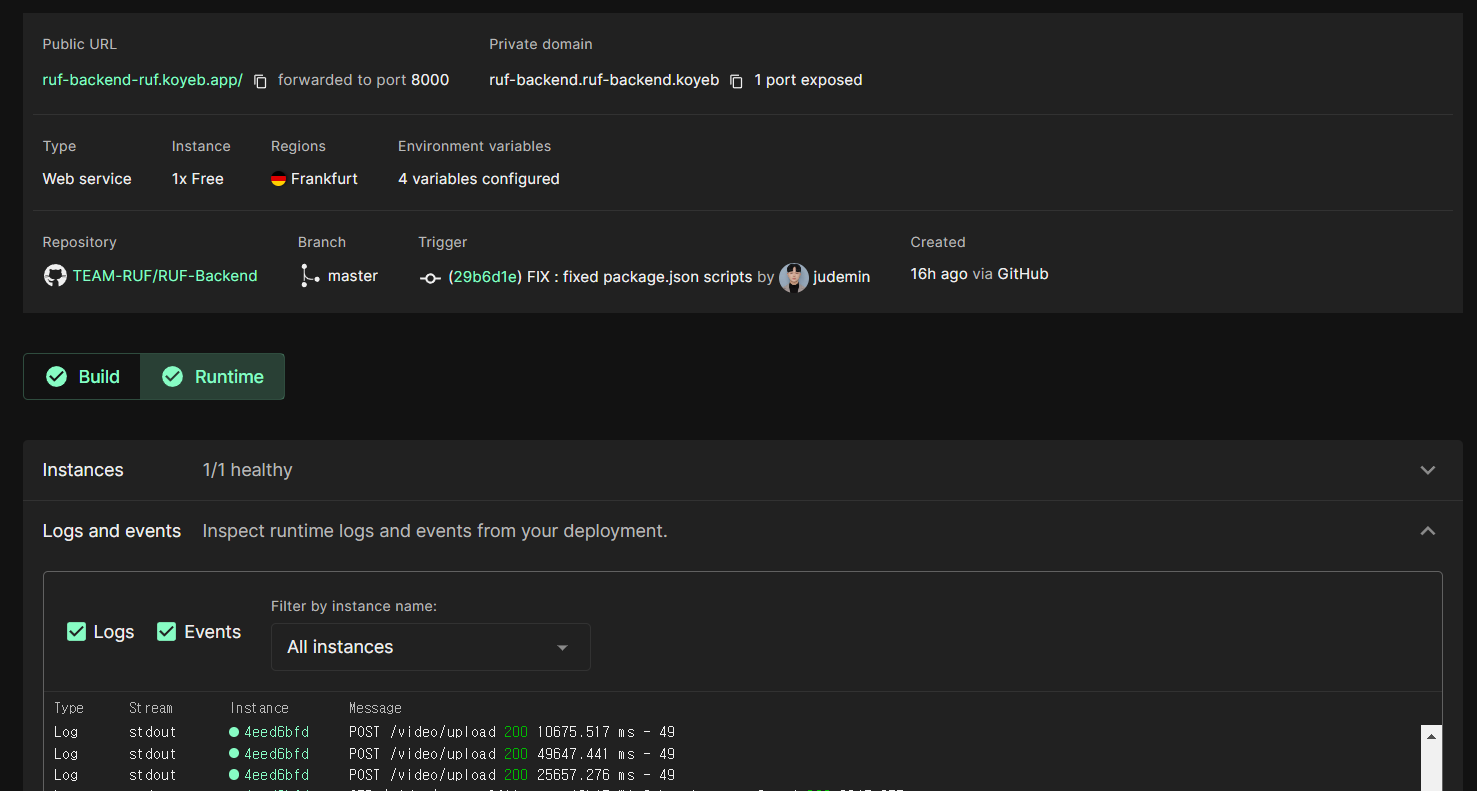
무료 deploy service인 koyeb을 사용하여 백엔드 배포
Github 리포지토리를 통해 main branch 빌드, 빌드팩 오버라이딩
Webpack
Webpack이란
Webpack docs
webpack is a static module bundler for modern JavaScript applications. When webpack processes your application, it internally builds a dependency graph from one or more entry points and then combines every module your project needs into one or more bundles, which are static assets to serve your content from.
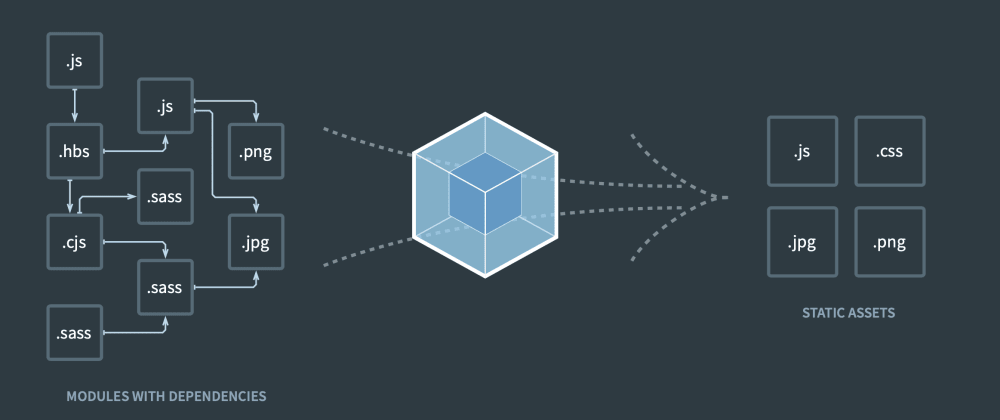
즉, webpack은 JavaScript applications를 하나의 번들로 만들어 배포가 가능케 한다
webpack.config.js
webpack을 빌드하기 위해서 먼저 npm install webpack 로 webpack을 설치하고
const path = require('path');

module.exports = {
    mode: 'production',
    entry: './app.js',
    output: {
        path: path.join(__dirname, './dist'),
        publicPath: './public',
        filename: 'bundle.js',
    },
    target: 'node',
};
위와 같이 webpack.config.js를 작성한다
entry 번들링 하기 위한 코드들의 맨 처음 시작점이 되는 파일
output 번들링 결과물을 위한 config path는 번들파일 저장 위치
  "scripts": {
    "start": "nodemon app.js",
    "dev": "nodemon app.js",
    "build": "webpack",
    "prod": "node dist/bundle.js"
  },
package.json을 위와 같이 변경하고 npm run build로 webpack 번들링을 진행
bcrypt 오류 해결
ERROR in ./node_modules/@mapbox/node-pre-gyp/lib/util/s3_setup.js 43:20-42
Module not found: Error: Can't resolve 'mock-aws-s3' in 'C:/.../Backend\node_modules\@mapbox\node-pre-gyp\lib\util'
 @ ./node_modules/@mapbox/node-pre-gyp/lib/node-pre-gyp.js 15:21-62
 @ ./node_modules/bcrypt/bcrypt.js 3:17-48
번들링시 위와 같은 오류가 발생한다면 bcrypt가 아닌 bcryptjs 라이브러리를 사용
npm uninstall bcrypt 이후 npm uninstall bcryptjs로 문제를 해결한다
CORS
express 서버 배포가 성공한 이후 배포된 앱을 실행시켜보면
Access to XMLHttpRequest at 'https://...koyeb.app/...' from origin 'https://...vercel.app'
has been blocked by CORS policy: No 'Access-Control-Allow-Origin' header is present on the requested resource.
console에서 위와 같은 에러가 발생하는 것을 볼 수 있다
const cors = require('cors');

const corsOptions = {
	origin: [
		"http://localhost:3000",
		"https://...vercel.app/"
	],
	credentials: true,
};

app.use(cors(corsOptions));
이는 express 서버에서 CORS Option을 설정해서 해결할 수 있으며
정상적으로 upload 요청이 들어오고 DB에 저장되는 것을 볼 수 있다