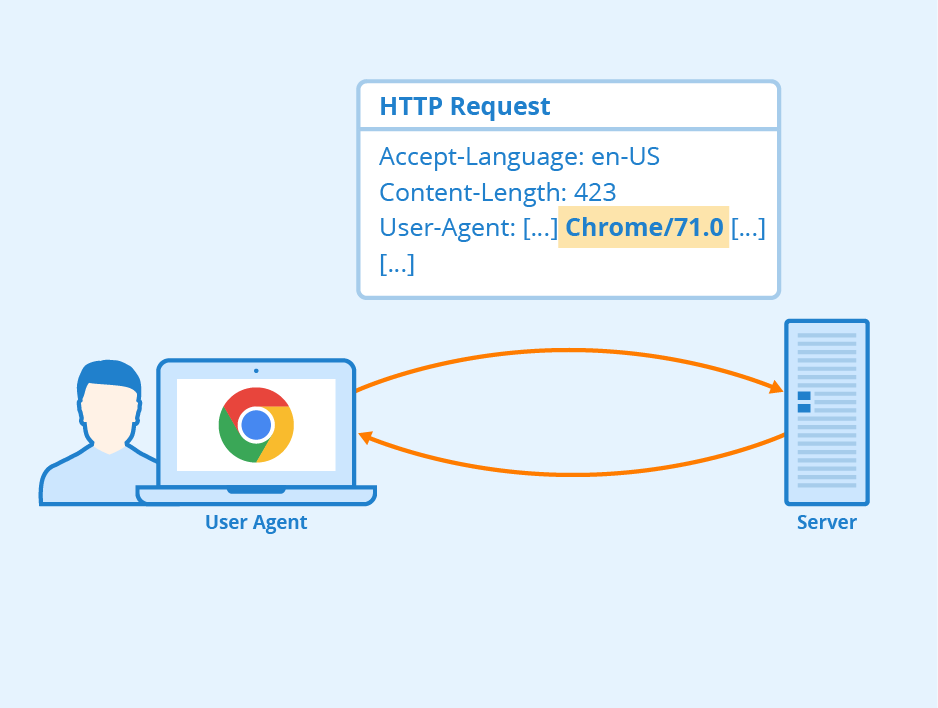
User-Agent를 다른 브라우저, OS로 바꾸고 싶을 때, 확장프로그램의 Content Script로 수정할 수 있다.
manifest.json
{
  ...,
  "manifest_version": 3,
  "content_scripts": [
    {
  	  "world": "MAIN",
      "run_at": "document_start",
      "matches": [
        "https://*/*"
      ],
      "js": ["modify_UA.js"]
    }
  ]
}
manifest_version 은 3으로 한다.
content_scripts 에서
"world": "MAIN" 인 이유는 window.navigator 값을 접근해야 해서 ISOLATED 가 아닌 MAIN 으로 설정해준다.
"run_at": "document_start" 인 이유는 다른 스크립트들보다 먼저 실행해서 UA를 수정해야 되기 때문이다.
matches 에서는 UA를 바꾸고 싶은 URL을 입력해준다. https://*/* 은 모든 URL을 선택한다.
modify_UA.js
const UA = '<원하는 User-Agent 값>';

Object.defineProperty(window.navigator, 'userAgent', {
  get: function() {
    return UA;
  }
});
UA 는 원하는 UA 값을 넣어준다
ex) const UA = 'Mozilla/5.0 (Macintosh; Intel Mac OS X 10_15_7) AppleWebKit/537.36 (KHTML, like Gecko) Chrome/118.0.0.0 Safari/537.36'
그냥 window.navigator 에 접근 할 수 없어서 Object.defineProperty 로 getter를 바꿔준다.
확인

위와 같이 navigator.userAgent 값이 컴퓨터는 윈도우지만 내가 설정한 Mac Chrome 으로 바꿔있는 것을 볼 수 있다.
기타
UA는 window.navigator 뿐만 아니라 HTTP 요청 헤더에도 같이 보낸다. 이 헤더를 바꾸고 싶으면 declarativenetrequest 를 사용해서 User-Agent 헤더를 바꿔준다.
rules.json
[
  {
    "id": 1,
    "priority": 1,
    "action": {
      "type": "modifyHeaders",
      "requestHeaders": [{ "header": "User-Agent", "operation": "set", "value": "<UA값>" }]
    },
    "condition": {
      "urlFilter": "*",
      "resourceTypes": ["main_frame", "sub_frame", "stylesheet", "script", "image", "font", "object", "xmlhttprequest", "ping", "csp_report", "media", "websocket", "webtransport", "webbundle", "other"]
    }
  }
]

👨🏻💻