💡 Three.js에서 Geometry를 만드는 방법에는 크게 두 가지가 있다.
- three.js에 있는 기본 형상 이용하기
- geometry buffer 이용하기
1. 방법 1: three.js에 있는 기본 형상 사용하기
1.1. Geometry 종류
| Box | 직사각형 정육면체 |
|---|---|
| Capsule | 캡슐 |
| Circle | 원, 부채꼴 |
| Cone | 원뿔 |
| Cylinder | 실린더(각기둥, 원기둥) |
| Dodecahedron | 12면체 |
| Edges | 모서리 보기 |
| Extrude | 돌출 형상 |
| Icosahedron | 20면체 |
| Lathe | 꽃병 |
| Octahedron | 8면체 |
| Plane | 평면 |
|---|---|
| Polyhedron | 다면체 |
| Ring | 2차원 링 |
| Shape | 한면 다각형 형상 |
| Sphere | 구 |
| Tetrahedron | 다면체 |
| Torus | 도넛 모양 형상 |
| TorusKnot | 도넛 모양 매듭 |
| Tube | 튜브 |
| Wireframe | 와이어프레임 보기 |
1.2. 기본 사용법
const geometry = new THREE.BoxGeometry();
const geometry = new THREE.SphereGeometry();
const geometry = new THREE.ConeGeometry();
const geometry = new THREE.CircleGeometry();
const geometry = new THREE.CylinderGeometry(); // try (2,2,4,16);
const geometry = new THREE.PlaneGeometry();
1.3. 공식 문서 Ref
2. 방법 2: BufferGeometry (in Core)
📌 Vertex Attributes
- Position, Color, Normal, UV etc
📌 Primitives Assembly
- Point, Line, Triangles
- THREE.Points, THREE.Line, THREE.Mesh in Three.js
📌 Line (Compare with WebGL)
- LineSegment(gl.LINES), Line(gl.LINE_STRIP), LineLoop(gl.LINE_LOOP)
📌 Indexed Geometry
- Triangles with index
🔥 Buffer Geometry와 setFromPoints() 를 이용한 방식
- 이 함수를 쓰면 기본적으로 position이라는 정보로 인식한다.
// (앞뒤 기본 코드는 생략되어 있습니다.)
const points = [ new THREE.Vector3(0,0,1), new THREE.Vector3(0,0,0),
								 new THREE.Vector3(1,0,0), new THREE.Vector3(0,0,0), new THREE.Vector3(0,1,0) ];
const geometry = new THREE.BufferGeometry().setFromPoints(points);
const material = new THREE.PointcMaterial( { color: 0xff0000 } );
const wire = new THREE.Points( geometry, material );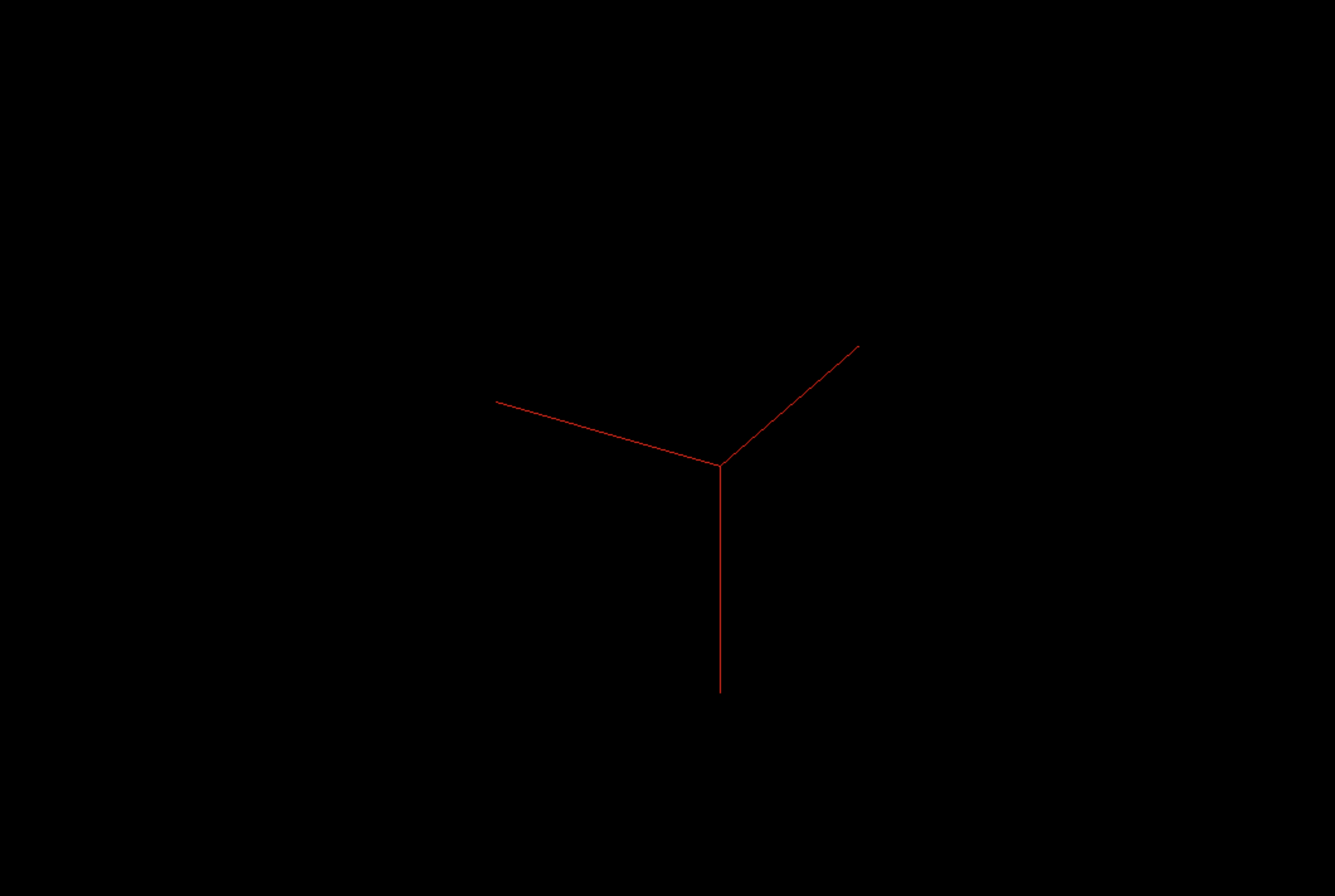
🔥 Buffer Geometry 중 Indexed Geometry를 이용한 방식 (setIndex() & setAttribute() 사용)
// (앞뒤 기본 코드는 생략되어 있습니다.)
const geometry = new THREE.BufferGeometry();
const vertices = new Float32Array([
    -1.0, -1.0,  1.0,   //0
     1.0, -1.0,  1.0,   //1
     1.0,  1.0,  1.0,   //2

     1.0,  1.0,  1.0,   //3
    -1.0,  1.0,  1.0,   //4
    -1.0, -1.0,  1.0    //5
])

const indices = new Uint16Array( [0, 1, 2, 0, 3, 4, 5 ] );
geometry.setIndex(new THREE.BufferAttribute(indices, 1));
geometry.setAttribute('position', new THREE.BufferAttribute( vertices, 3 ));

const material = new THREE.LineBasicMaterial({color : 0xff00ff});
const mesh = new THREE.Line(geometry, material);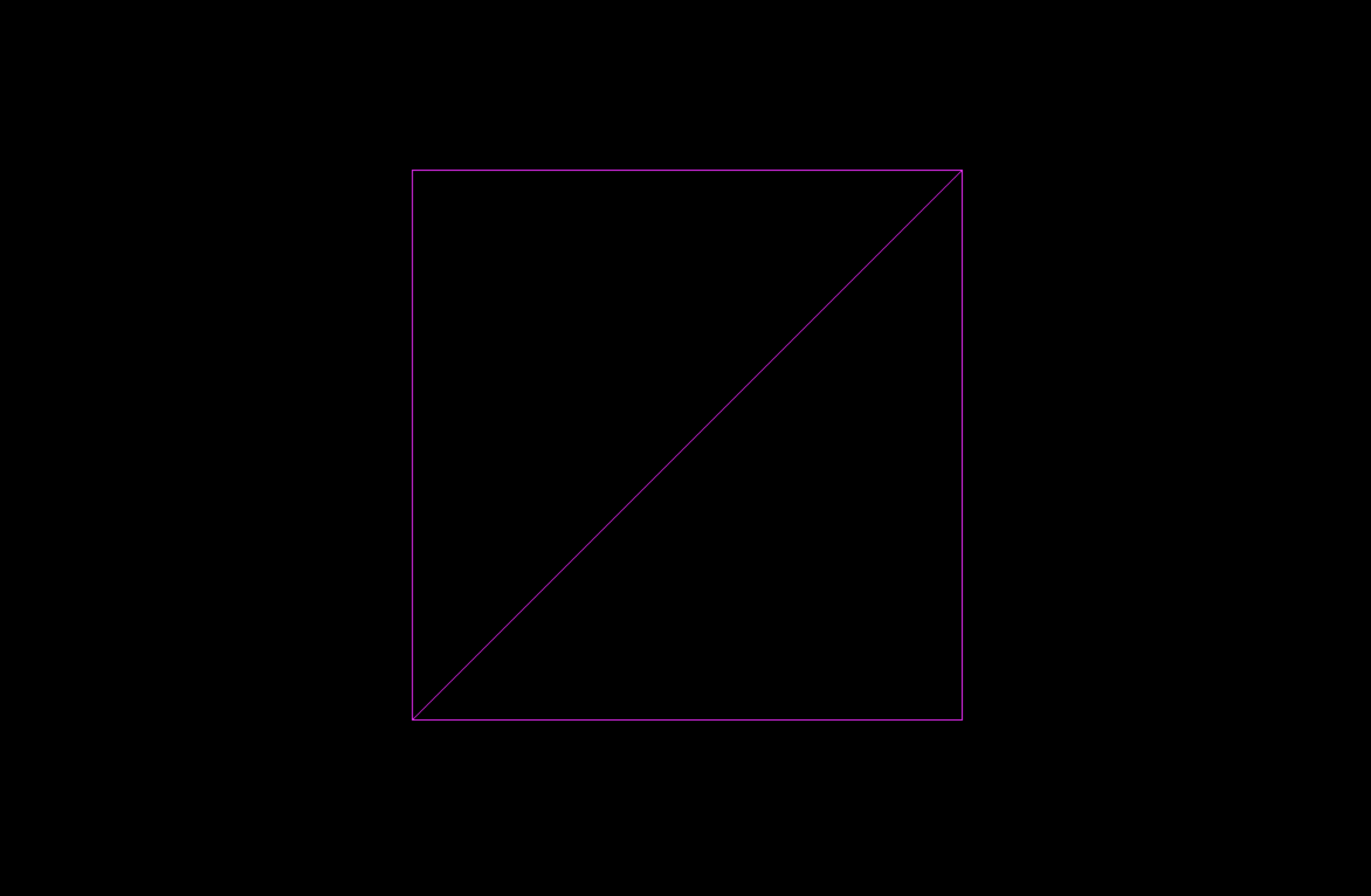
3. tutorial: geometry 여러 개 그리기
- 그냥 여러 개의 geometry와 material을 생성하면 여러 개를 그릴 수 있는데, 아래처럼 배열과 함수를 활용한 예제를 살펴보자.
- 서로 다른 Mesh에 같은 Geometry나 같은 Material을 쓸 수도 있다. (주석처럼)
- geometry도 array로 만들 수 있다.
pos_x설정은 Mesh끼리 서로 겹치지 않게 하지 위한 것
// (앞뒤 기본 코드는 생략되어 있습니다.)
// const geometry = new THREE.BoxGeometry();
const geometries = [ new THREE.BoxGeometry(), new THREE.ConeGeometry(), new THREE.SphereGeometry(), ];

function makeInstance(geometry, col, pos_x) {
    const material = new THREE.MeshBasicMaterial( { color: col });
    const box = new THREE.Mesh( geometry, material );
    box.position.x = pos_x;
    scene.add( box );
    return box;
}

const boxes = [
    makeInstance(geometries[0], 0xff0000,  0),
    makeInstance(geometries[1], 0x00ff00, -2),
    makeInstance(geometries[2], 0x0000ff,  2),
];