다른 git repository를 배포하지 않고 바로 연결해서 사용하고 싶을 경우에 git+ssh 주소를 사용하여 dependencies 또는 devDependencies에 추가할 수 있다.
예를 들면 eslint custom plugin을 배포 전에 사용해보고 싶다거나, private repository를 사용하고 싶은 경우가 있을 수 있다.
1) main 브랜치 설치하기
install 형식은 다음과 같다.
$ npm install [install-name]@git+ssh://[repository-address]install-name에는 해당 프로젝트에서 사용할 이름이다.
repository-addresss는 git repository에서 code 버튼을 누르고 ssh 탭을 선택했을 때 나오는 주소이다.
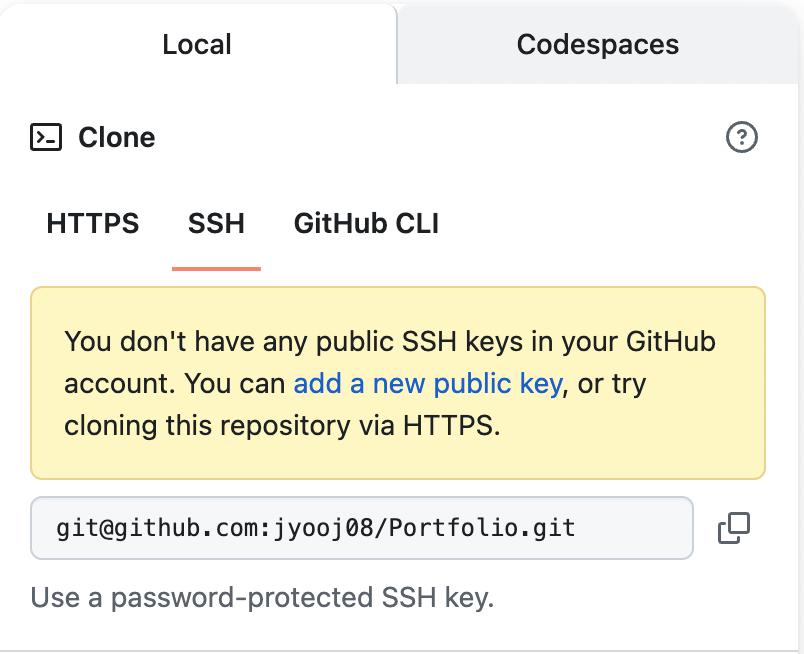
ssh 키를 생성해 두지 않아서 이렇게 나오지만...;;
예를 들어 이렇게 실행하면
$ npm install my-portfolio@git+ssh://git@github.com:jyooj08/Portfolio.gitpackage.json에 다음과 같이 설치된다.
dependencies: {
  "my-portfolio": "git+ssh://git@github.com:jyooj08/Portfolio.git"
}
2) 특정 브랜치 설치하기
install 형식은 다음과 같다.
$ npm install [install-name]@git+ssh://[repository-address]#[branch-name]branch-name은 내가 설치하고자 하는 브랜치의 이름이다.
예를 들어 이렇게 실행하면
$ npm install my-portfolio@git+ssh://git@github.com:jyooj08/Portfolio.git#testPortfolio 리포지토리의 test 브랜치를 설치할 수 있다.
3) 지정된 태그 설치하기
태그를 release하여 해당 태그에 저장된 내용을 설치할 수 있다.
install 형식은 다음과 같다.
$ npm install [install-name]@git+ssh://[repository-address]#[tag-name]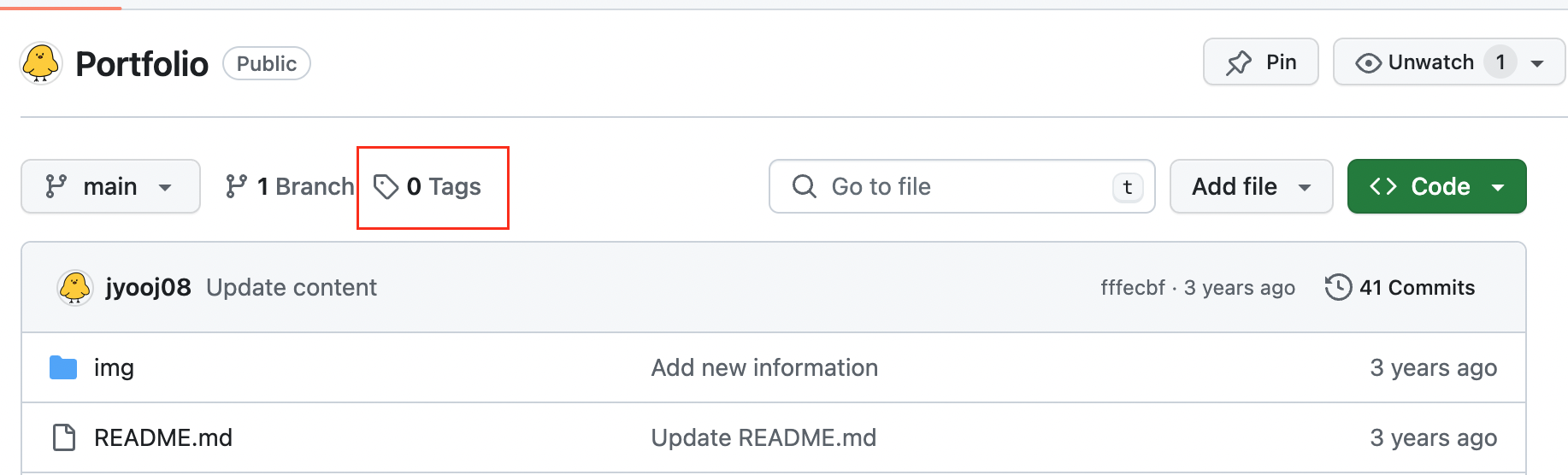
github repository 페이지 상단의 Tags를 클릭하면 특정 브랜치의 내용을 tag에 릴리즈할 수 있다.
tag를 생성한 후 이렇게 실행하면
$ npm install my-portfolio@git+ssh://git@github.com:jyooj08/Portfolio.git#2024.02.28"2024.02.28"이라는 태그에 저장된 내용을 설치할 수 있다.

프론트엔드 개발자