개요
- EC2 접속을 할 수 있다.
- EC2에서 개발환경 설정을 할 수 있다.
- EC2 인스턴스에서 S3에 접근할 수 있도록, IAM 역할과 정책을 연결하여 보안성 있게 설정한다.
※ 내가 생각했을때 편한 생성(개발) 순서
S3 버킷 > IAM 정책 > IAM 역할 > EC2 인스턴스
용어 정리
-
S3 (Simple Storage Service) : 파일을 저장하는 AWS의 클라우드 저장소 서비스
-
Bucket : S3에 저장되는 데이터의 컨테이너
-
EC2 (Elastic Compute Cloud) : AWS에서 제공하는 가상컴퓨터(서버)
-
인스턴스 : EC2를 실제로 실행한 개별 서버 한 대
-
IAM (Identity and Access Management) : AWS 리소스에 대해 누가, 무엇을 할 수 있는지를 정의하는 서비스
- User : 실제 사람 (로그인용 계정)
- Role : EC2 같은 서비스가 사용하는 임시 권한 신분
- Policy : 권한 정의서 (무엇을 할 수 있는지 JSON 형식으로 정의)
로그인
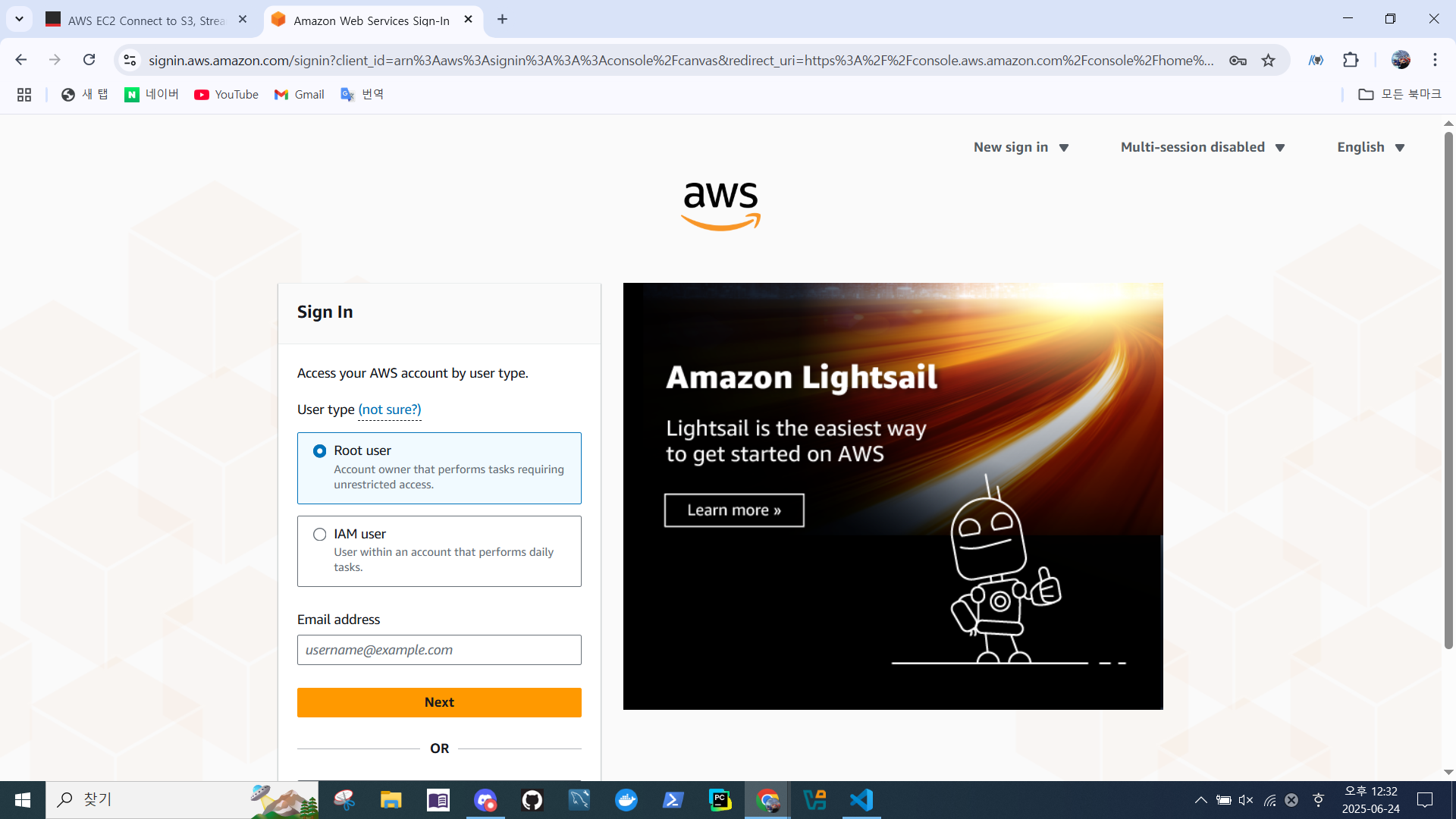
- Root User 로그인
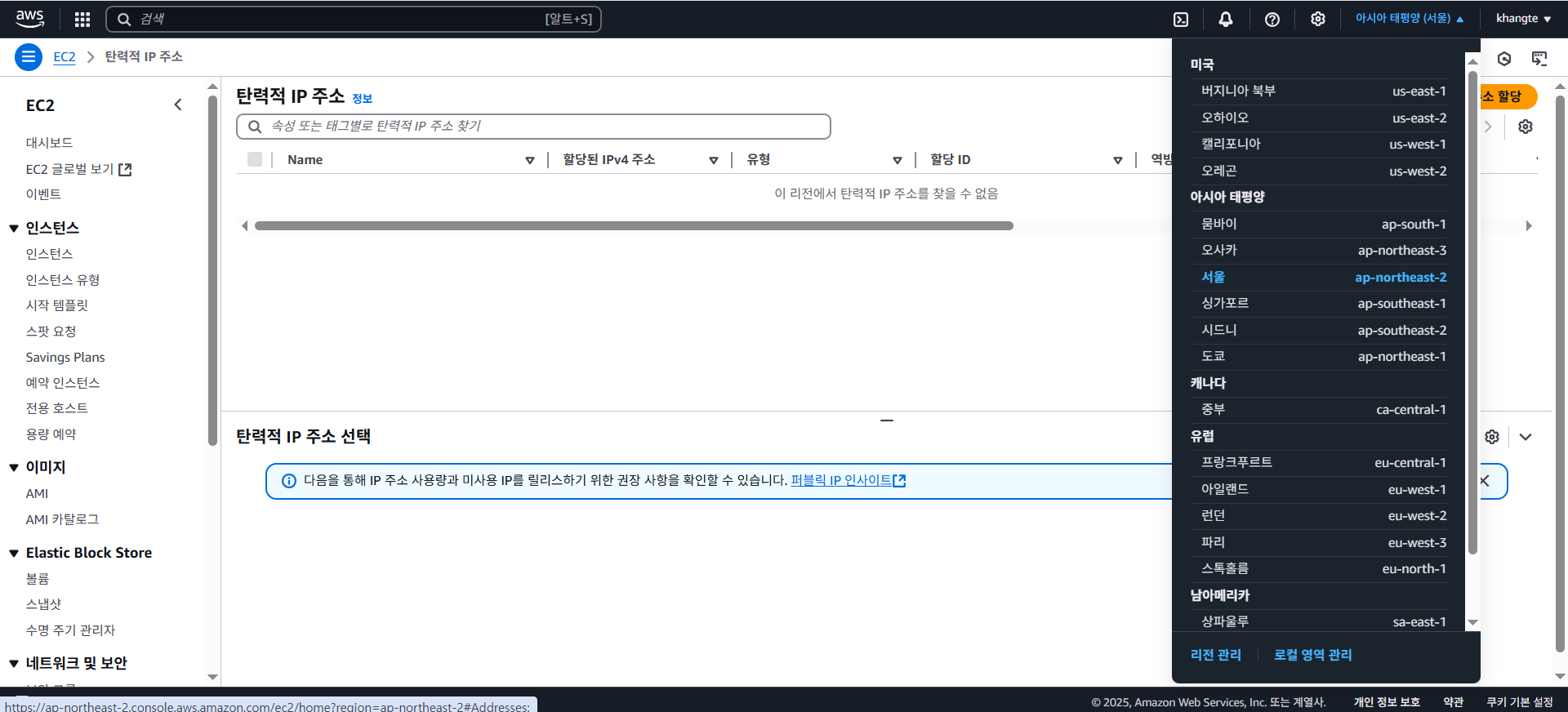
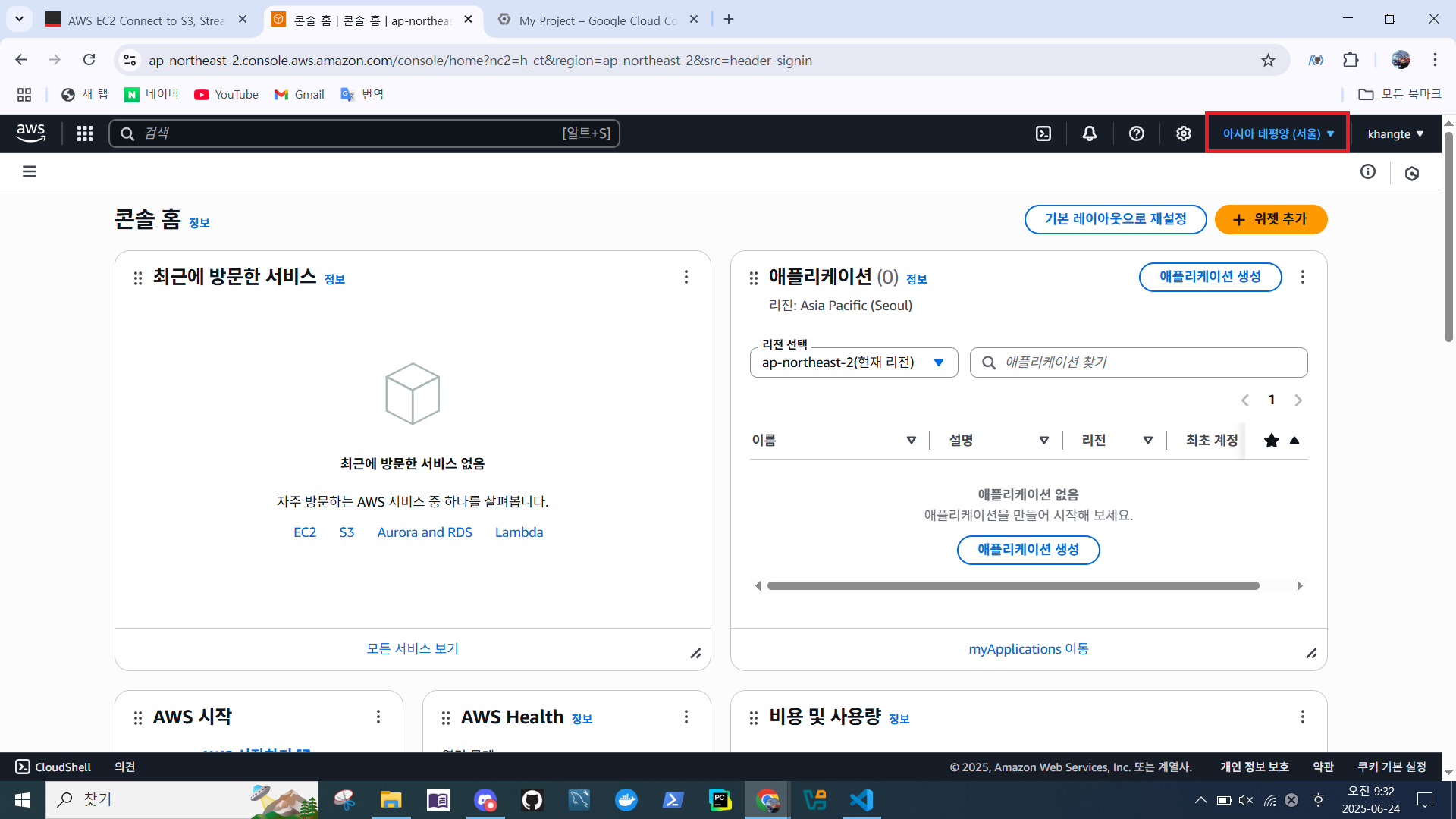
- 리전 설정 > 서울
EC2 생성
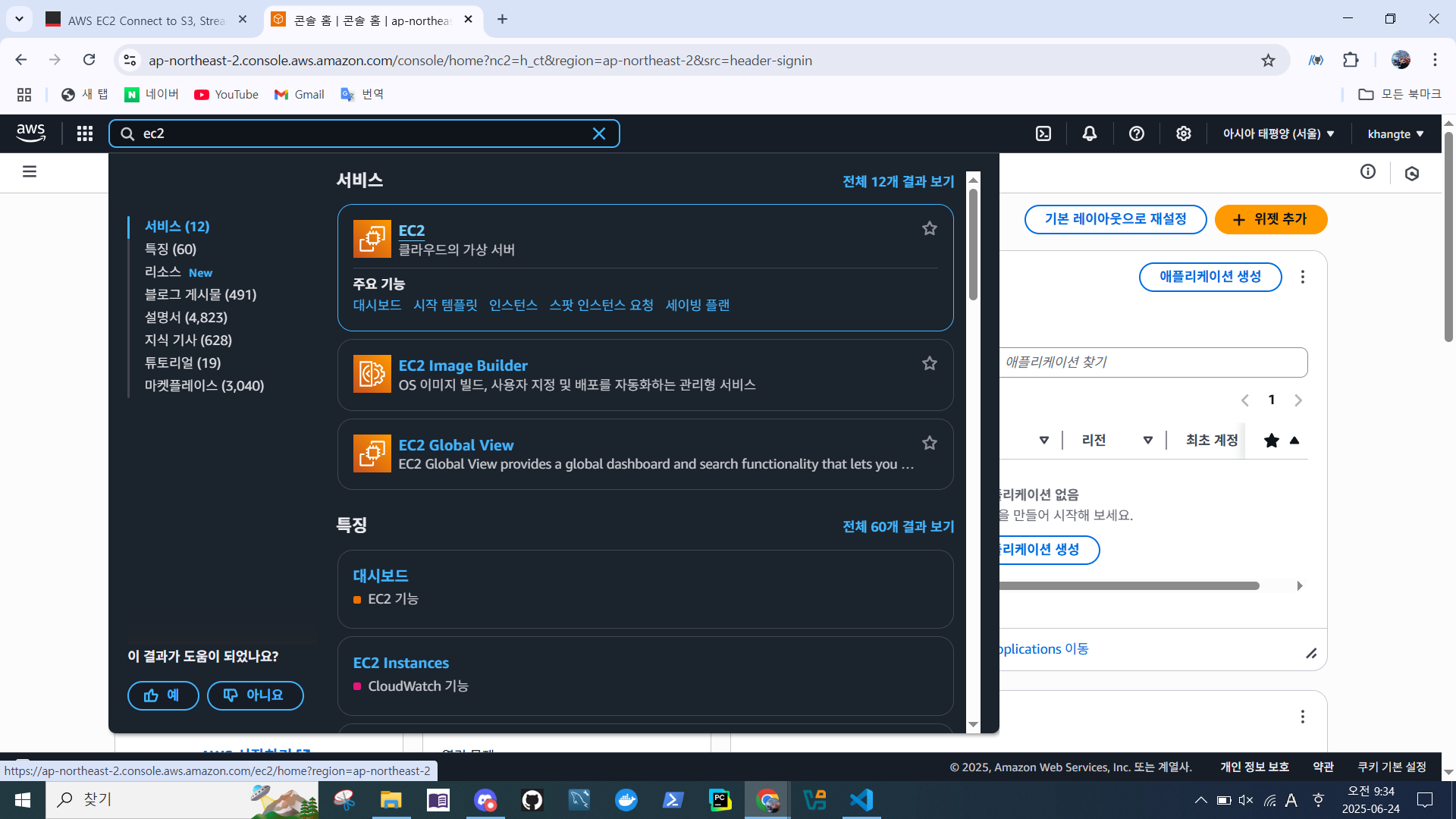
- EC2 검색
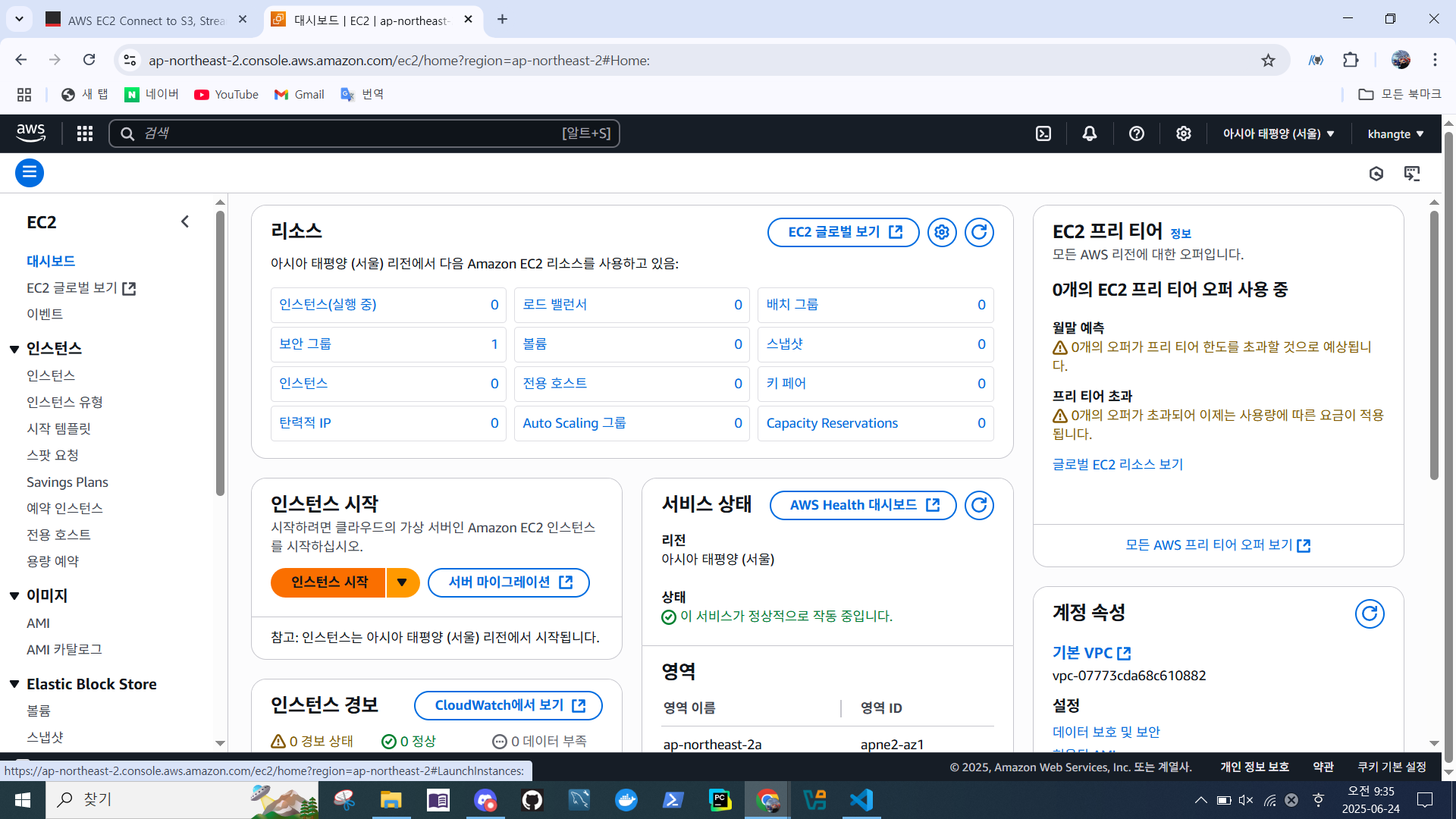
- EC2 대시보드 > 인스턴스 시작
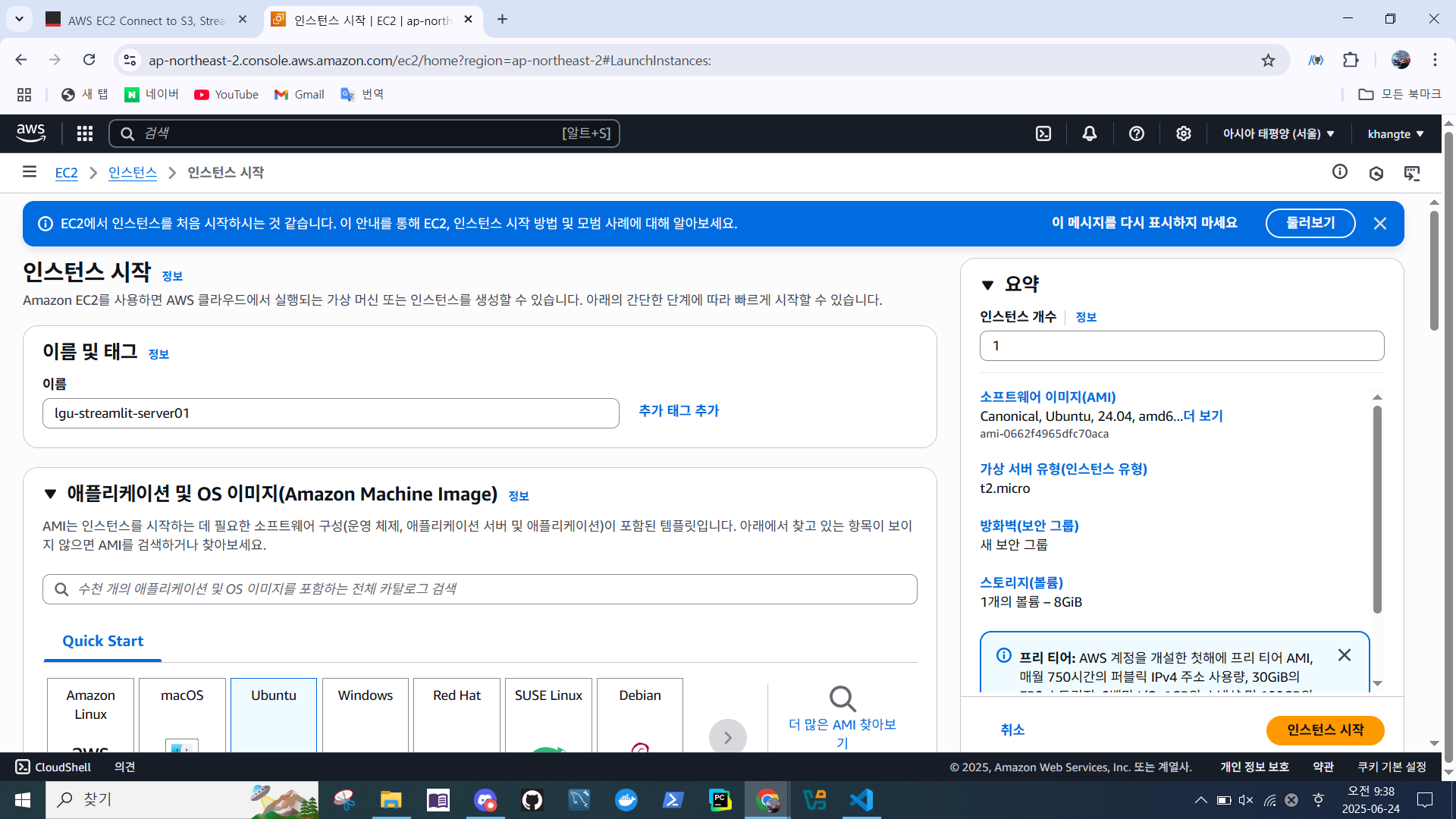
- 이름 설정
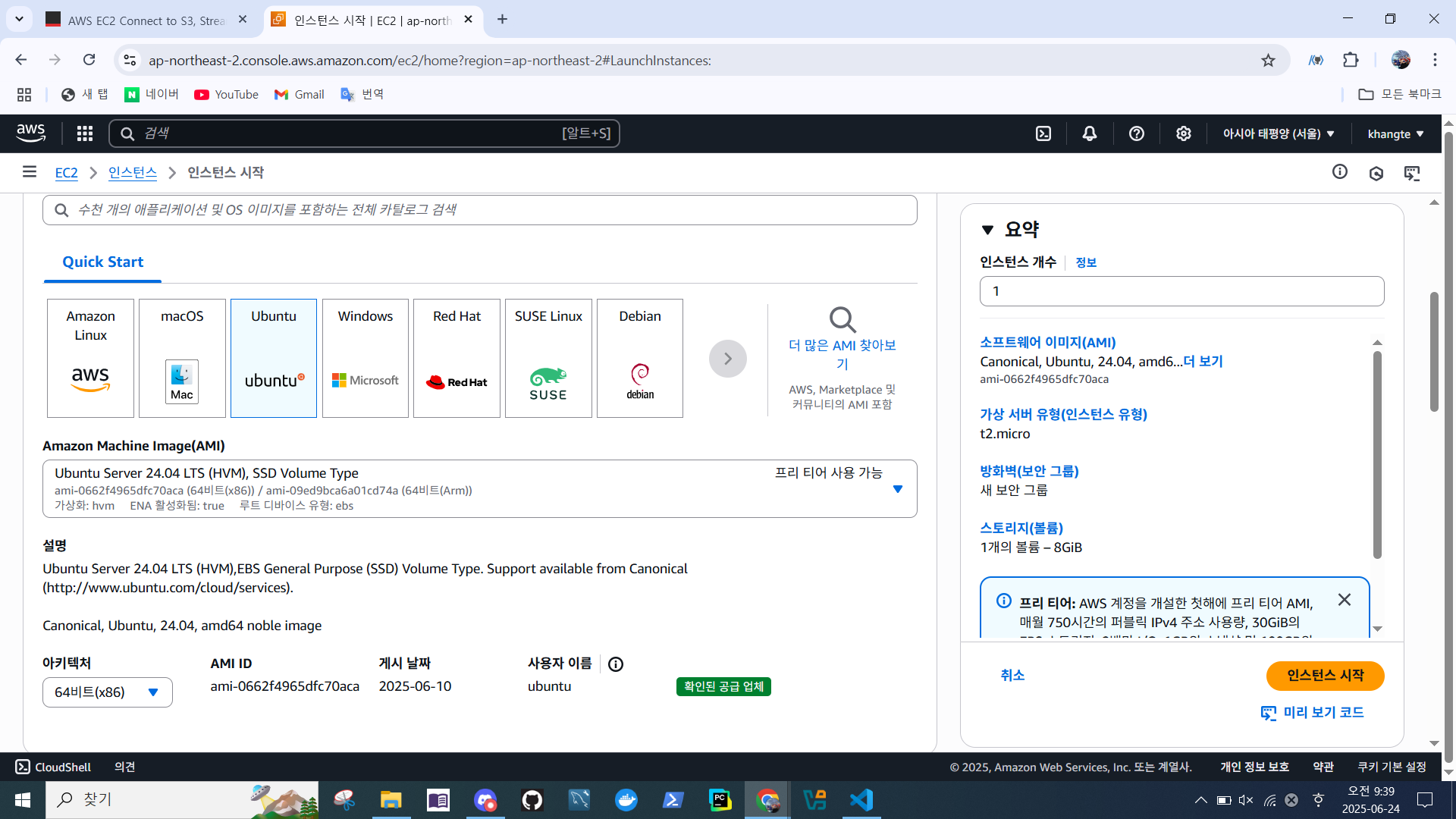
- 애플리케이션 & 이미지
- 인스턴스 유형
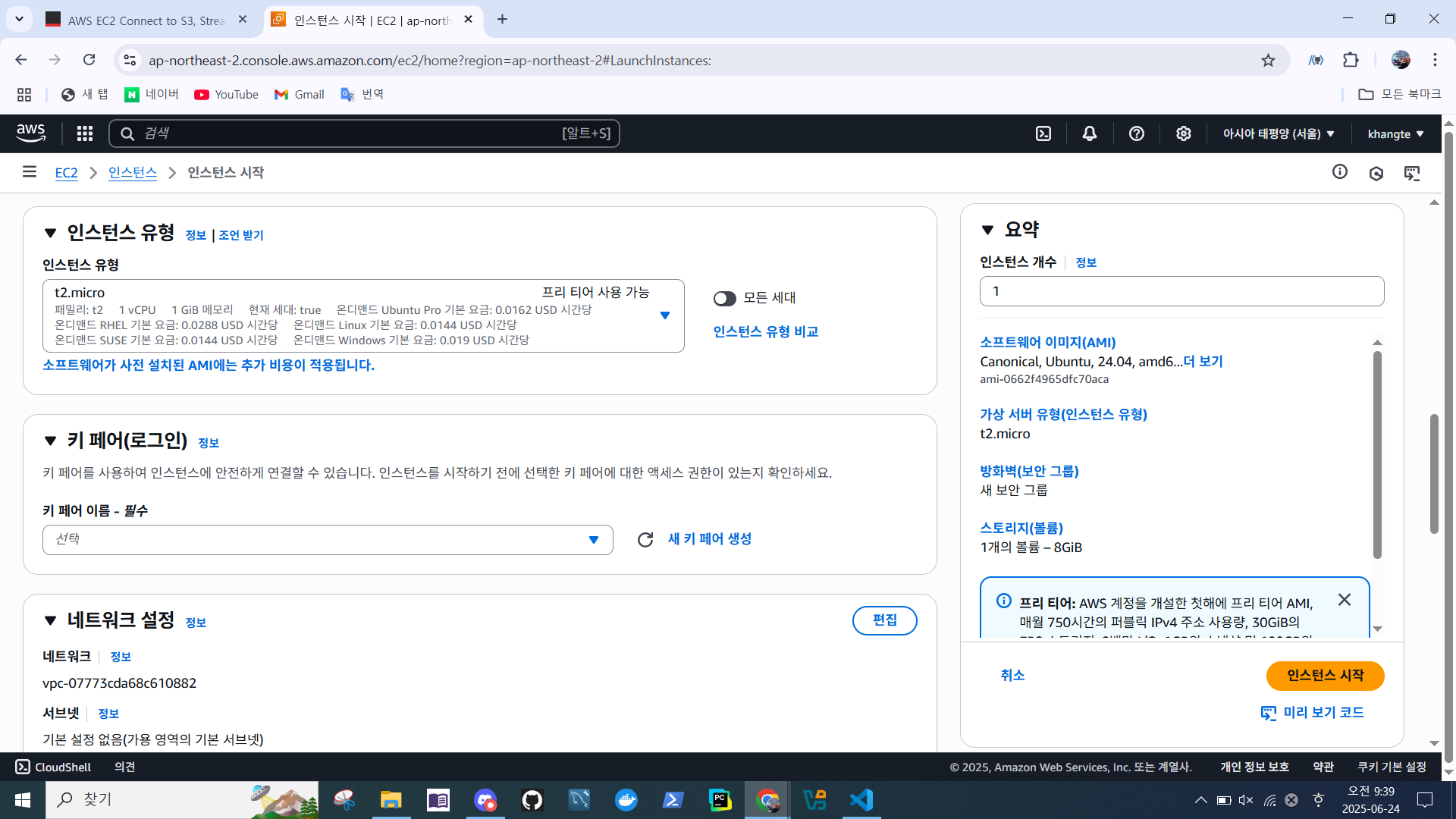
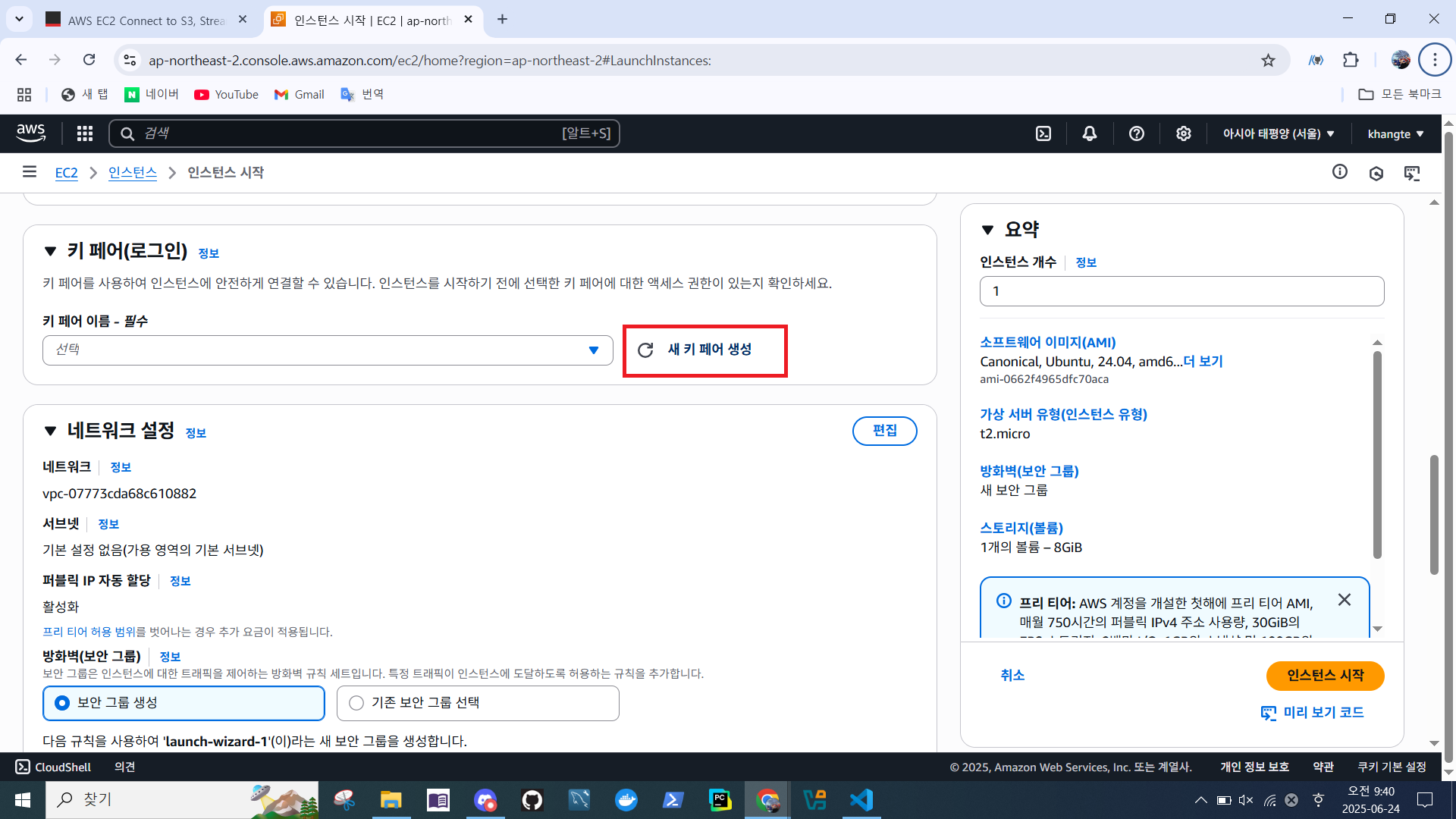
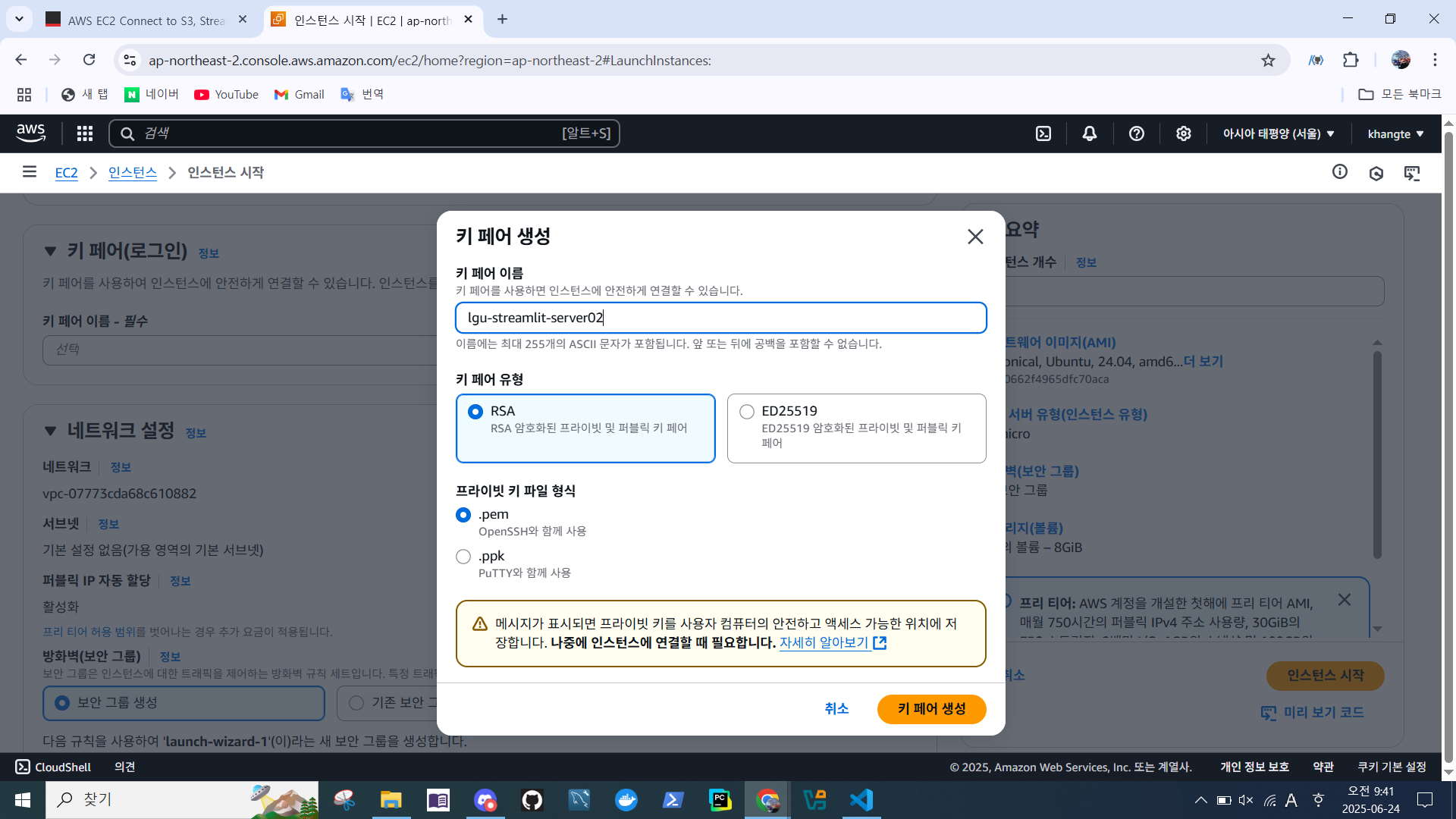
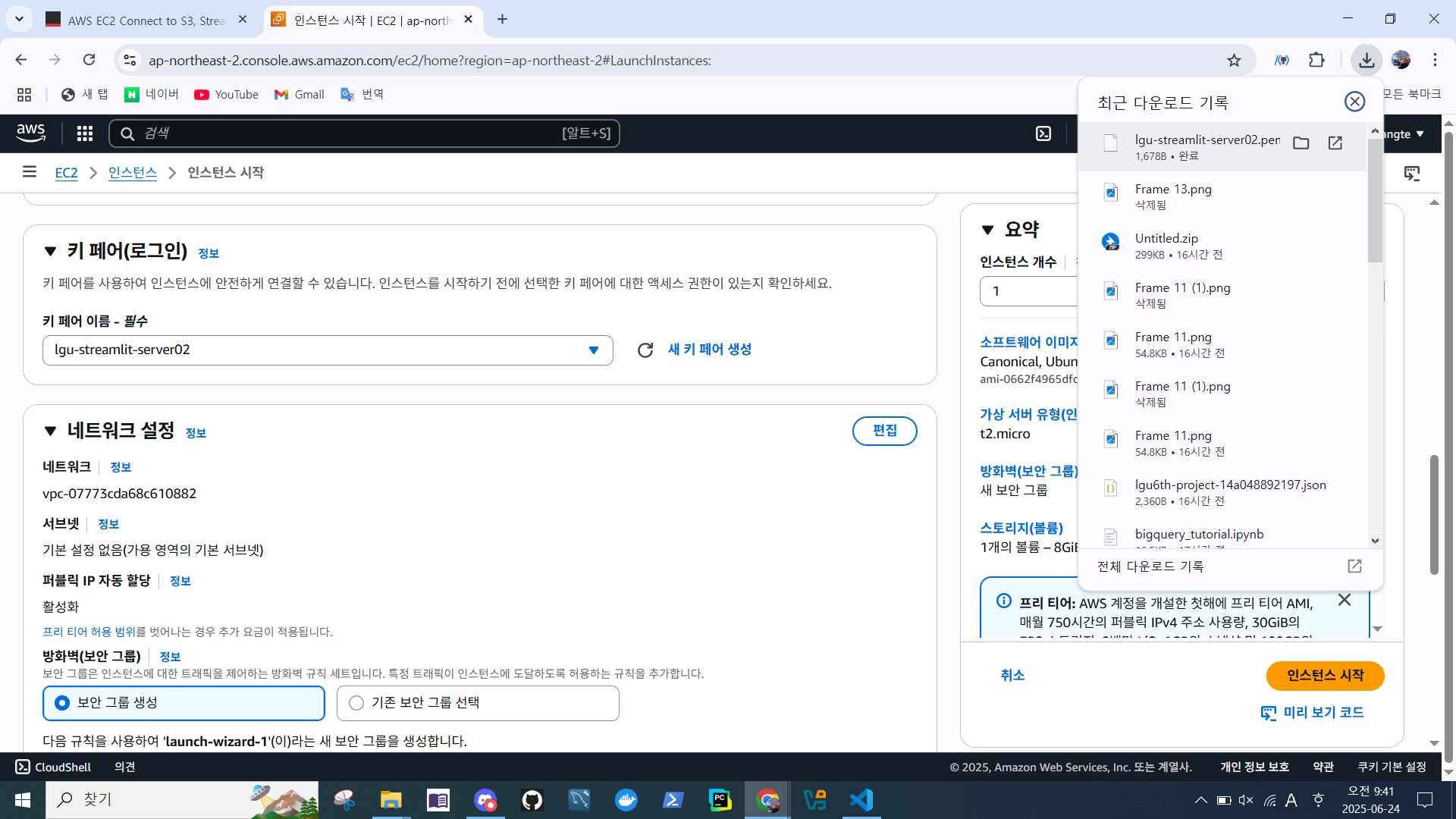
- 키페어 생성
- 인터넷에서 HTTPS & HTTP 트래픽 허용
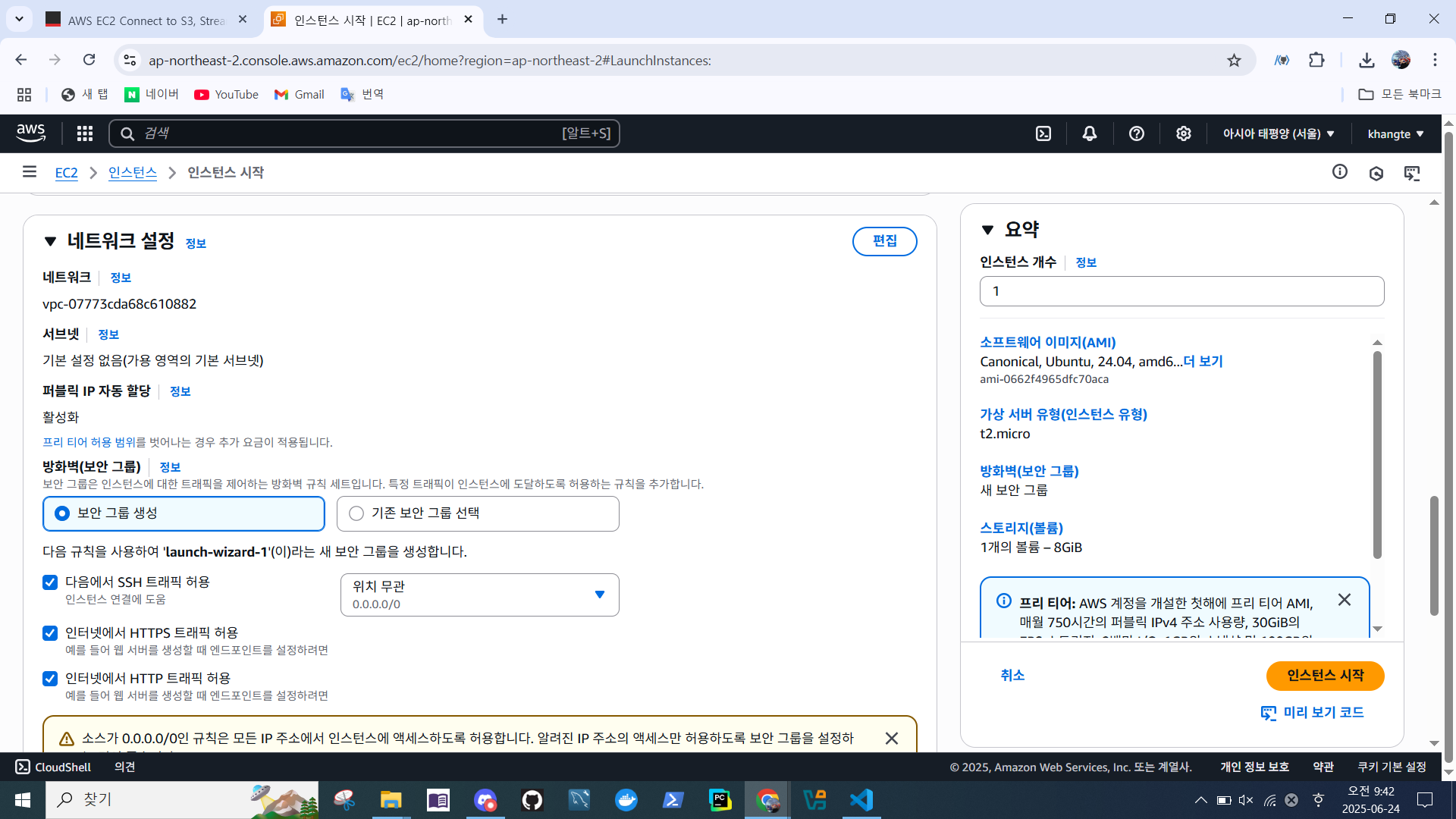
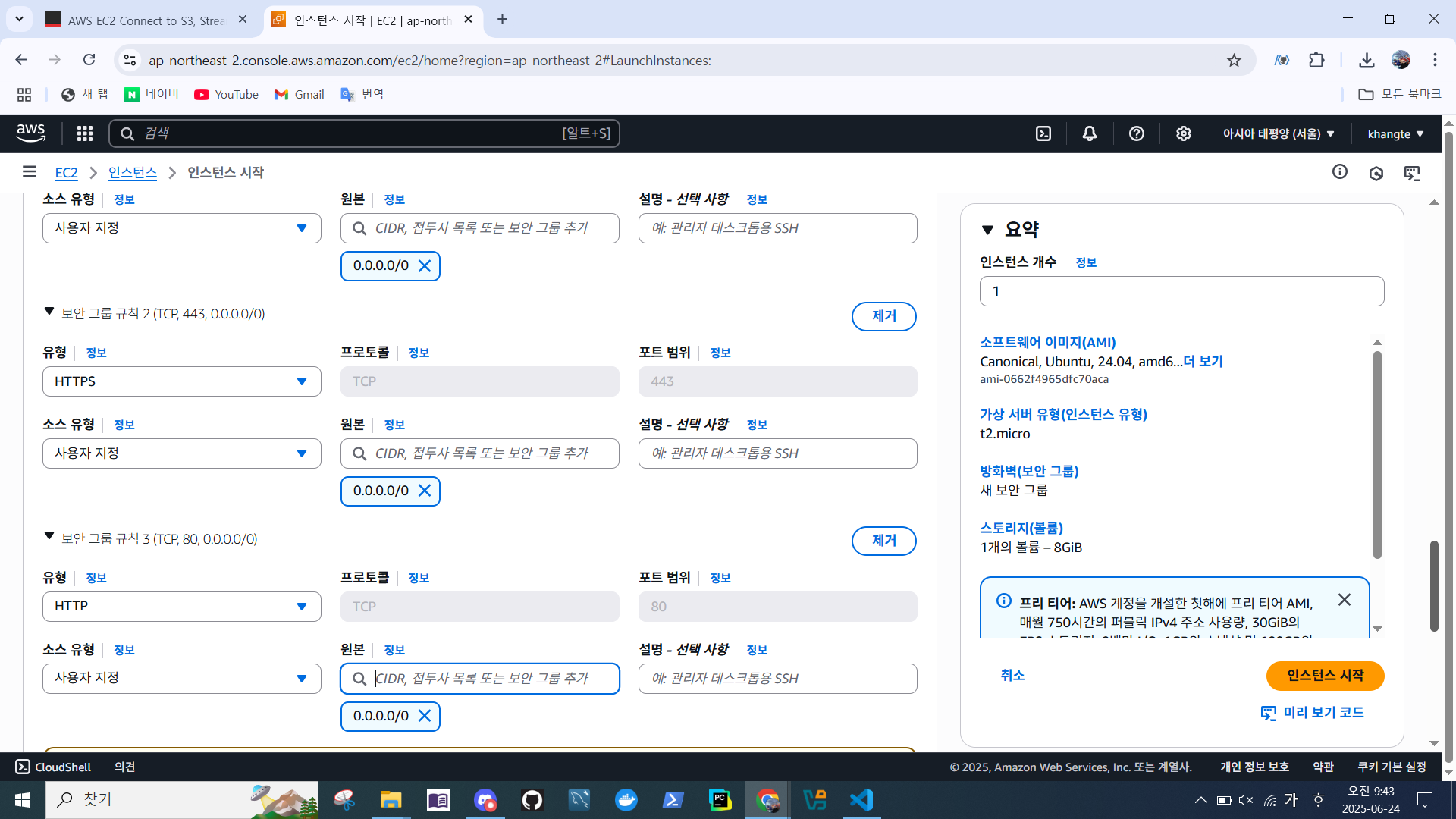
- 보안 그룹 규칙
- 소스 유형 → 사용자 지정- 원본 →
0.0.0.0/0
- 원본 →
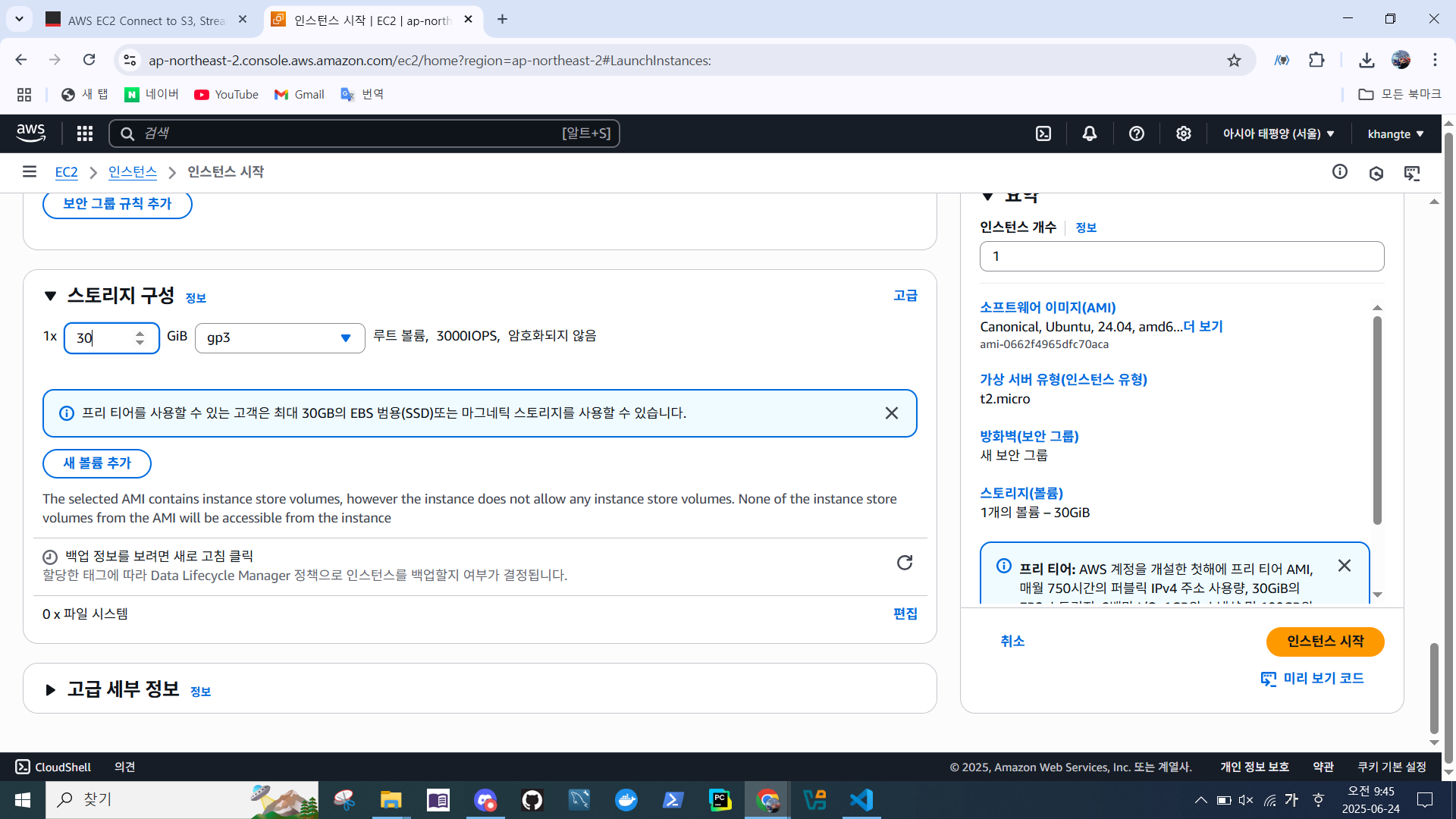
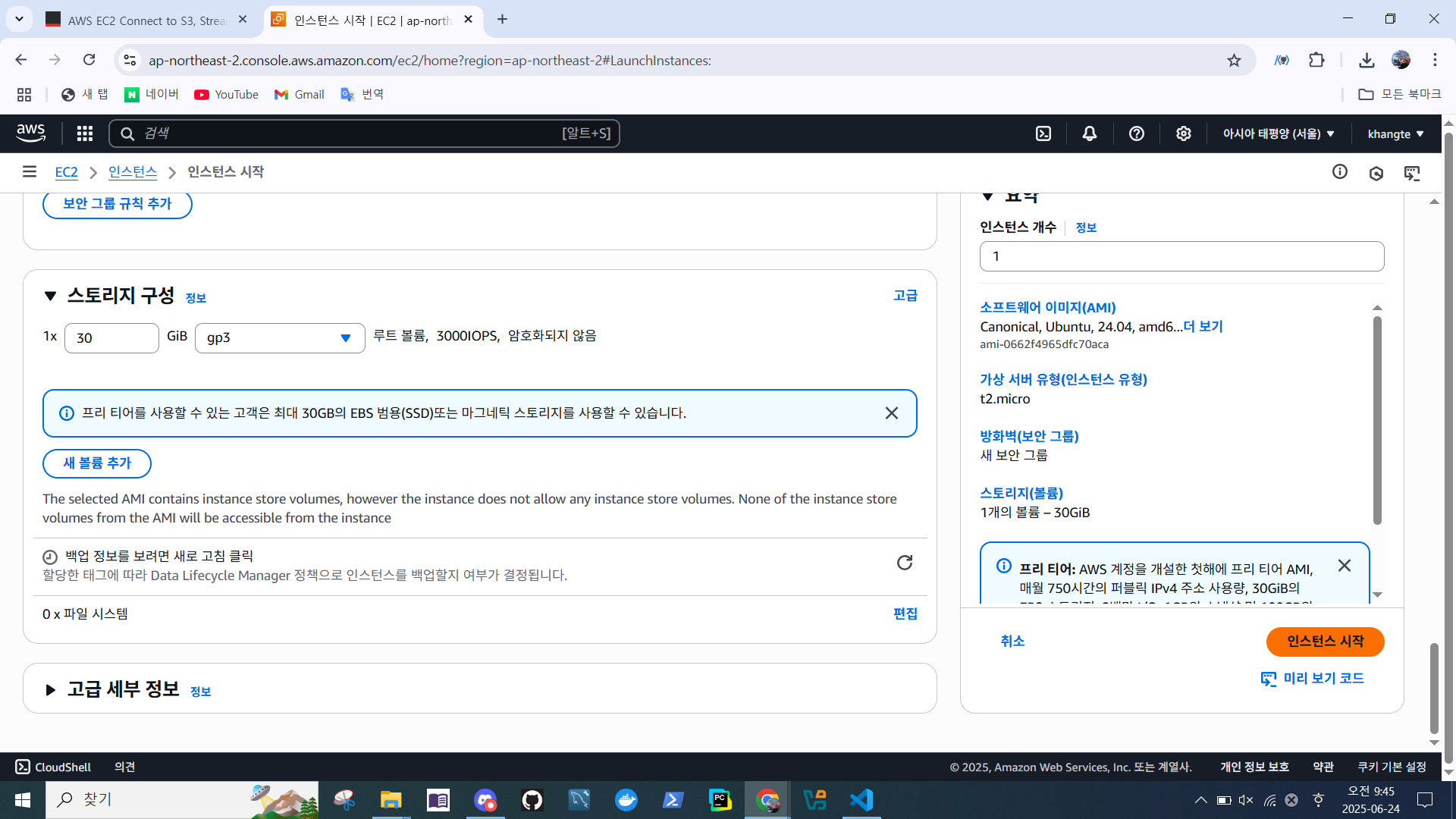
- 스토리지 구성 설정
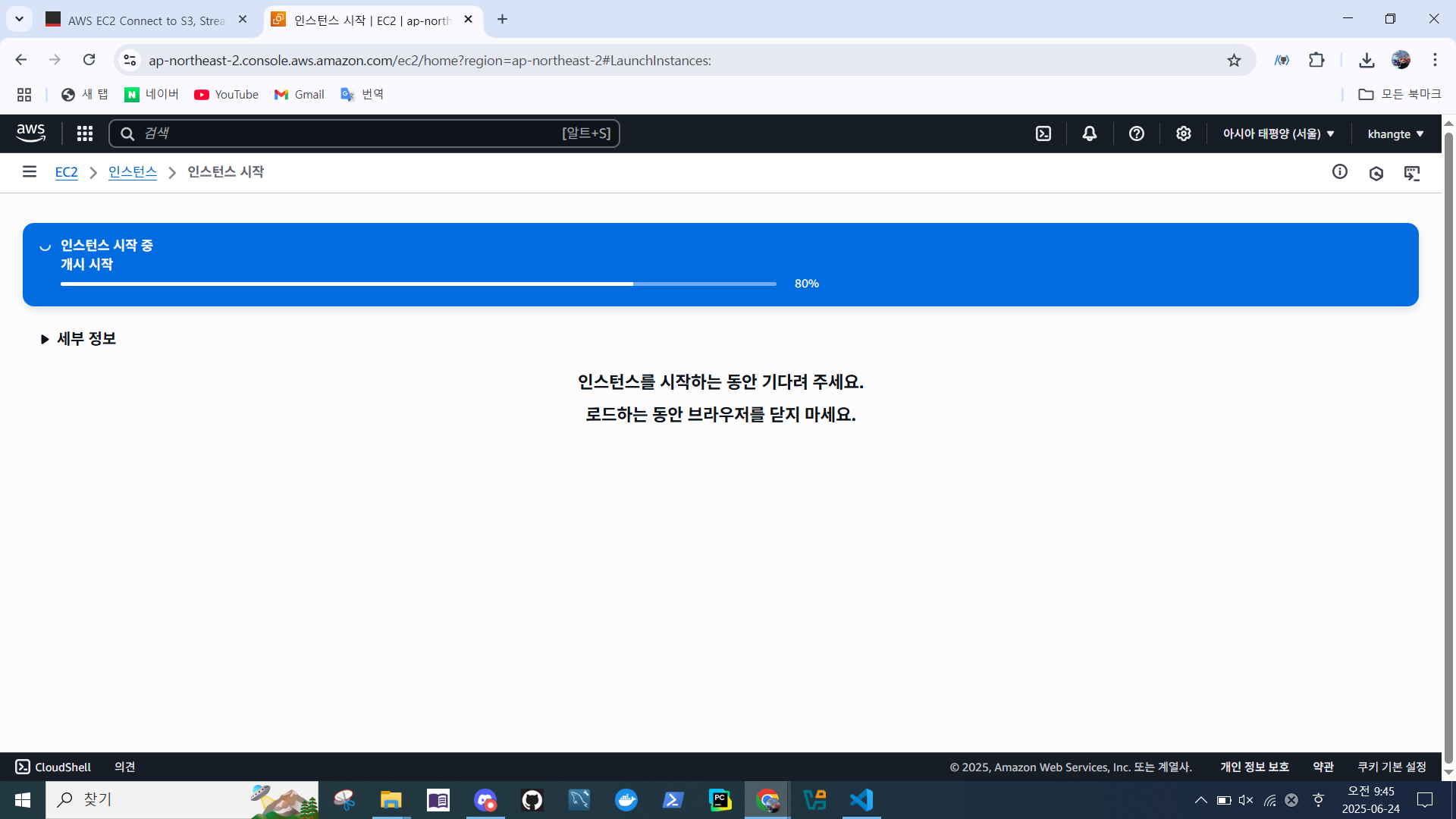
- 인스턴스 시작
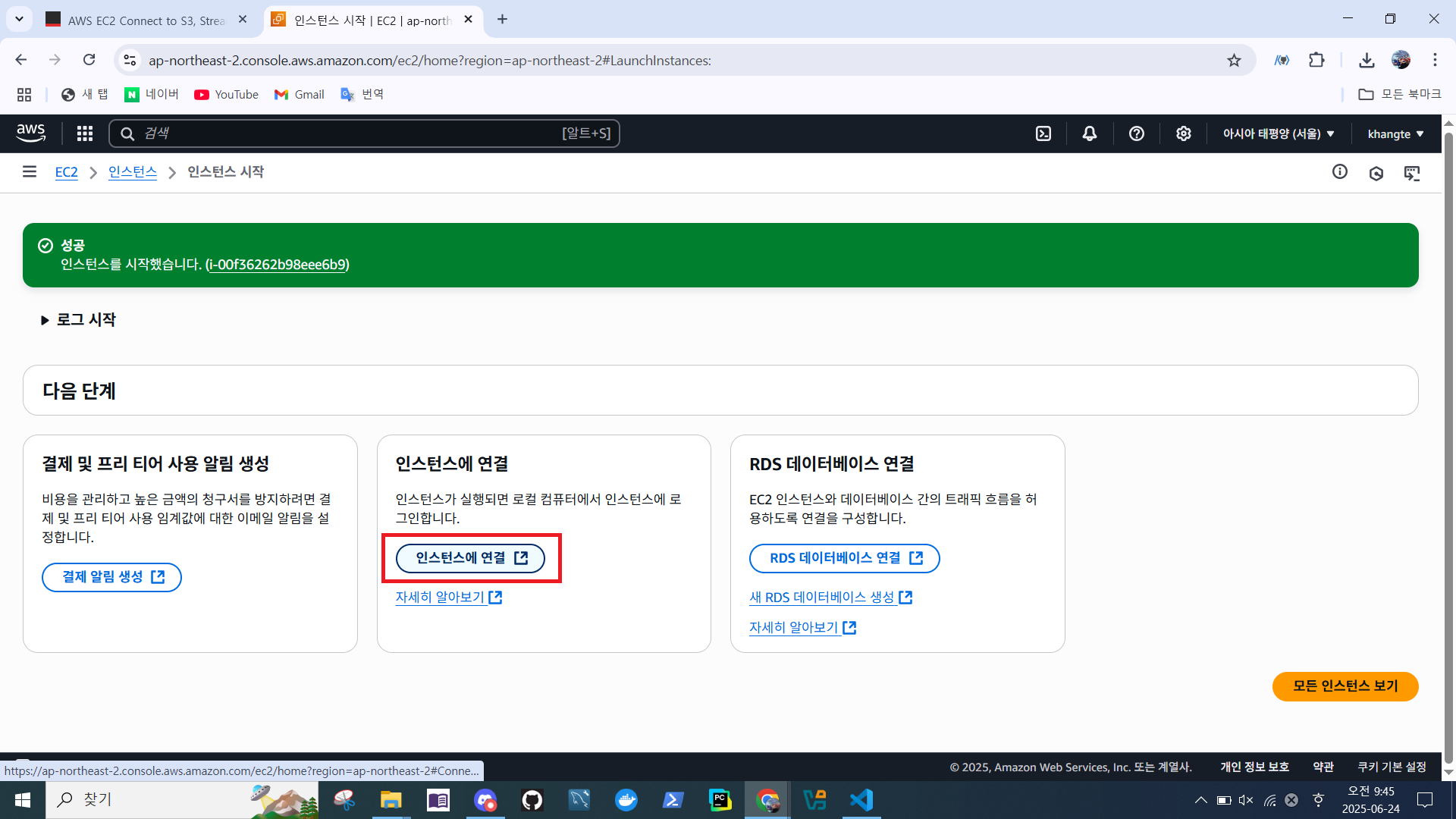
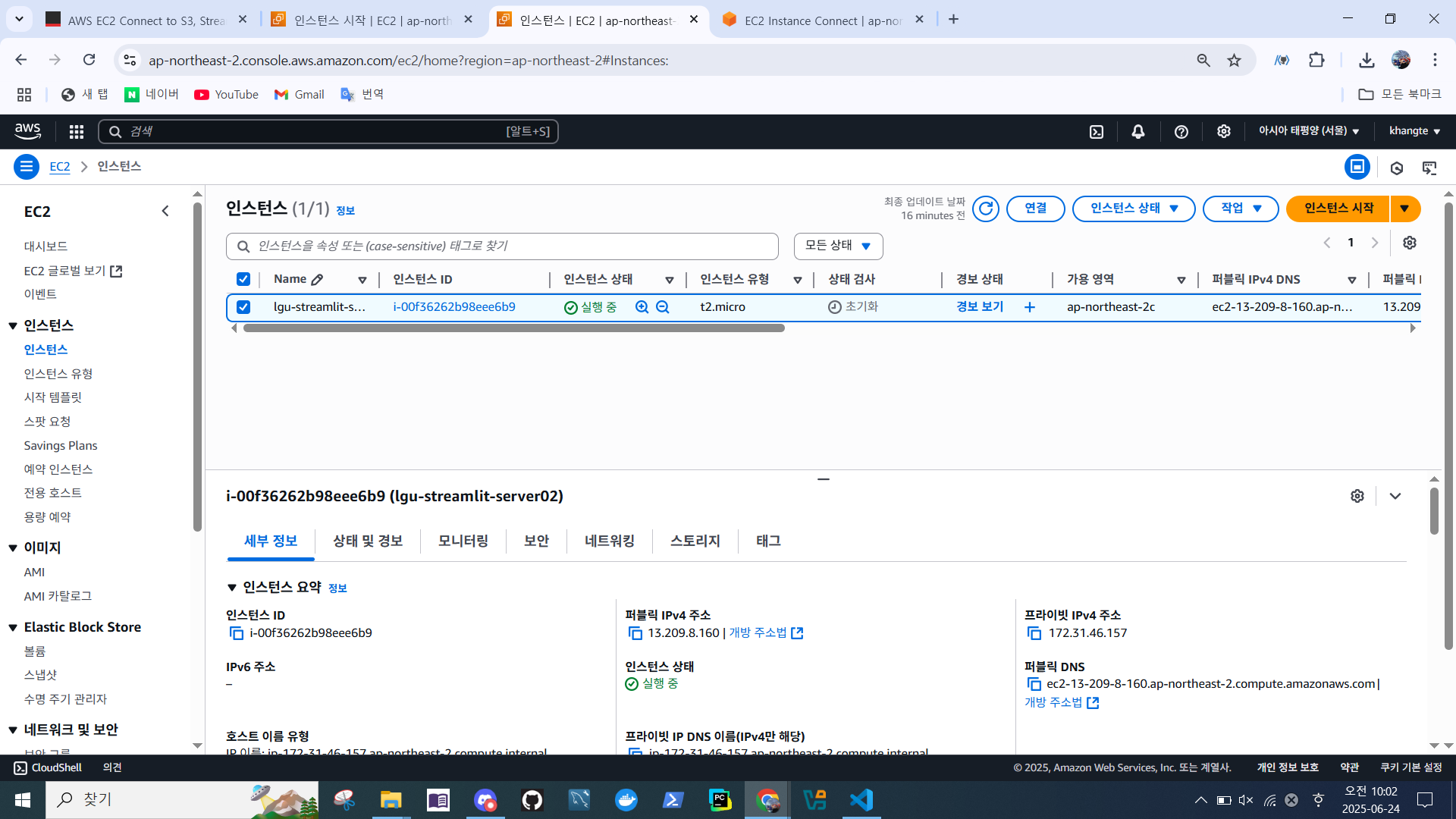
- 인스턴스 연결
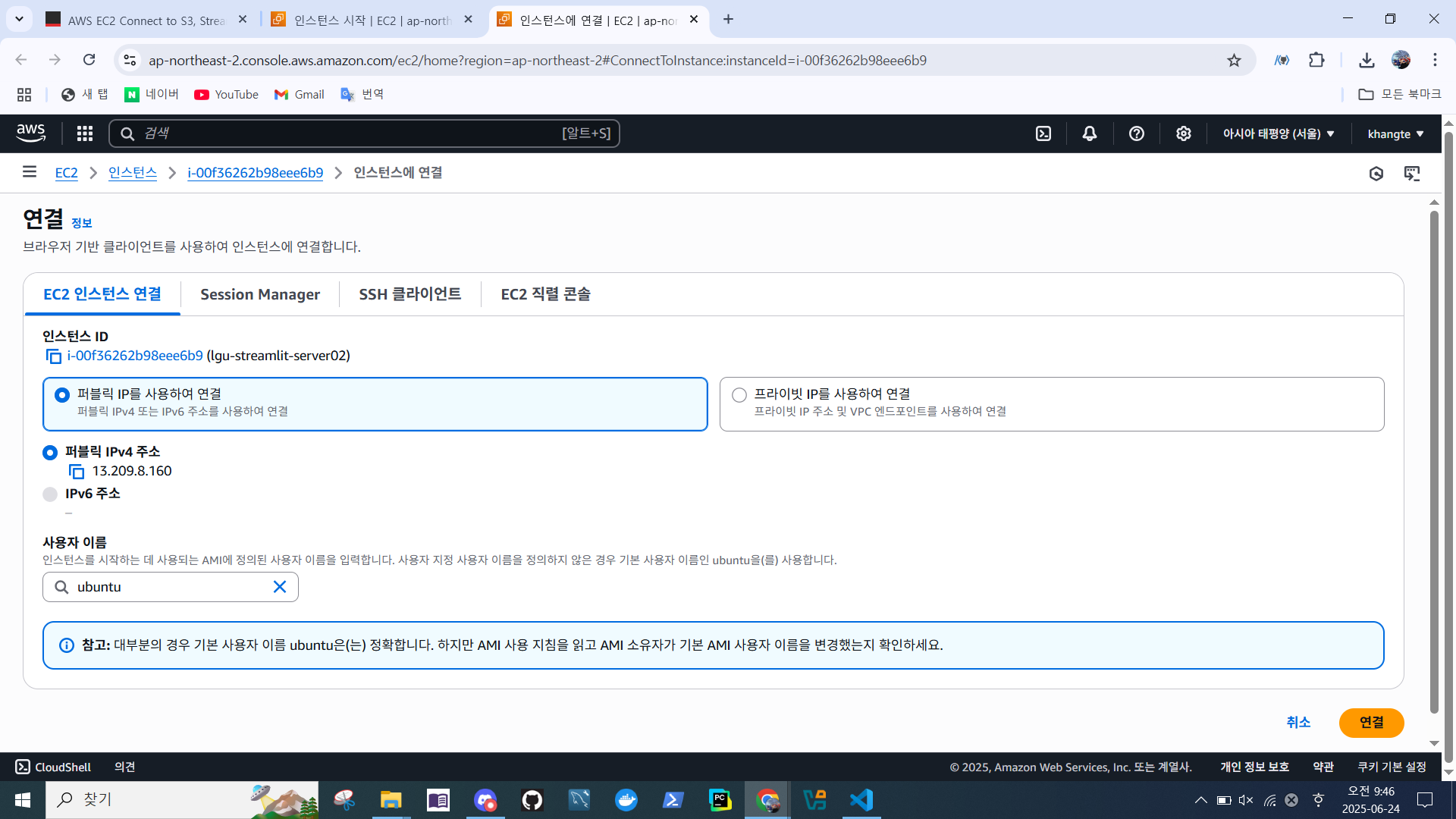
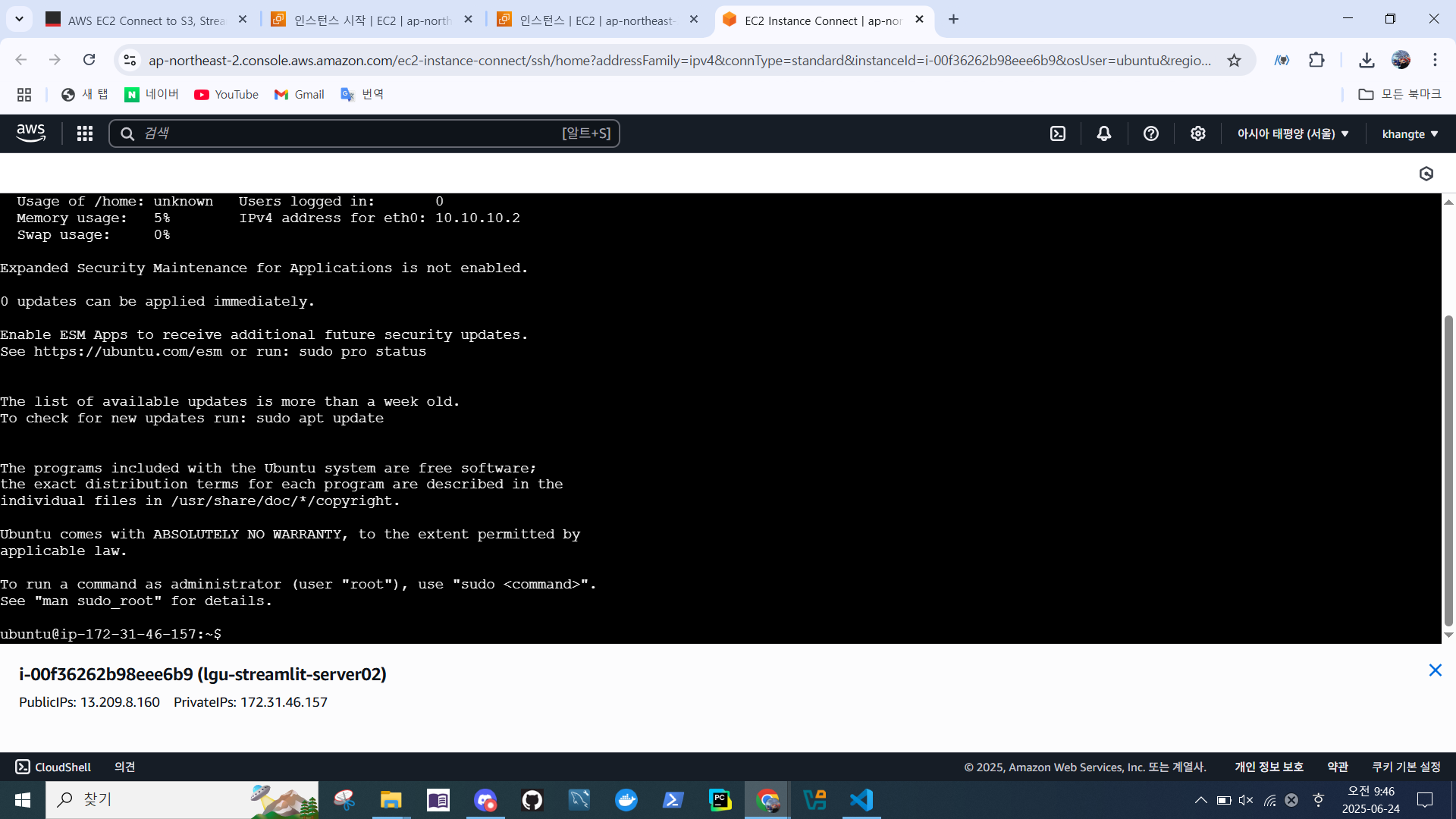
- 연결 확인
- 인스턴스 상태 > 실행 중
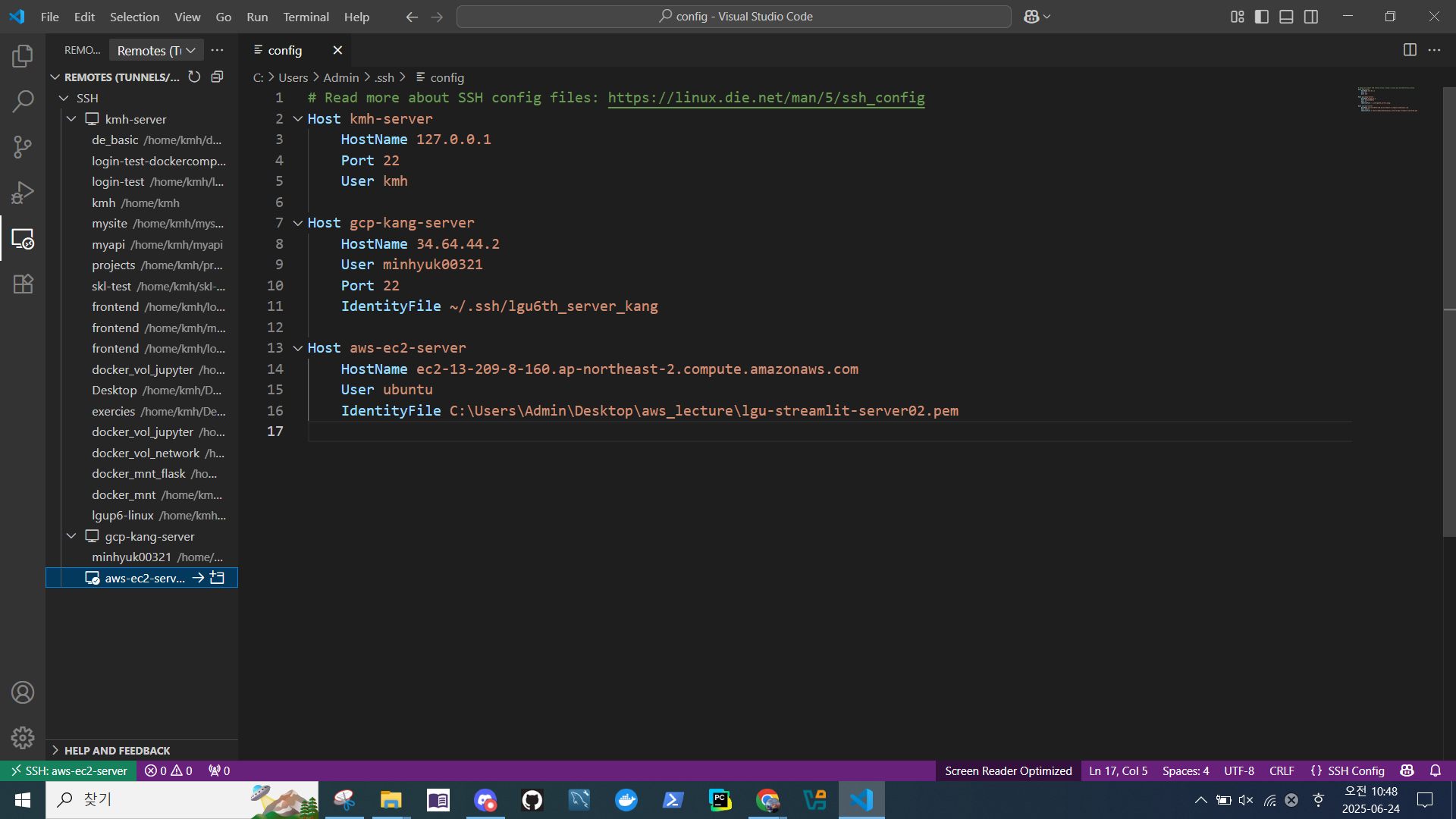
VS Code 에서 Remote 접속
- SSH Configuration File > Host 추가
※ 인스턴스를 종료 재실행 할 경우 퍼블릭 DNS가 변경되기 때문에 재설정 해줘야한다.

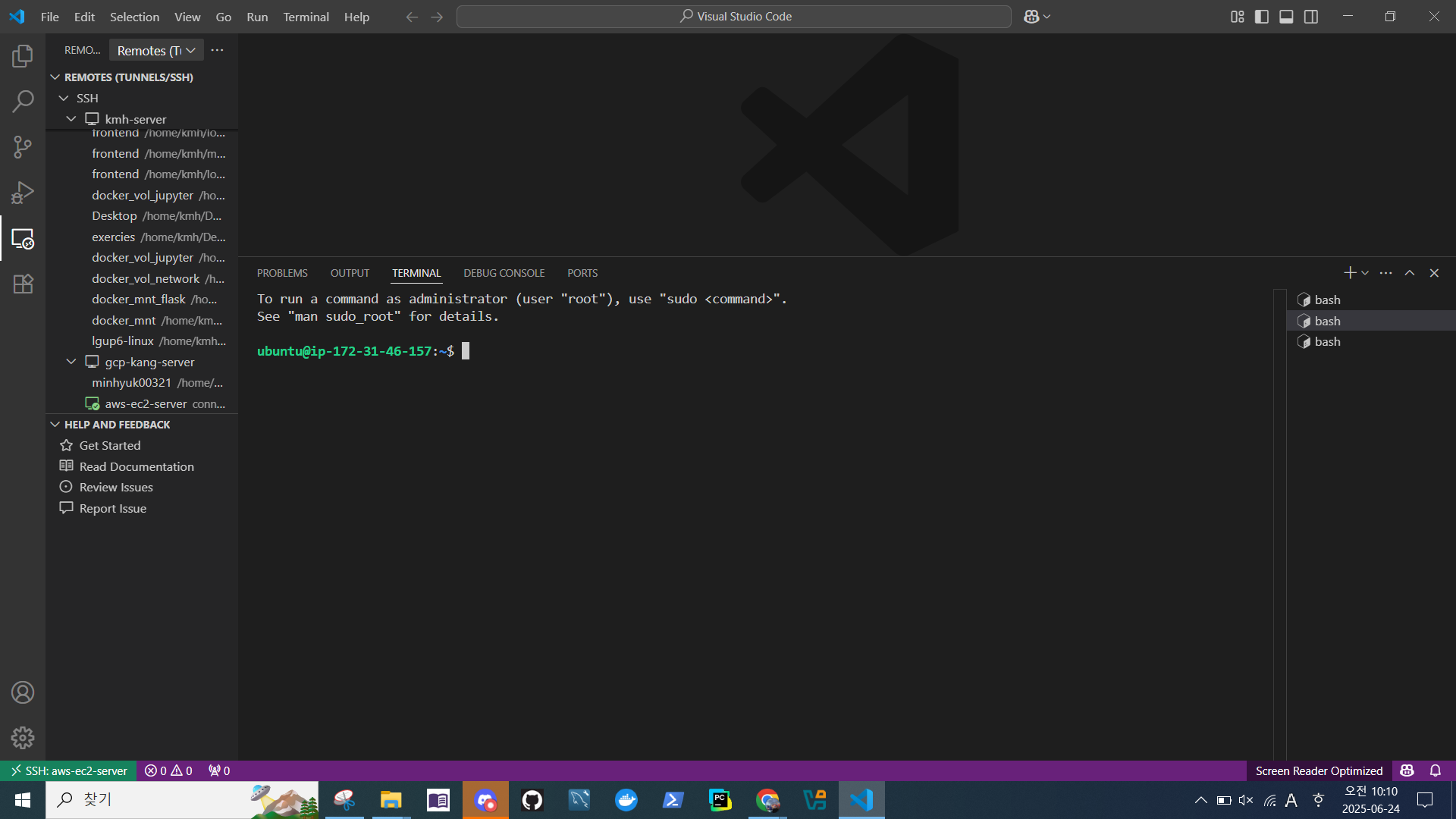
- Remote Explorer 생성 확인
- Terminal 연결 확인
리눅스 설정
- 주요 패키지 설치
sudo apt update && sudo apt upgrade -y
sudo apt install -y build-essential curl wget git vim unzip zip htop tree net-tools
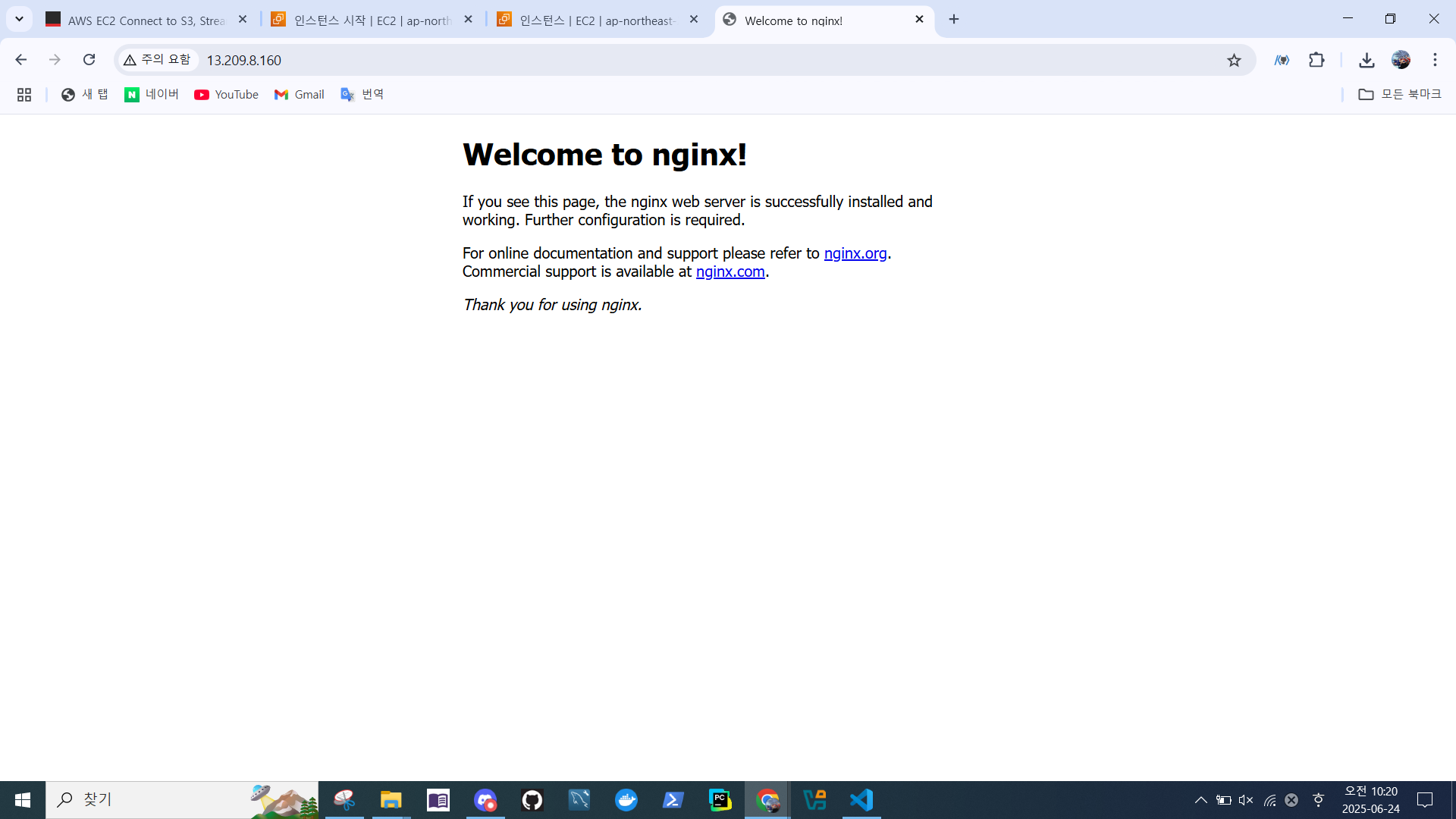
웹 확인
nginx설치
sudo apt update && sudo apt install -y nginx- 서비스 설정
sudo systemctl start nginx
sudo systemctl enable nginx- 인스턴스 '퍼블릭 IPv4' 복사
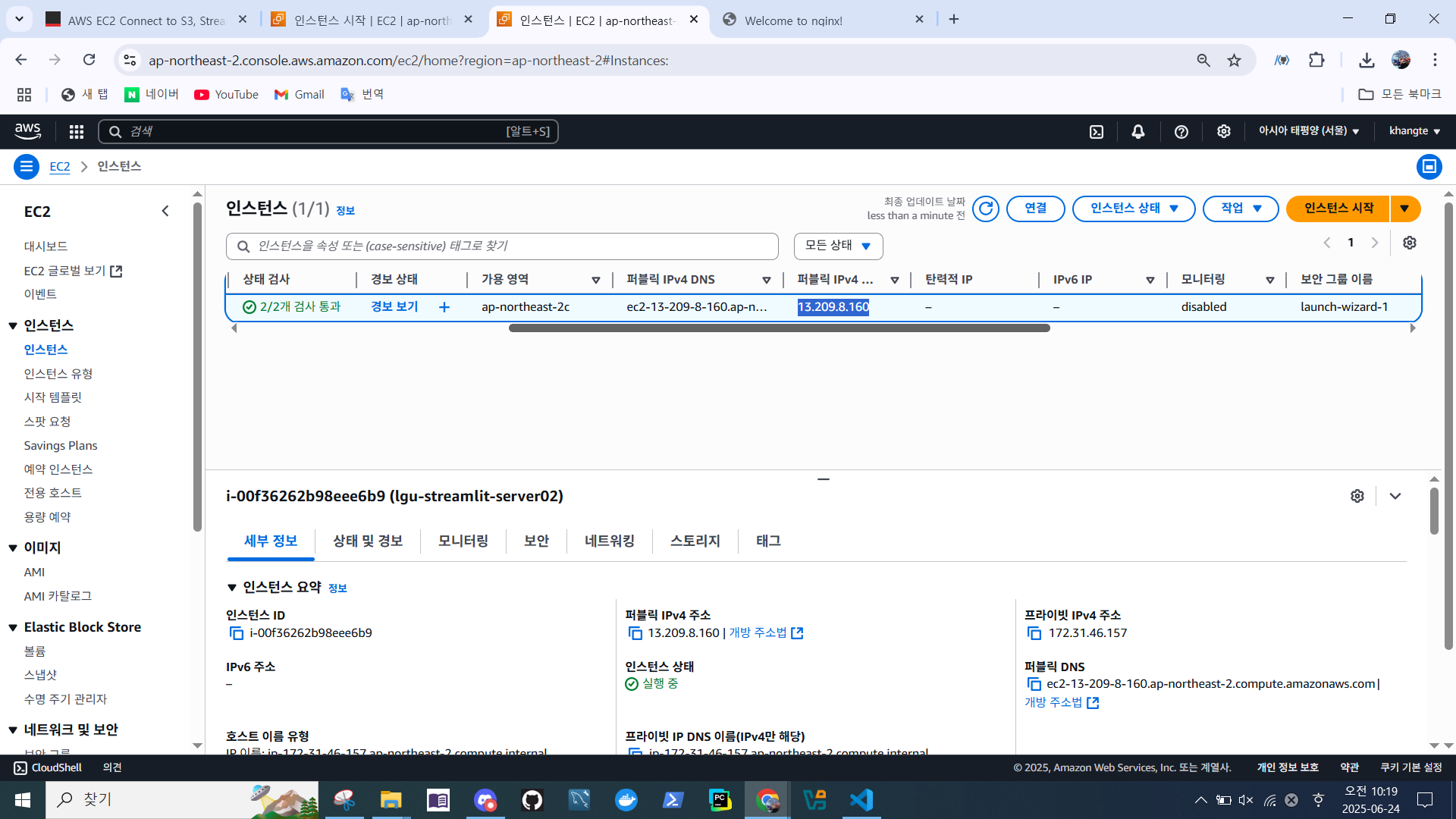
- 확인
파이썬 개발환경 설정
- uv 설치 및 환경변수 설정, 기존 bash 터미널 삭제, 새로 시작하기
curl -LsSf https://astral.sh/uv/install.sh | sh
source $HOME/.local/bin/env- 임시 프로젝트 폴더 설치 (향후 Git 연동해서 Github에서 직접 가져오기)
temp 폴더에 쓰기 권한 부여
mkdir temp
cd temp
sudo chown -R ubuntu:ubuntu /home/ubuntu/temp- 파이썬 3.11 개발환경 명령어 (~/temp$ )
uv venv --python 3.11Streamlit 대시보드 & Jupyter Lab 설치
streamlit
jupyterlab
source .venv/bin/activate
uv pip install -r requirements.txt테스트
Streamlit
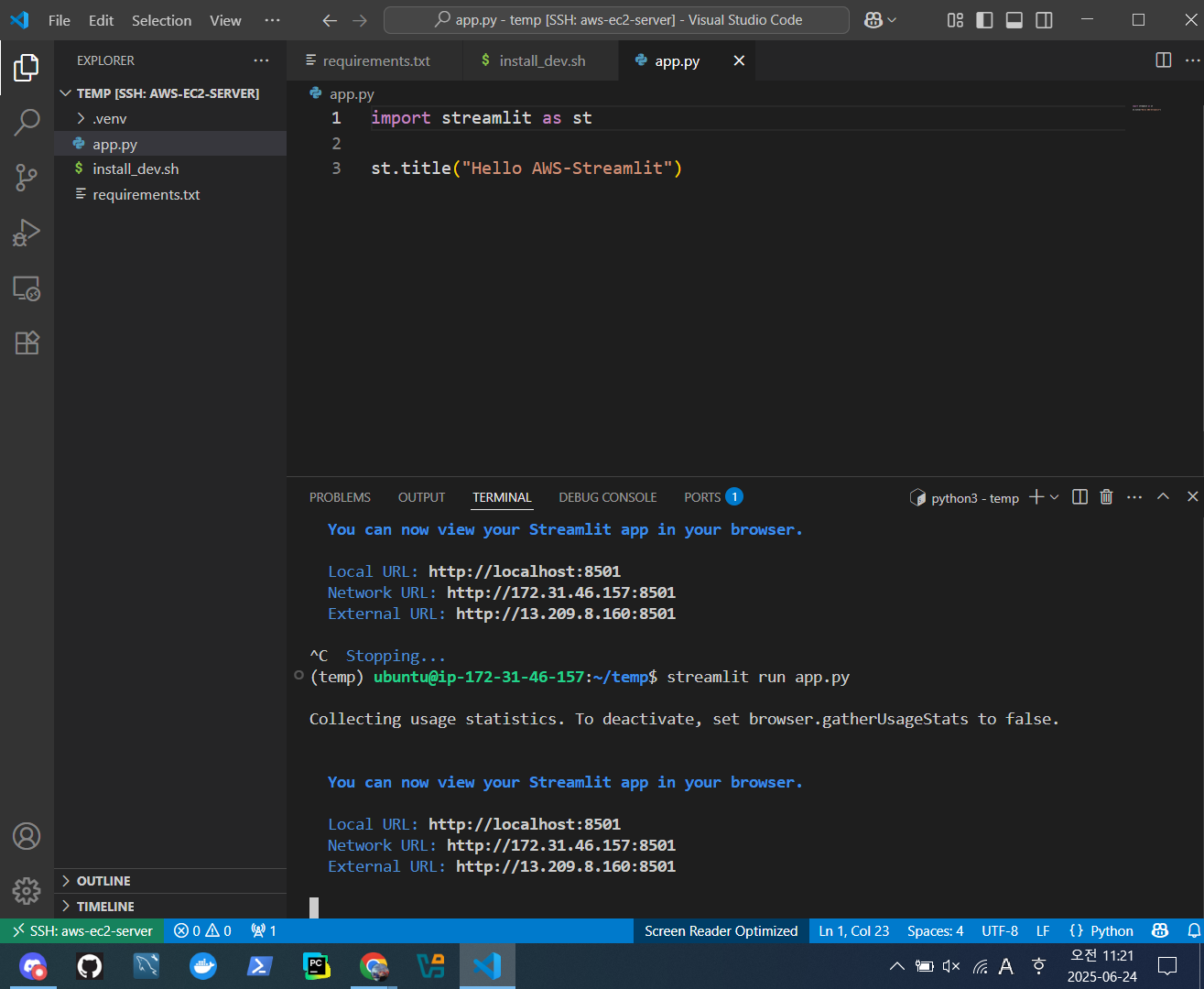
- app.py 하나 만들고 실행
import streamlit as st
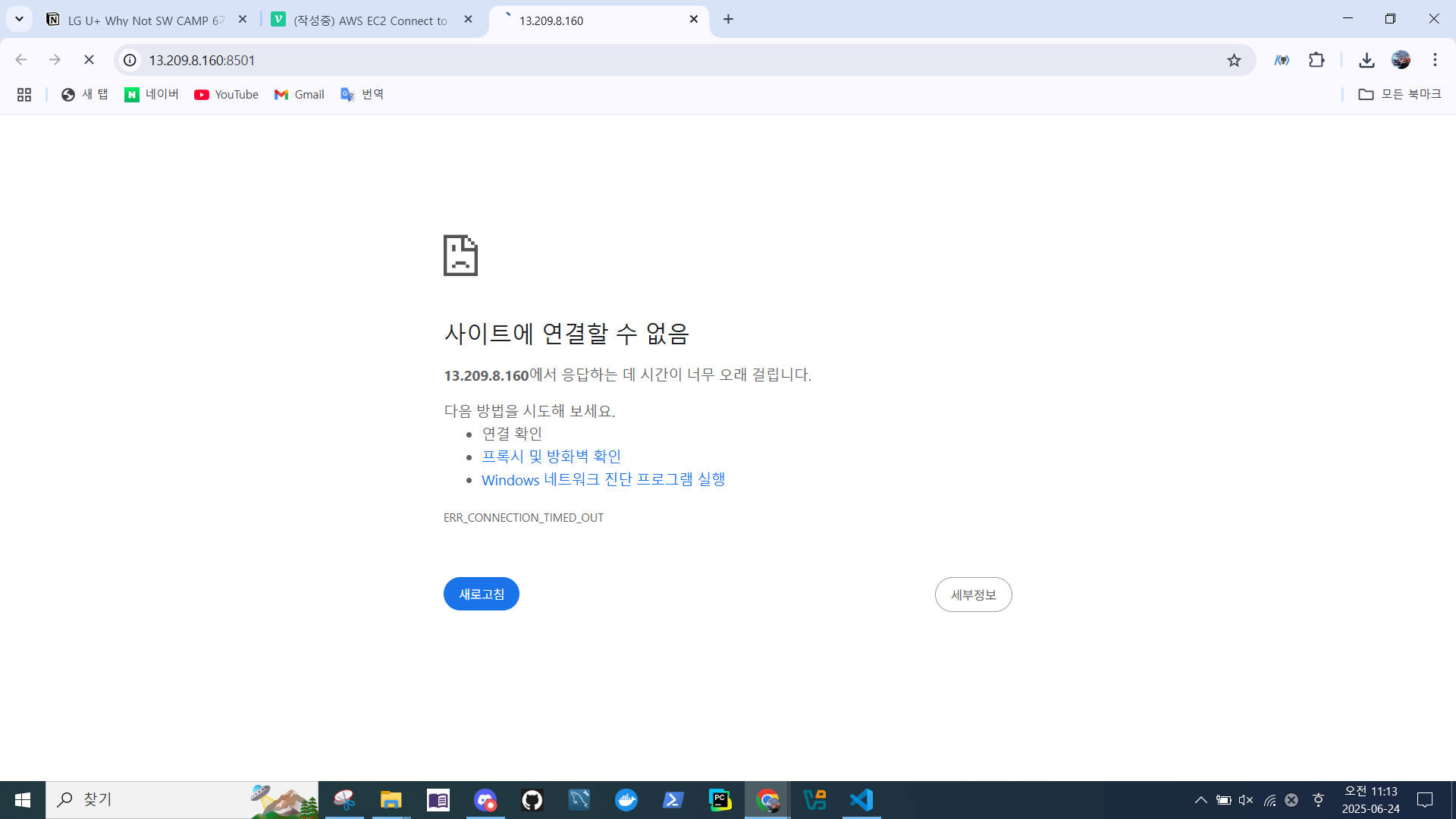
st.title("Hello AWS-Streamlit")- External URL 접속 테스트
- 연결 안됨
- 보안그룹 확인
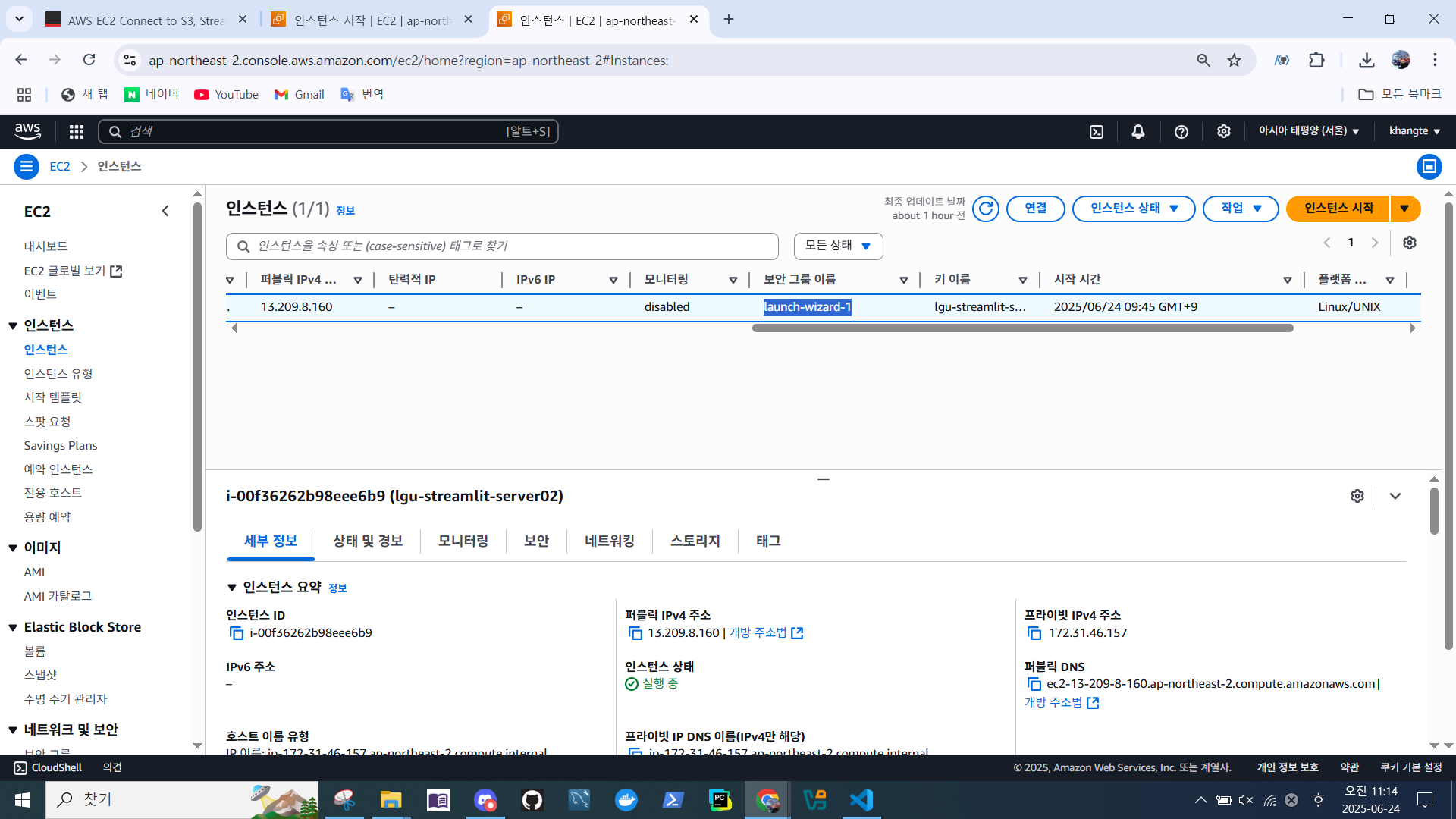
- 기본으로 열려있는 port 번호가 22, 80, 443
- 80 : nginx http trapic port
- 443 : nginx https trapic port
➝ Streamlit 포트 8501, 8888 이 없음.
⬇️ 해결방법
인바운드 규칙 편집 변경
- EC2 > 인스턴스 > 보안 > 보안 그룹
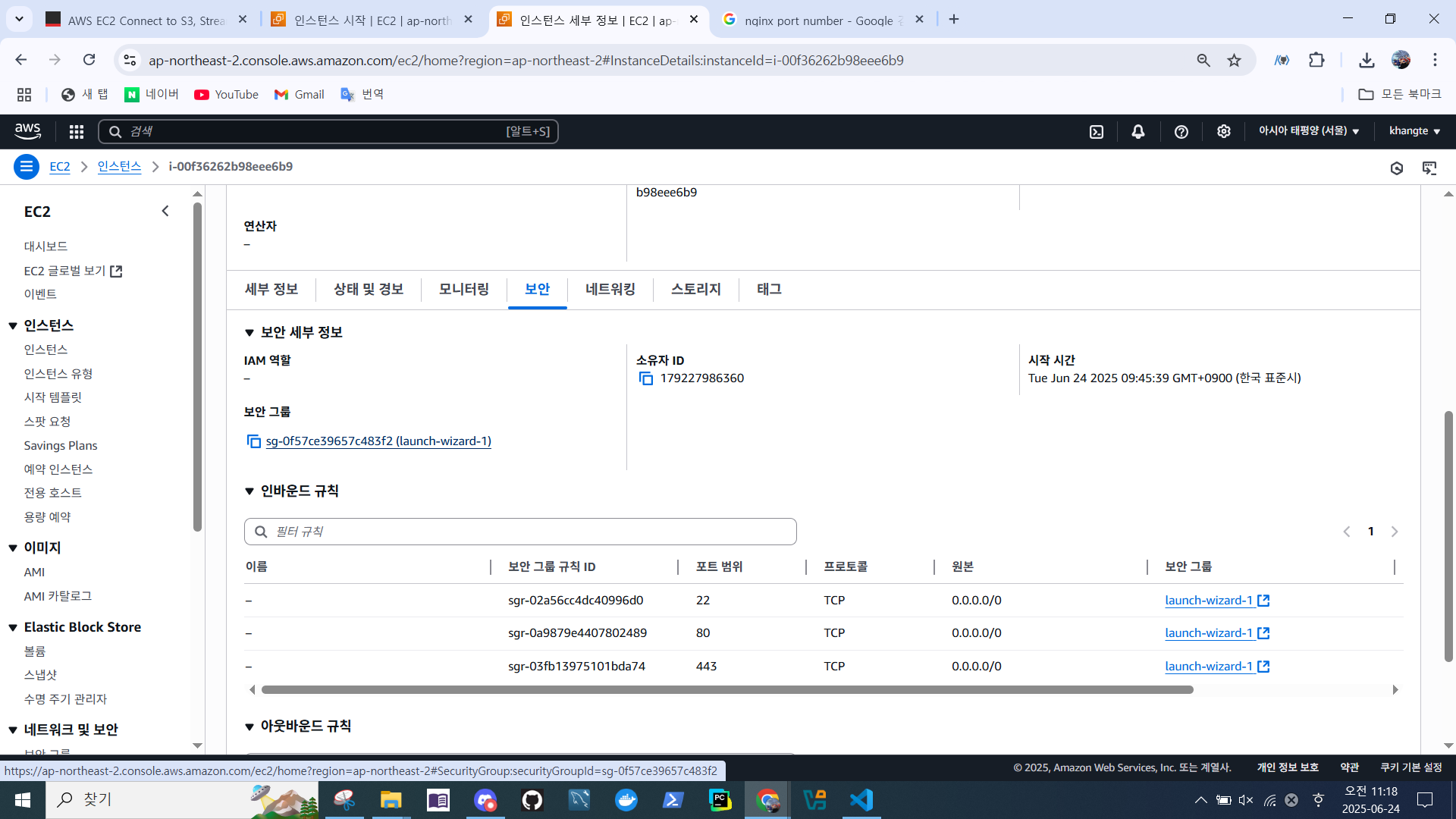
- 인바운드 규칙
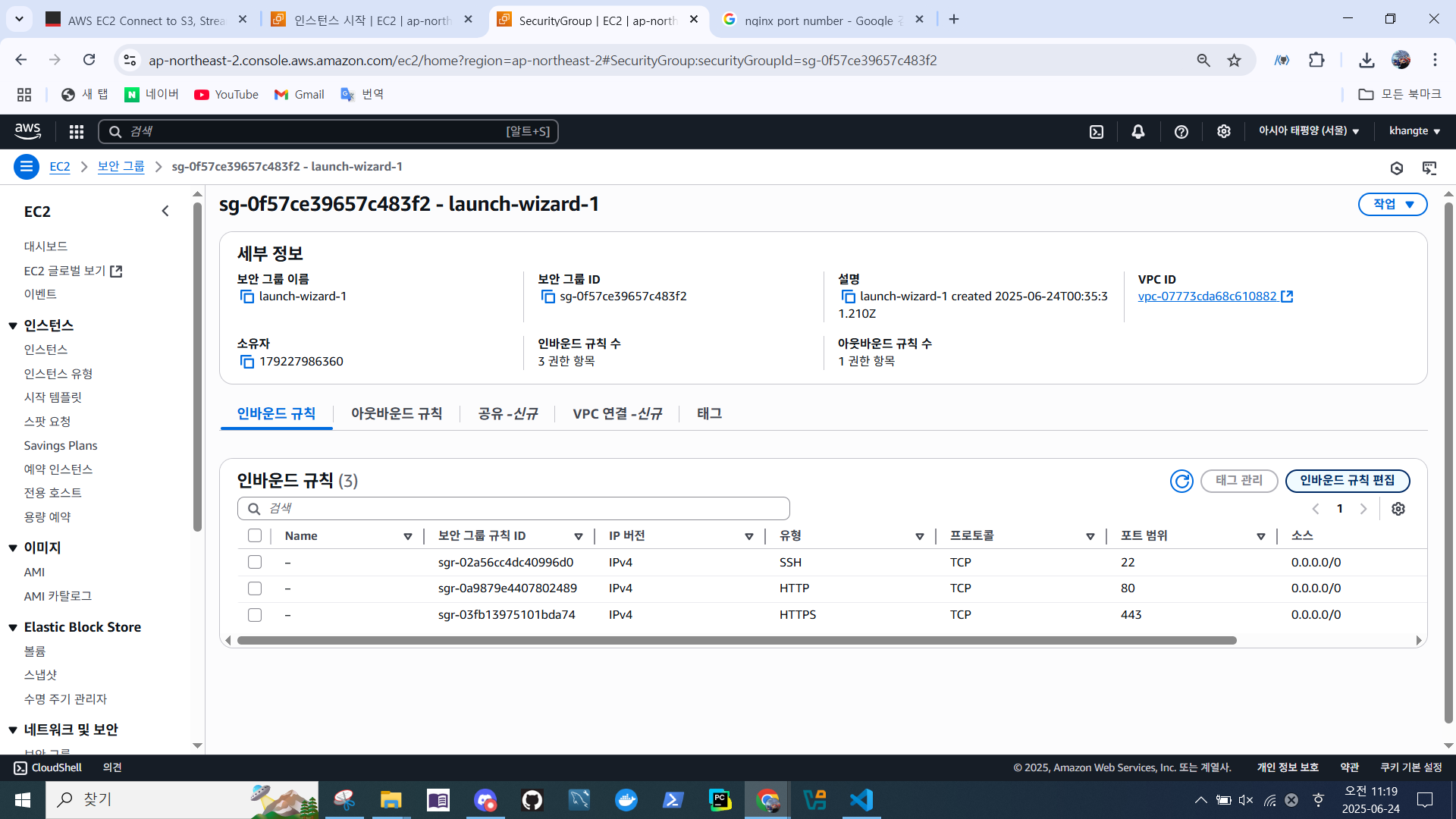
- Streamlit Port 8501, 8888 추가
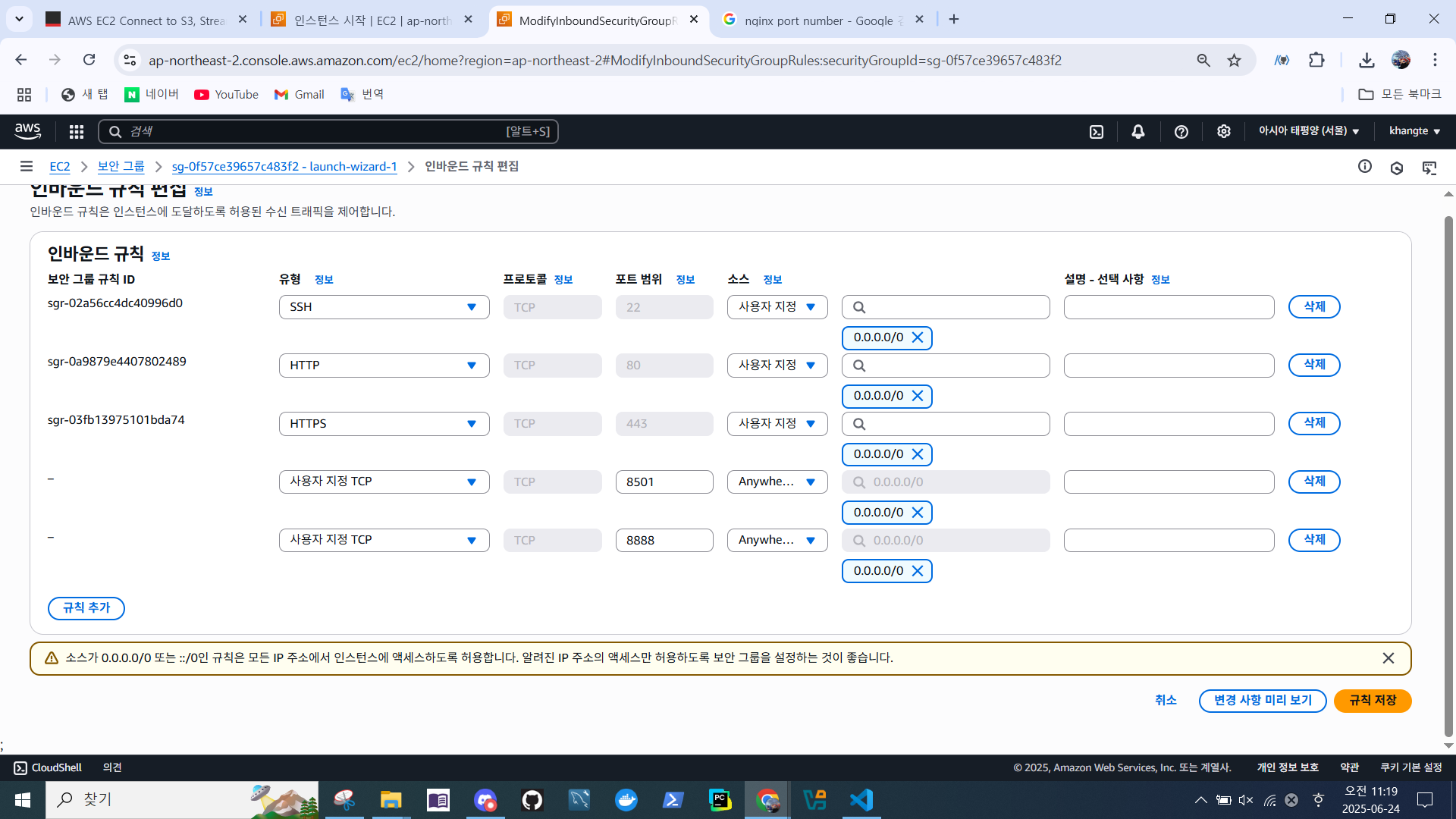
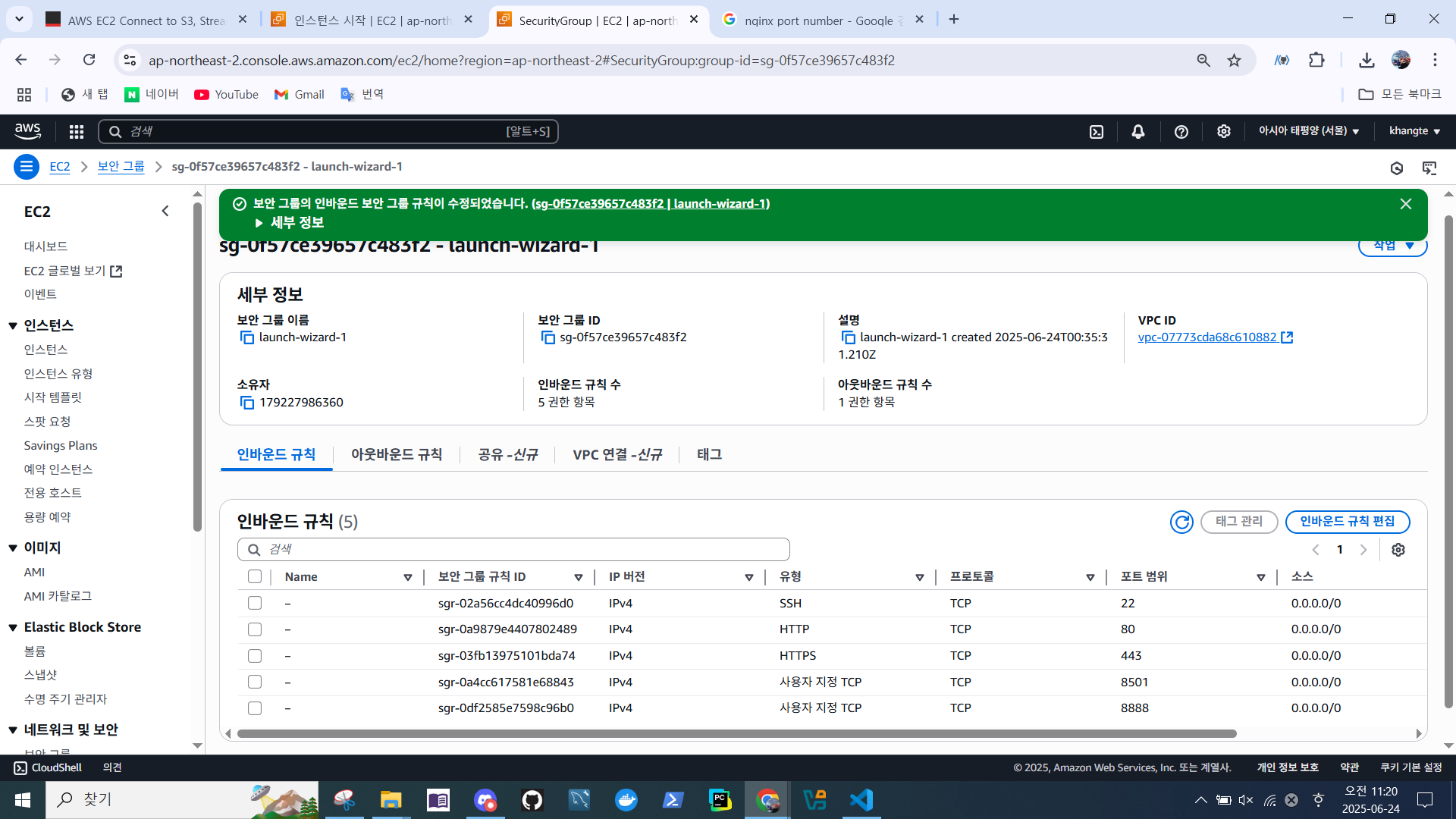
- 인바운드 규칙 포트 추가 확인
- Streamlit 재실행
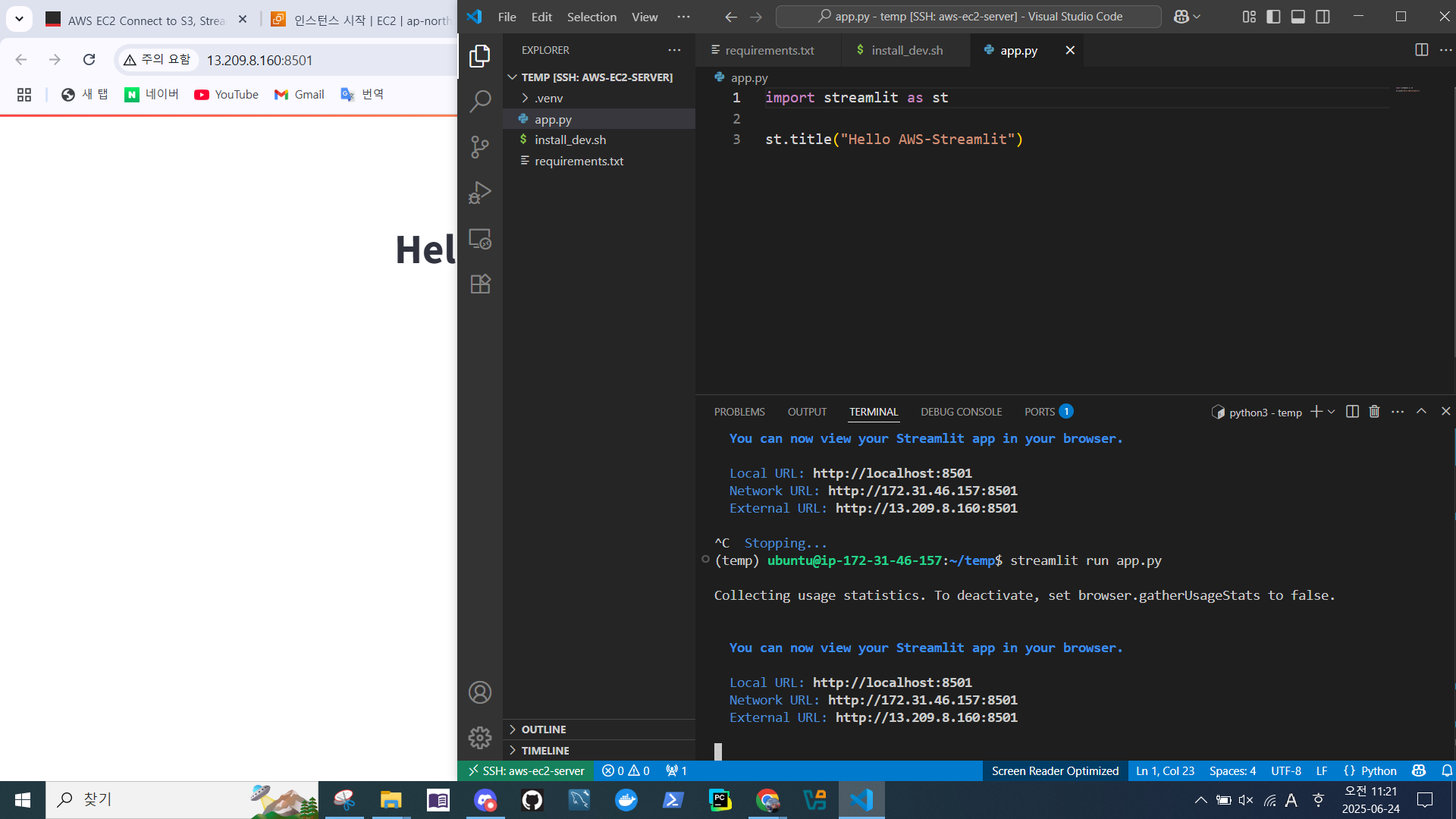
- External URL 접속 가능
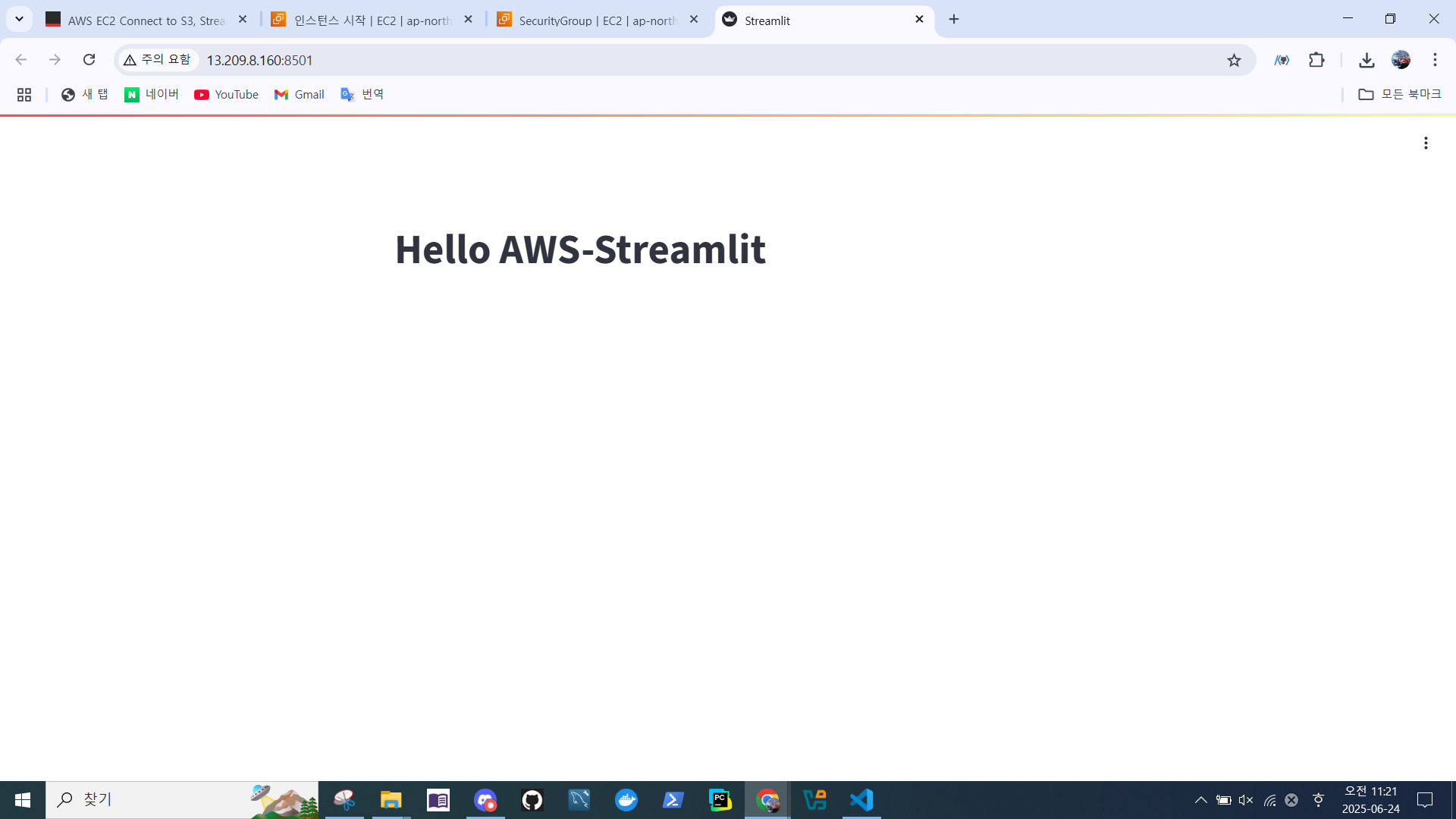
Jupyterlab 확인
- 다음 명령어 실행
jupyter lab --ip=0.0.0.0 --port=8888 --allow-root- 토큰 값 복사
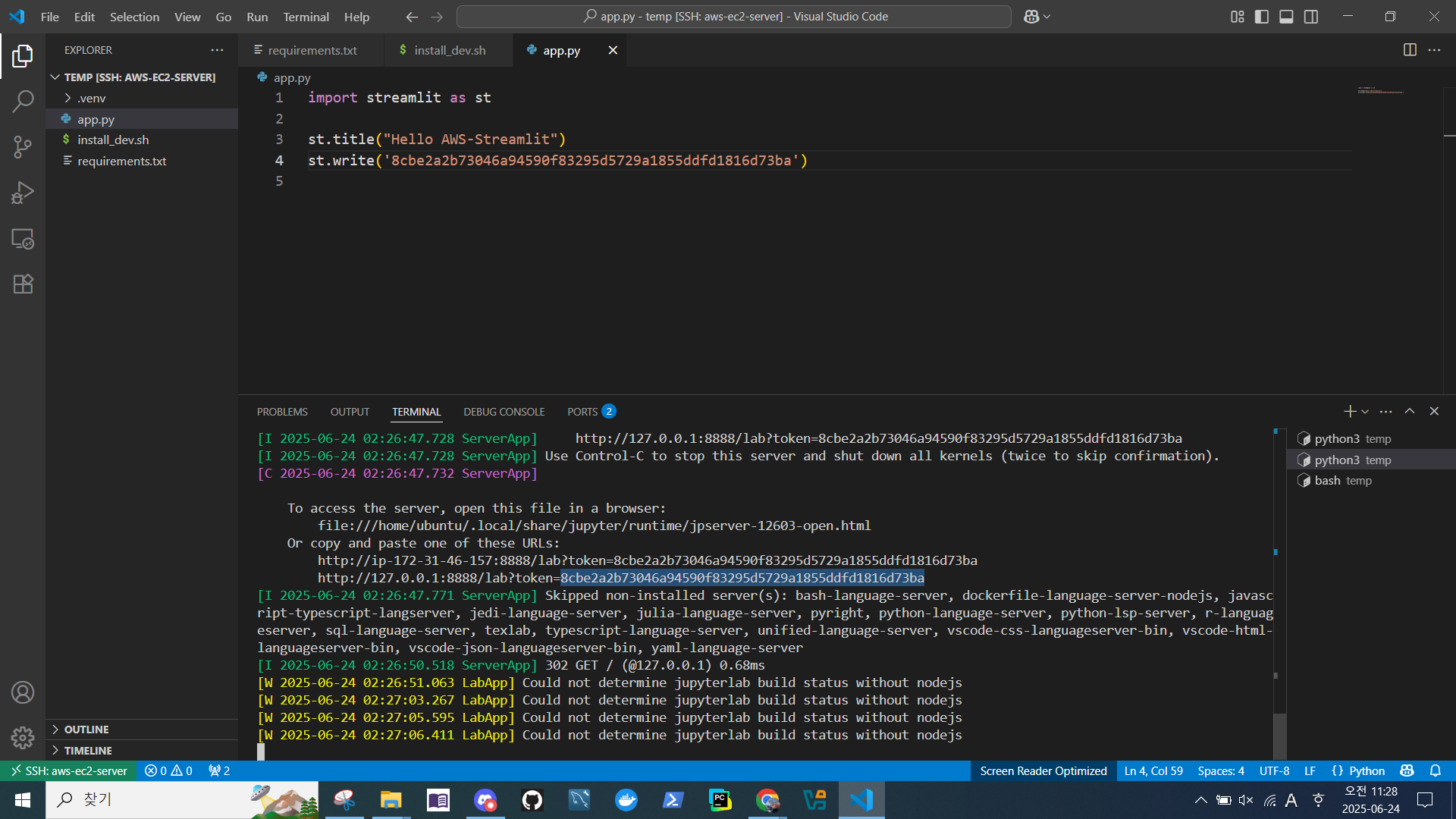
- 인스턴스 퍼블릭 IPv4 확인
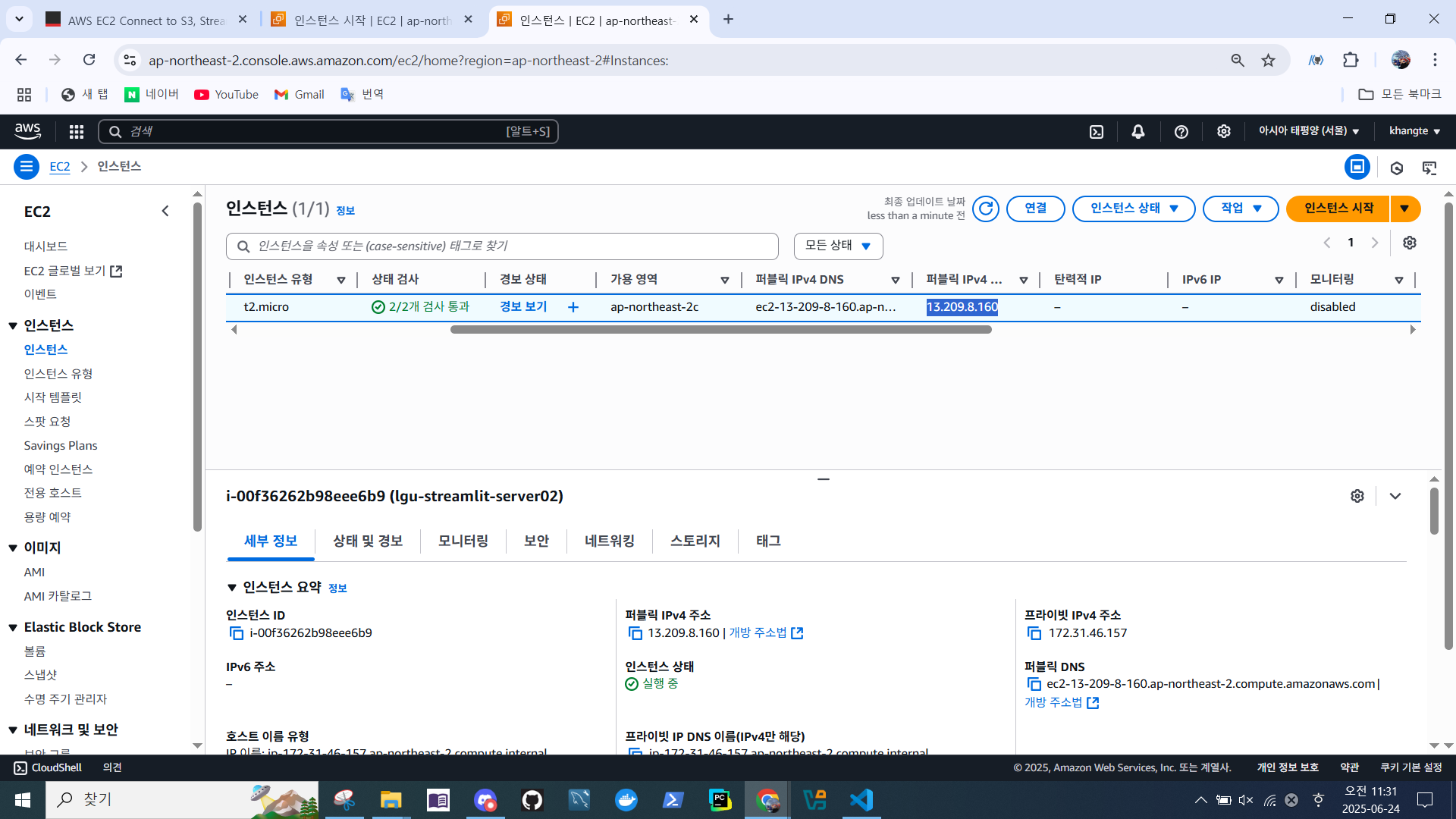
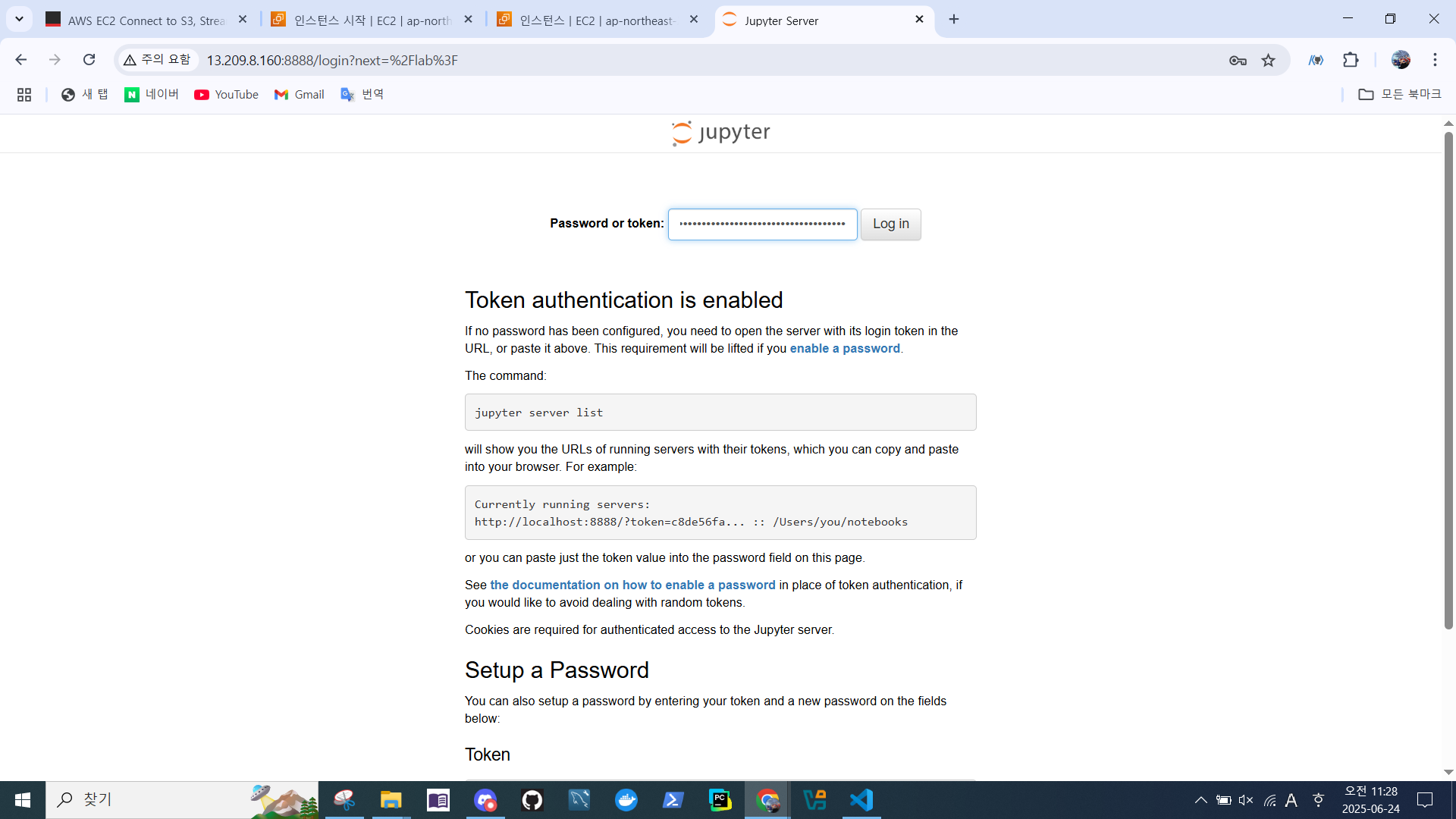
퍼블릭IPv4:8888접속
-> 토큰 값 붙여넣기
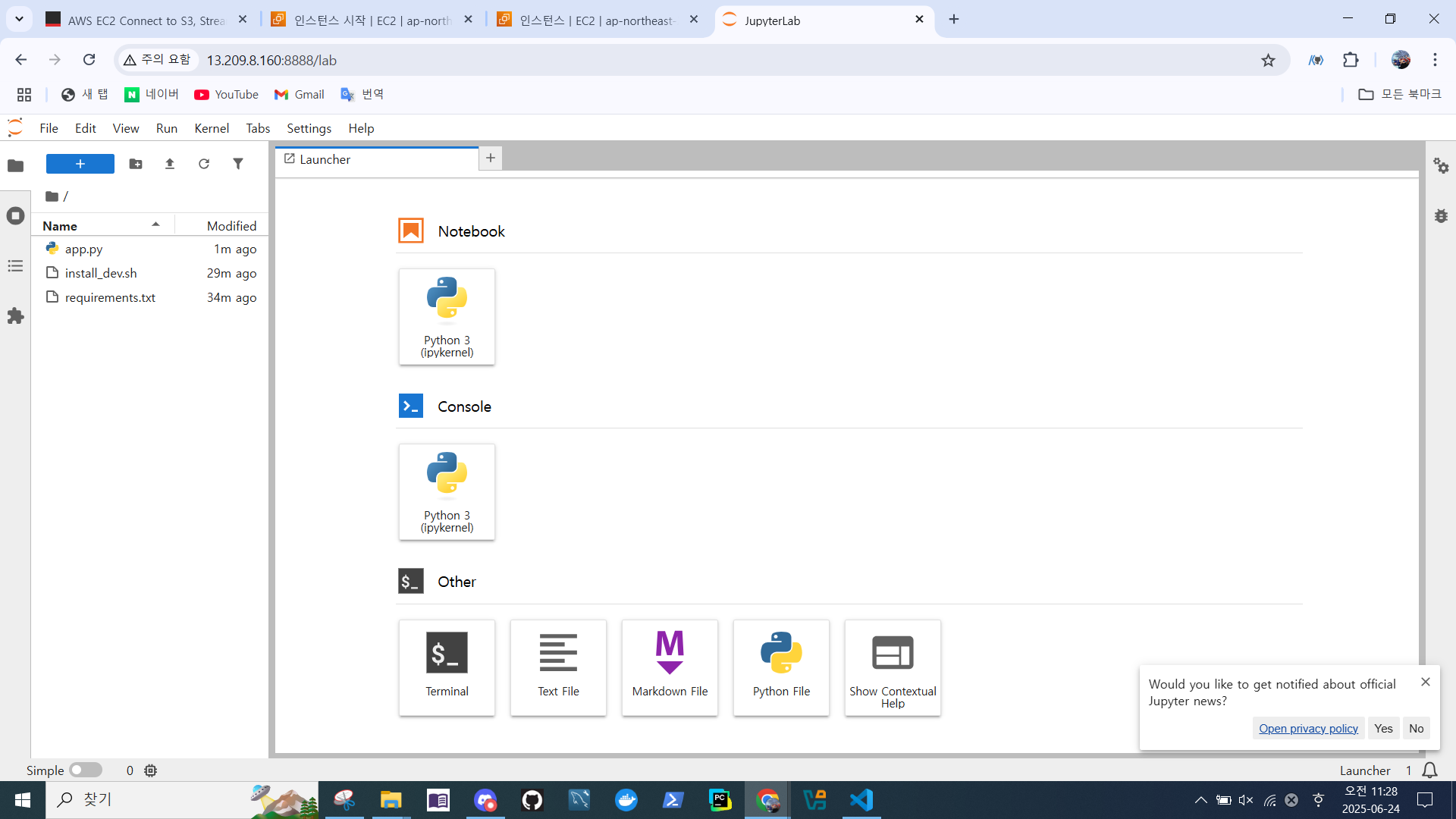
- jupyterlab 접속 확인
탄력적 IP 할당
-
탄력적 IP 할당 이유
- 고정된 공인 IP 주소 유지
- EC2 인스턴스를 중지했다 다시 시작하면 일반적인 퍼블릭 IP는 변경된다.
- 하지만 Elastic IP는 고정되어 있어 IP가 변하지 않음 → 외부에서 항상 같은 주소로 접근 가능
- 고정된 공인 IP 주소 유지
-
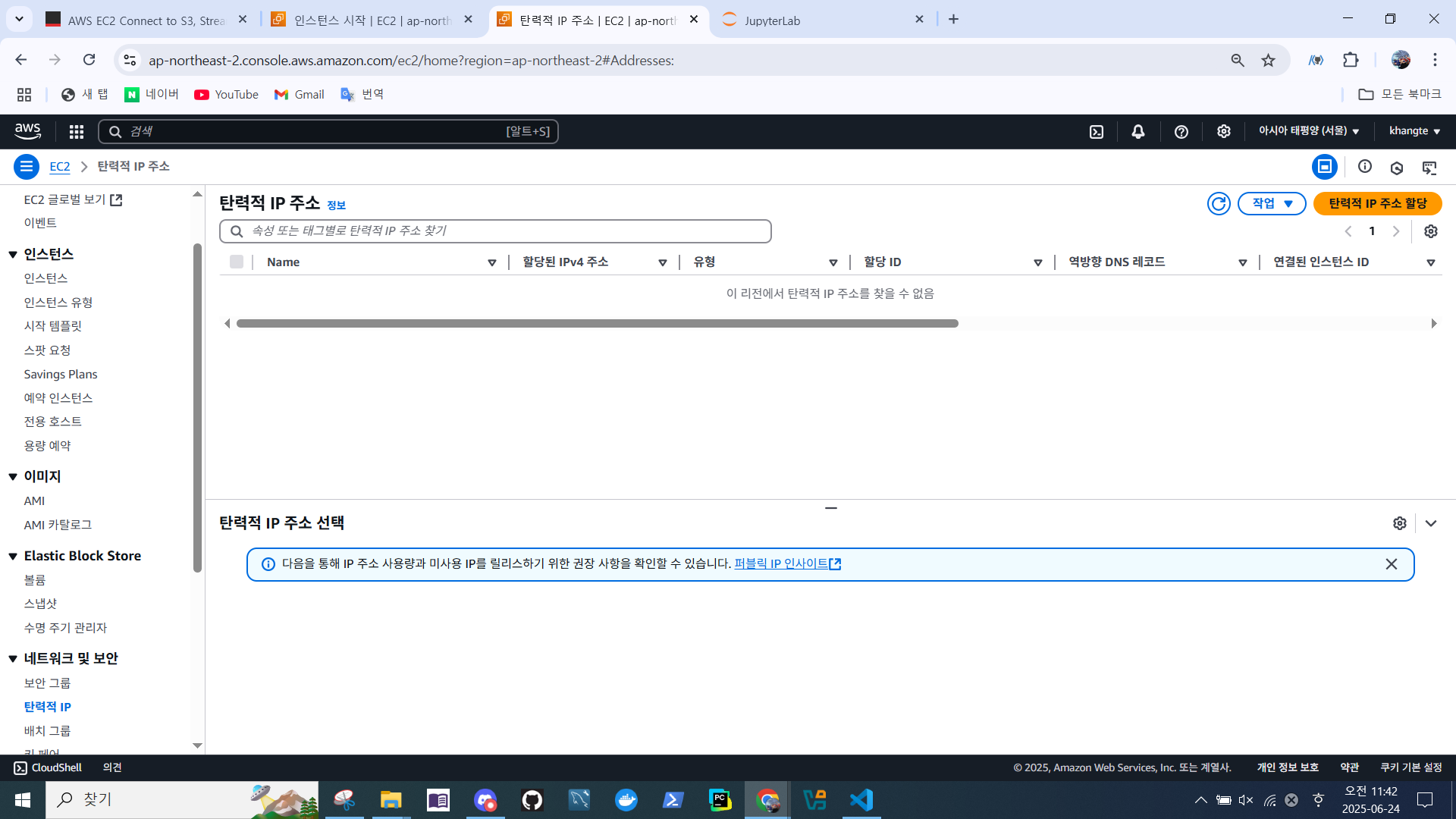
네트워크 및 보안 > 탄력적 IP > 탄력적 IP 주소 할당
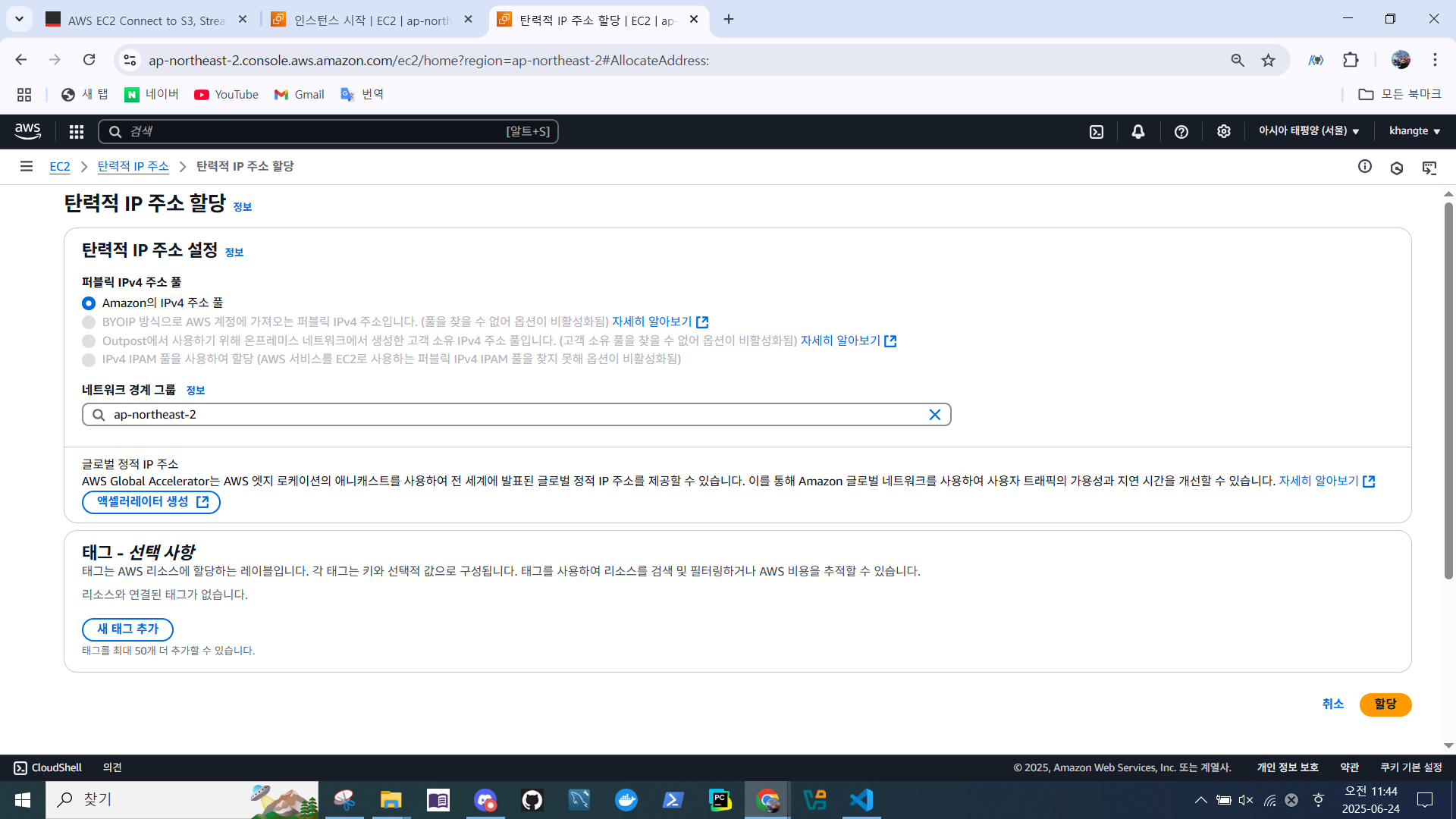
- 네트워크 경계 그룹 선택 > 할당
- 할당된 ip 주소 확인
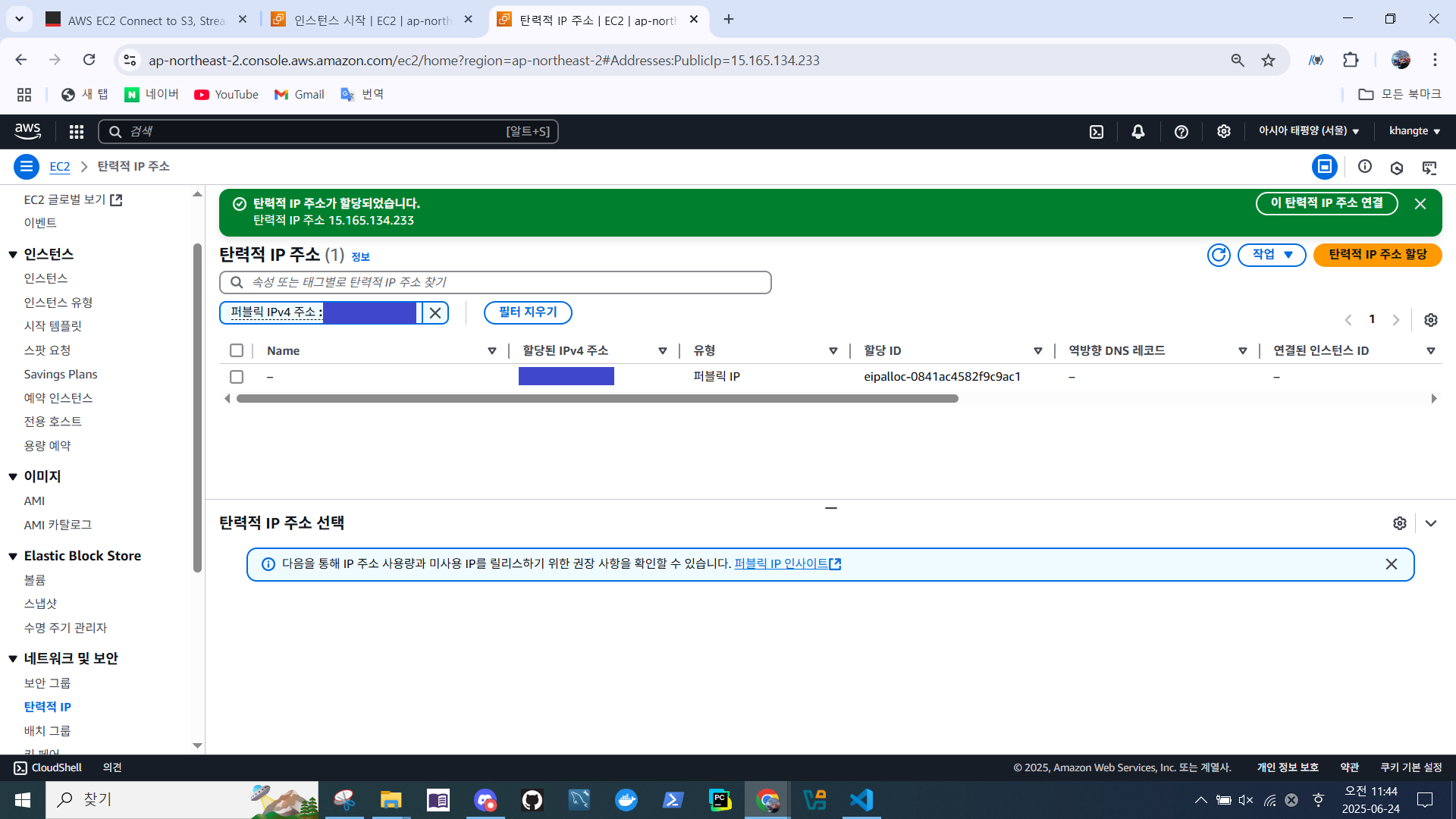
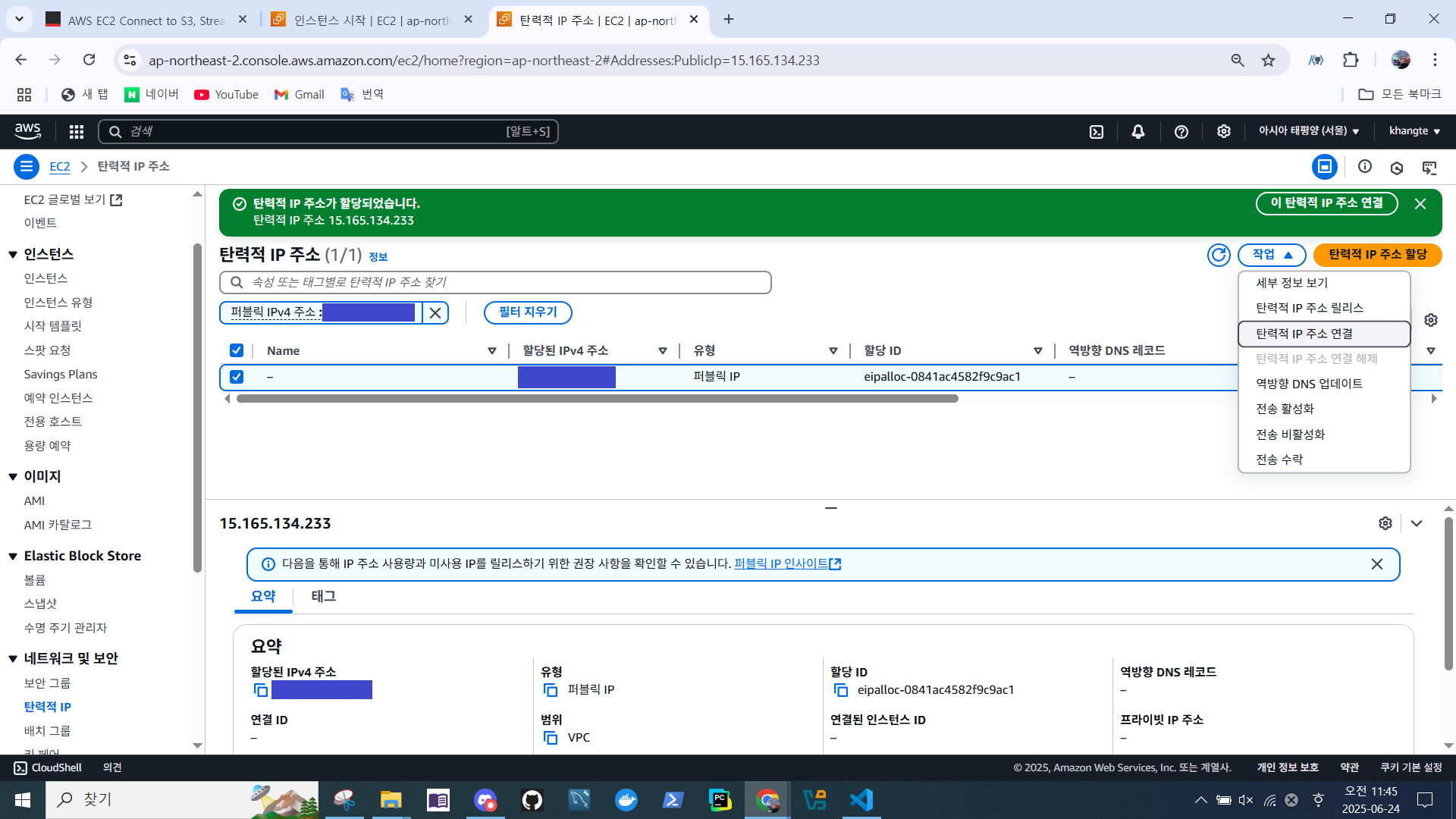
- 작업 > 탄력적 IP 주소 연결
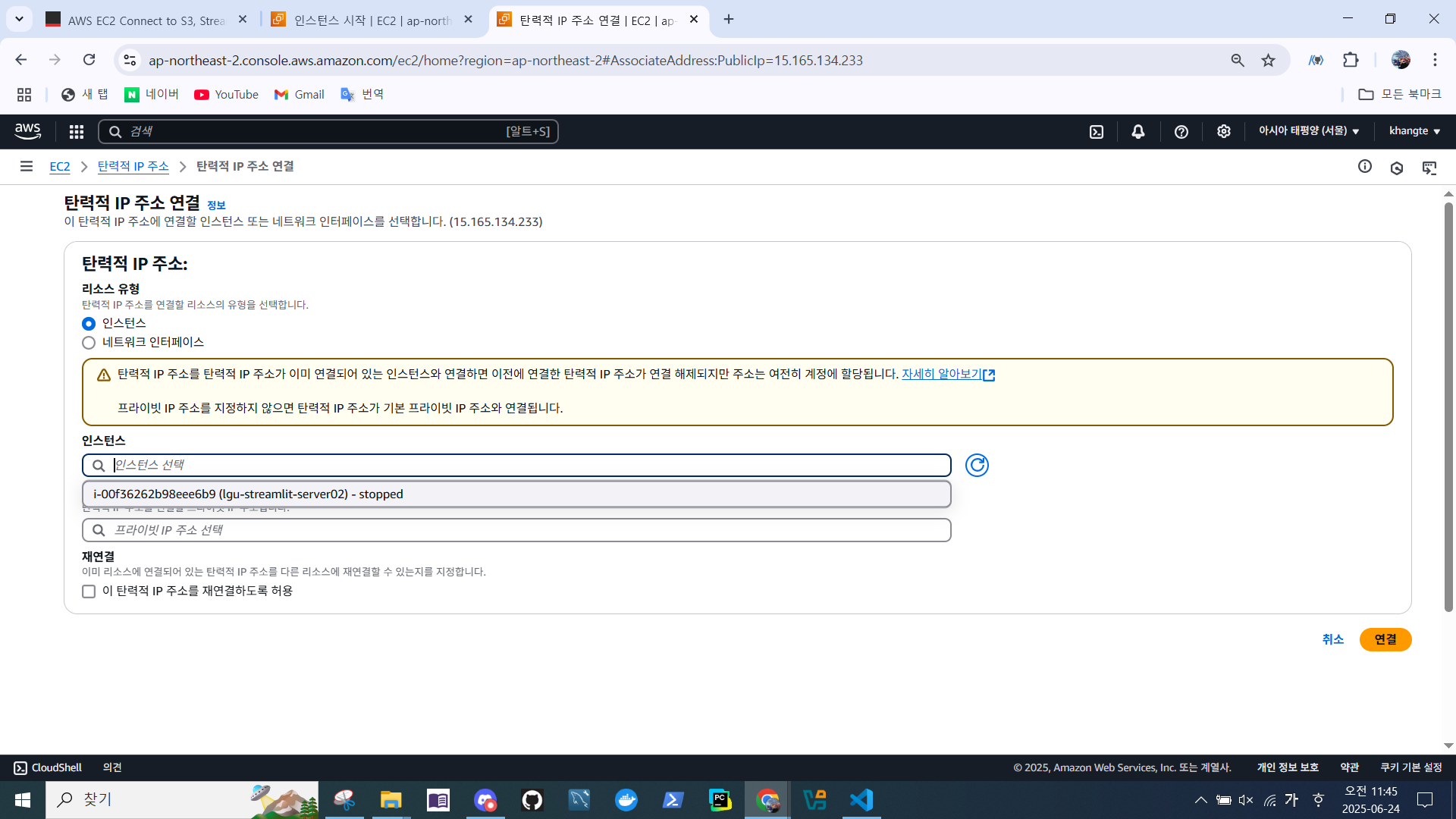
- 인스턴스 선택
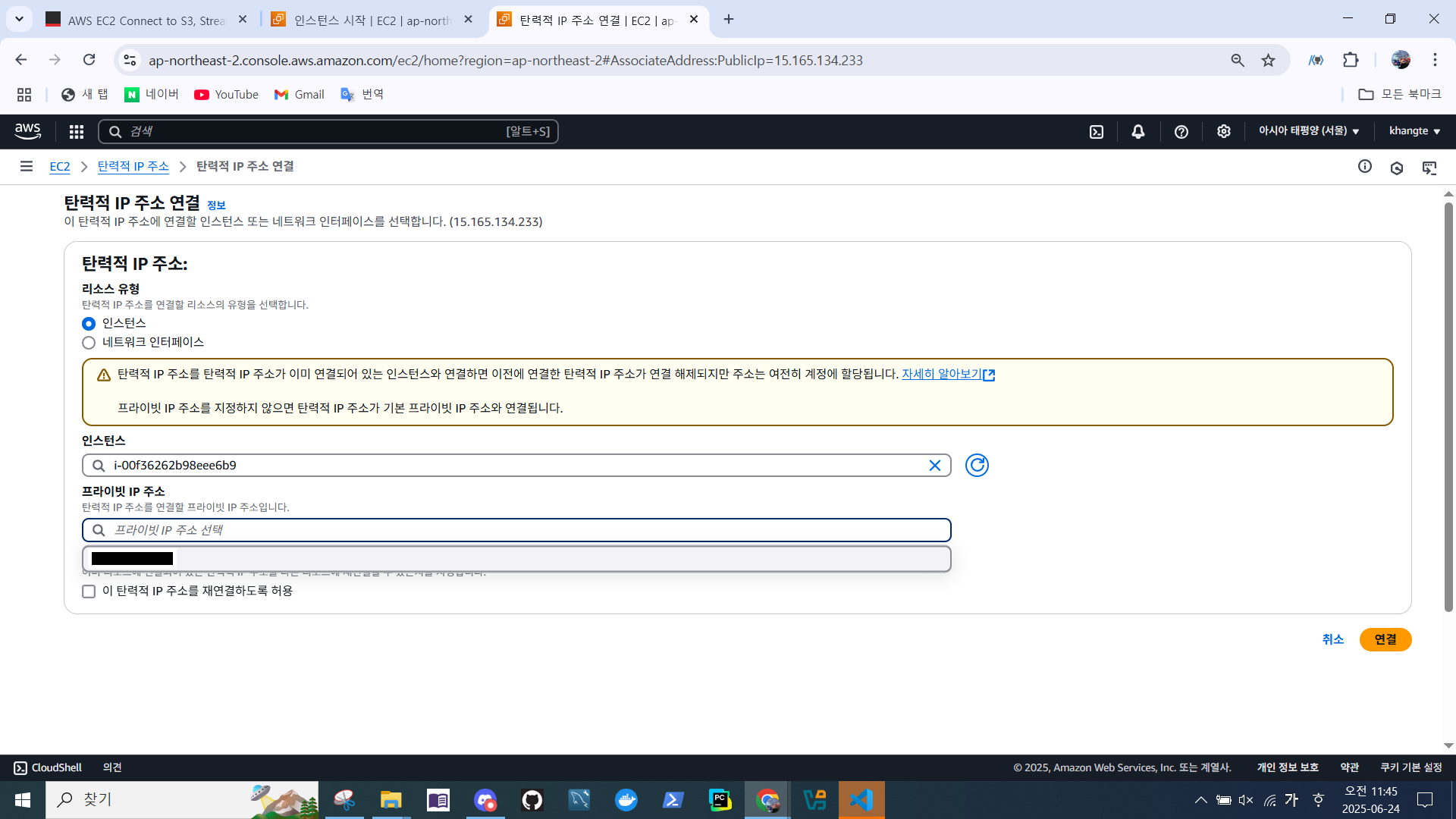
- 프라이빗 IP 주소 선택 > 할당
- 이전에 중지한 인스턴스 시작
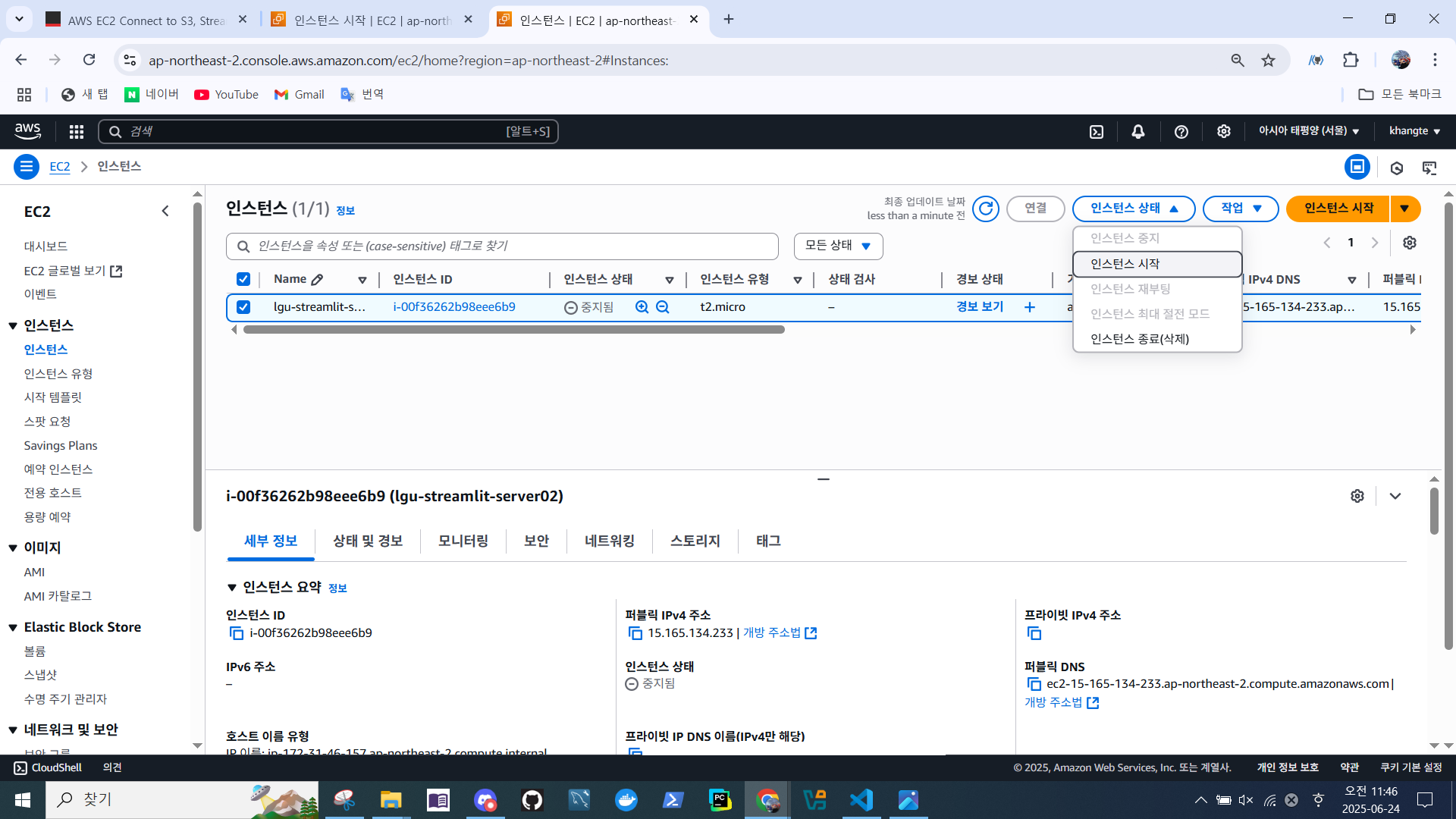
- 탄력적 IP 할당 확인
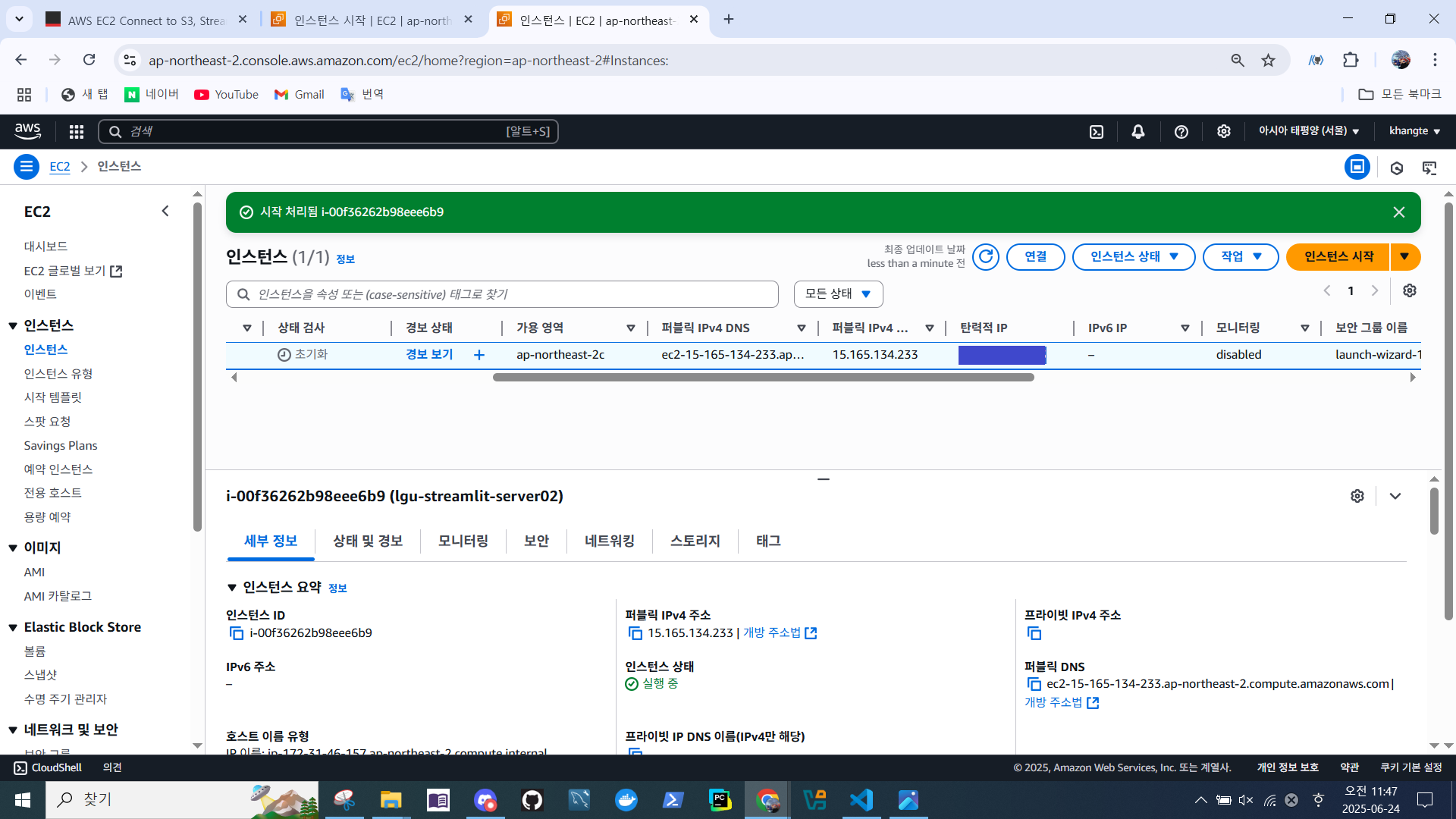
config 변경
- 인스턴스를 재시작 했기 때문에 퍼블릭 DNS 주소 변경됨
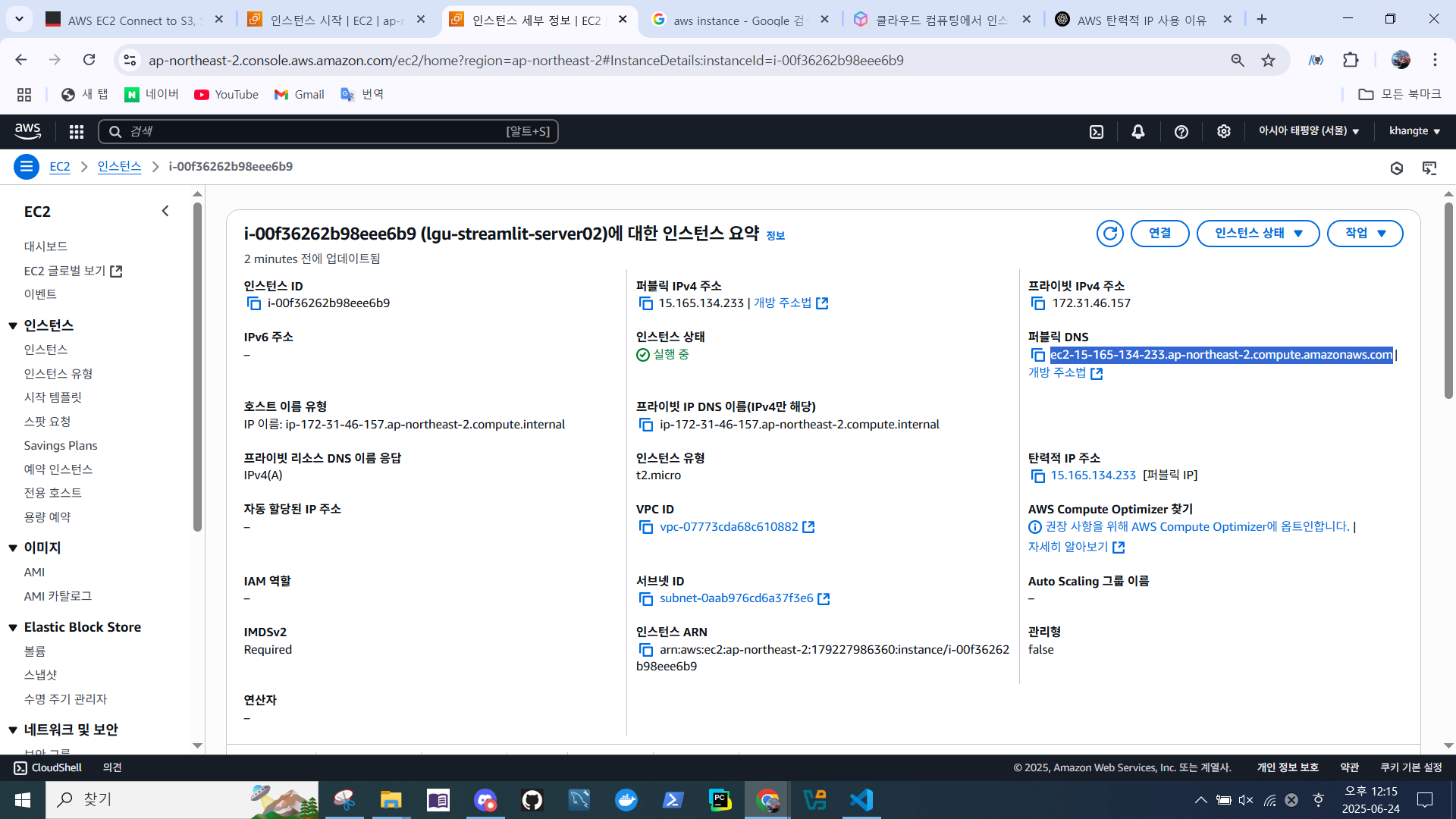
.ssh/config> HostName 수정 - 변경된 DNS로 변경

S3 버킷 생성 & 연결
- S3 > 범용 버킷
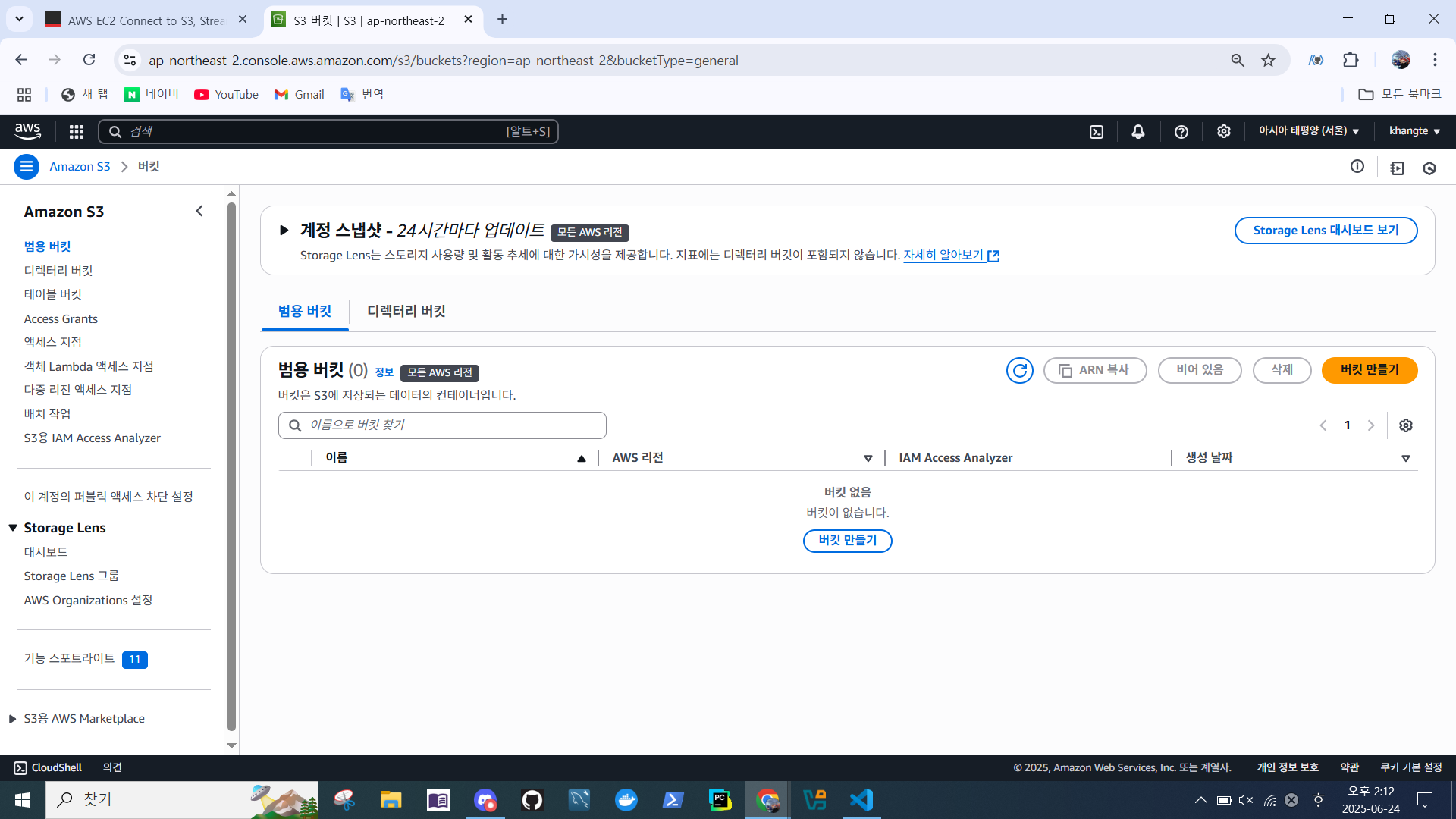
- 버킷 만들기 > 이름 지정
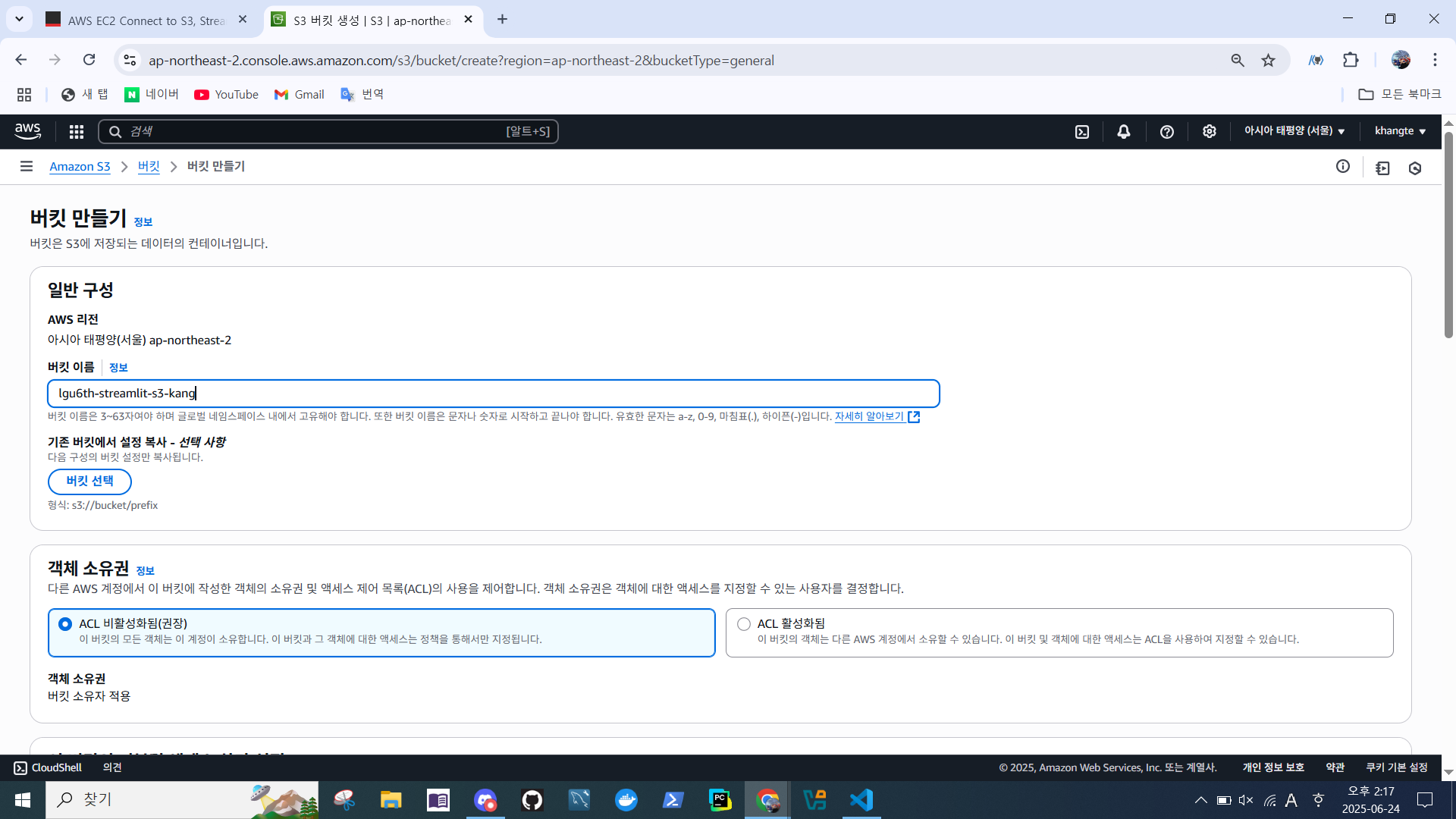
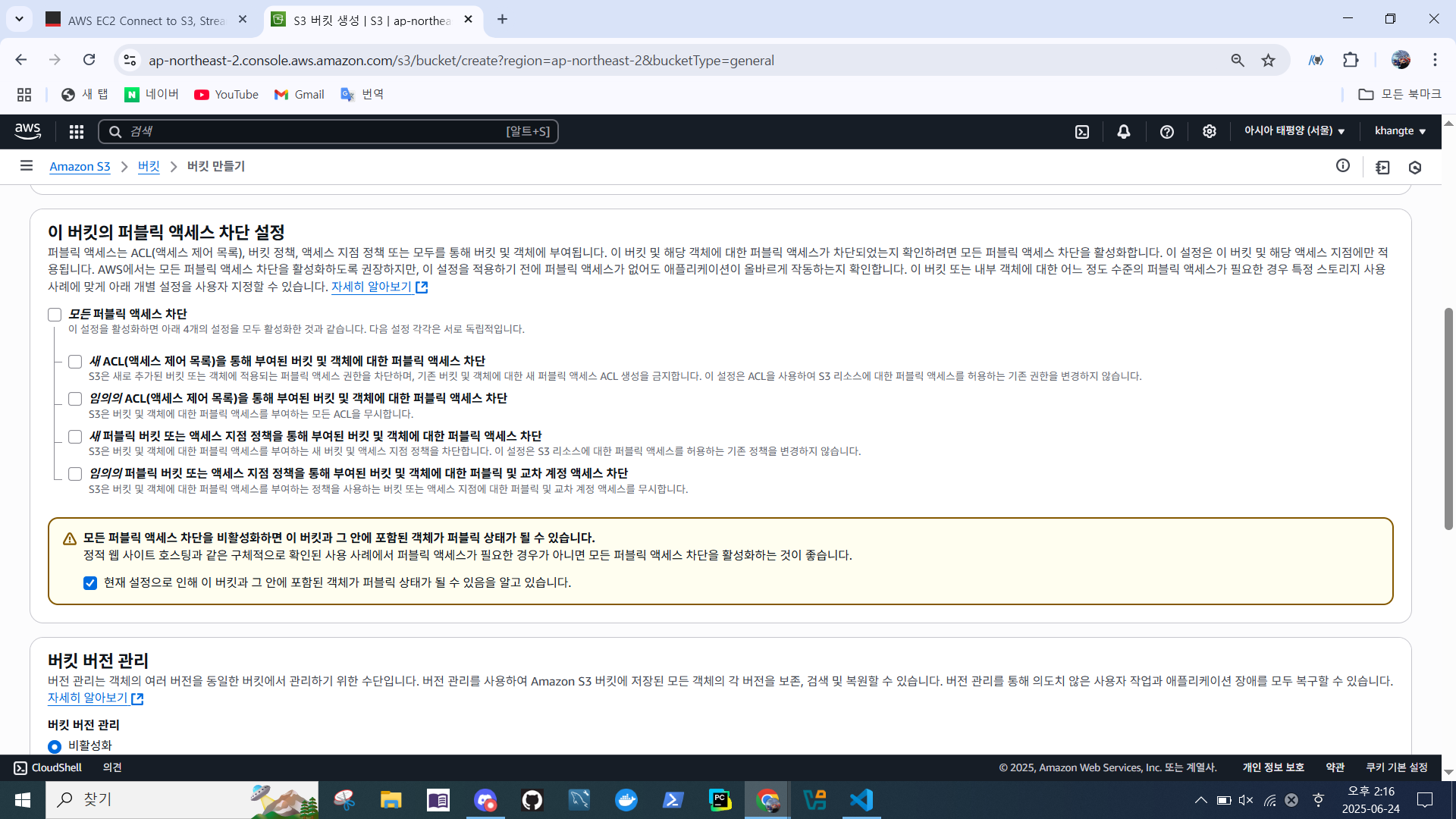
- 차단 설정 (범용적으로)
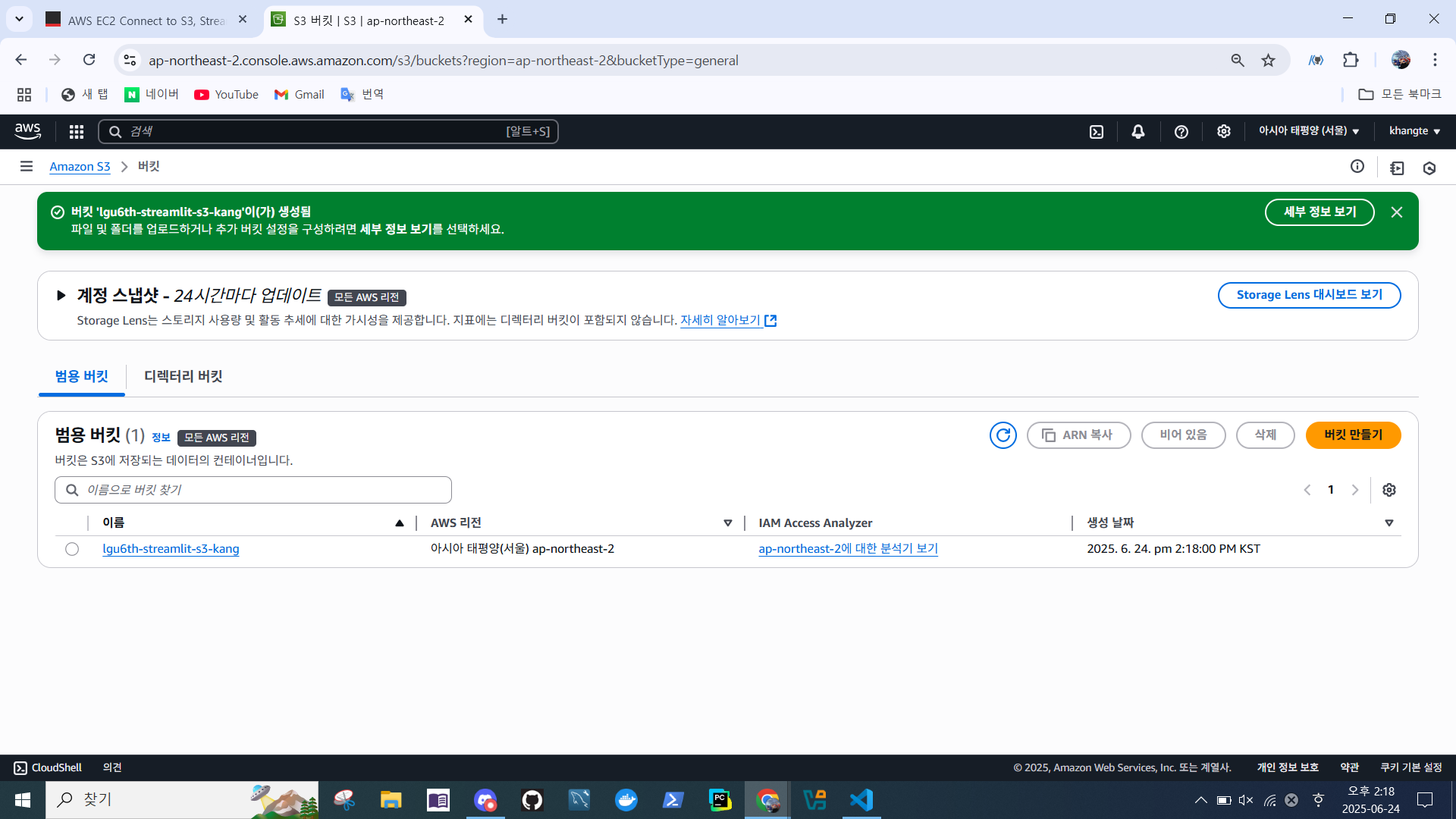
- 버킷 생성 확인
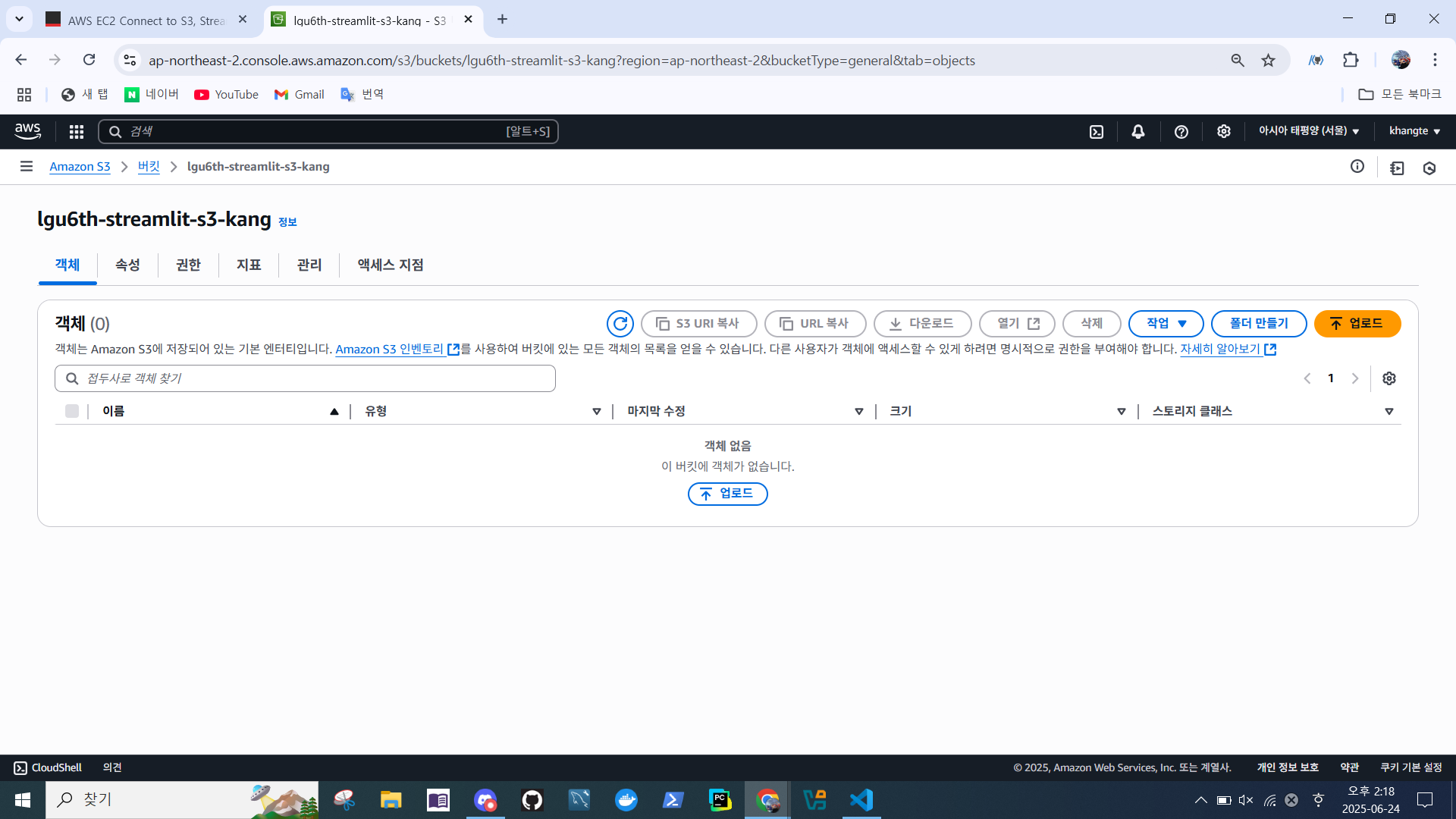
- 버킷 상세 정보
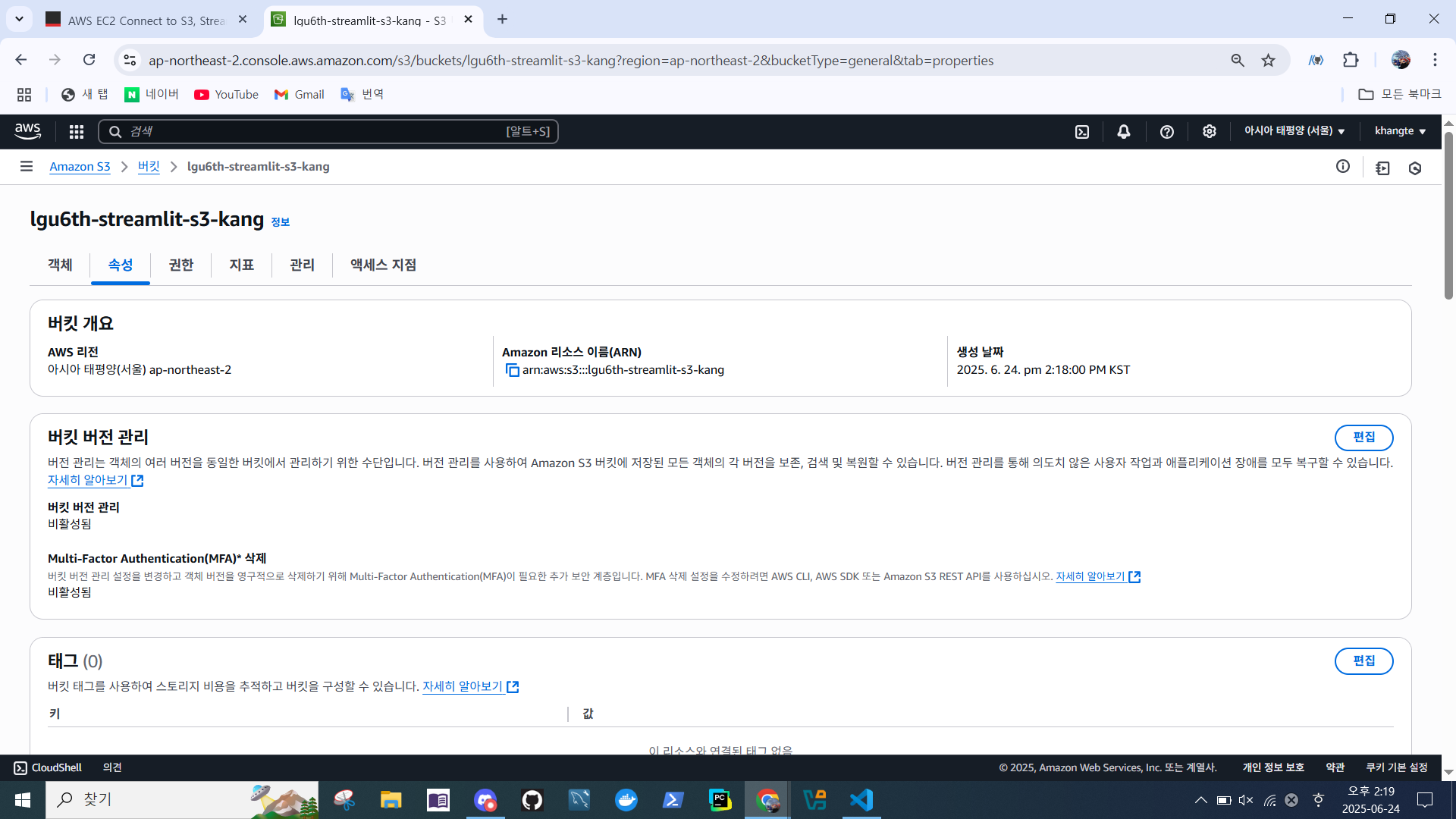
- 속성 > 아마존 리소스 이름(ARN) 복사
arn:aws:s3:::lgu6th-streamlit-s3-kang
- 권한 > 버킷 정책 편집
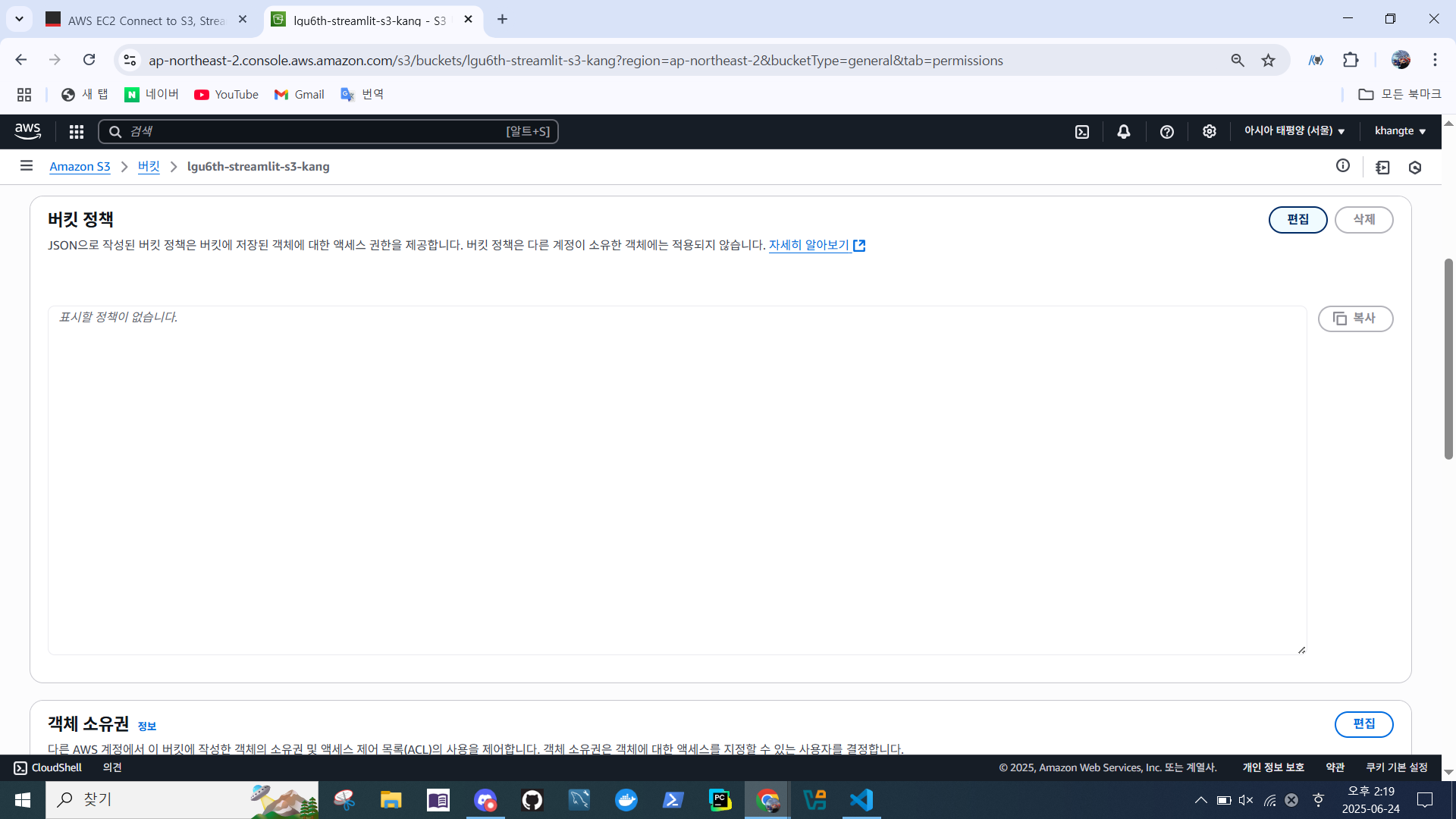
- 정책 생성기
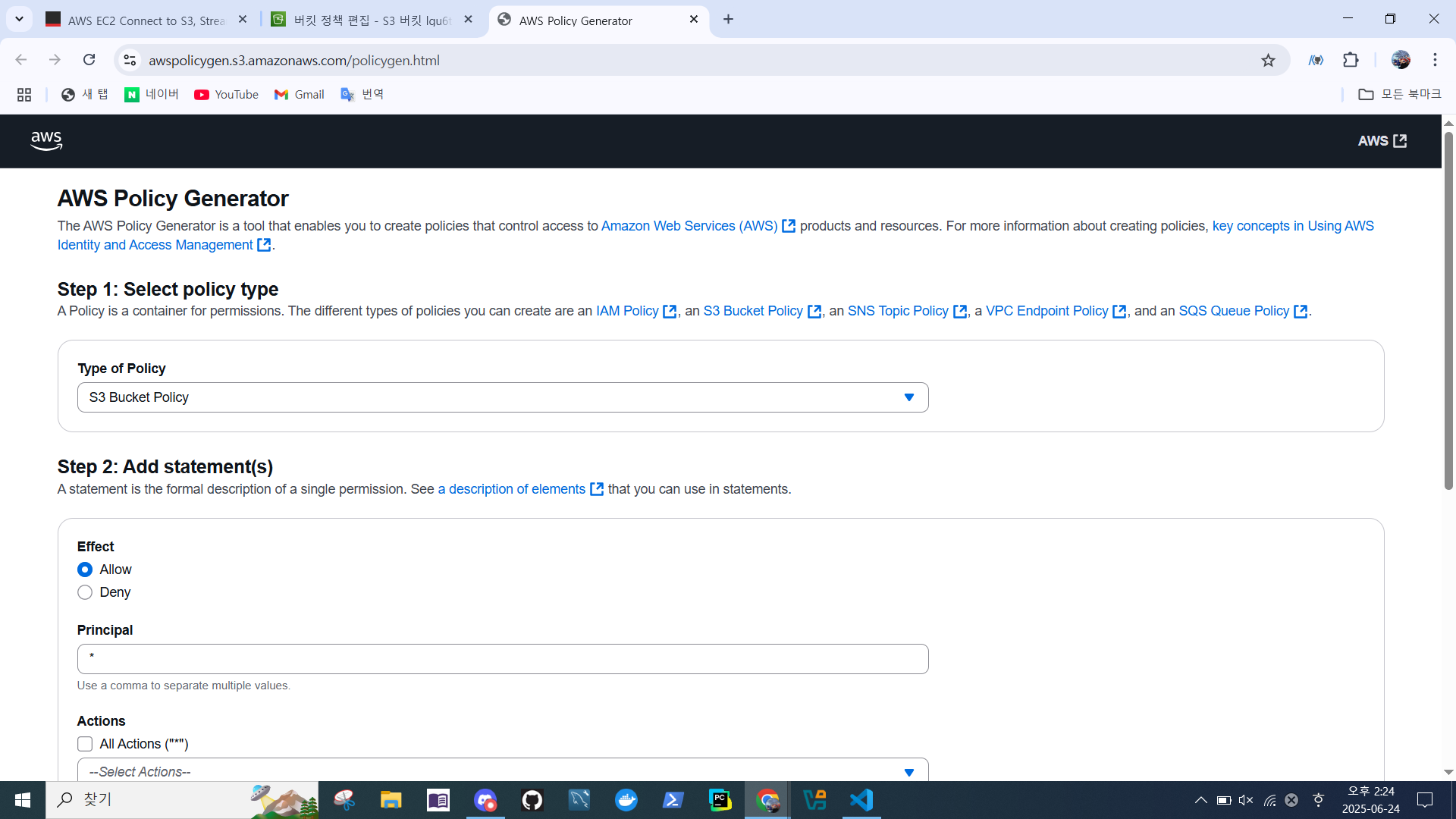
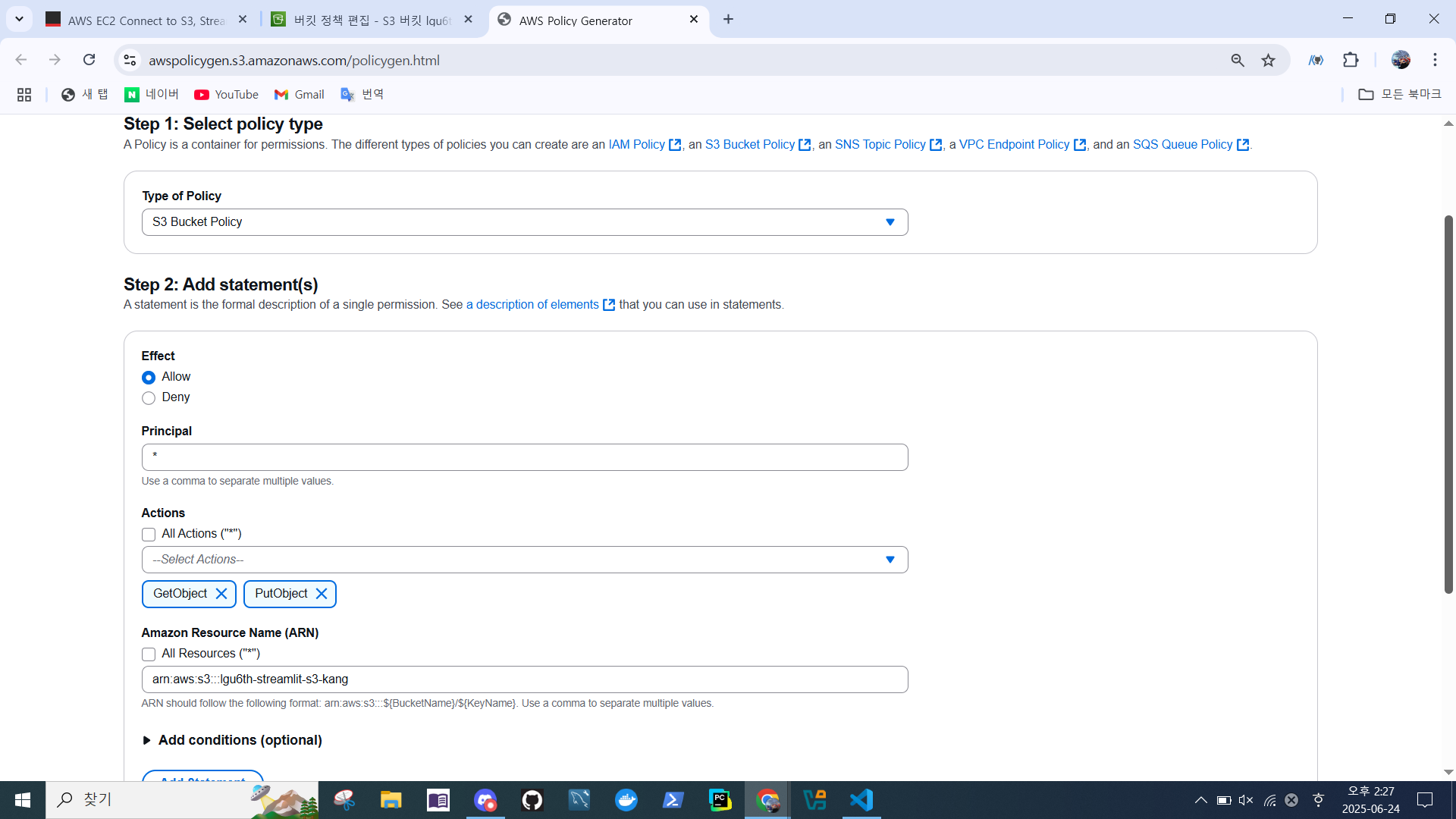
- Type of Policy -> S3 Bucket Policy
- Principal -> *
- Actions -> GetObject, PutObject
- ARN 붙여넣기
- Add Statement > Generate Policy
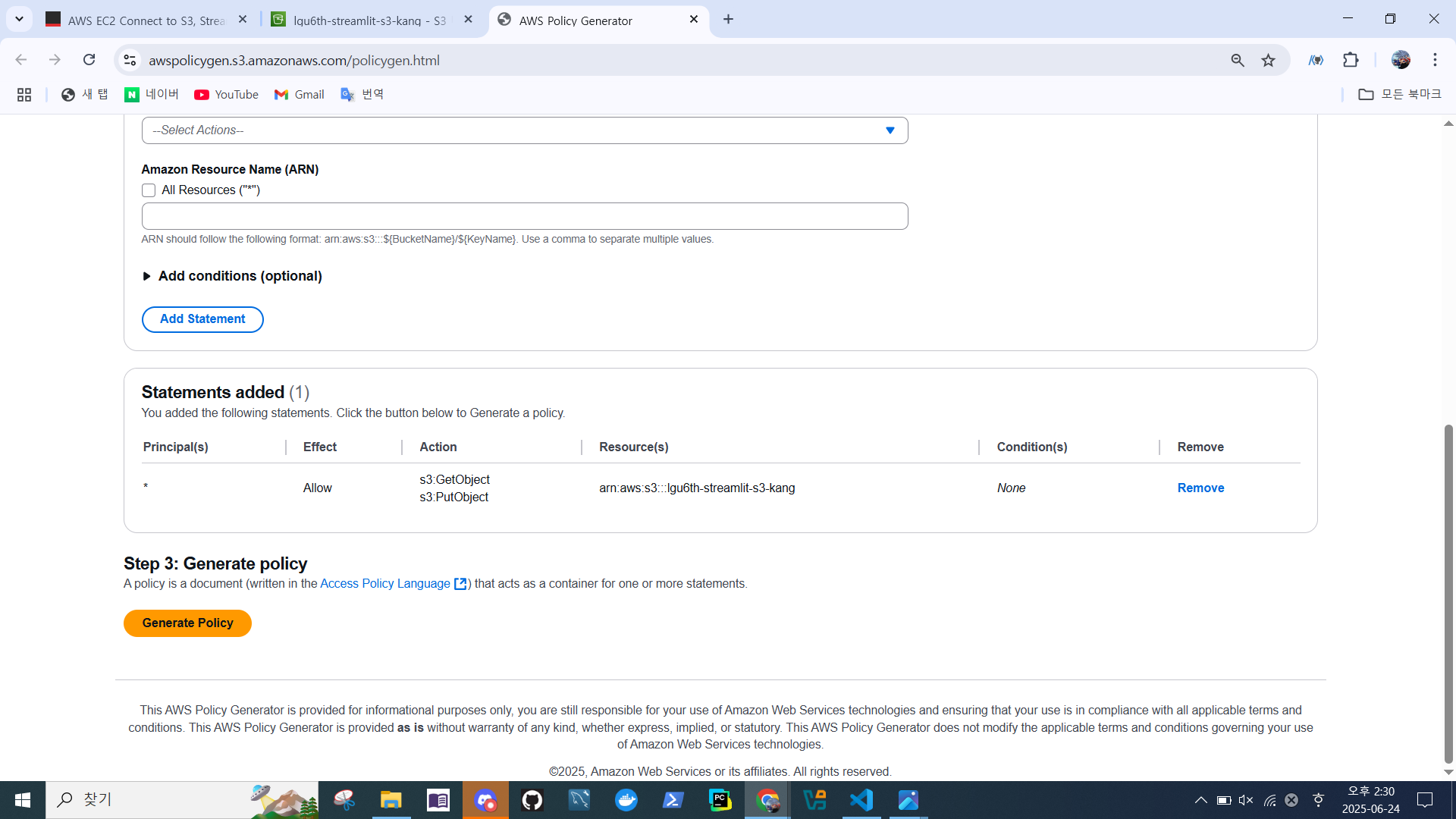
- 정책 붙여넣기
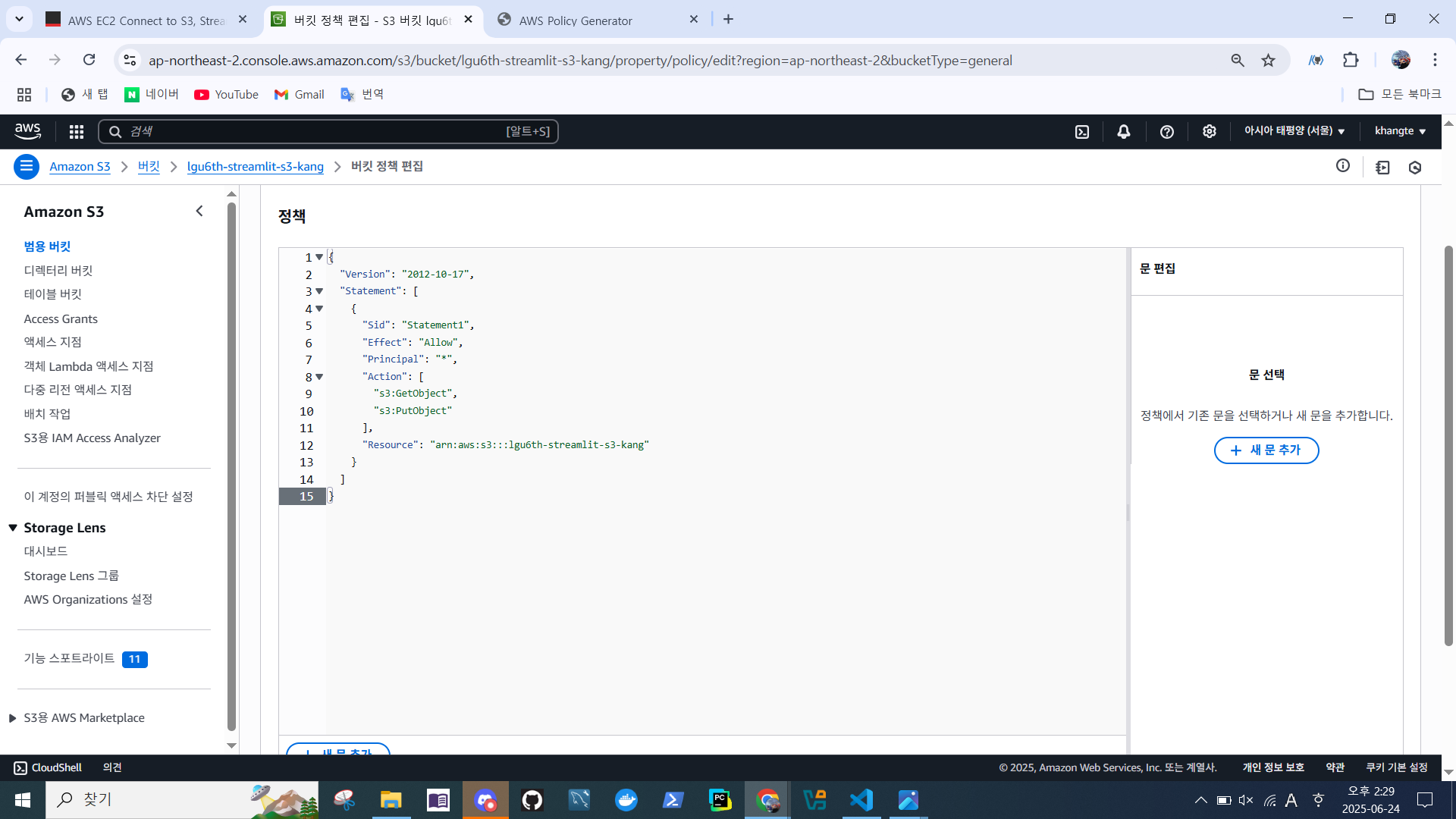
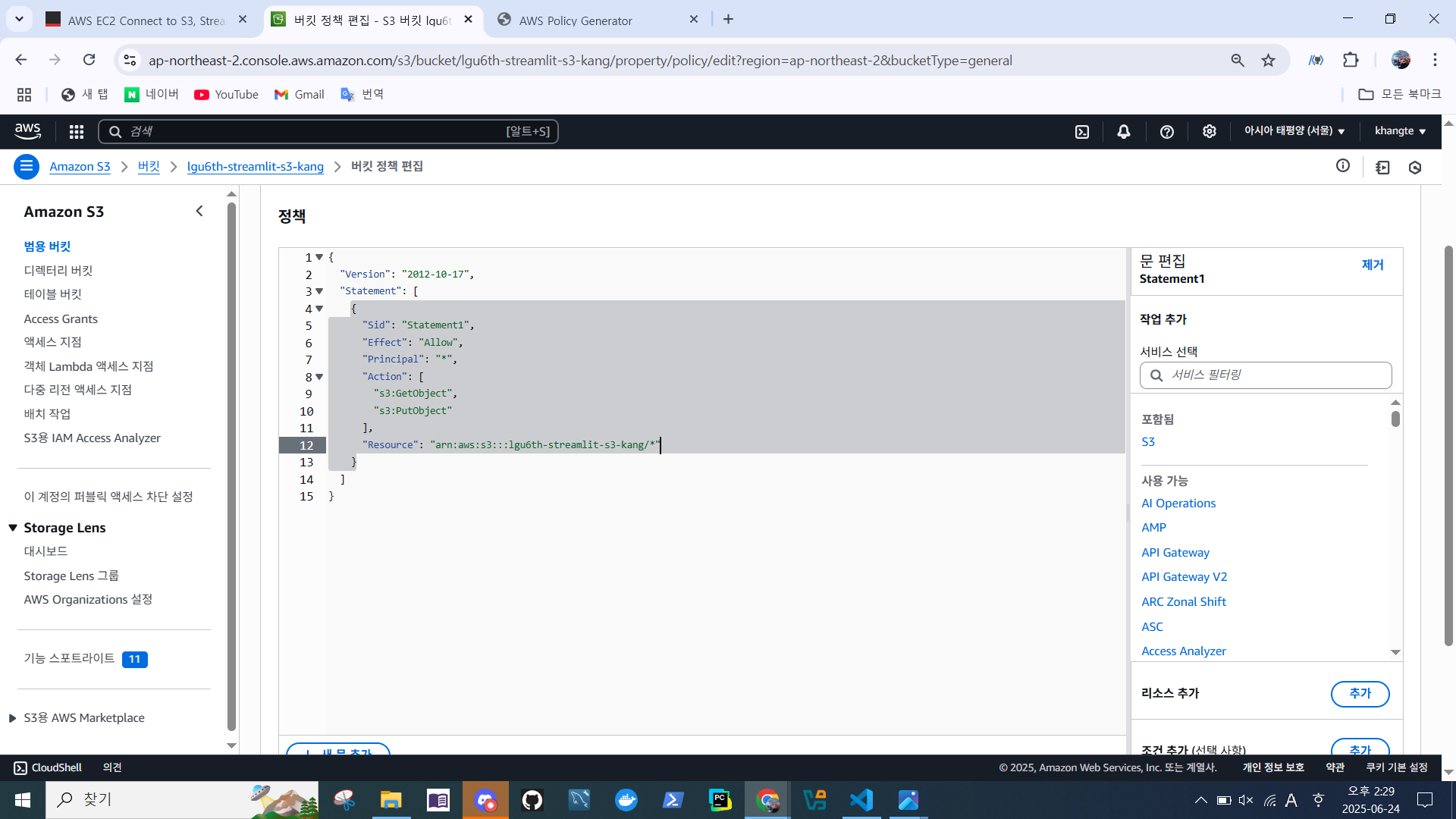
/*추가 > 변경 사항 저장
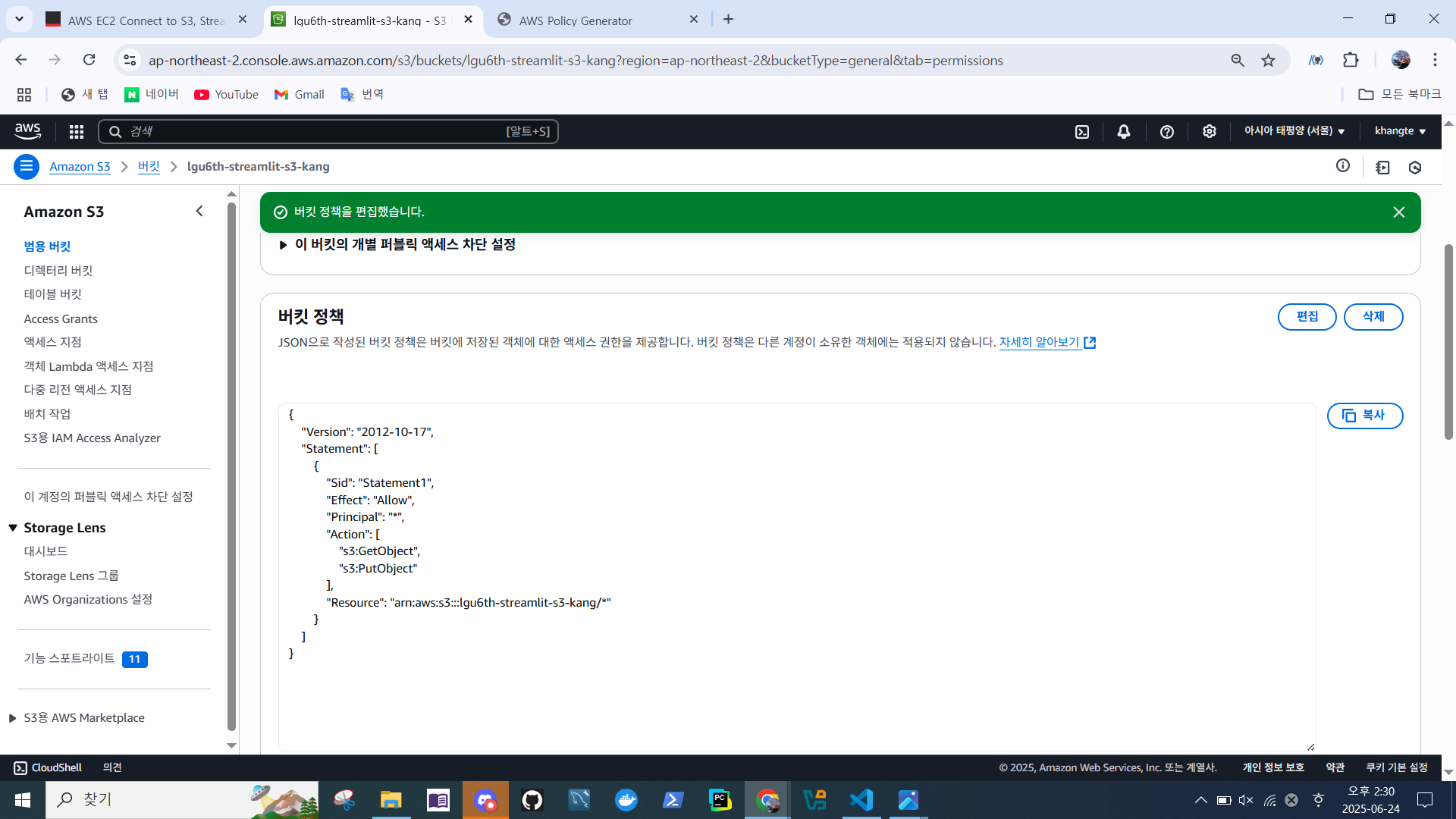
- 버킷 정책 변경 확인
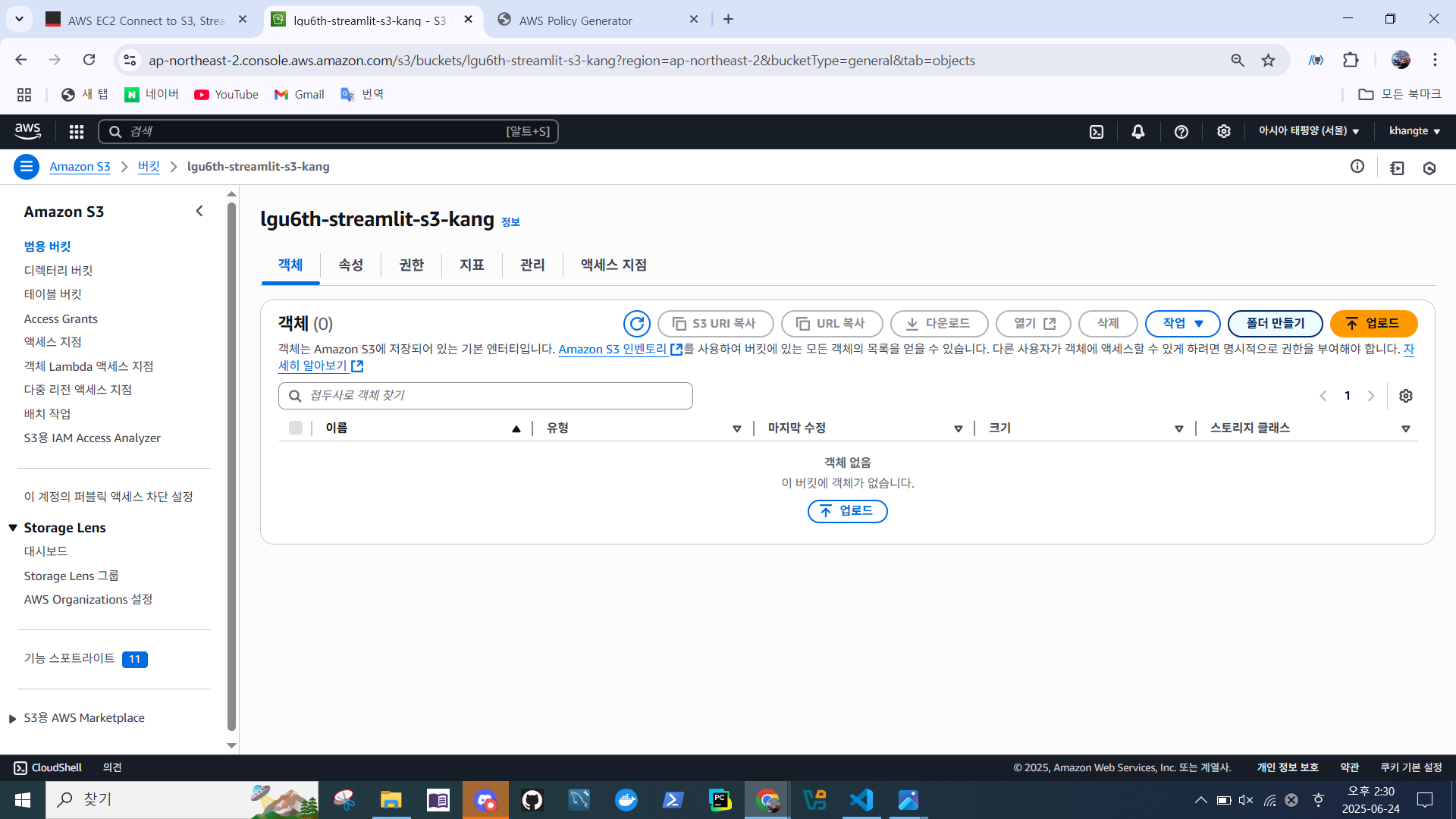
- 객체 > 폴더 만들기
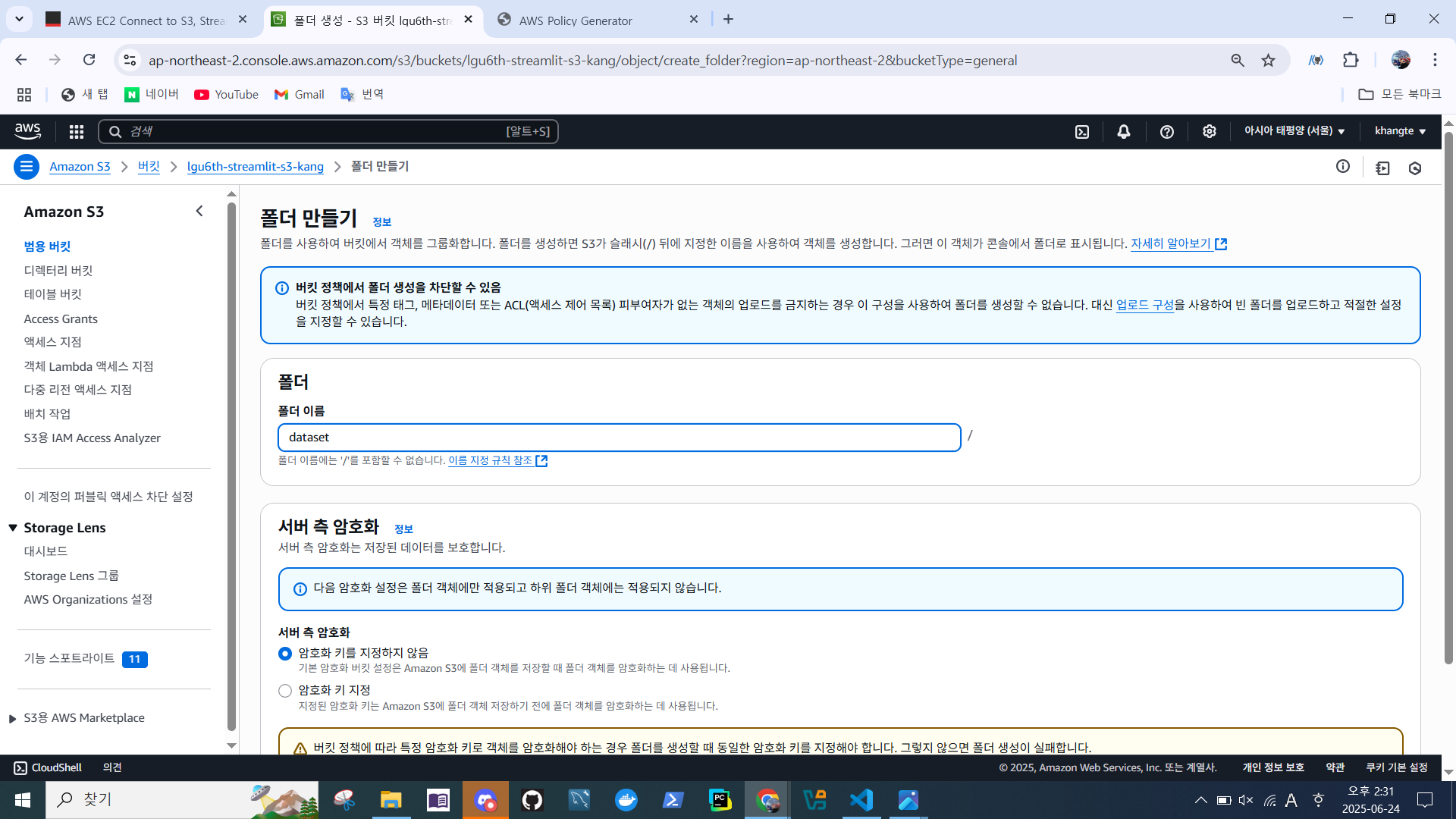
- 이름 설정 'dataset'
- 서버측 암호화 -> 암호화 키를 지정하지 않음 선택
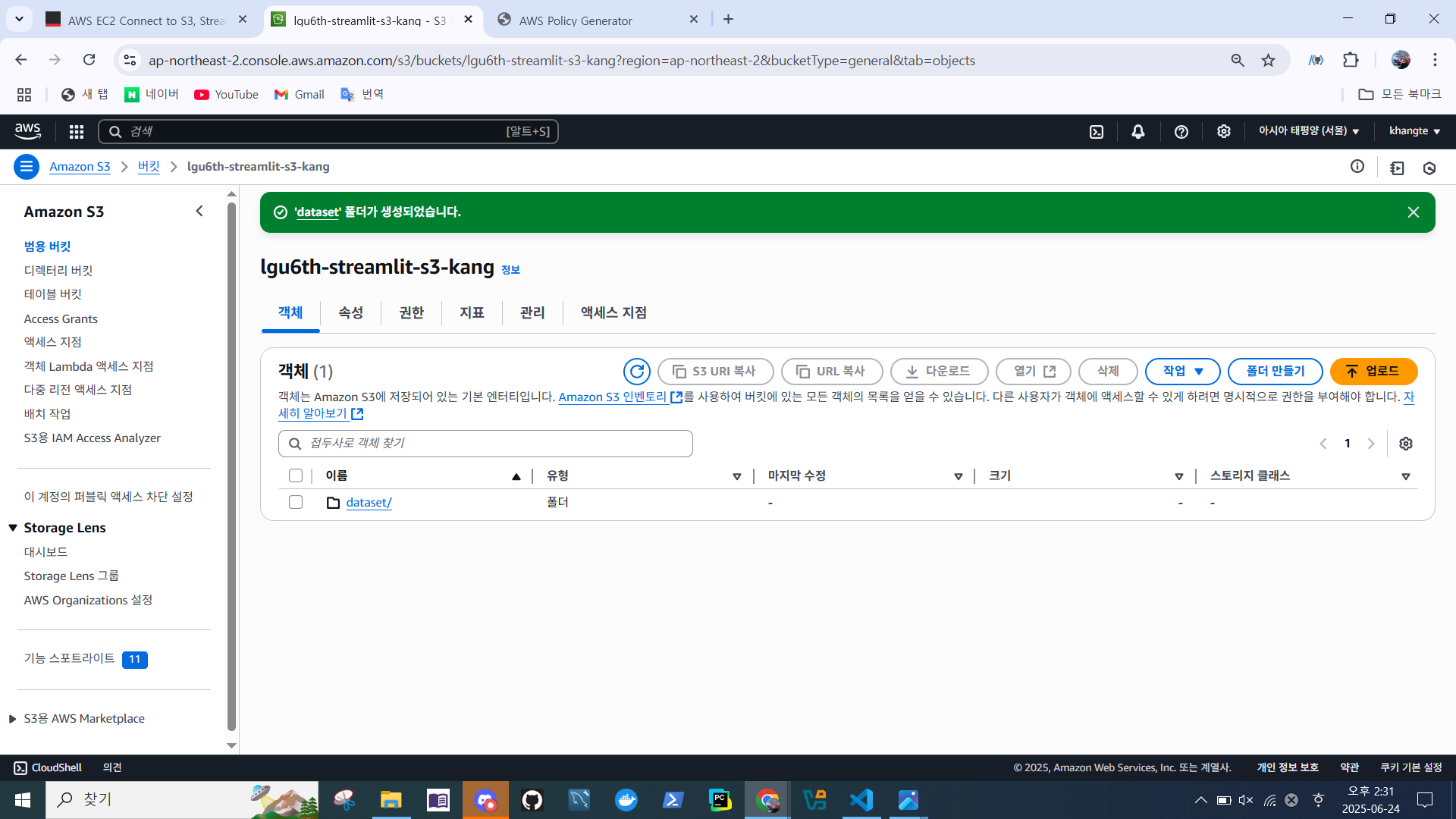
- 폴더 생성 확인
I AM 역할 설정
- I AM > 대시보드
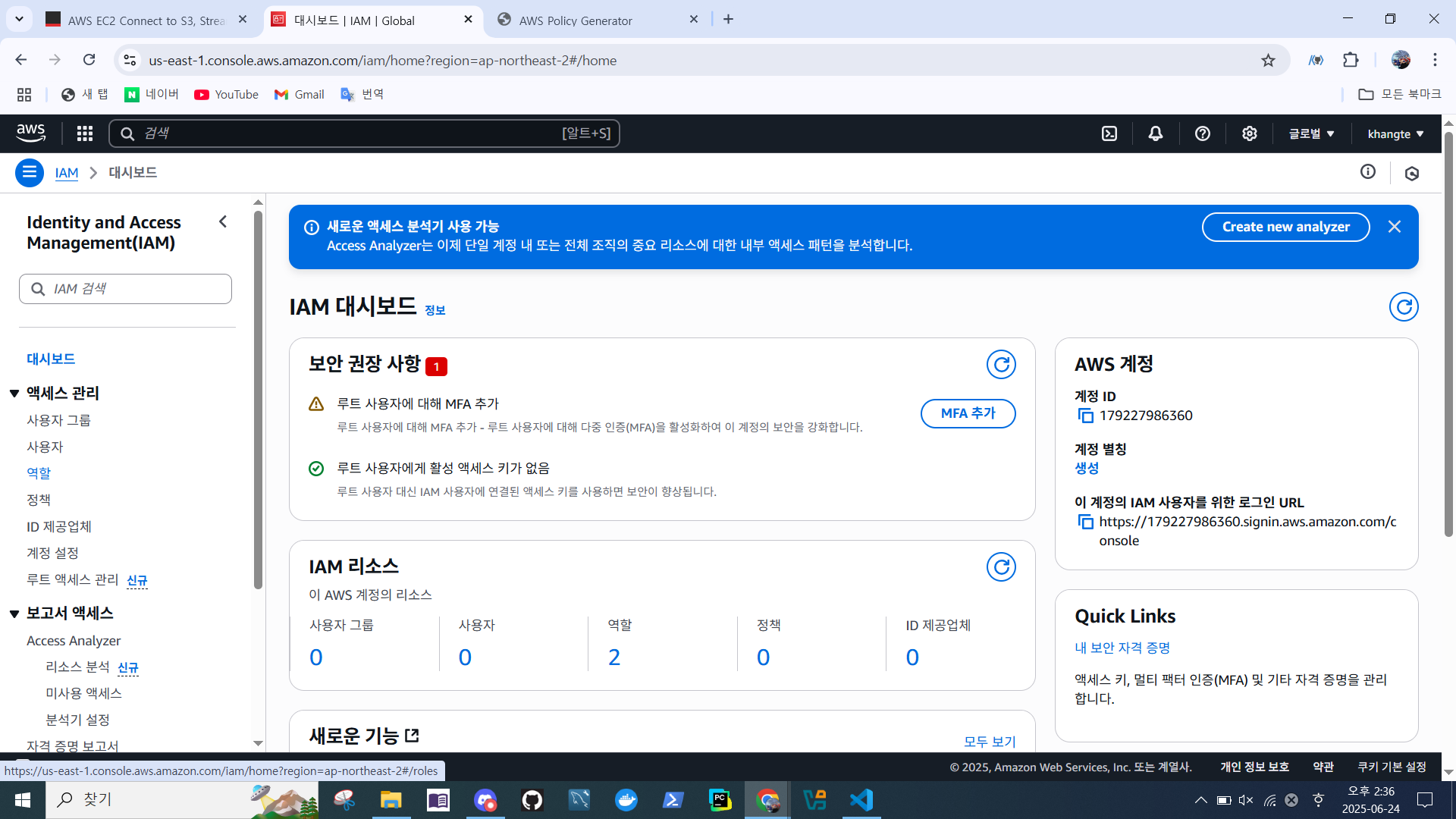
- 역할 > 역할 생성
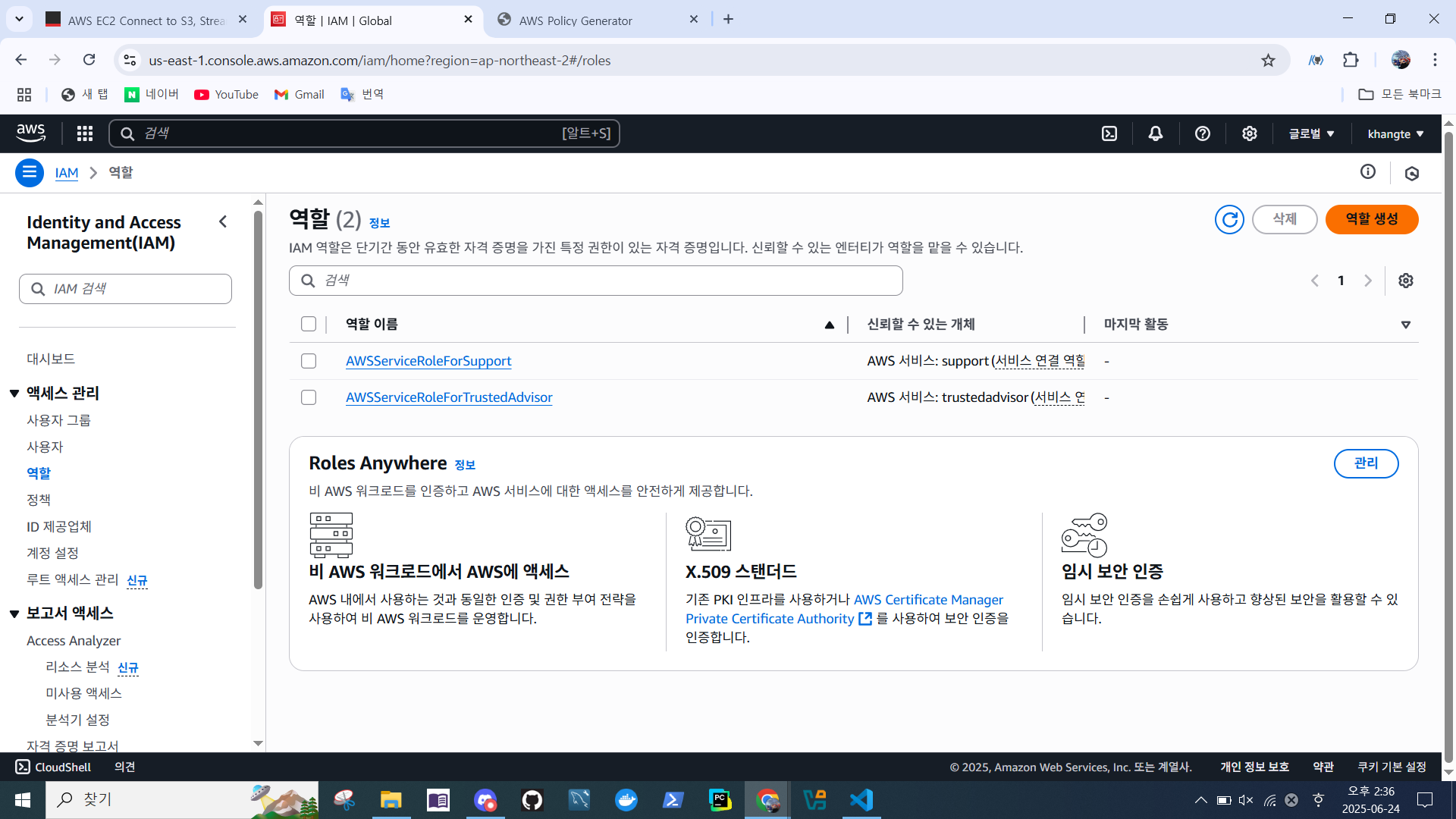
- AWS 서비스
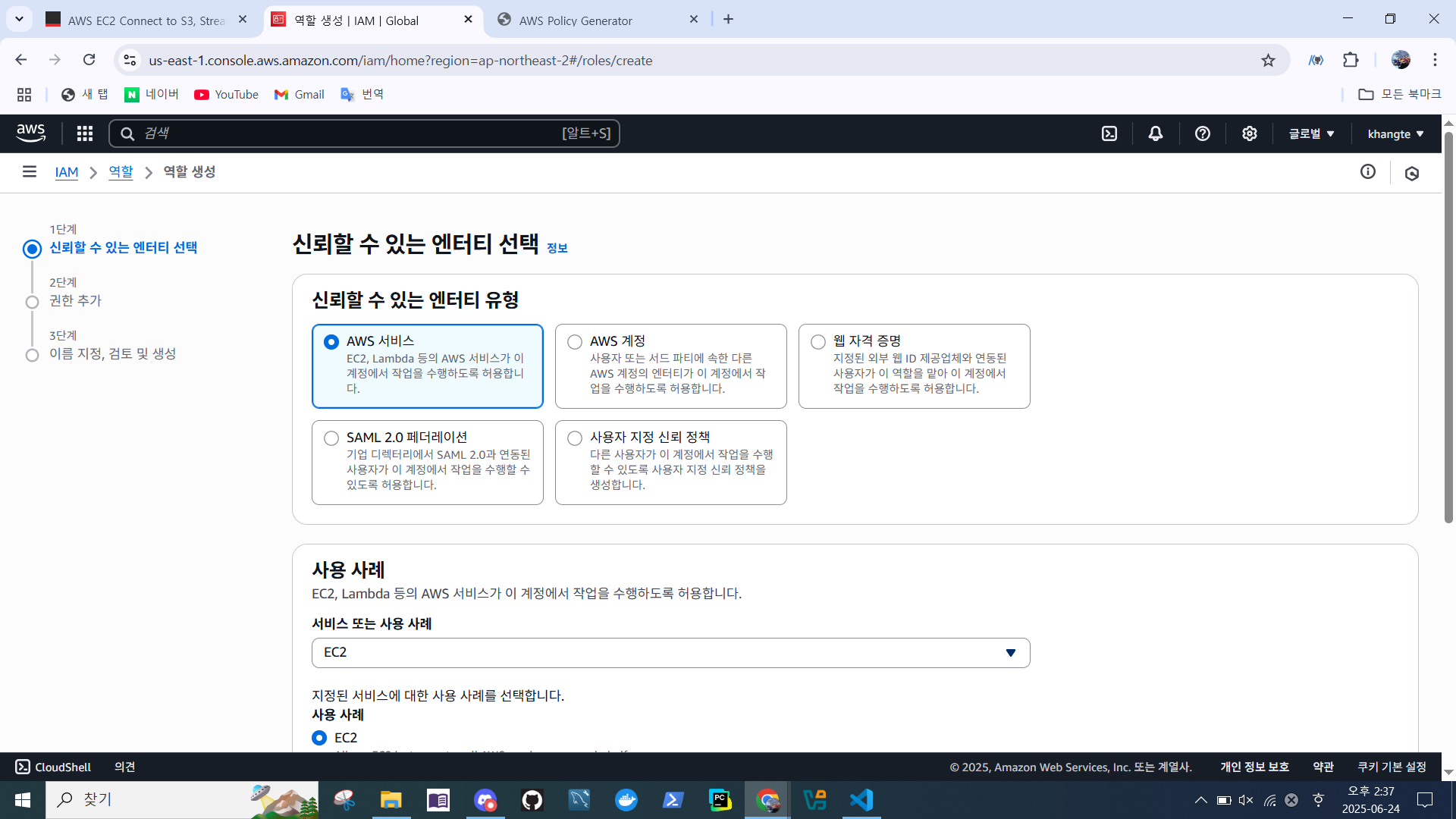
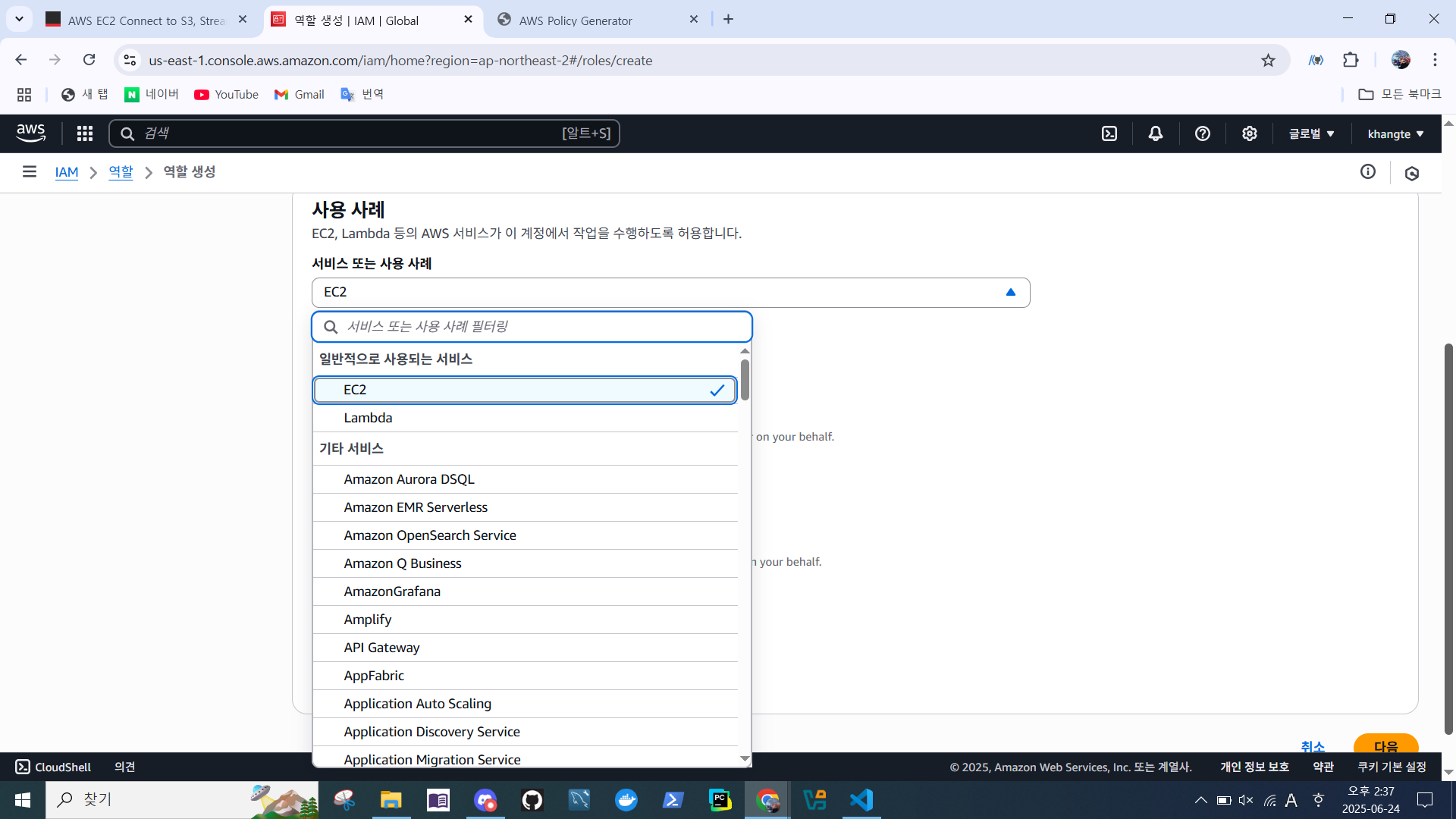
- 서비스 또는 사용 사례 -> EC2 > 다음
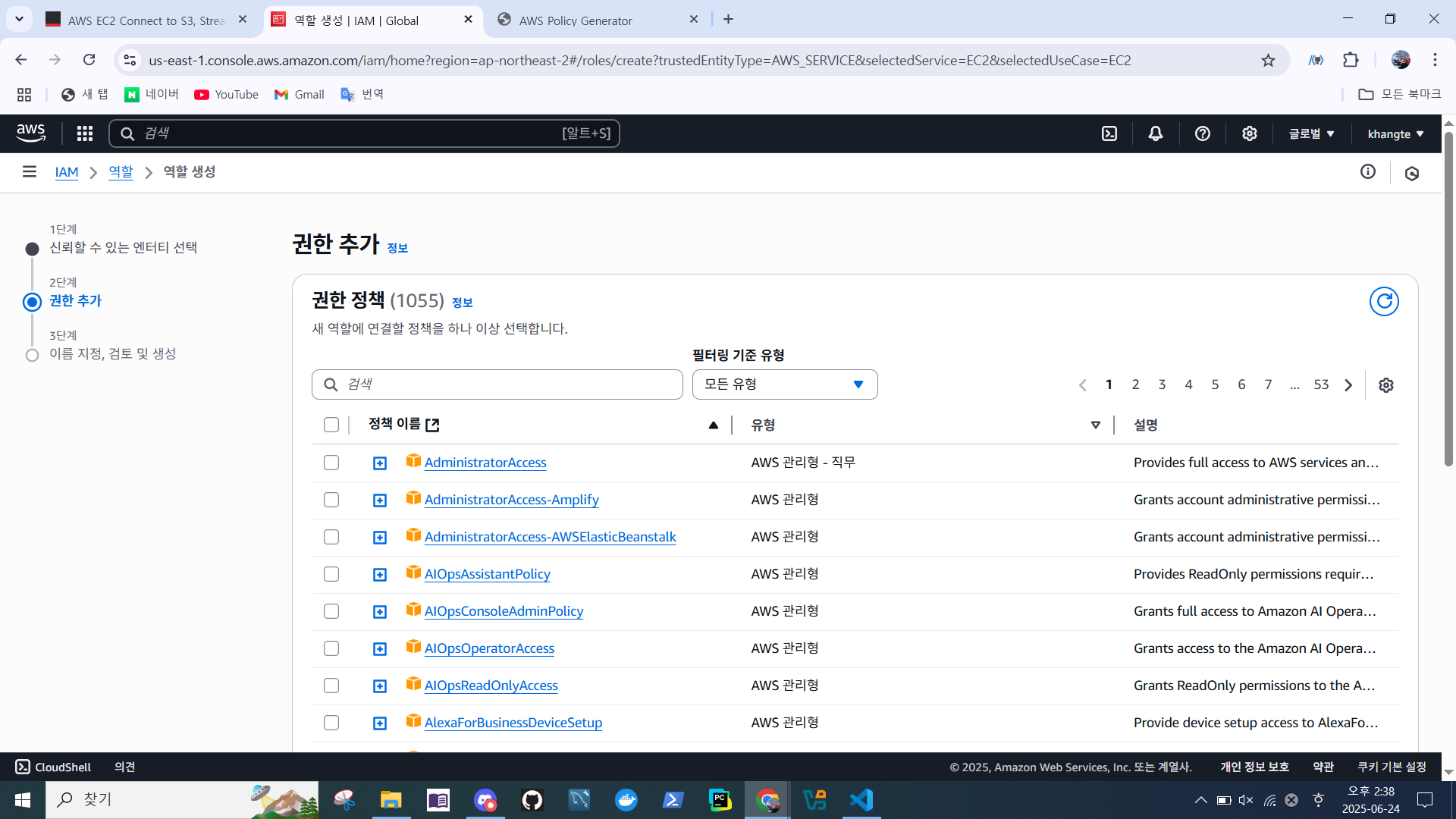
- 다음
- 이름 지정 > 역할 생성
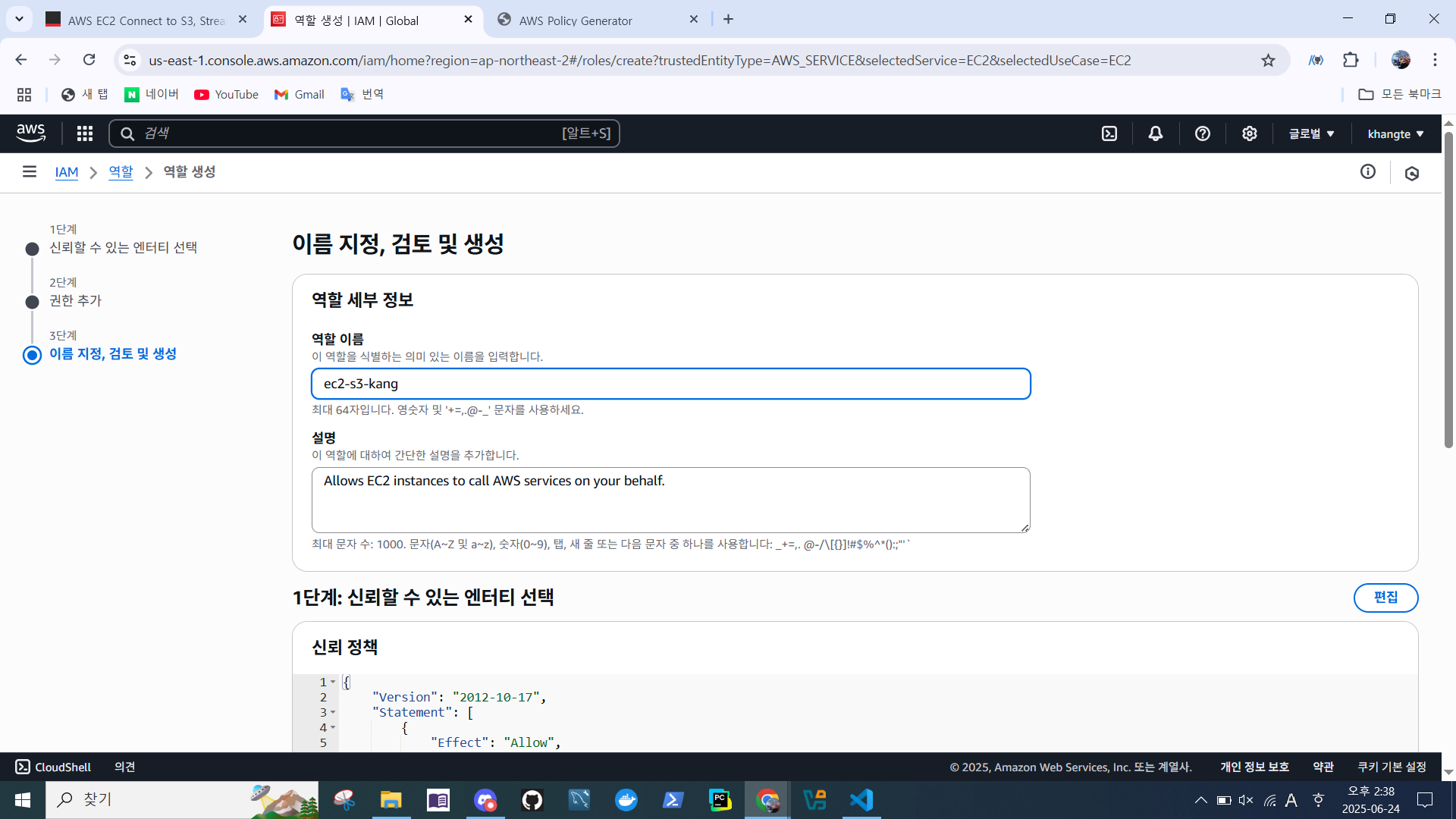
- 생성된 역할 확인
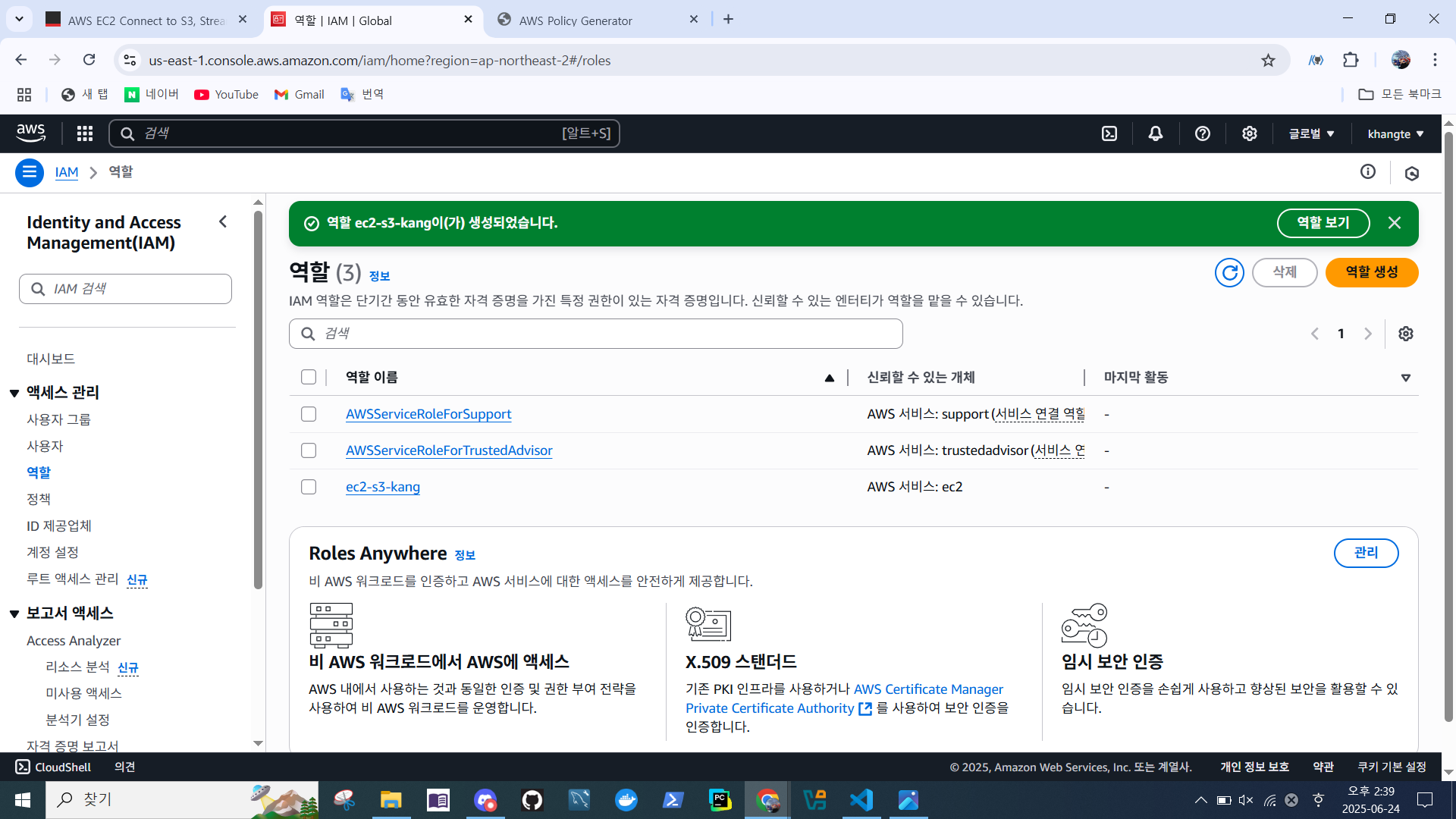
EC2 인스턴스와 I AM 역할 연결
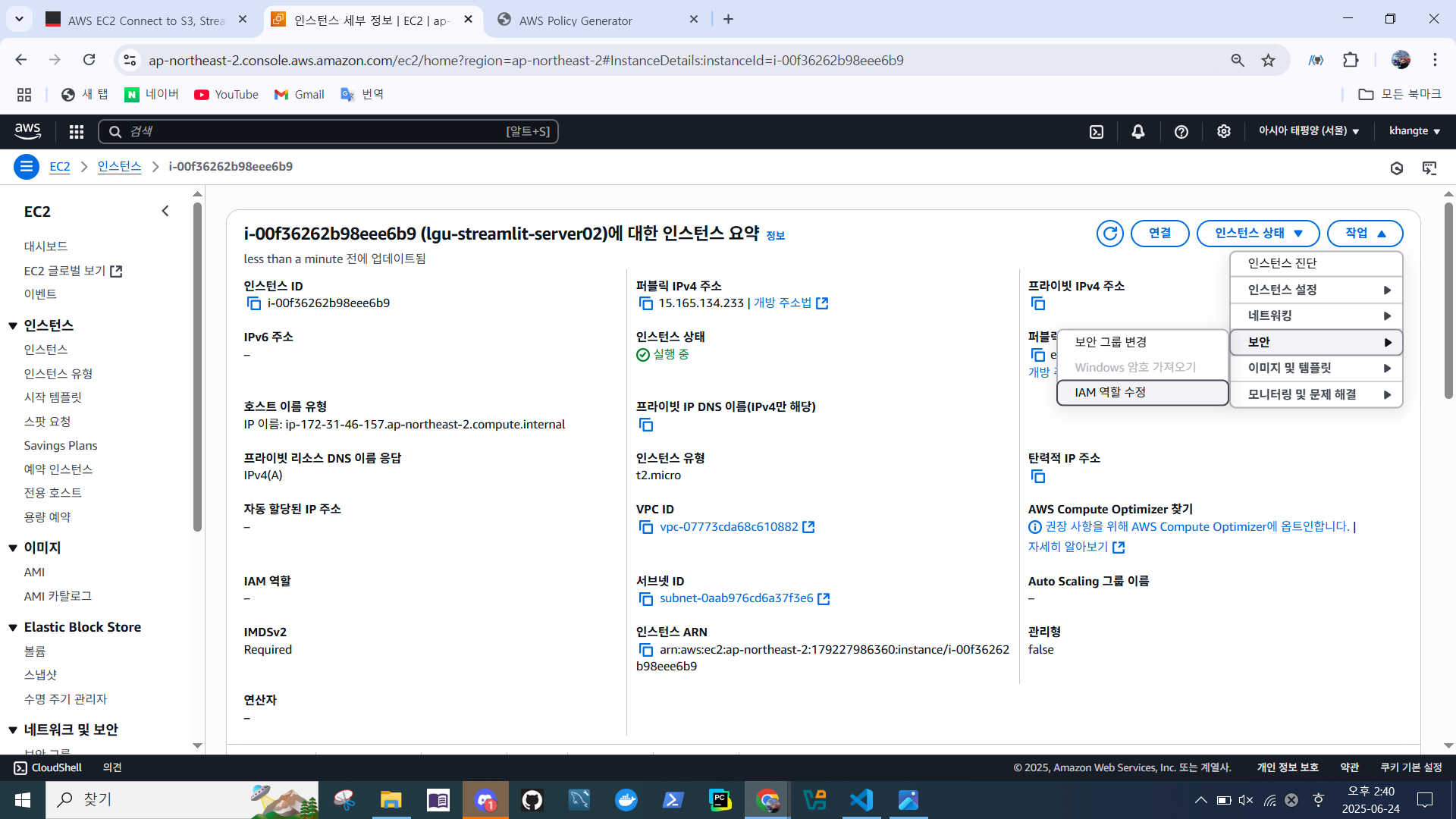
- EC2 > 인스턴스 > 작업 > 보안 > IAM 역할 수정
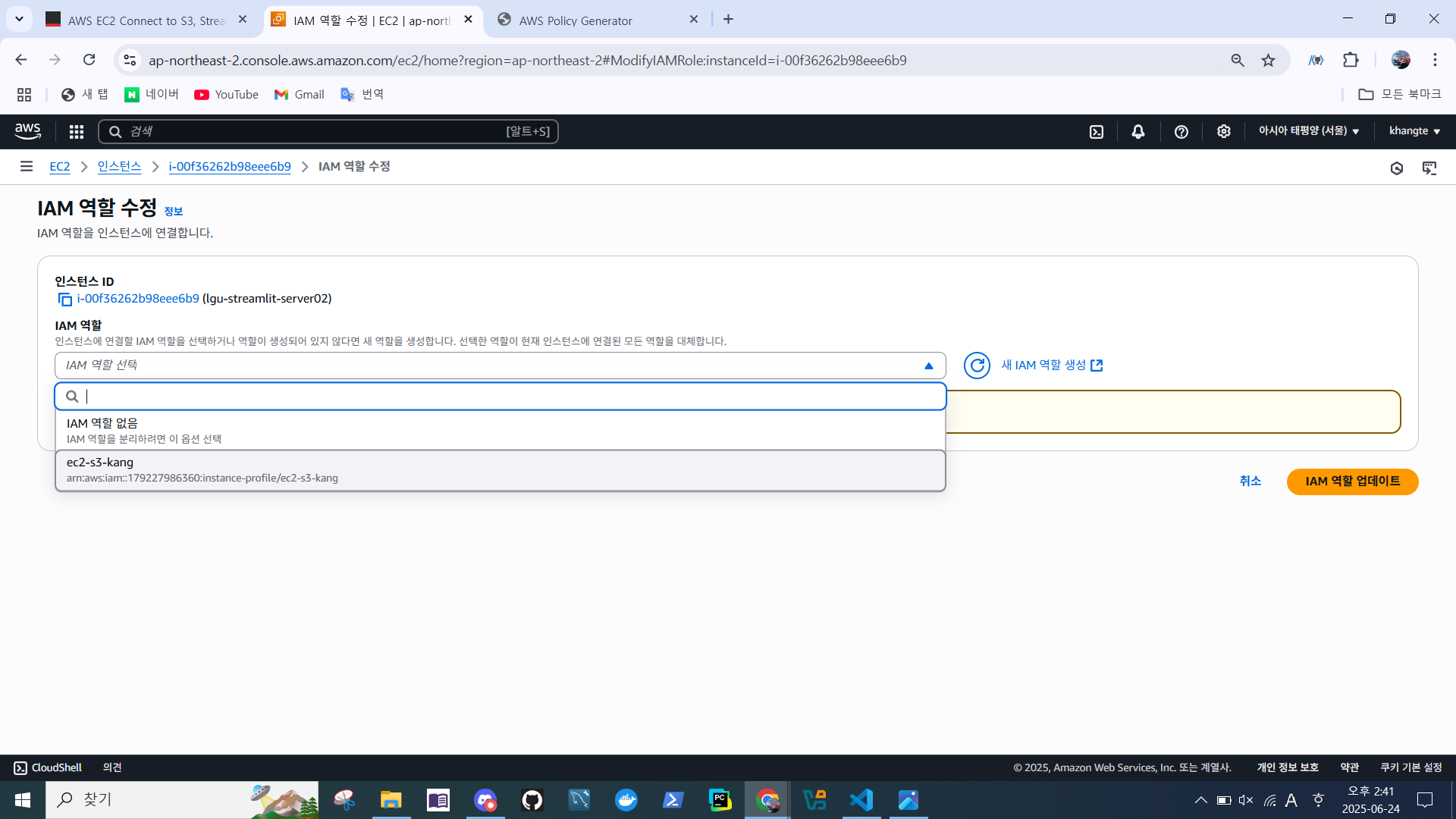
- IAM 역할 선택 > IAM 역할 업데이트
IAM 정책 생성 & 추가
- IAM > 정책 > 정착 생성
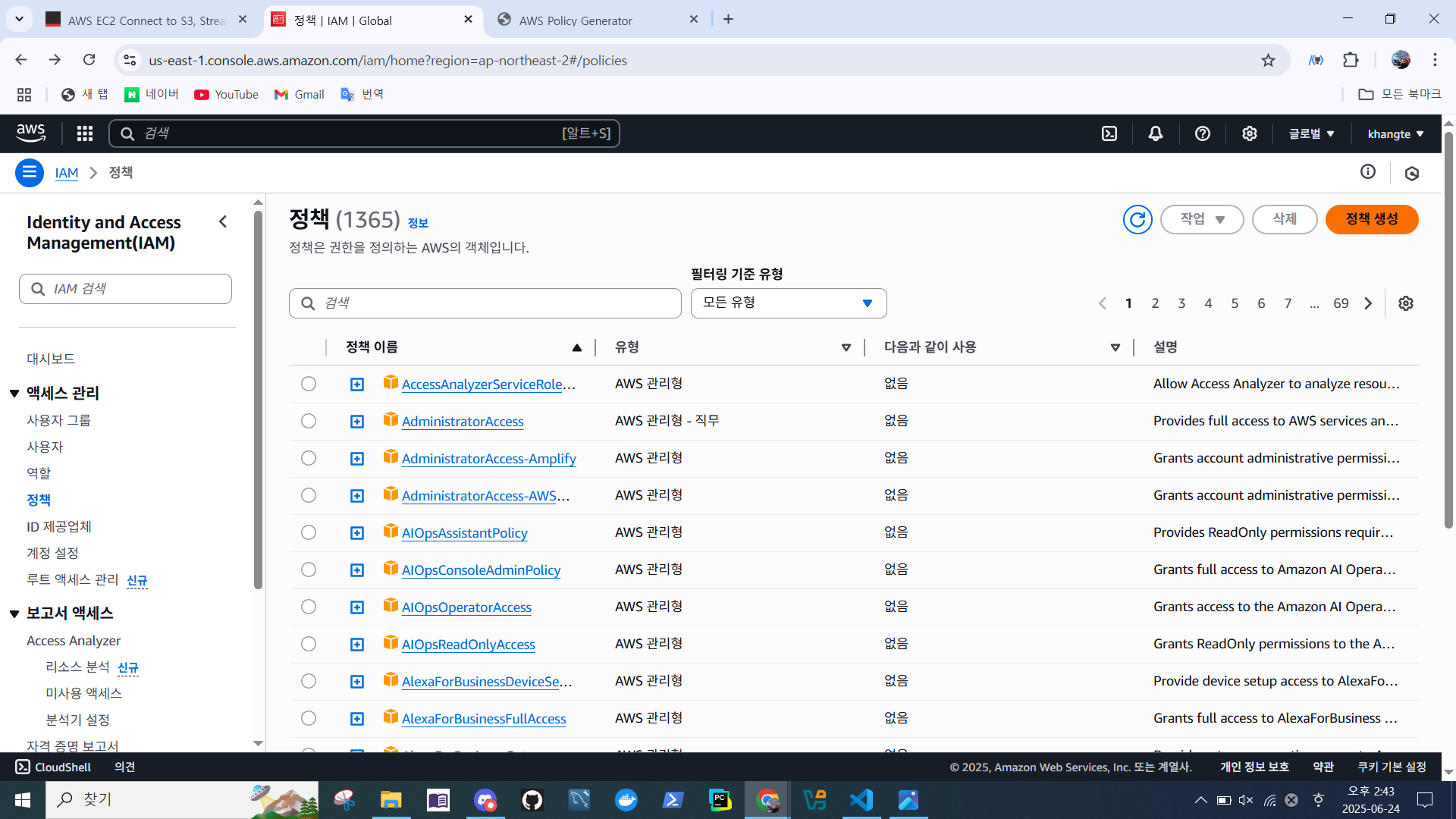
- 서비스 선택 -> S3
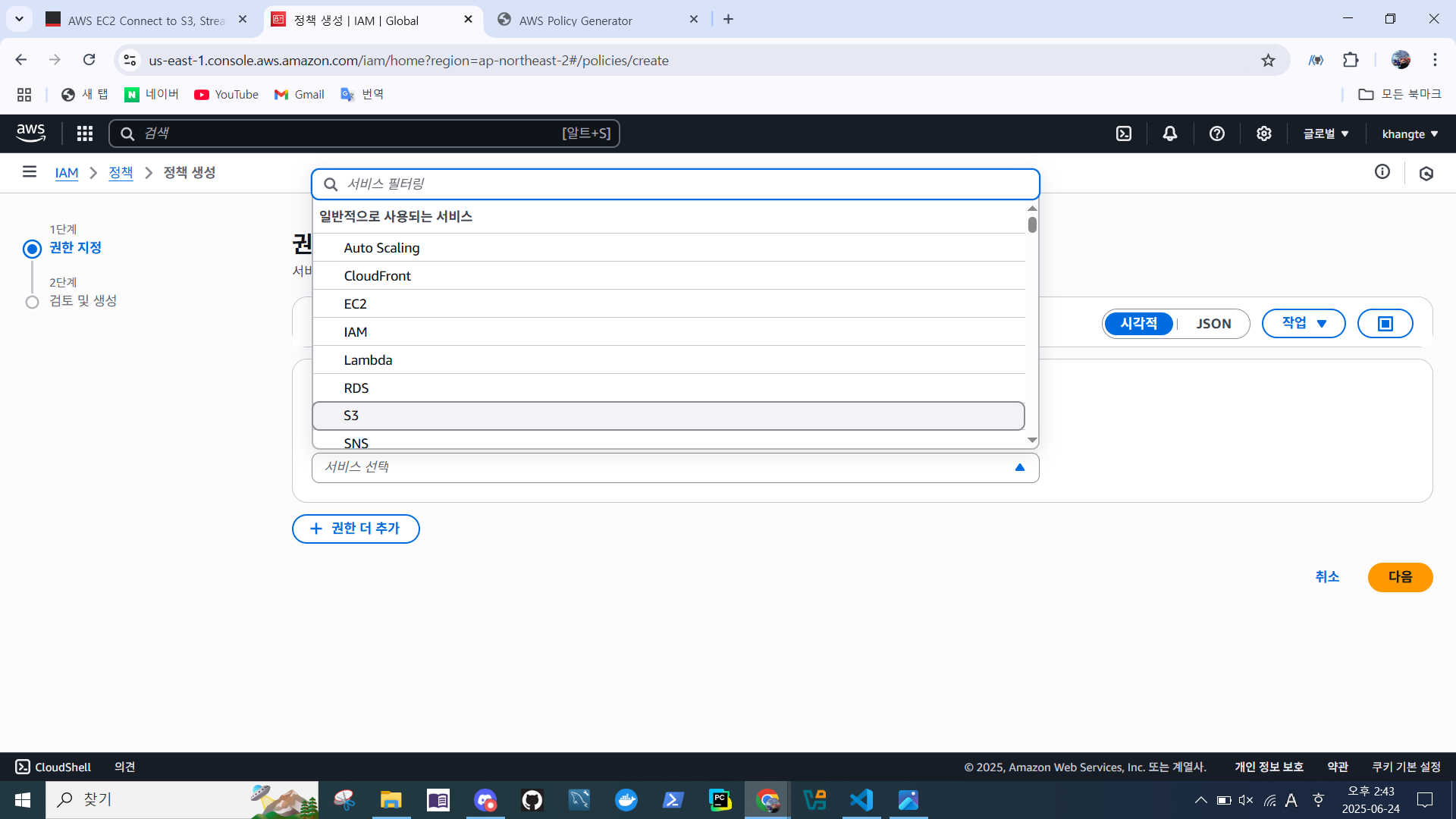
- 작업 추가
- 나열 > ListBucket
- 읽기 > GetObject
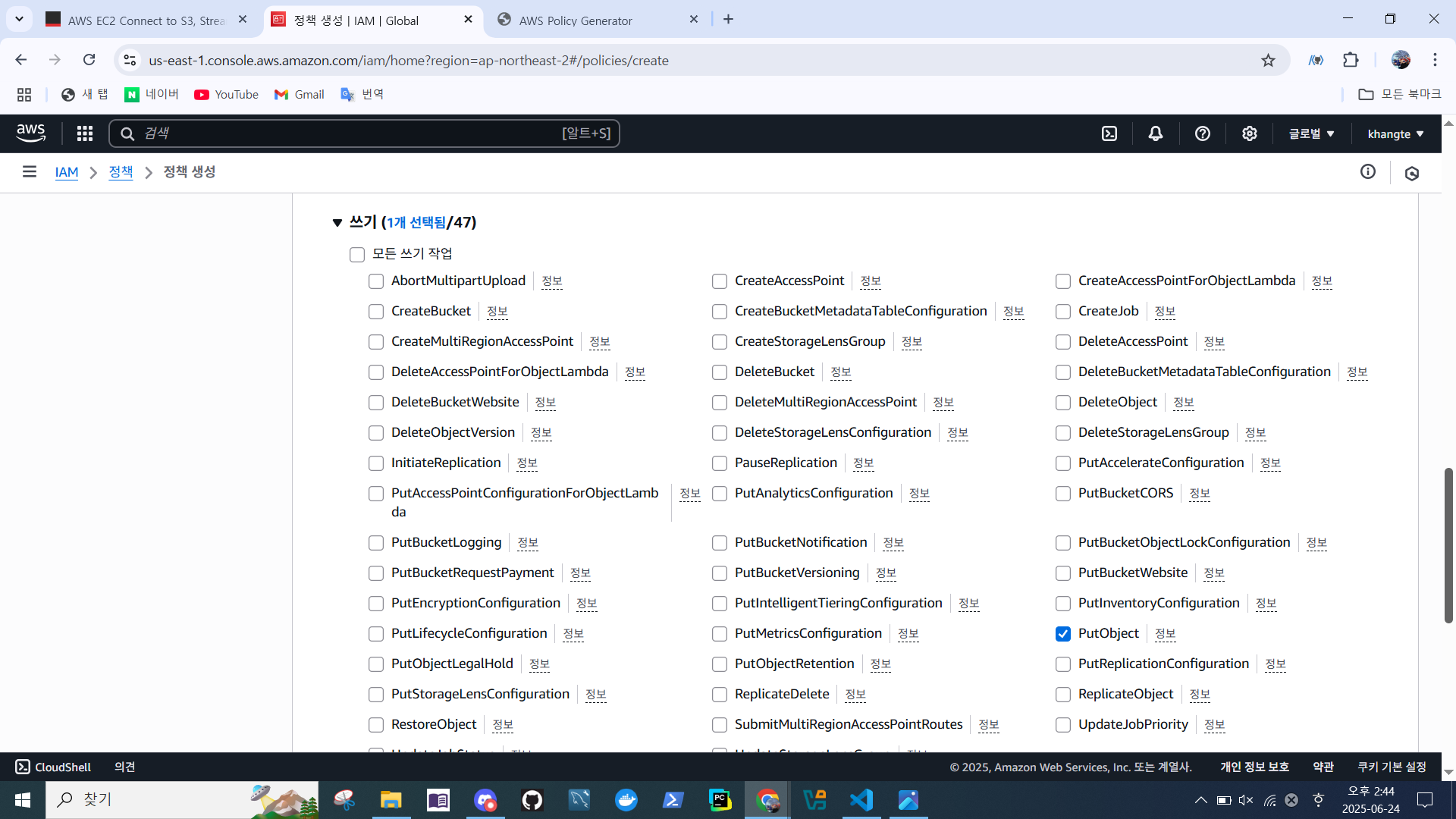
- 쓰기 > PutObject
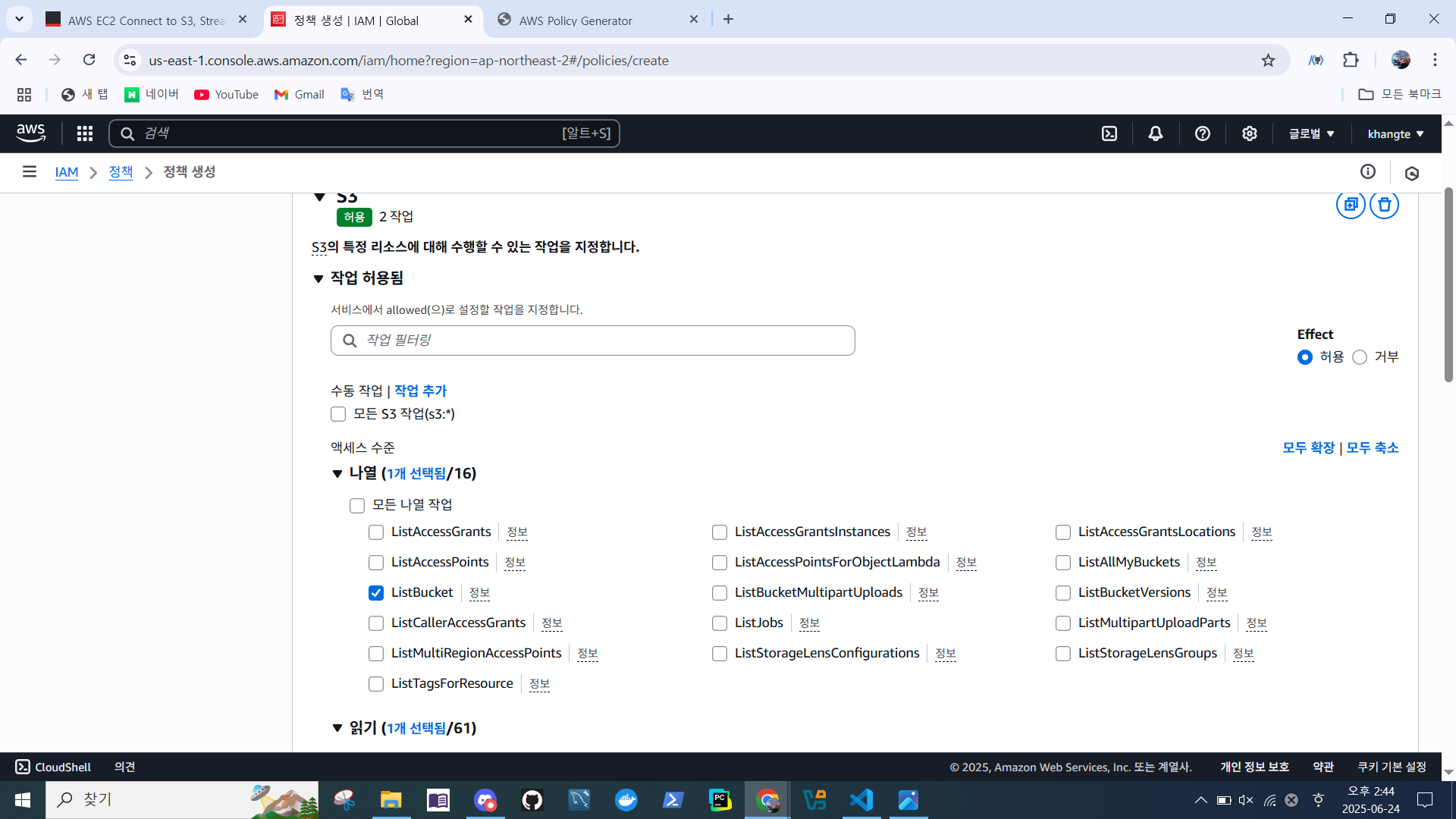
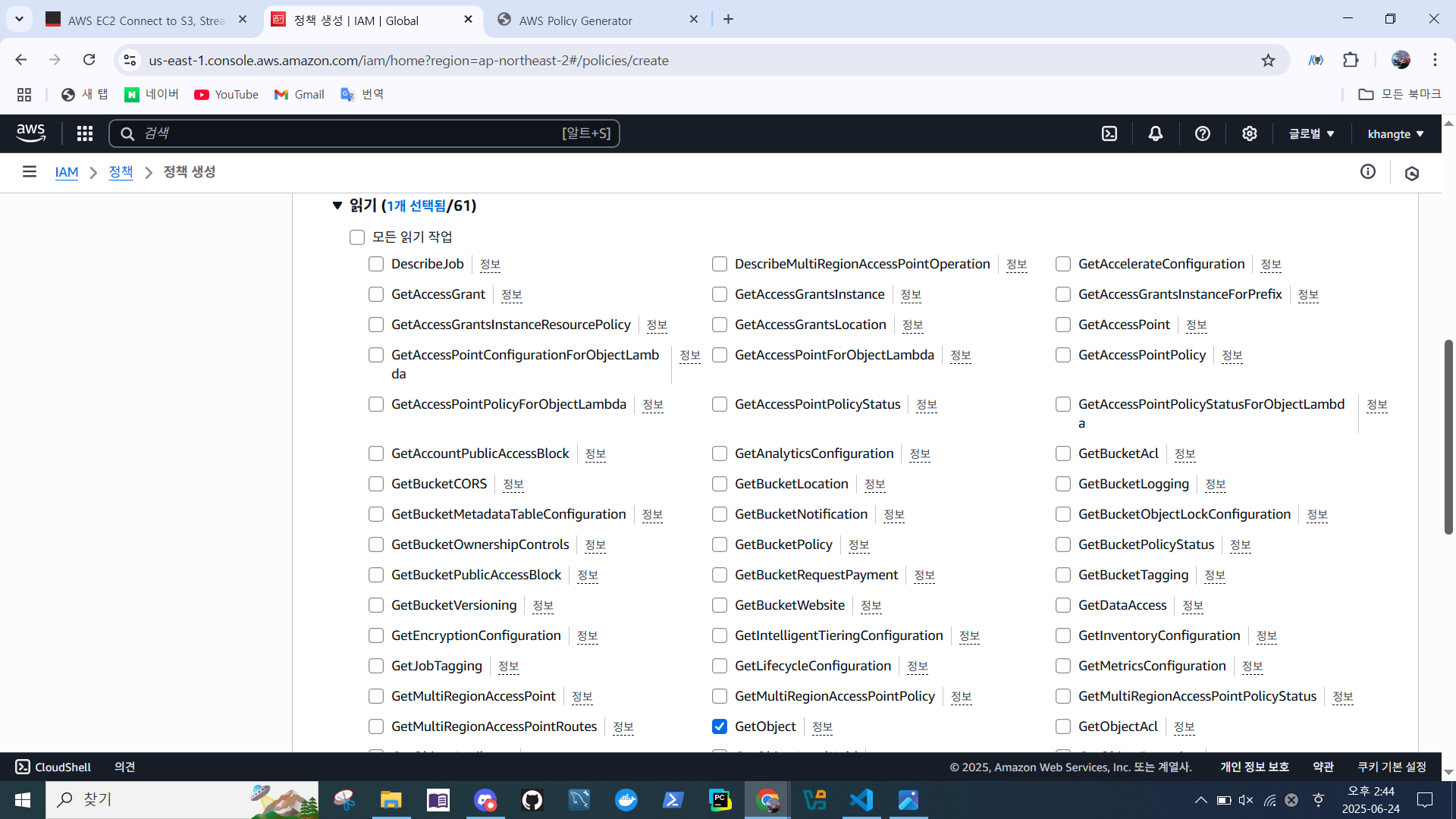
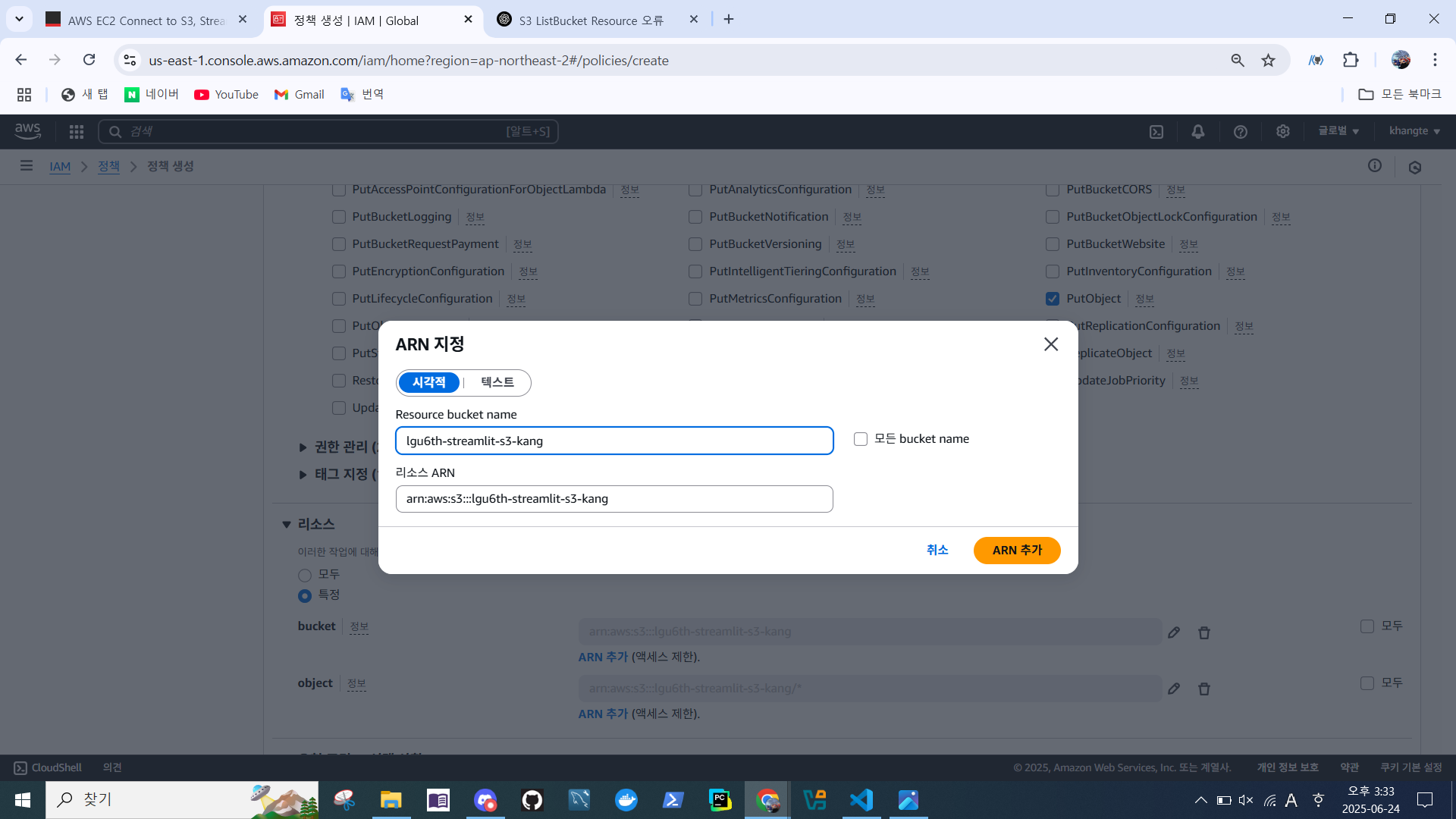
- Bucket ARN 지정
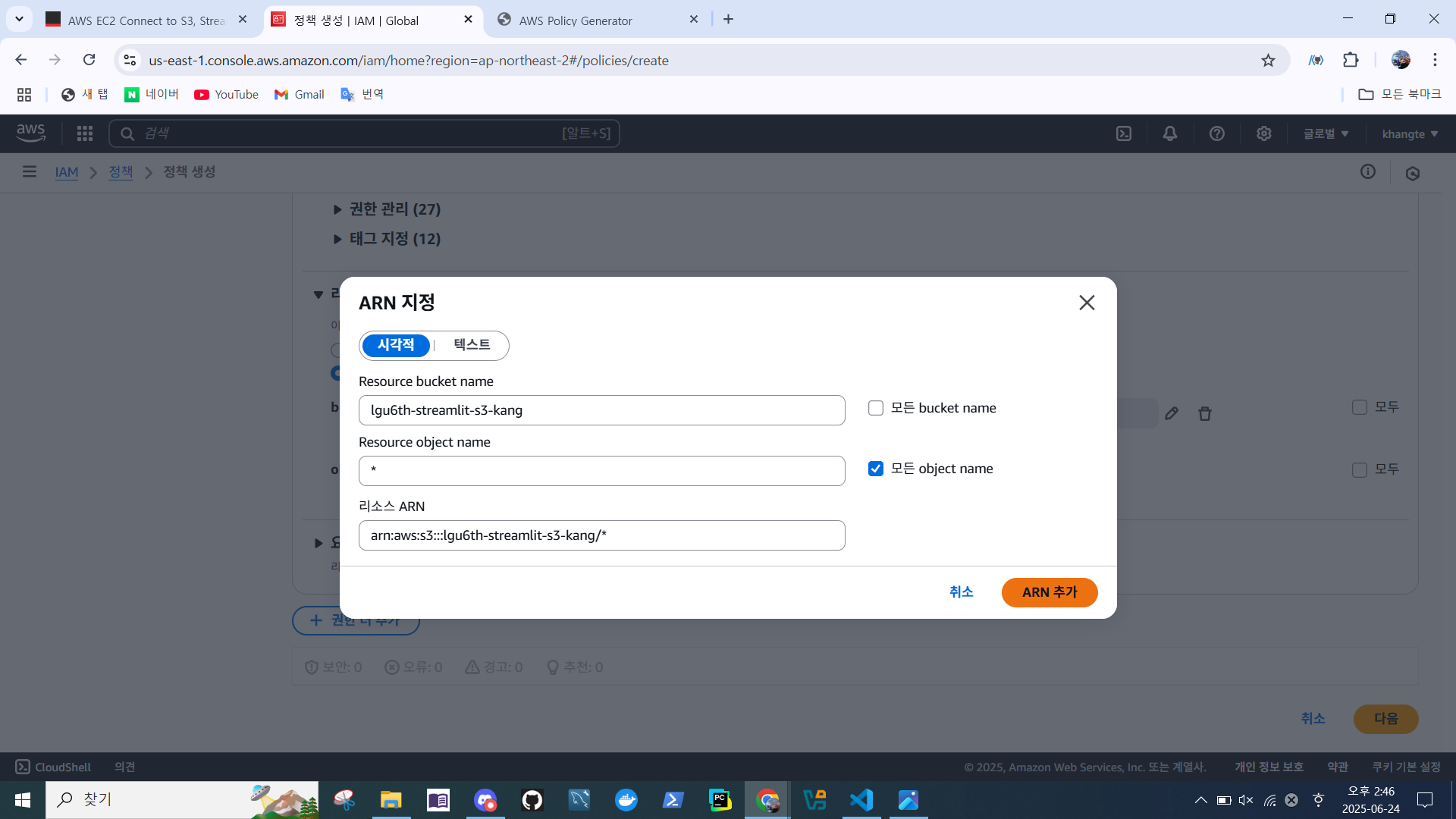
- Object ARN 지정
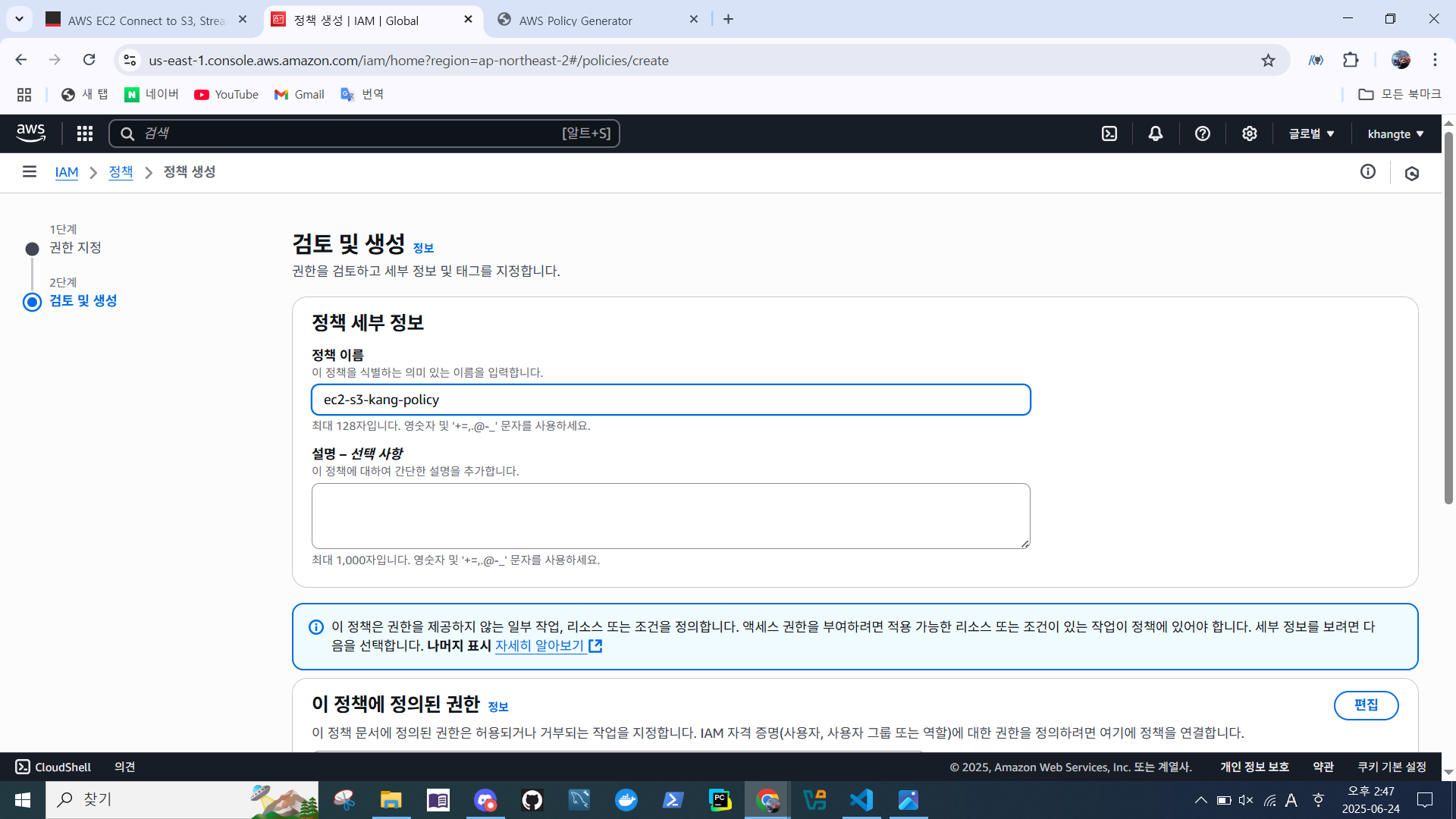
- 정책 이름 지정 > 정책 생성
- 생성된 정책 확인
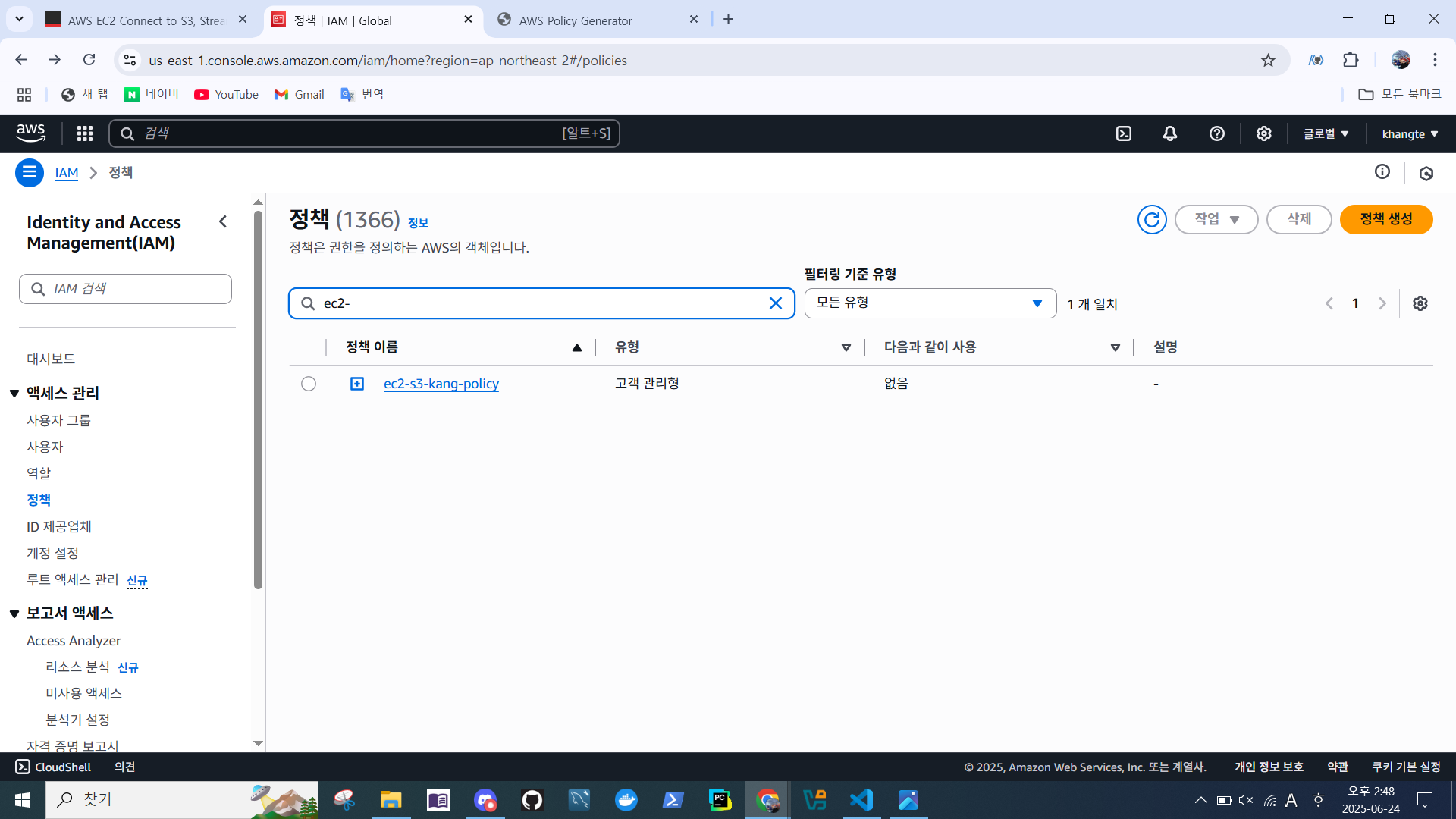
- 정책 > 연결된 엔터티
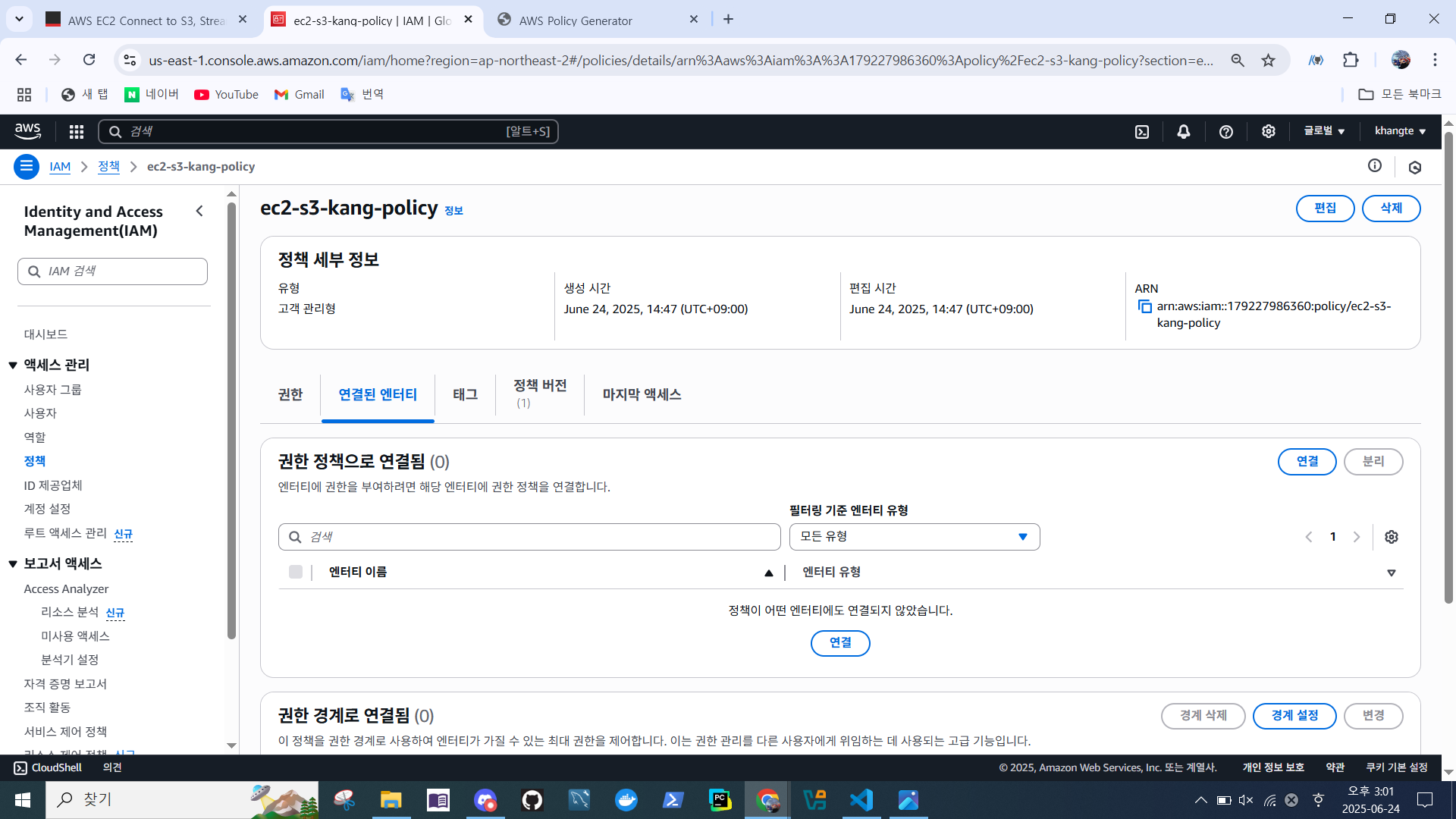
- 정책 선택 > 정책 연결
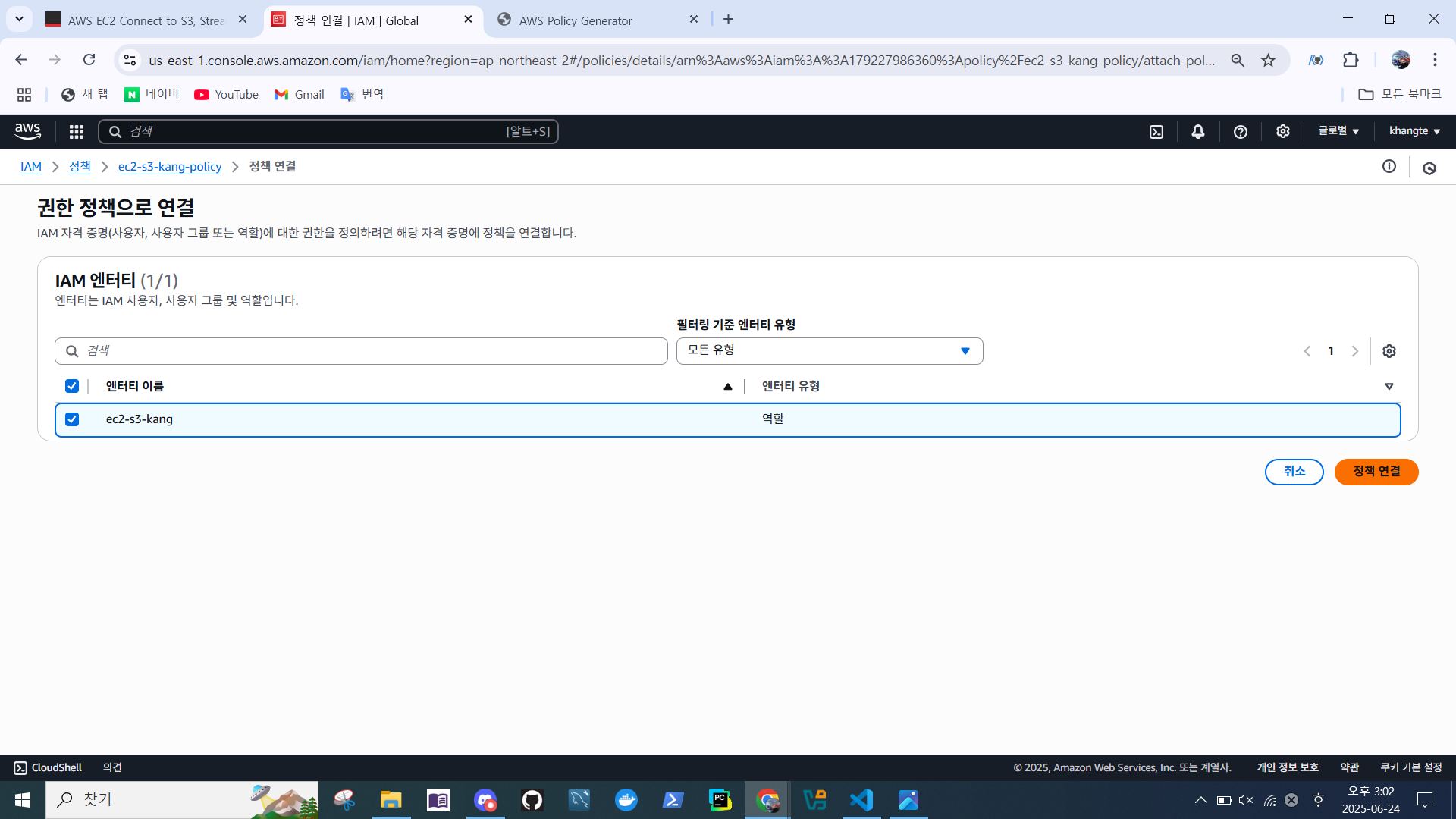
- 역할 확인
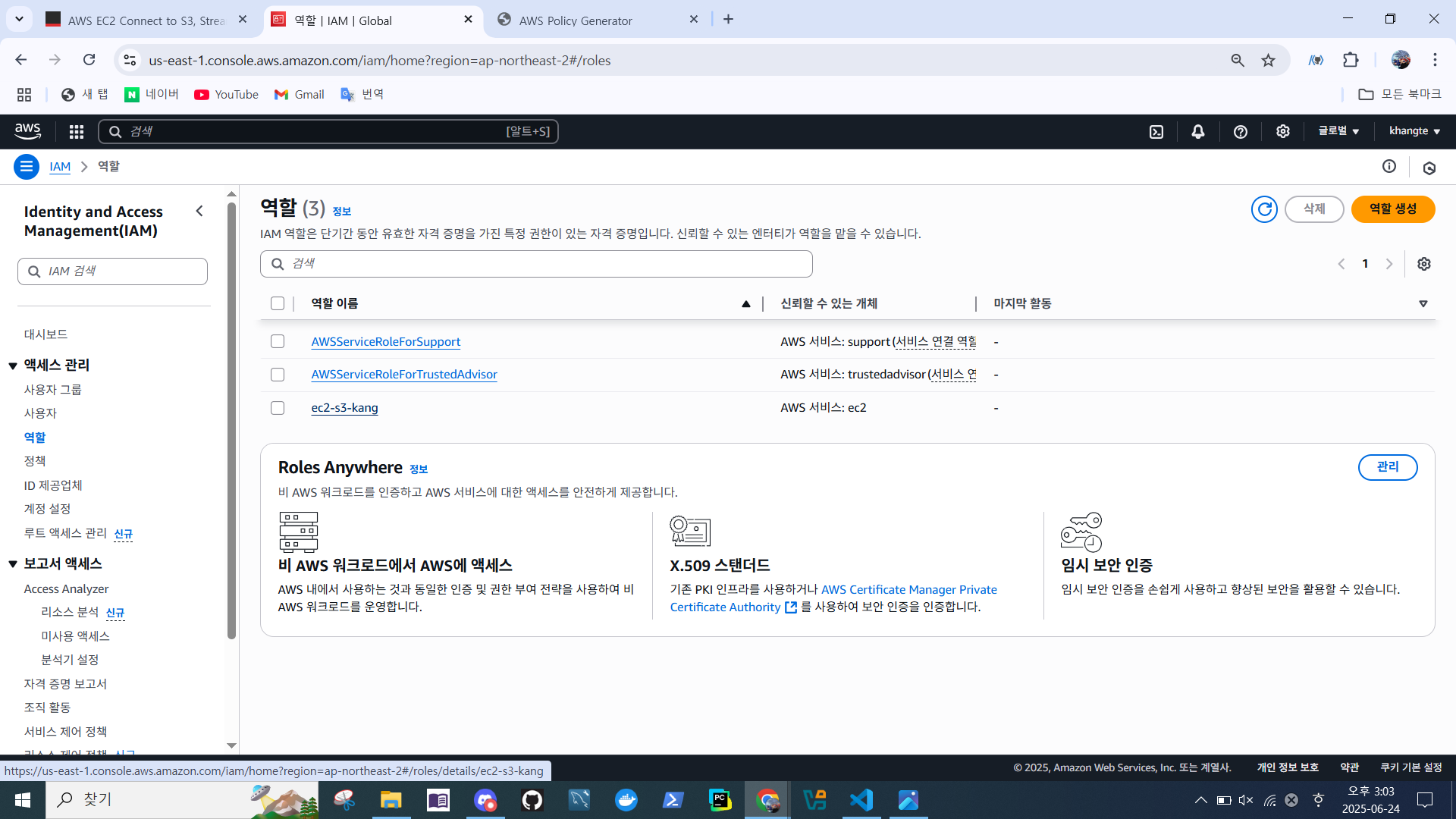
- 역할 > 권한 정책 > 권한 추가 > 인라인 정책 생성
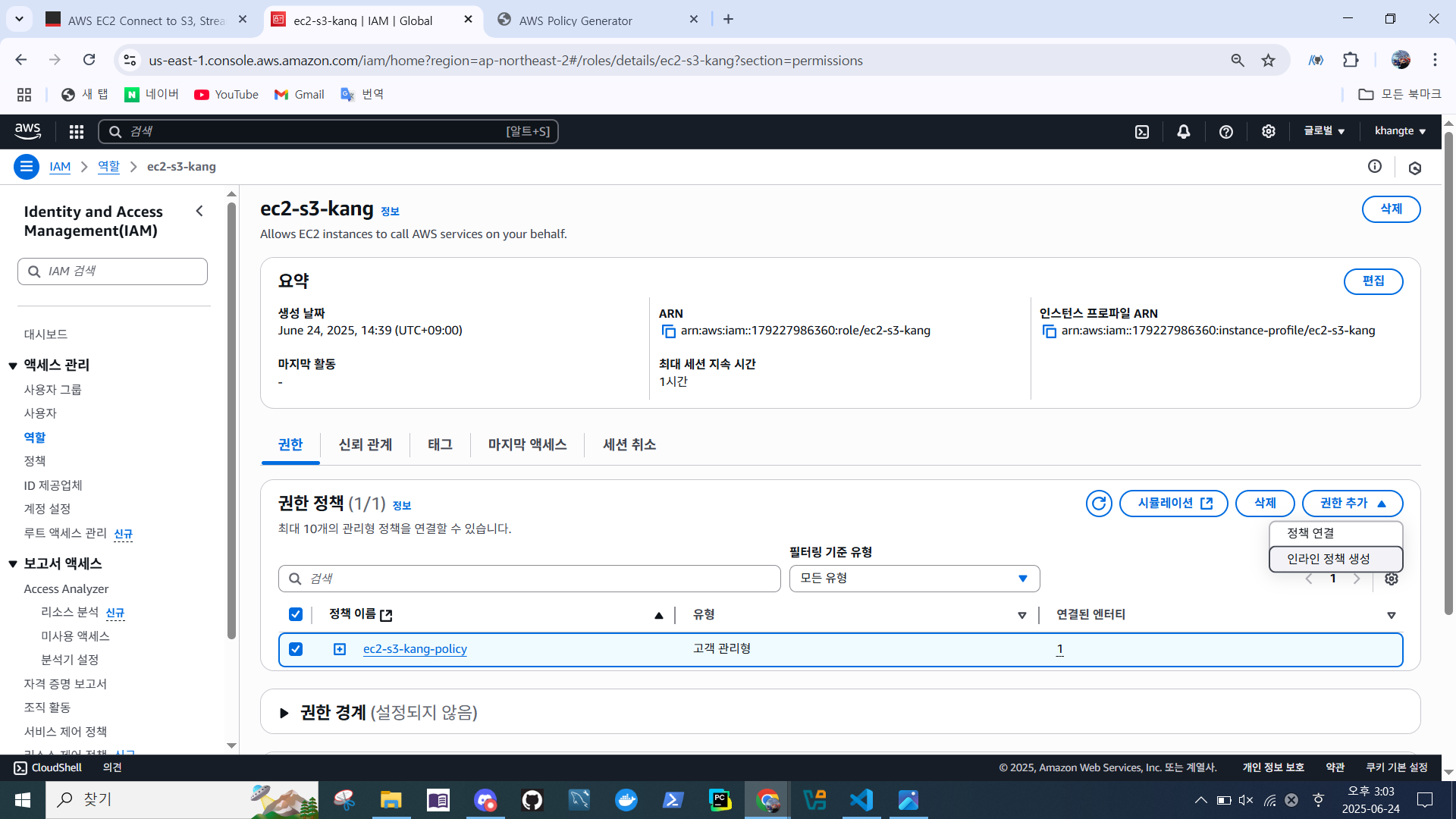
- 정책 세부 정보 확인
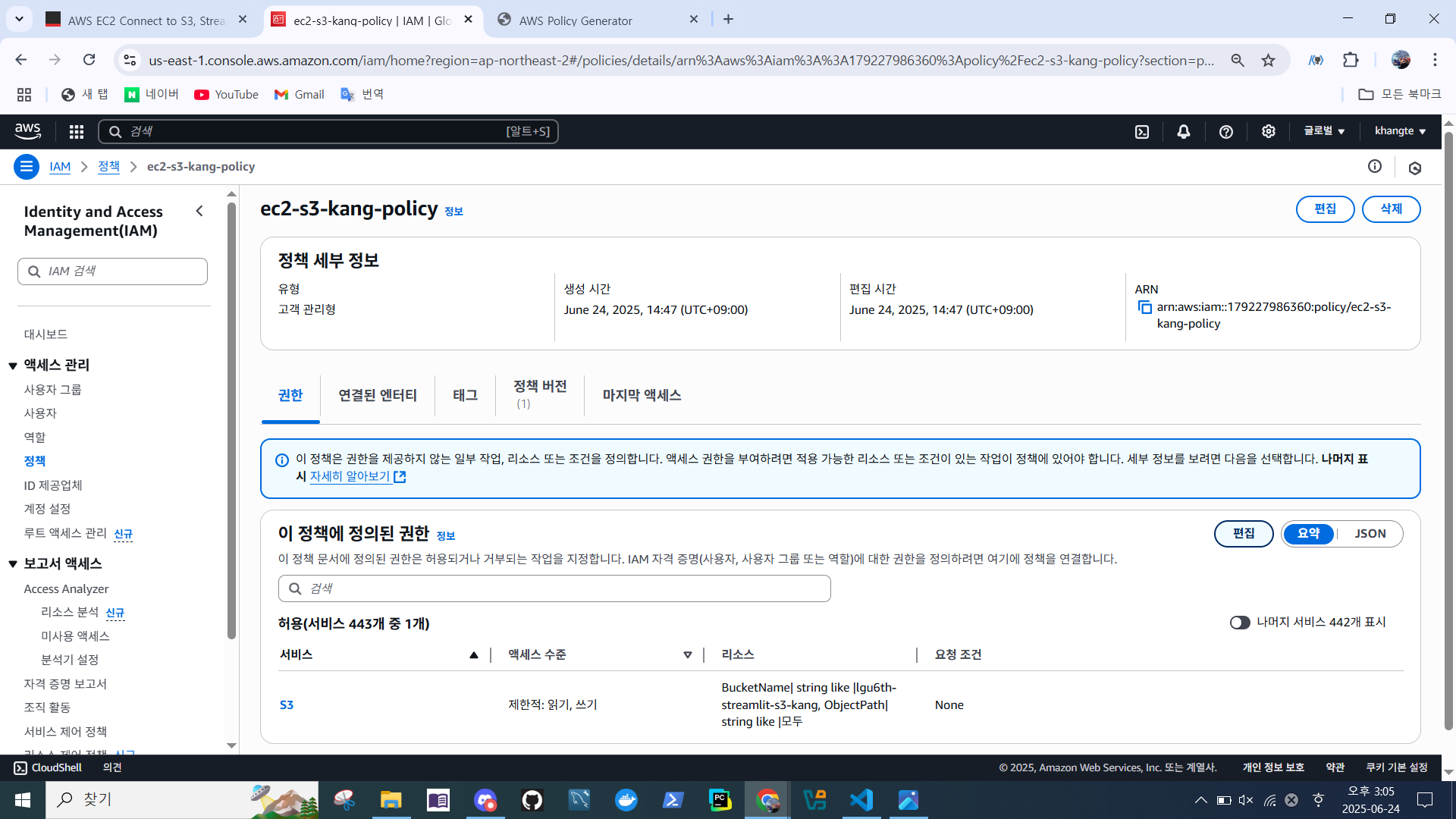
- 정책 권환 확인
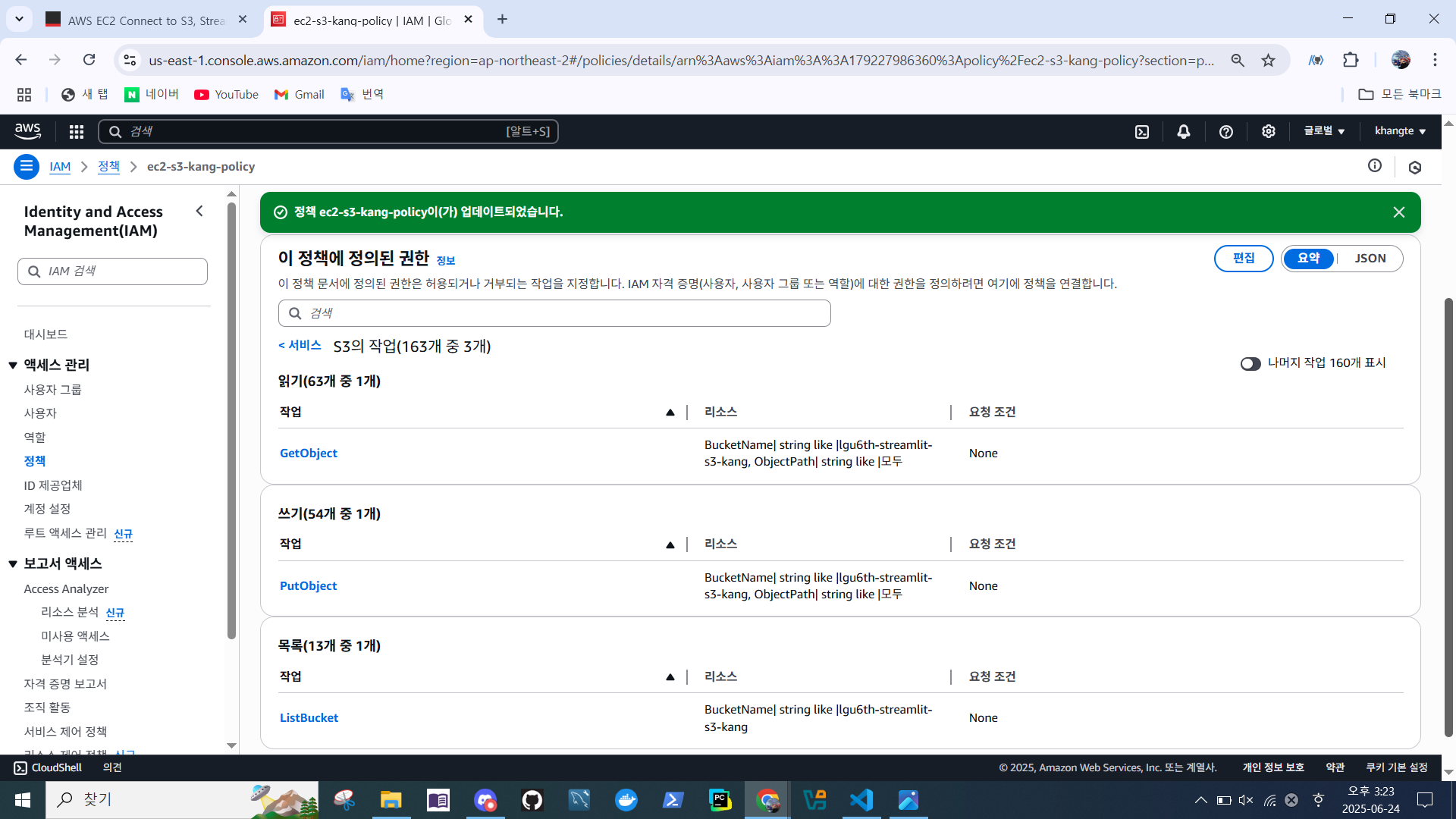
최종 ec2-s3-policy 형태
{
	"Version": "2012-10-17",
	"Statement": [
		{
			"Sid": "VisualEditor0",
			"Effect": "Allow",
			"Action": "s3:ListBucket",
			"Resource": "arn:aws:s3:::lgu6th-streamlit-s3-kang"
		},
		{
			"Sid": "VisualEditor1",
			"Effect": "Allow",
			"Action": [
				"s3:PutObject",
				"s3:GetObject"
			],
			"Resource": "arn:aws:s3:::lgu6th-streamlit-s3-kang/*"
		}
	]
}
S3 버킷 테스트
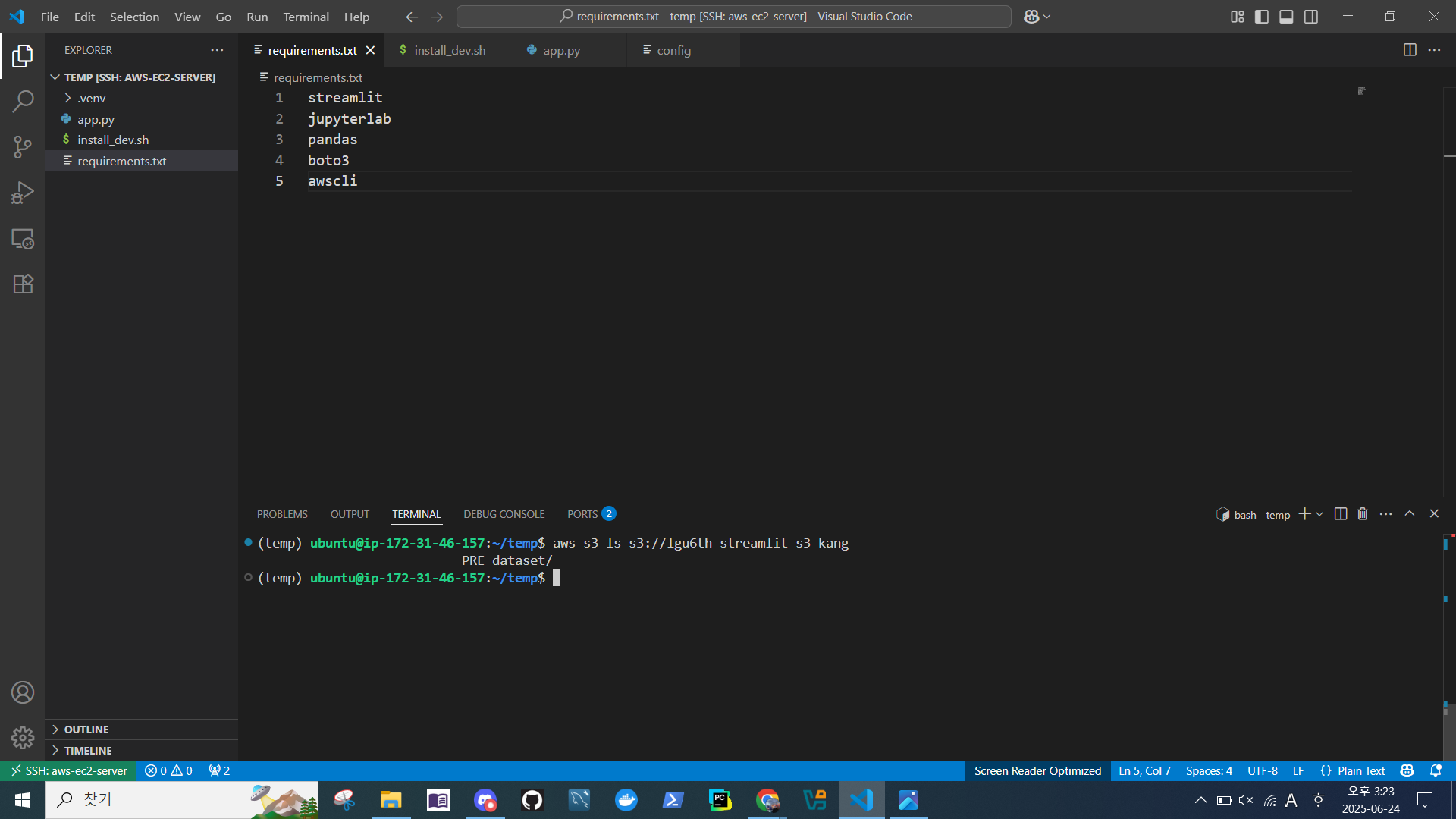
VS Code에서 라이브러리 추가
streamlit
jupyterlab
pandas
boto3
awscli
시나리오
import streamlit as st
import boto3
import pandas as pd
import io
import random
from datetime import datetime

st.title("Hello AWS-Streamlit")

# S3 설정
bucket = 'lgu6th-streamlit-s3-kang' # S3 버킷 이름
key = 'dataset/random_scores.csv'
s3 = boto3.client('s3')

def load_data():
    try:
        obj = s3.get_object(Bucket=bucket, Key=key)
        return pd.read_csv(io.BytesIO(obj['Body'].read()))
    except s3.exceptions.NoSuchKey:
        return pd.DataFrame(columns=['timestamp', 'name', 'score'])

def save_data(df):
    buffer = io.StringIO()
    df.to_csv(buffer, index=False)
    s3.put_object(Bucket=bucket, Key=key, Body=buffer.getvalue())

def generate_row():
    return {
        'timestamp': datetime.now().strftime("%Y-%m-%d %H:%M:%S"),
        'name': random.choice(['Alice', 'Bob', 'Charlie', 'David']),
        'score': random.randint(60, 100)
    }

# 앱 UI
st.title("📦 EC2 ↔ S3 데이터 관리 앱")

# 1️⃣ 데이터 추가 버튼
if st.button("➕ 새 데이터 추가"):
    df = load_data()
    new_row = generate_row()
    df = pd.concat([df, pd.DataFrame([new_row])], ignore_index=True)
    save_data(df)
    st.success(f"S3에 {new_row['name']} 점수 {new_row['score']} 저장됨")

# 2️⃣ 데이터 가져오기 버튼
if st.button("📥 데이터 가져오기"):
    df = load_data()

    if df.empty:
        st.warning("S3에 저장된 데이터가 없습니다.")
    else:
        st.subheader("📋 저장된 데이터")
        st.dataframe(df)

        st.subheader("📊 평균 점수 그래프")
        st.bar_chart(df.groupby("name")["score"].mean())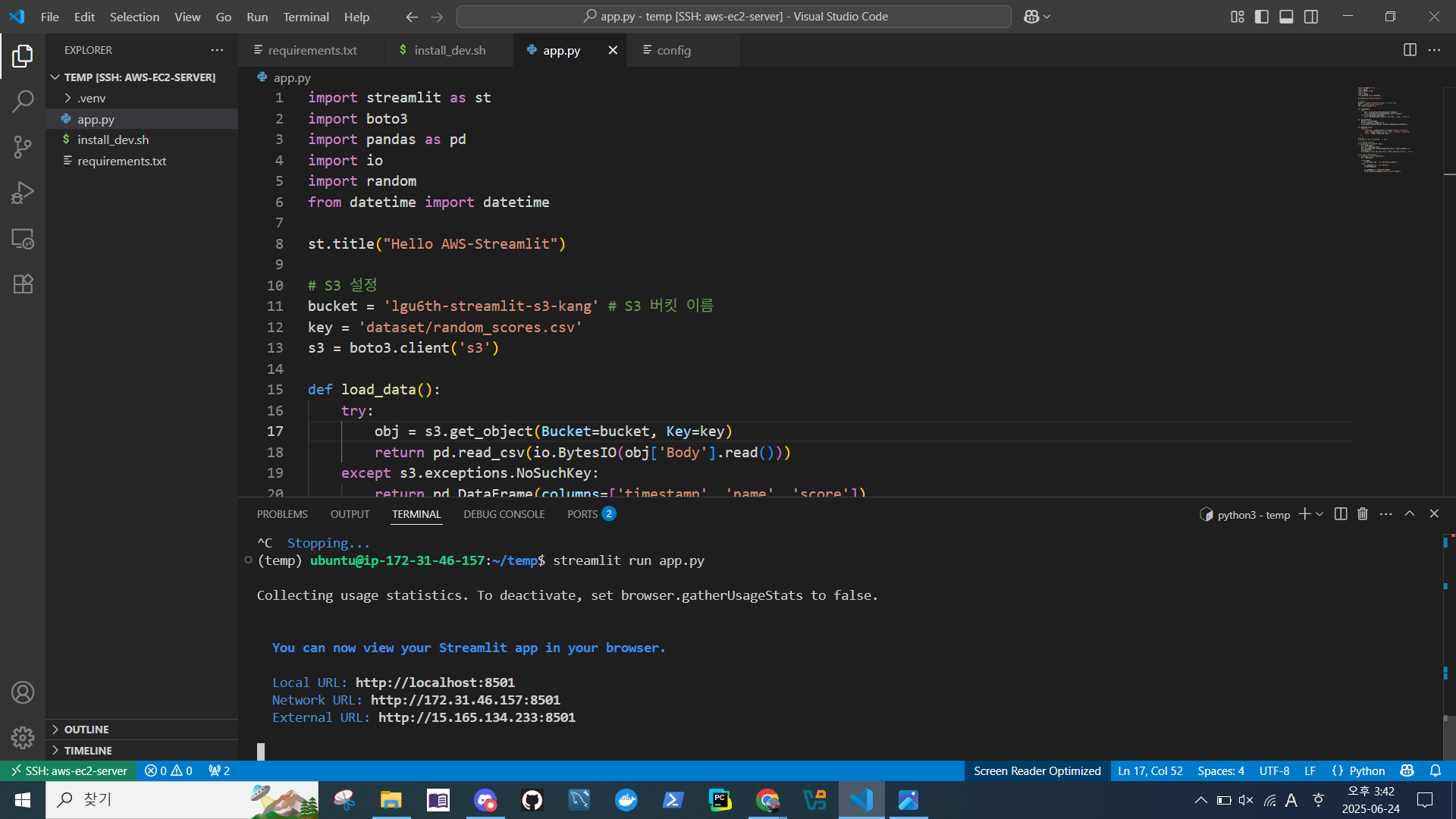
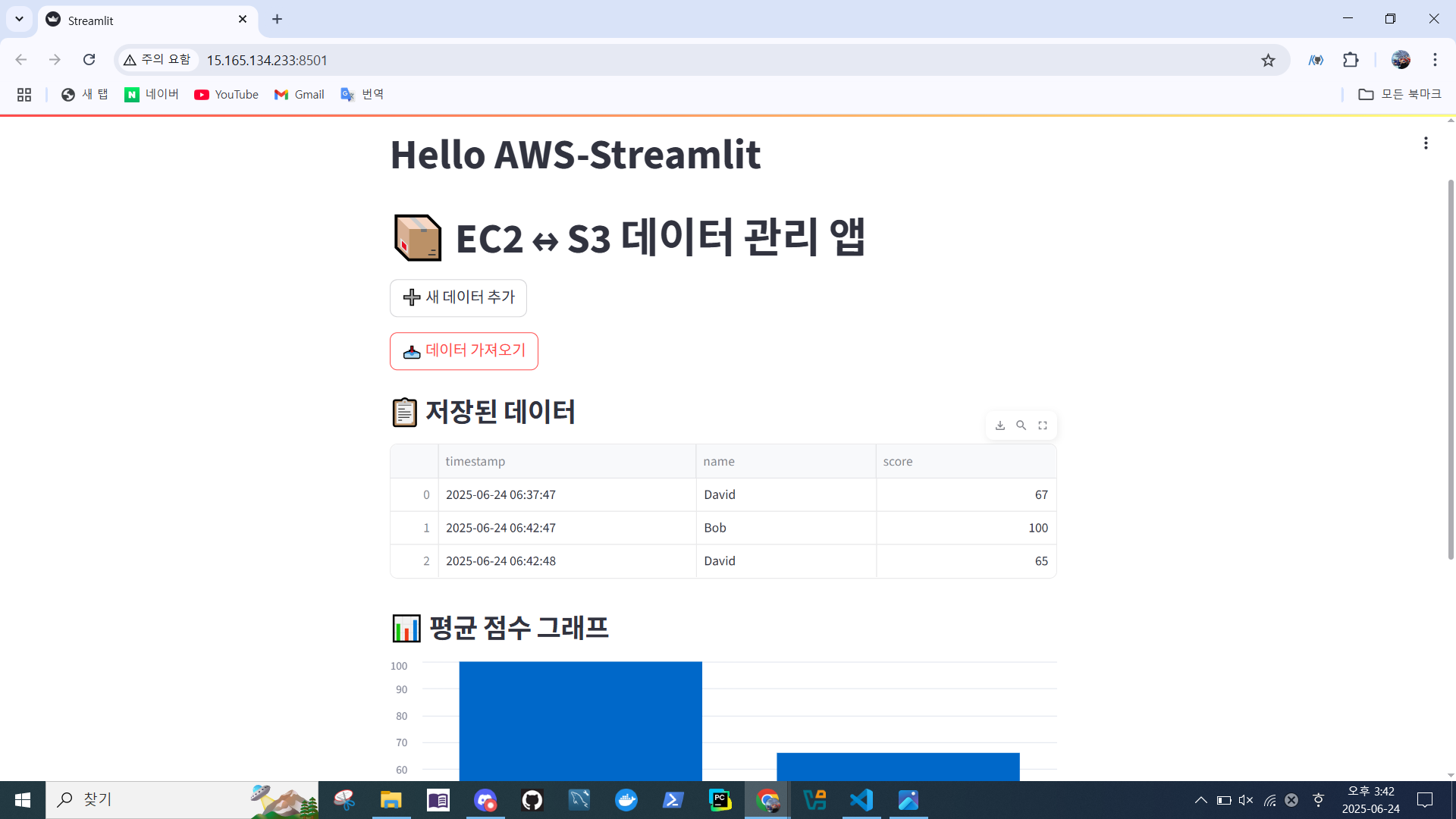
구현된 화면
비용 확인
이슈
EC2, VPC를 전부 삭제했는데, 요금이 계속 부과됨.
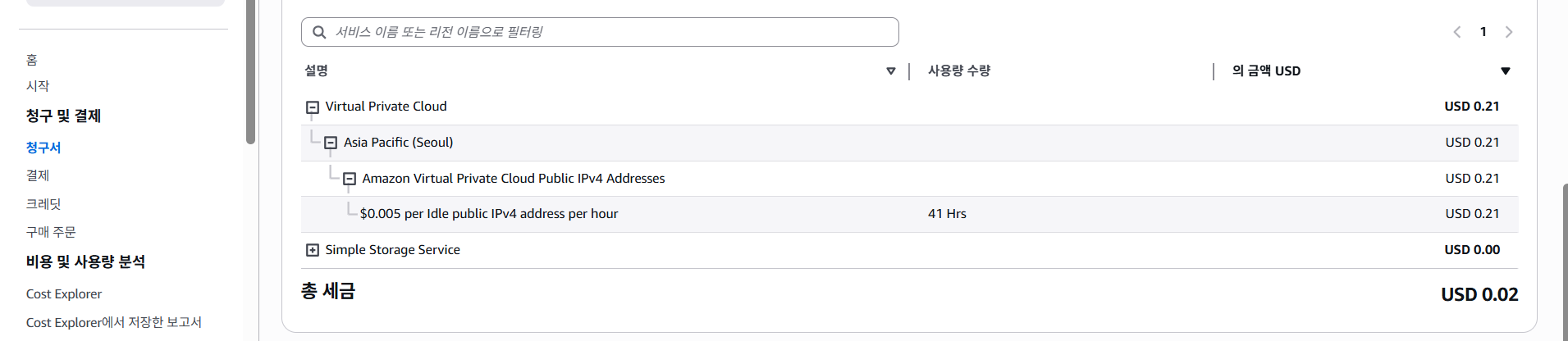
요금이 발생하는 이유
퍼블릭 IP를 EC2에 할당해두었지만, 실제 인스턴스가 꺼져 있는 상태(비활성)인 경우 (AWS에서는 2024년부터 IPv4 주소 부족 문제로 인해, 사용 중이 아닌 퍼블릭 IP에 시간당 요금이 부과됨)
연결 안 된 상태로 남아 있을 경우, 시간당 $0.005 발생
해결방법
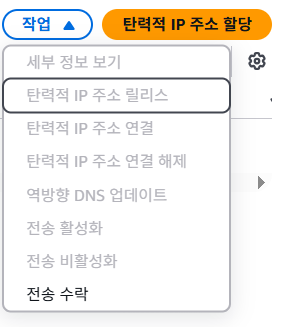
Asia/Seoul > Elastic IP 릴리즈