❓ufw 방화벽 포트를 열어주지 않은 이유?
Docker가 자동으로iptables규칙을 설정해준다.Docker 데몬(dockerd)은 컨테이너가 실행될 때 자동으로iptables에 필요한 규칙을 추가해준다.
- 그럼 오라클 클라우드에 수신 규칙은 설정하지 않아도 되나?
Docker는 운영 체제의 규칙만 추가해줄뿐 오라클 클라우드의 수신 규칙은 별개이기 때문에 반드시 설정해주어야 접근이 가능하다.
1️⃣ Nginx 도커 컨테이너 띄우기
docker run \
  --rm \
  -d \
  -p 8080:8080 \
  -p 8081:8081 \
  -p 8082:8082 \
  --name nginx-1 \
  nginx
2️⃣ nginx-1 bash로 접속
docker exec -it nginx-1 bash3️⃣ 각 포트별로 띄워줄 index.html 생성
mkdir -p /web/site1
mkdir -p /web/site2
mkdir -p /web/site3

echo "<h1>Site 1</h1>" > /web/site1/index.html
echo "<h1>Site 2</h1>" > /web/site2/index.html
echo "<h1>Site 3</h1>" > /web/site3/index.html
4️⃣ Virtualhost 설정 (vhost.conf)
#/etc/nginx/conf.d/경로에 vhost.conf 파일 생성
echo -e "
server {
    listen 8080;
    root /web/site1;
}

server {
    listen 8081;
    root /web/site2;
}

server {
    listen 8082;
    root /web/site3;
}
" > /etc/nginx/conf.d/vhost.conf

#새로운 설정 파일 적용
nginx -s reload
❓ vhost.conf를 따로 만든 이유
기본 설정 파일 맨 아래에 보면 include /etc/nginx/conf.d/*.conf 라고 적힌 부분이 있다.
이 뜻은 /etc/nginx/conf.d/ 하위에 있는 *.conf 모든 conf 확장자의 파일을 불러온다는 뜻이다.
하나의 파일에 설정을 몰아두는 거 보다는 위와 같이 Virtualhost를 설정하는 부분은 따로 파일로 분리해주면 해당 설정을 수정하거나 확인하기에 좀 더 효율적일 것이다.
#nginx 기본 설정 파일 경로 확인
find -name nginx.conf 2>&1 | grep -v "Permission denied"

vi ./etc/nginx/nginx.conf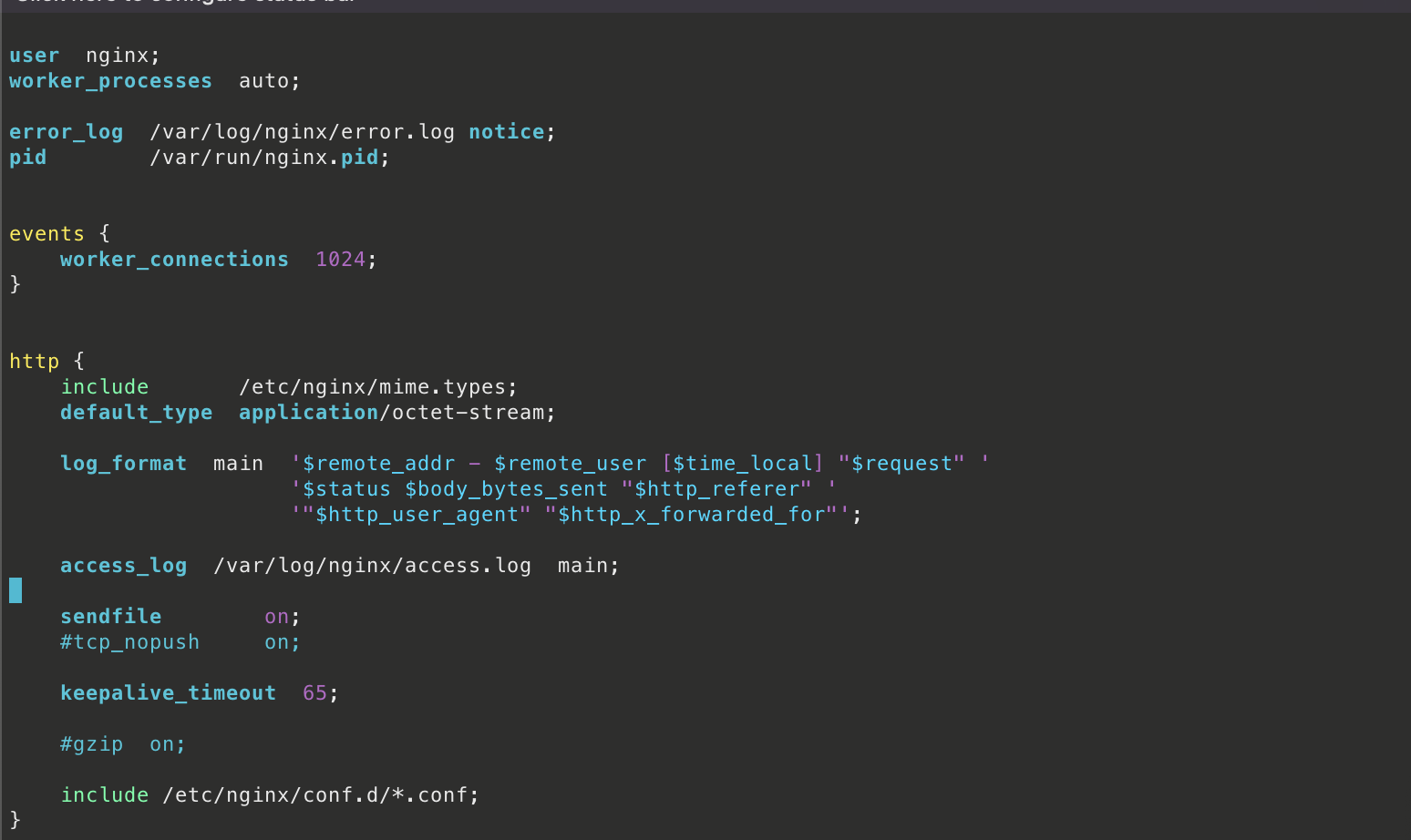
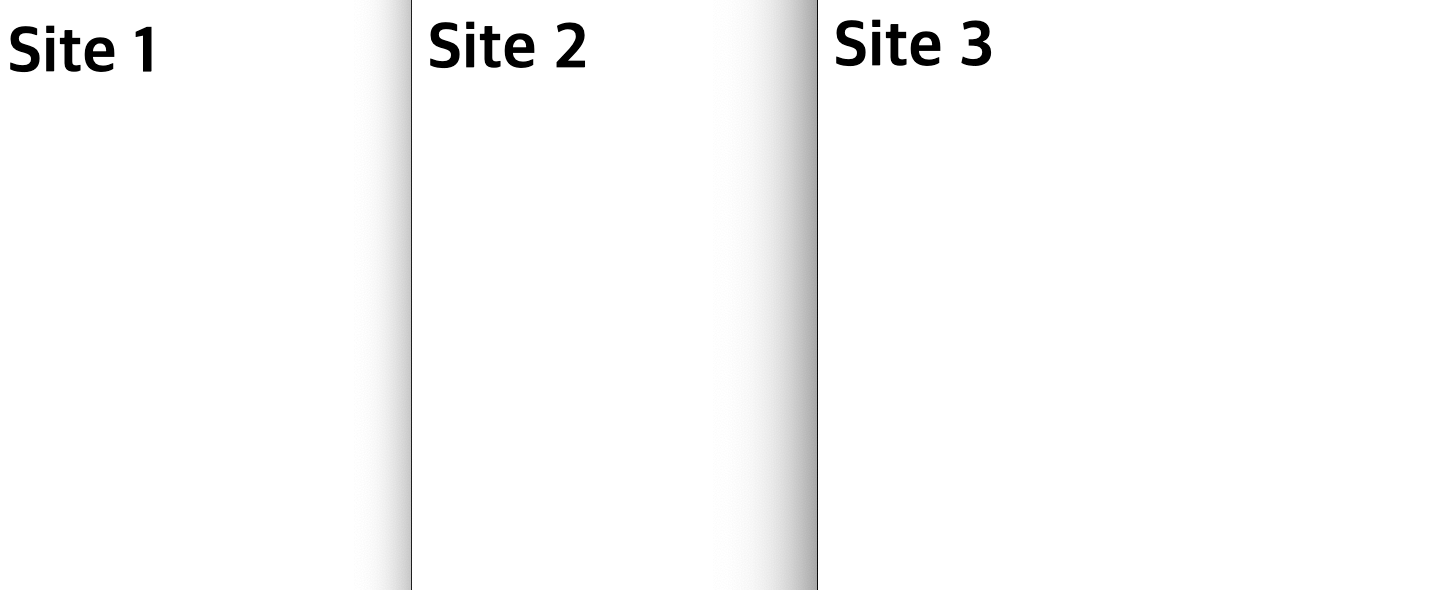
✅ 브라우저에서 접속 확인