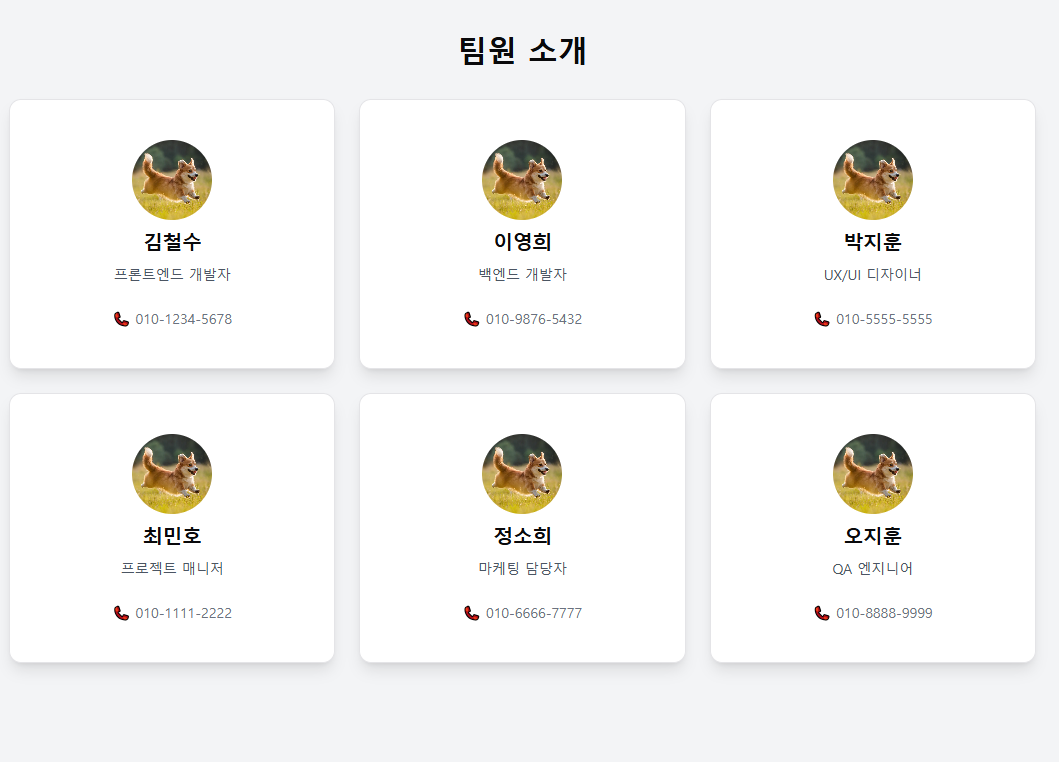
이번에는 ShadCN UI의 Card(카드) 컴포넌트를 학습하면서,
임의의 멤버 카드들을 만들어보았습니다.
- 멤버 카드 구성에는
프로필 사진
이름
직책
전화번호
순으로 배치가 되어있습니다.
Card 컴포넌트의 구조
Card → 전체 카드 컨테이너
CardHeader → 헤더 부분 (제목, 설명)
CardTitle → 제목
CardDescription → 설명 (서브 텍스트)
CardFooter → 푸터 (추가 정보, 버튼 등)
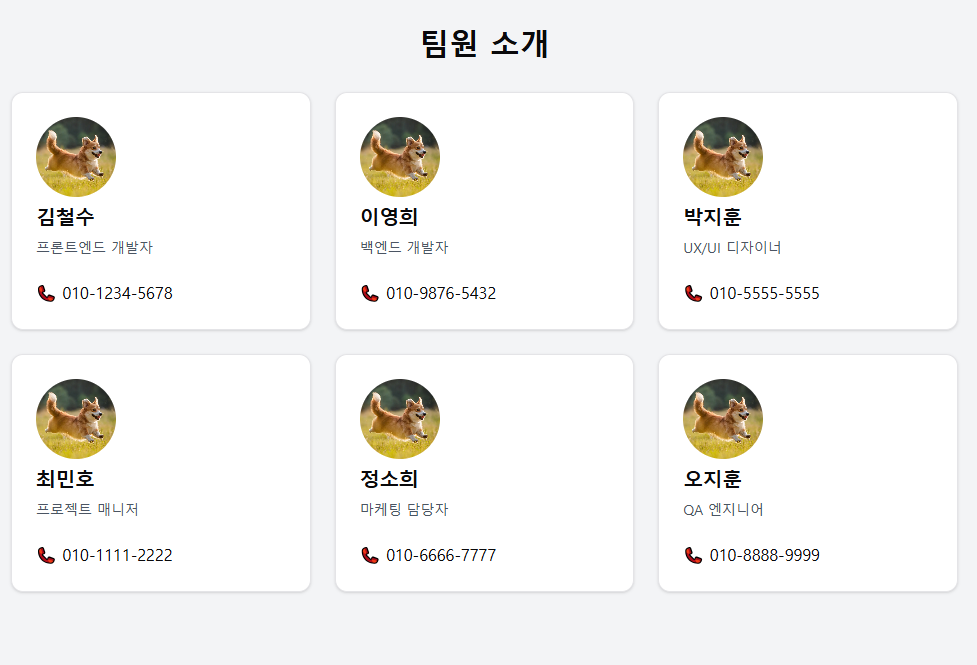
ShadCN UI의 Card 컴포넌트를 활용하여서 다음과 같이 레이아웃을 간단하게 만들 수 있었습니다! 추후 디자인 수정이 필요하면 간단하게 수정할 수 있어서 편집도 용이합니다.
import {
  Card,
  CardDescription,
  CardFooter,
  CardHeader,
  CardTitle,
} from '@/components/ui/card';
import Image from 'next/image';

const EX_MEMBERS = [
  {
    memberName: '김철수',
    description: '프론트엔드 개발자',
    profileImage:
      'https://github.com/user-attachments/assets/921d14b1-6d2d-46ef-aa36-a7d66f52dc80',
    phoneNumber: '010-1234-5678',
  },
  {
    memberName: '이영희',
    description: '백엔드 개발자',
    profileImage:
      'https://github.com/user-attachments/assets/921d14b1-6d2d-46ef-aa36-a7d66f52dc80',
    phoneNumber: '010-9876-5432',
  },
  {
    memberName: '박지훈',
    description: 'UX/UI 디자이너',
    profileImage:
      'https://github.com/user-attachments/assets/921d14b1-6d2d-46ef-aa36-a7d66f52dc80',
    phoneNumber: '010-5555-5555',
  },
  {
    memberName: '최민호',
    description: '프로젝트 매니저',
    profileImage:
      'https://github.com/user-attachments/assets/921d14b1-6d2d-46ef-aa36-a7d66f52dc80',
    phoneNumber: '010-1111-2222',
  },
  {
    memberName: '정소희',
    description: '마케팅 담당자',
    profileImage:
      'https://github.com/user-attachments/assets/921d14b1-6d2d-46ef-aa36-a7d66f52dc80',
    phoneNumber: '010-6666-7777',
  },
  {
    memberName: '오지훈',
    description: 'QA 엔지니어',
    profileImage:
      'https://github.com/user-attachments/assets/921d14b1-6d2d-46ef-aa36-a7d66f52dc80',
    phoneNumber: '010-8888-9999',
  },
];

const MemberCard = ({
  memberName,
  description,
  profileImage,
  phoneNumber,
}: (typeof EX_MEMBERS)[0]) => {
  return (
    <Card>
      <CardHeader>
        <div className="relative h-20 w-20">
          <Image
            src={profileImage}
            alt={`${memberName}의 프로필`}
            fill
            className="aspect-square rounded-full object-cover"
          />
        </div>
        <CardTitle className="text-xl font-semibold">{memberName}</CardTitle>
        <CardDescription className="text-sm text-gray-600">
          {description}
        </CardDescription>
      </CardHeader>
      <CardFooter>📞 {phoneNumber}</CardFooter>
    </Card>
  );
};

const CardPage = () => {
  return (
    <div className="min-h-screen bg-gray-100 py-10">
      <h1 className="mb-8 text-center text-3xl font-bold">팀원 소개</h1>
      <div className="grid grid-cols-1 gap-6 px-6 sm:grid-cols-2 md:grid-cols-3 lg:grid-cols-4">
        {EX_MEMBERS.map((member, index) => (
          <MemberCard key={index} {...member} />
        ))}
      </div>
    </div>
  );
};

export default CardPage;

프론트엔드 개발공부를 하고있습니다.