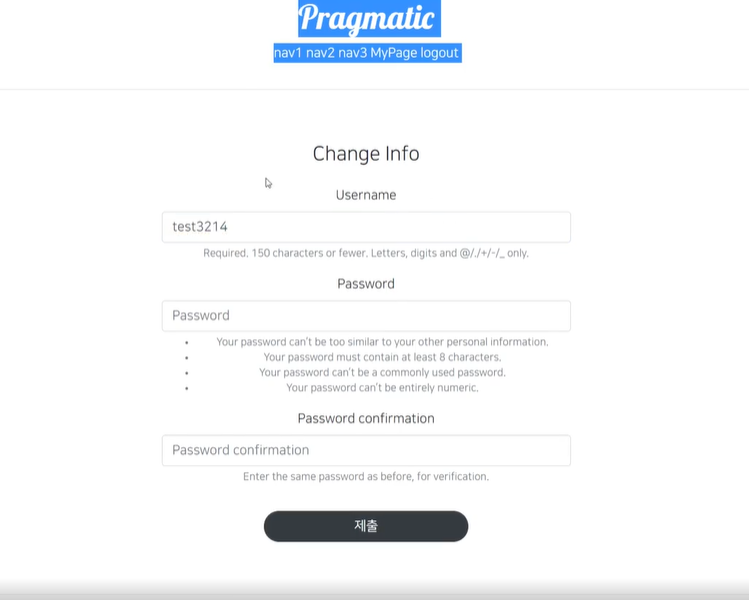
- UpdateView 만들기
AccountCreateView와 사용하는것이 비슷함
class AccountUpdateView(UpdateView):
    model = User #장고에서 기본제공하는 model
    form_class = AccountUpdateForm
    success_url = reverse_lazy('accountapp:hello_world')
template_name = 'accountapp/update.html'- urls.py 수정
path('update/<int:pk>', AccountUpdateView.as_view(),name='update'),- update.html 만들기 (create.html 수정)
{% extends 'base.html'%}
{% load bootstrap4 %}

{% block content %}

    <div style="text-align: center;max-width:500px; margin: 4rem auto">
        <div class="mb-4"> {# margin bottom #}
            <h4>Change Info</h4>
        </div>
        <form action="{% url 'accountapp:update' pk=user.pk%}" method="post">
            {% csrf_token %}
            {% bootstrap_form form %}
            <input type="submit" class="btn btn-dark rounded-pill col-6 mt-3">
        </form>
    </div>
{% endblock %}- 개인정보 수정으로 갈수있는 링크 만들기 (detail.html에서 이동)
{% if target_user == user %}
            <a href="{% url 'accountapp:update' pk=user.pk %}">
                <p>
                    Change Info
                </p>
            </a>
            {%  endif %}
target_user와 지금 접속한 유저가 같다면 update링크 보이게 하기
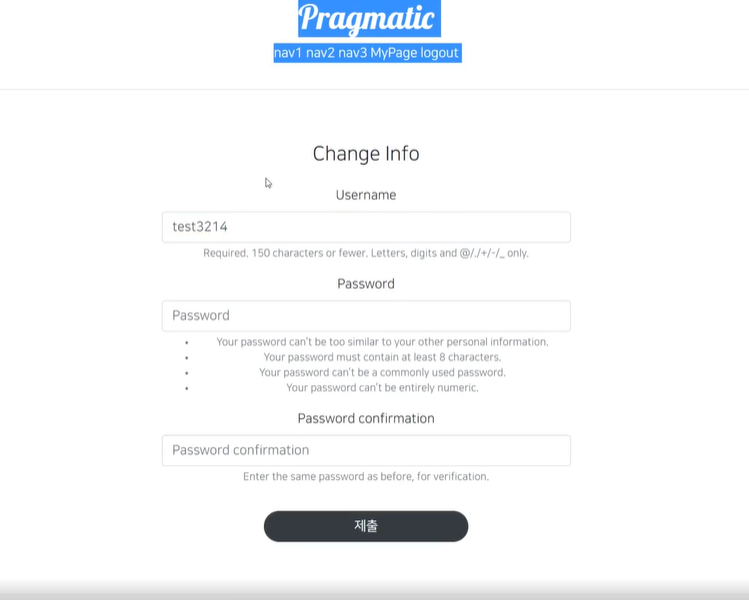
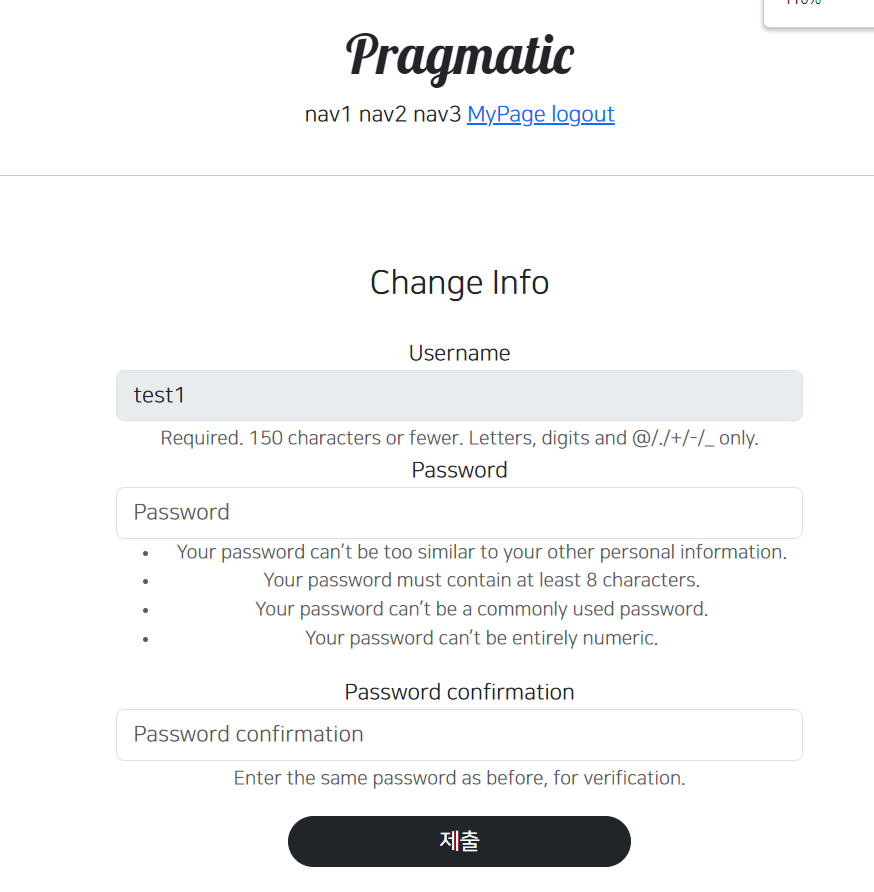
- Username은 변경하지 못하게 하기, form을 새로 만들기
forms.py accountapp에 생성
UserCreationForm을 상속받아서 커스텀마이징 해줌
from django.contrib.auth.forms import UserCreationForm

class AccountUpdateForm(UserCreationForm):
    def __init__(self, *args, **kwargs):
        super().__init__(*args, **kwargs)

        self.fields['username'].disabled = True
자세한 내용은 나중에 시간될 때 다룰 예정

화이팅