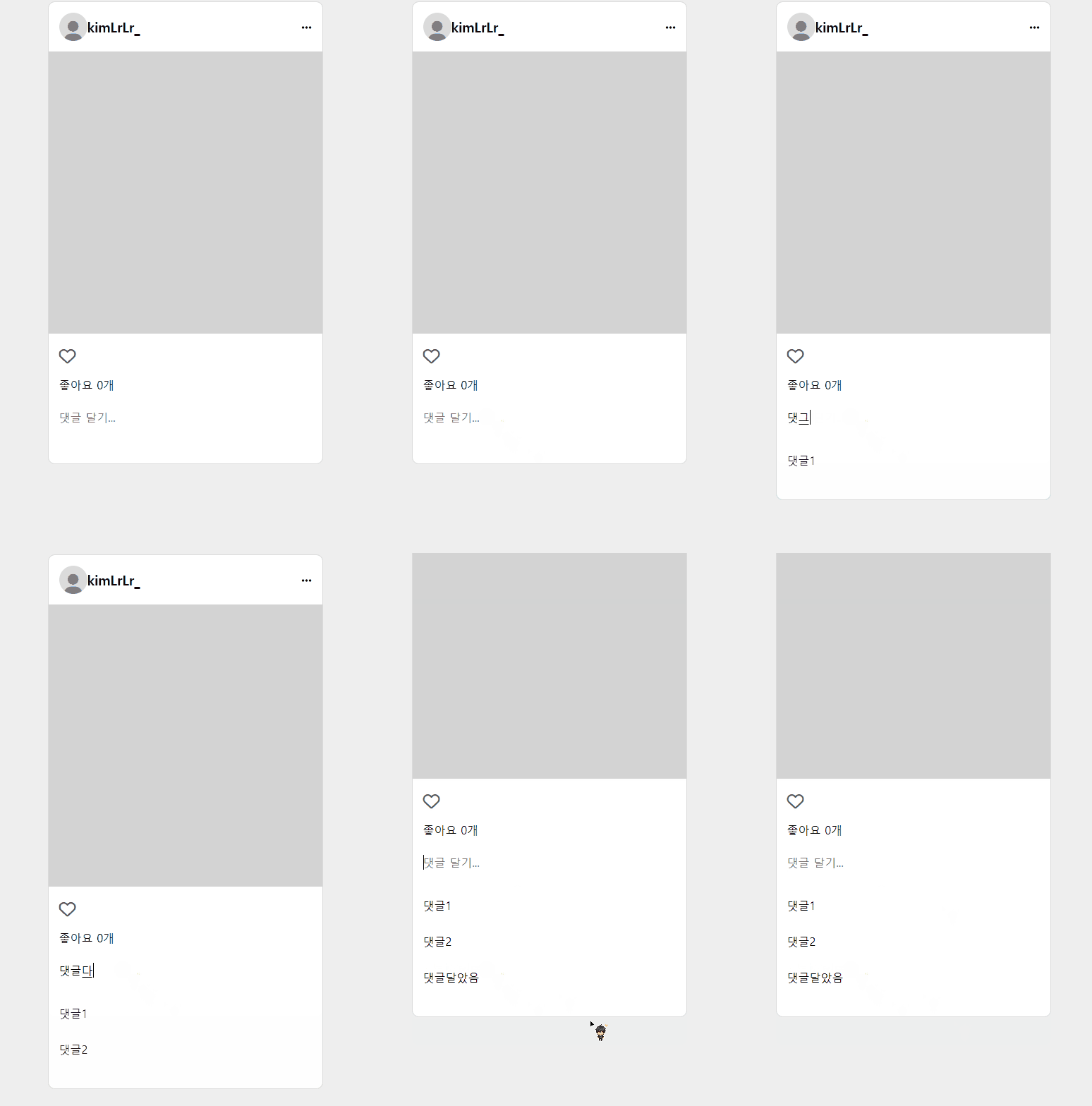
=> 댓글을 달면 아래로 댓글이 내려오는 느낌을 주었음
깃허브: https://github.com/kimLrLr/js_comment
배포주소: https://kimlrlr.github.io/js_comment/
여기서 js코드를 한 번 짚고 가자면,
(1) form태그의 이벤트 적용
(2) form태그 이벤트 작동시 댓글 등록
이렇게 두 가지를 해보고자 하였음.
comment.js
(function () {
  const formEl = document.querySelector("form");
  const commentWrapEl = document.querySelector(".comment_wrap");

  const handlerSubmit = (e) => {
    e.preventDefault();

    const inputEl = document.querySelector("input");
    const inputValue = inputEl.value;

    const commentEl = document.createElement("div");
    commentEl.classList.add("comment");

    commentEl.innerText = inputValue;

    commentWrapEl.appendChild(commentEl);

    inputEl.value = "";
  };

  formEl.addEventListener("submit", handlerSubmit);
})(); //end
전체적인 자바스크립트 코드는 위와 같은데,
순서대로 끊어보자.
- input 엘리먼트 가져오기
    const inputEl = document.querySelector("input");
const inputValue = inputEl.value;- createElement를 이용하여 새로운 태그 만들기
    const commentEl = document.createElement("div");
commentEl.classList.add("comment");- 새로 만들어진 태그 안쪽으로 input의 value값 넣어주기
commentEl.innerText = inputValue;- 완성된 새로운 태그를 부모인 comment_wrap에게 자식으로 추가
commentWrapEl.appendChild(commentEl);- 등록이 끝난 후 기존 input에 남아있던 text를 삭제시켜줌
inputEl.value = "";
10분의 정리로 10시간을 아낄 수 있다는 마음으로 글을 작성하고 있습니다💕