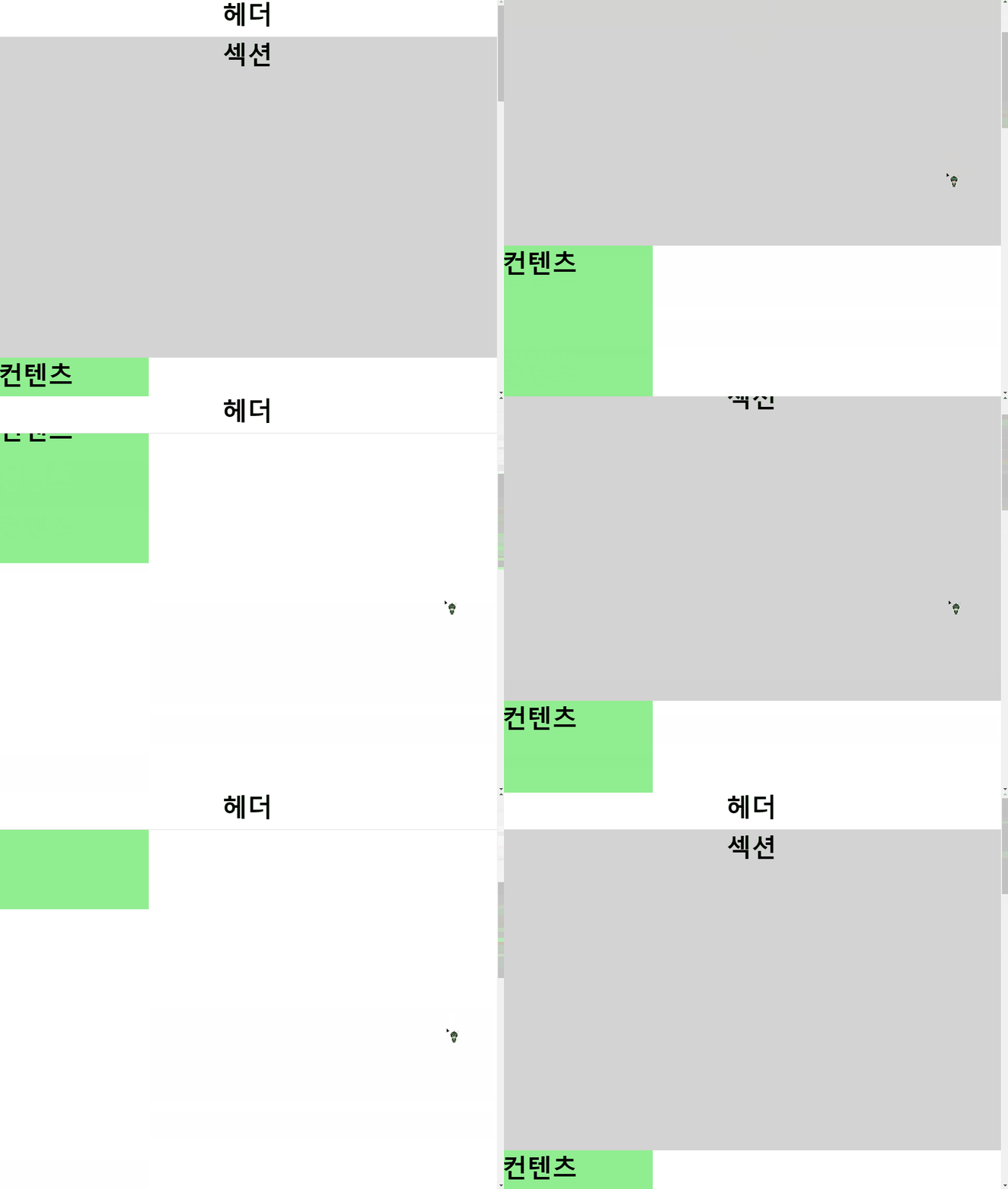
=> 스크롤을 내렸을 때에 500px 이하로 떨어지면 헤더가 고정이 되게 만들고,
그게 아니라면 고정이 되지 않게 만들기
style
        *{
            margin: 0;
            padding: 0;
            box-sizing: border-box;
        }

        body{
            height: 400vh;
        }

        .wrap h3{
            font-size: 50px;
        }

        header, section{
            display: flex;
            justify-content: center;
        }

        header{
            height: 80px;
            width: 100%;
            border-bottom: 1px solid #dbdbdb;
            background-color: white;
        }

        section{
            height: 80vh;
            background-color: lightgray;
        }

        .con{
            width: 300px;
            height: 300px;
            background-color: lightgreen;
        }

        .header_fix{
            position: fixed;
            top: 0;
            left: 0;
        }
body
    <div class="wrap">

        <header>
            <h3>헤더</h3>
        </header>

        <section>
            <h3>섹션</h3>
        </section>

        <div class="con">
            <h3>컨텐츠</h3>
        </div>

    </div>
script
        const headerEl = document.querySelector('header');

        const headerHandler = () => {
            const pageY = window.pageYOffset;

            if(pageY >= 500){
                headerEl.classList.add('header_fix');
            } else{
                headerEl.classList.remove('header_fix');
            }
        }

        window.addEventListener('scroll', headerHandler);
=> classList를 이용하여 pageY의 값이 500 이상인 경우 header_fix를 추가, 아닌 경우에는 삭제해주었음

10분의 정리로 10시간을 아낄 수 있다는 마음으로 글을 작성하고 있습니다💕