코드의 정렬

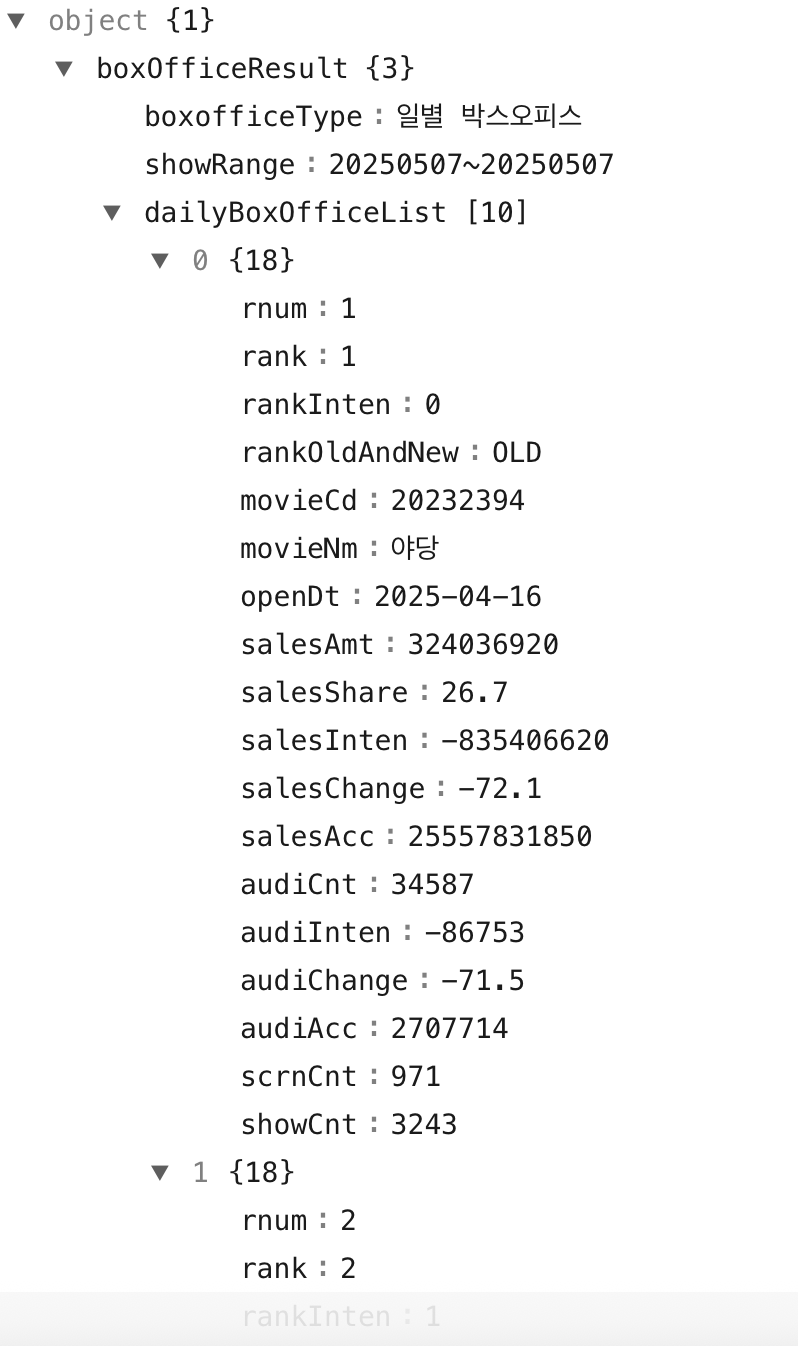
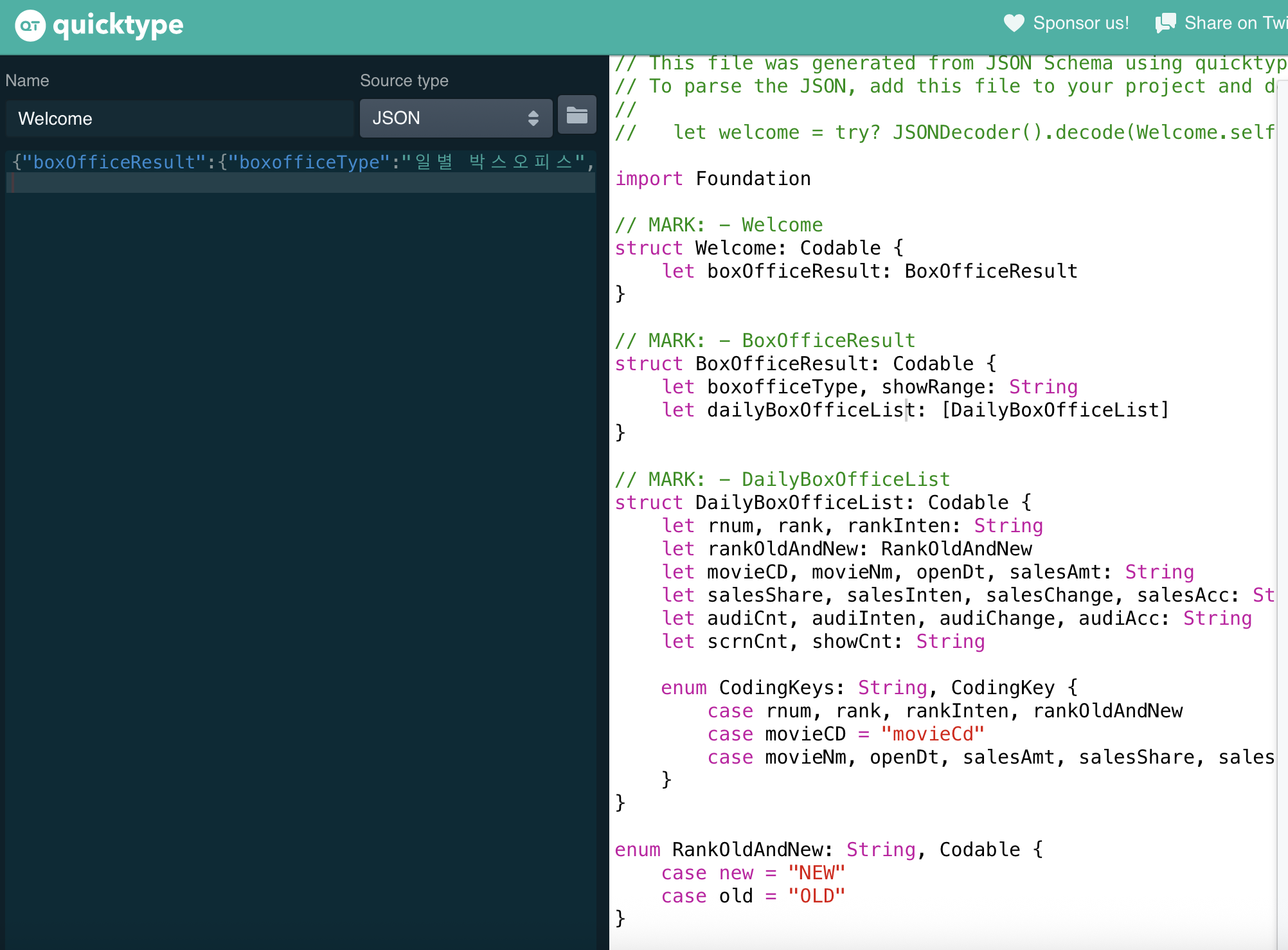
테이블 뷰를 화면에 채우는 법
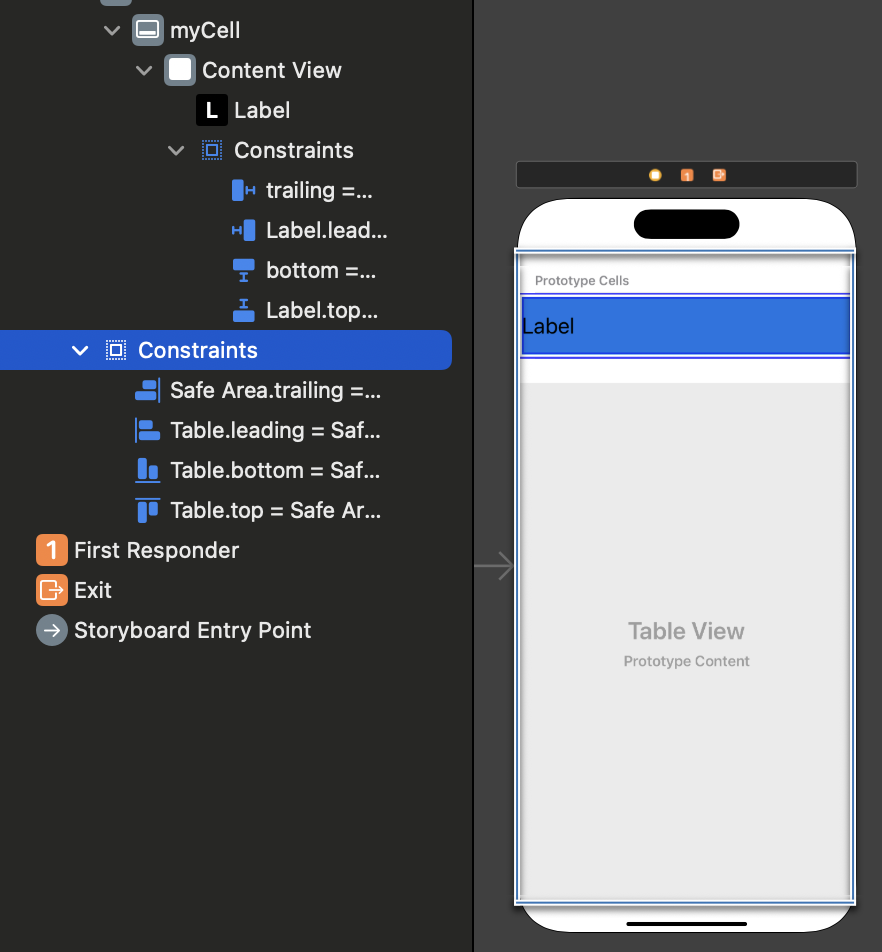
- auto rayout
Table view를 사용할 때 주의점
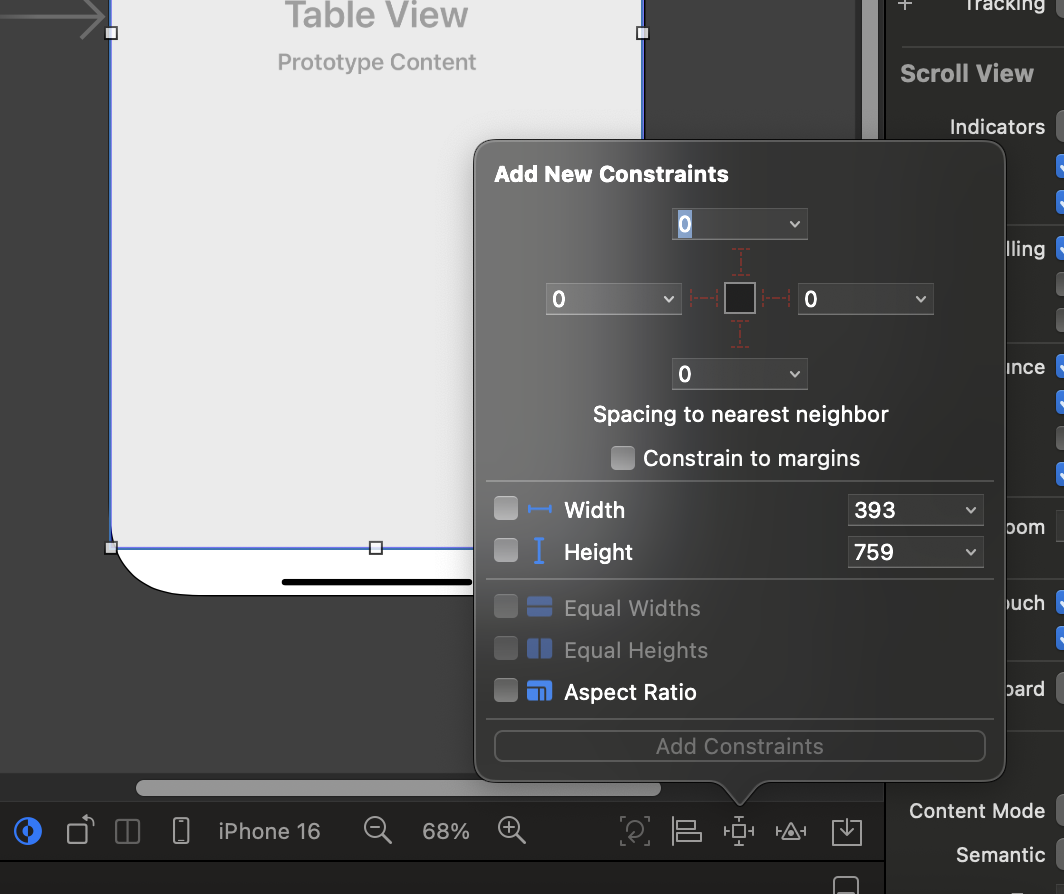
객체들의 정렬을 위한 constraints
cell의 번호
- 셀의 번호
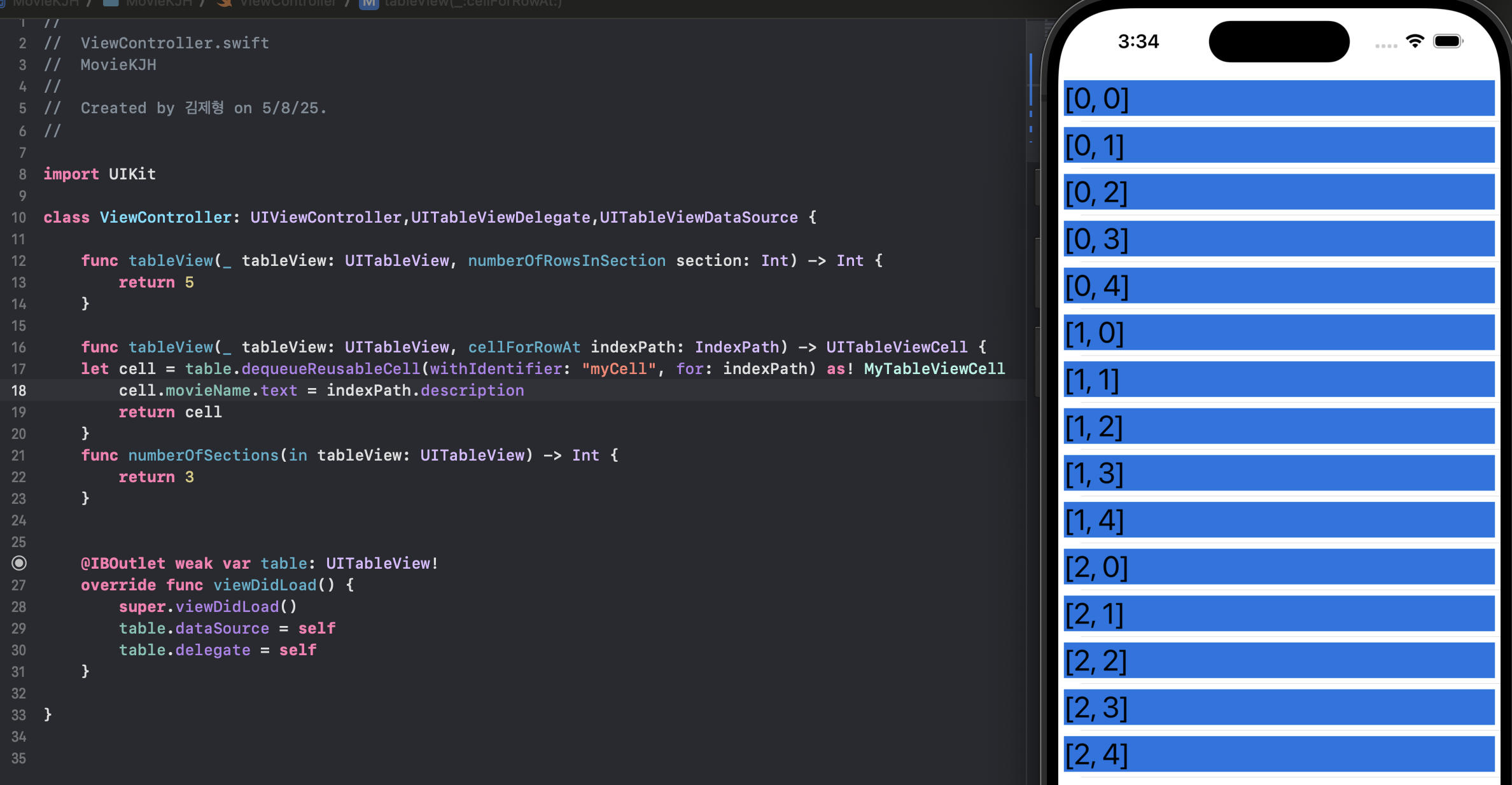
cell을 다시 사용하는 방법
func tableView(_ tableView: UITableView, cellForRowAt indexPath: IndexPath) -> UITableViewCell {
    // 1. 테이블 뷰에서 재사용 가능한 셀을 가져옴
    let cell = tableView.dequeueReusableCell(withIdentifier: "myCell", for: indexPath) as! MyTableViewCell

    // 2. 셀의 콘텐츠를 설정
    cell.movieName.text = name[indexPath.row]

    // 3. (주석 처리된) 디버깅용 출력
    // print(indexPath.description)

    // 4. 구성된 셀 반환
    return cell
}
네트워킹의 4단계
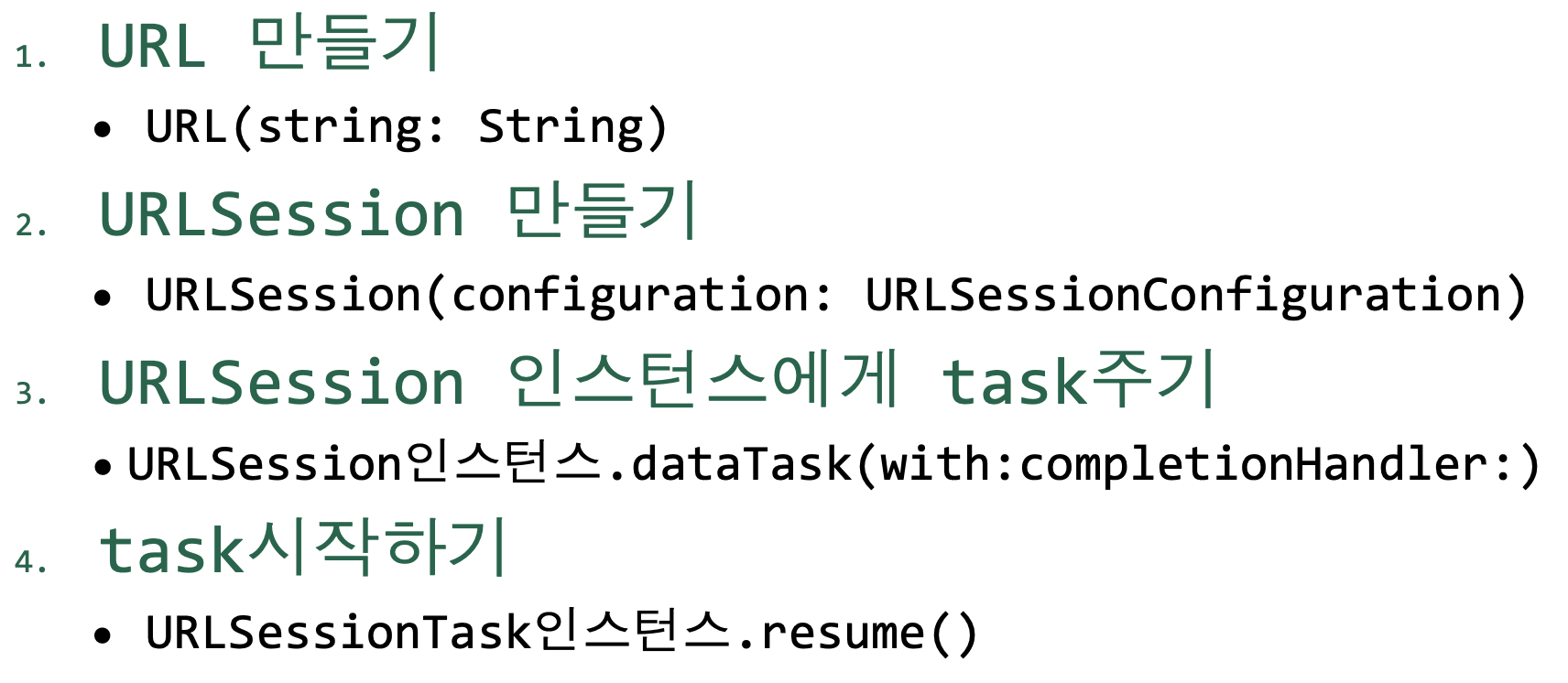
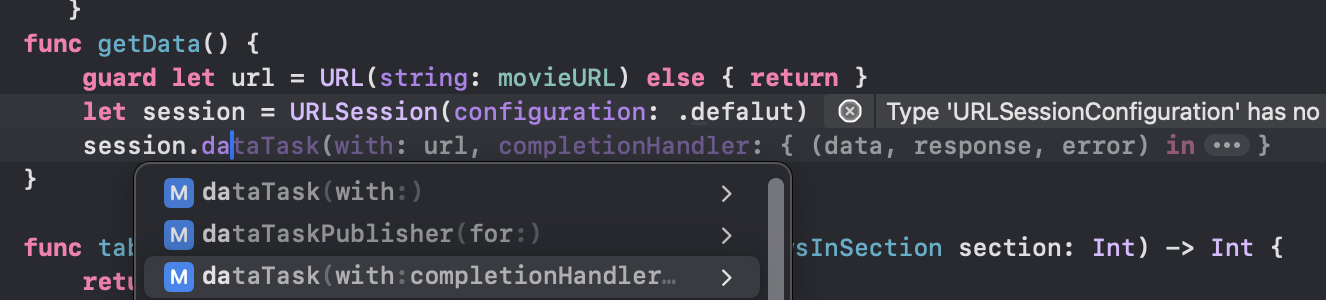
url의 seisson
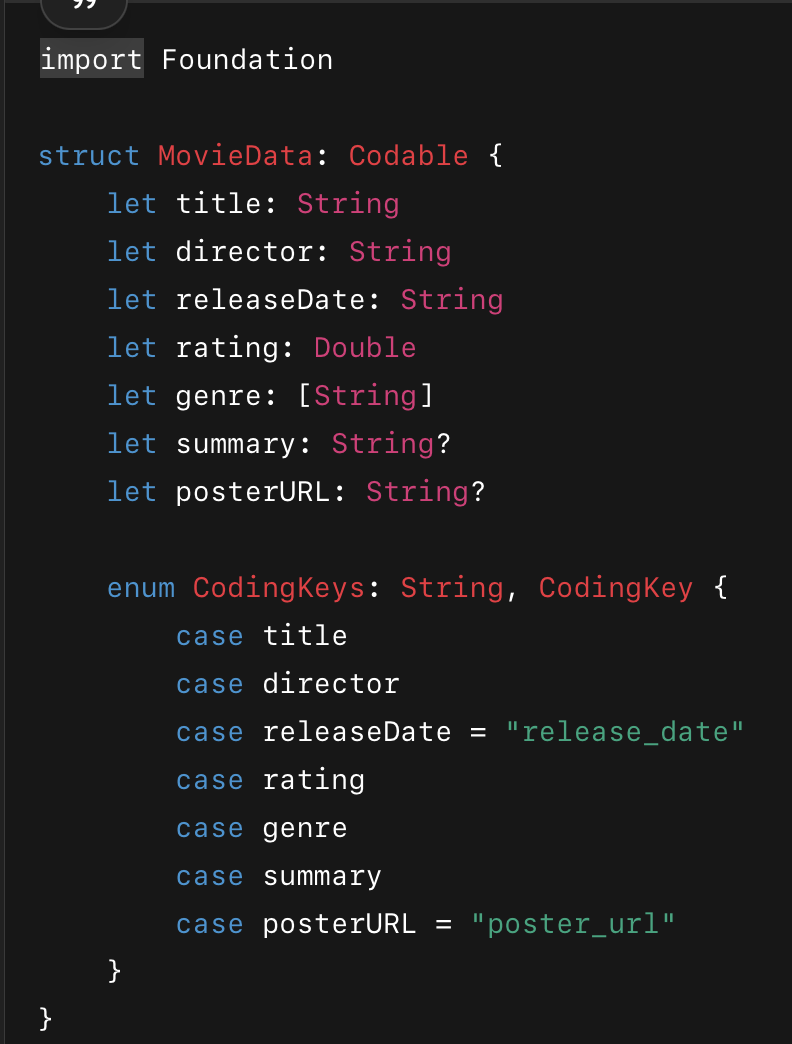
파싱을 쉽게 하기 위한 data 구조
- chat gpt 이용

개발자 지망생