GDB Python이란?
GDB Python(GDB Python API)은 GDB 내부에 내장된 Python 인터프리터이다.
사용자가 치던 GDB 명령을 Python으로 자동화하거나, 아예 새로운 GDB 명령/브레이크포인트/출력 포맷을 Python으로 추가해서 쓰는 방식이다.
Python GDB로 할 수 있는 작업은 다음과 같다.
- 자동화: 특정 지점에서 레지스터/메모리/백트레이스를 덤프하고 로그 파일로 남긴다.
- 커스텀 명령 추가: ctx, telescope, vmmap-lite 같은 팀/개인 전용 명령을 만들어서 한 번의 입력으로 여러 동작을 수행한다.
- 브레이크포인트 확장: 브레이크포인트 도달 시 조건 검사/카운팅/자동 continue/특정 정보만 출력 등을 구현한다.
실행 방법
방법1. 인터랙티브 실행
GDB 프롬프트에서 바로 실행하는 방식이다.
pwndbg>  python
>import gdb
>gdb.execute("info registers")
>end
방법2. 파일 로드
한 번 작성한 기능을 플러그인처럼 로드하는 방식이다.
pwndbg> source myscript.py방법3. 시작부터 적용하기
gdb -q -x myscript.py ./a.out유용한 함수들
1. gdb.execute()
EX
info registers, x/32gx $rsp, bt를 손으로 치지 말고, 한 번에 실행해서 로그로 남겨준다.
import gdb

def init_session():
    gdb.execute("set pagination off")
    gdb.execute("set disassemble-next-line on")
    gdb.execute("set confirm off")
    gdb.execute("start")          # main 근처까지 실행(환경에 따라 starti도 선택)
    gdb.execute("info files")     # 로드 상태 확인

init_session()
하단의 사진은 gdb.execute에 대해 설명해주는 내용이다.
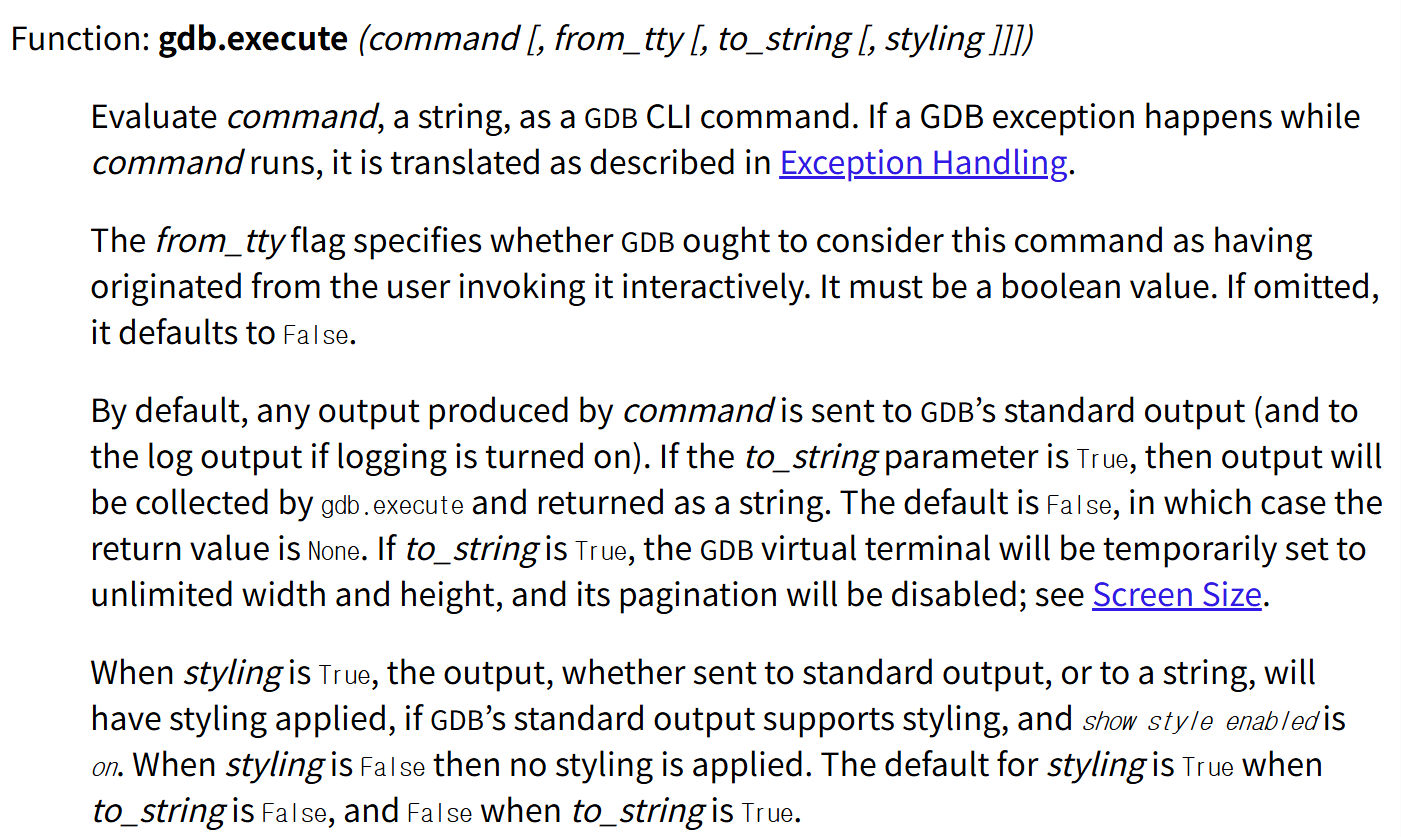
sourceware.org라는 곳의 내용을 참고했다.
GDB CLI 명령어에 해당하는 명령(command)를 실행해준다는 내용을 첫번째 줄에서 볼 수 있다.
2. gdb.parse_and_eval()
레지스터/전역변수/포인터 등을 파싱해서 Python에서 숫자/주소로 다룰 수 있다.
EX
import gdb

def show_rip_rsp():
    rip = int(gdb.parse_and_eval("$rip"))
    rsp = int(gdb.parse_and_eval("$rsp"))
    gdb.write(f"RIP = {hex(rip)}\n")
    gdb.write(f"RSP = {hex(rsp)}\n")

show_rip_rsp()
마찬가지로 gdb.parse_and_eval에 대한 설명이다.
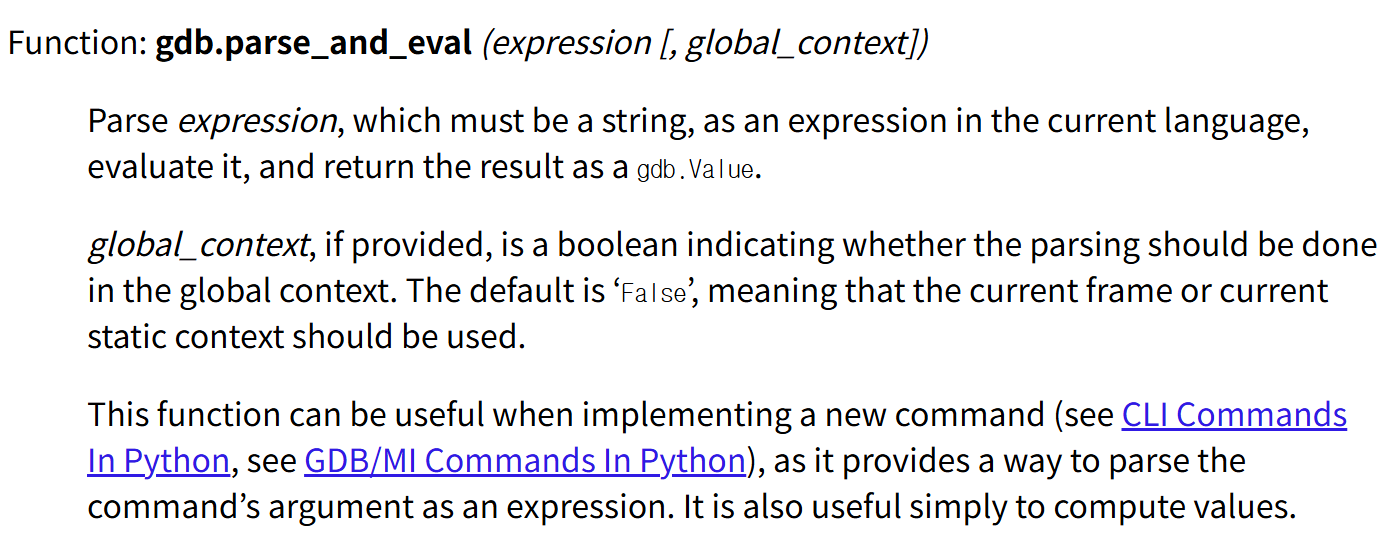
새 커맨드를 구현할 때 커맨드 인자를 표현식으로 해석해 값으로 바꾸는 수단을 제공하므로 유용하다는 내용을 확인할 수 있다.
3. gdb.Command
gdb.Command를 이용해 커스텀 명령어를 만들 수 있다.
EX
import gdb

class HelloWorld (gdb.Command):
  def __init__ (self):
    super (HelloWorld, self).__init__ ("hello-world", gdb.COMMAND_USER)

  def invoke (self, arg, from_tty):
    print ("Hello, World!")

HelloWorld ()
상단의 예시는 GDB에 hello-world라는 새 명령을 등록하고, 사용자가 (gdb) hello-world를 입력하면 "Hello, World!"를 출력하게 해주는 예시이다.
실행은 다음과 같이 실행할 수 있다.
(gdb) source hello.py
(gdb) hello-world
Hello, World!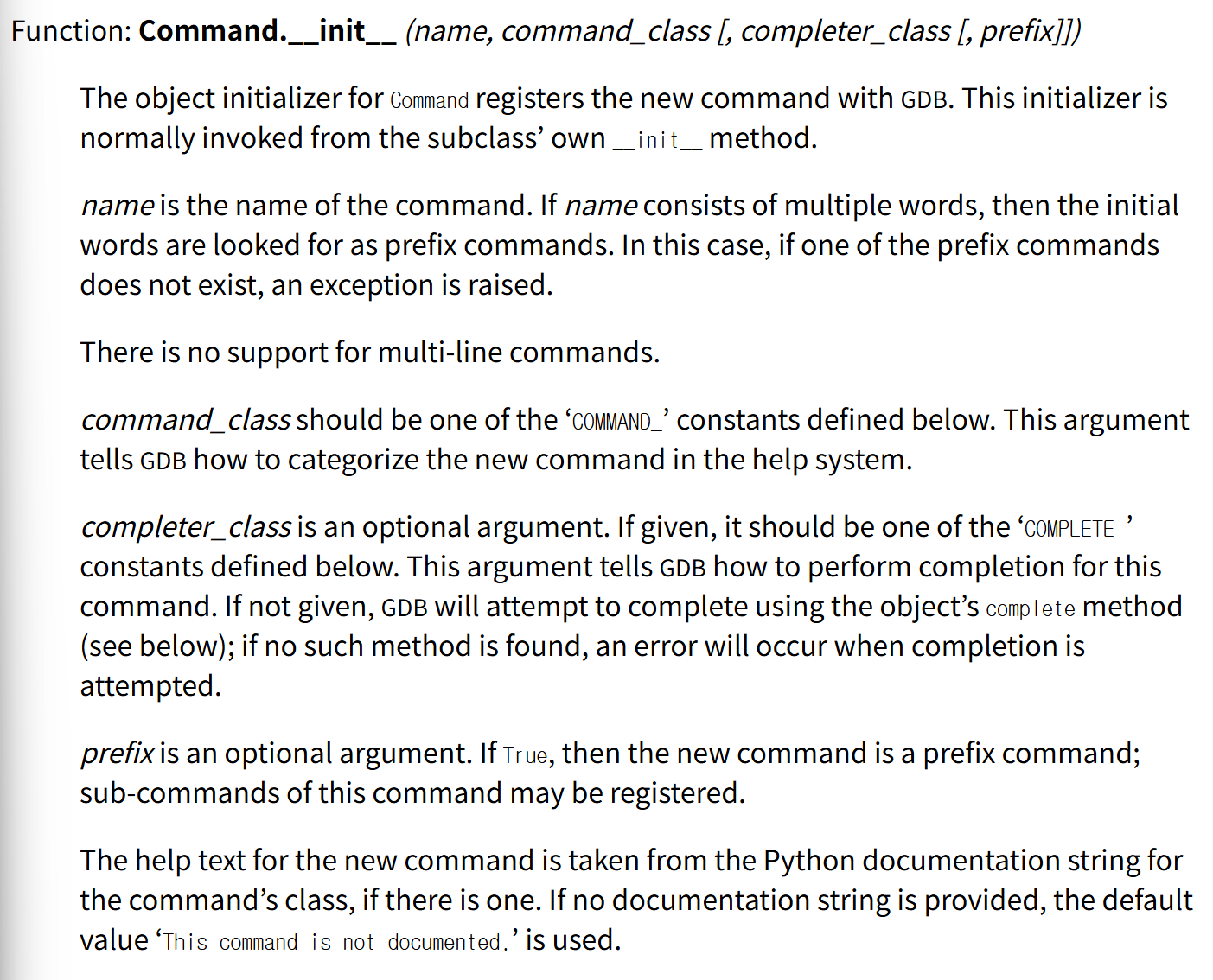
Command.__init__()을 통해 Command의 객체 초기화 함수는 새 명령을 GDB에 등록한다는 내용을 확인할 수 있다.
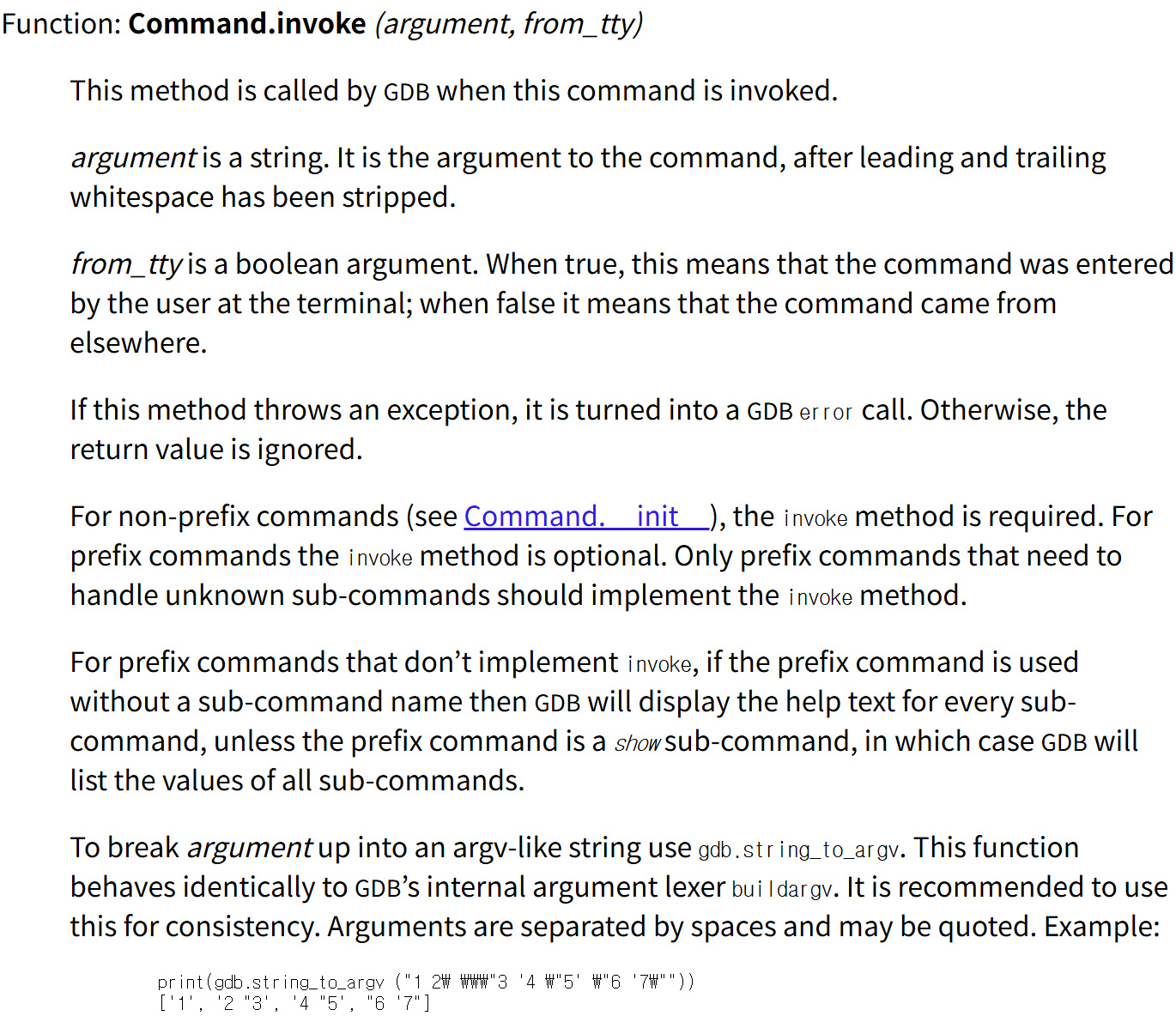
Command.invoke는 해당 명령이 실행될 때 호출된다.
4. gdb.Breakpoint
EX
import gdb

class MyBreakpoint(gdb.Breakpoint):
    def stop(self):
        inf_val = gdb.parse_and_eval("foo")
        if int(inf_val) == 3:
            return True
        return False

MyBreakpoint("main")
상단의 예제는 main에 브레이크포인트를 걸고, hit 될 때마다 stop()에서 현재 컨텍스트의 foo 값을 평가해서 조건을 검사하는 예제이다.
실행은 다음과 같이 한다.
(gdb) source bp_basic.py
(gdb) run