Android | 토스페이먼츠 연동
🙂 안드로이드 프로젝트에 결제 기능을 추가하기 위해 토스 페이먼츠를 연동해보자
결제위젯 Android SDK
1. SDK 추가
1) Gradle 설정
dependencyResolutionManagement {
  ...
  repositories {
    ...
    mavenCentral()
    maven { url "https://jitpack.io" }
  }
}
dependencies {
...
implementation 'com.github.tosspayments:payment-sdk-android:<CURRENT_VERSION>'
}2) Layout 설정
<?xml version="1.0" encoding="utf-8"?>
<androidx.constraintlayout.widget.ConstraintLayout xmlns:android="http://schemas.android.com/apk/res/android"
  xmlns:app="http://schemas.android.com/apk/res-auto"
  xmlns:tools="http://schemas.android.com/tools"
  android:layout_width="match_parent"
  android:layout_height="match_parent"
  android:background="@color/white">
    ...
    <com.tosspayments.paymentsdk.view.PaymentMethod
      android:id="@+id/payment_widget"
      android:layout_width="match_parent"
      android:layout_height="wrap_content"
      android:layout_marginTop="8dp" />
    <com.tosspayments.paymentsdk.view.Agreement
      android:id="@+id/agreement_widget"
      android:layout_width="match_parent"
      android:layout_height="wrap_content" />
    ...
</androidx.constraintlayout.widget.ConstraintLayout>
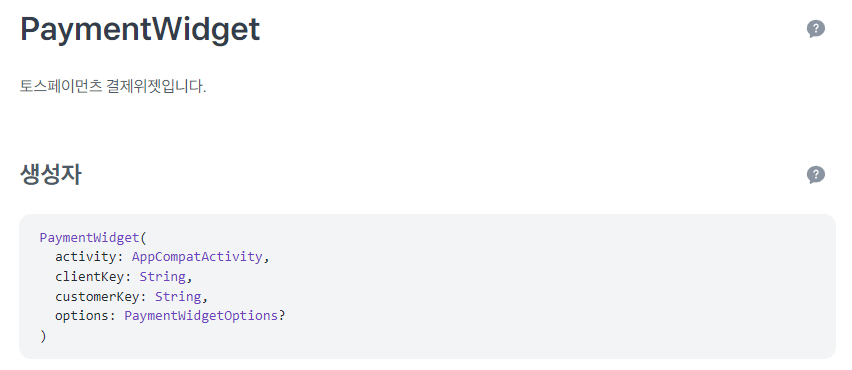
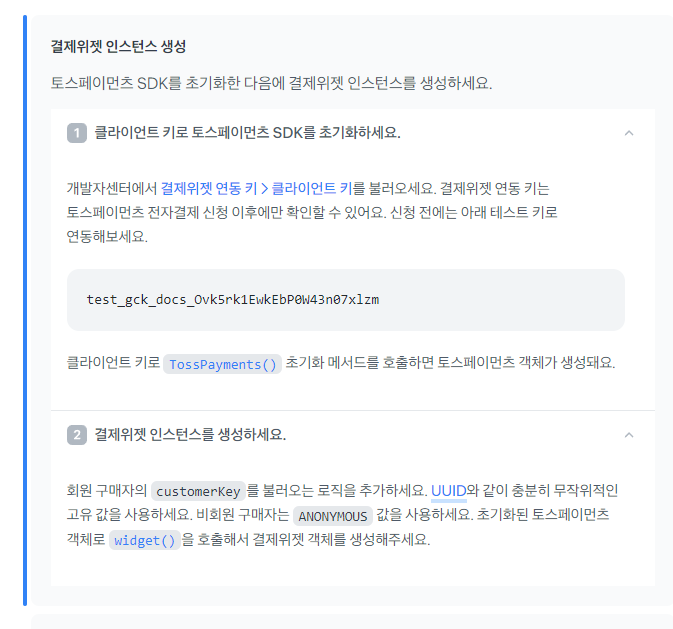
2. PaymentWidget
토스페이먼츠 결제위젯
- clientKey : 신청 전에는 테스트 키로 연동해야 함
결제위젯 연동 키는 토스페이먼츠 전자결제 신청 이후에 확인 가능 - customerKey : UUID와 같이 충분히 무작위적인 고유 값
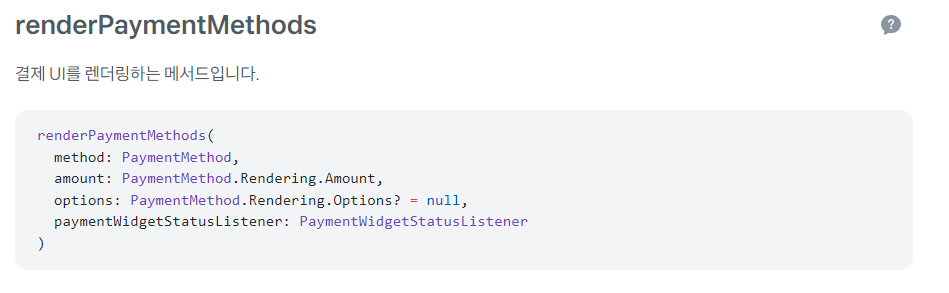
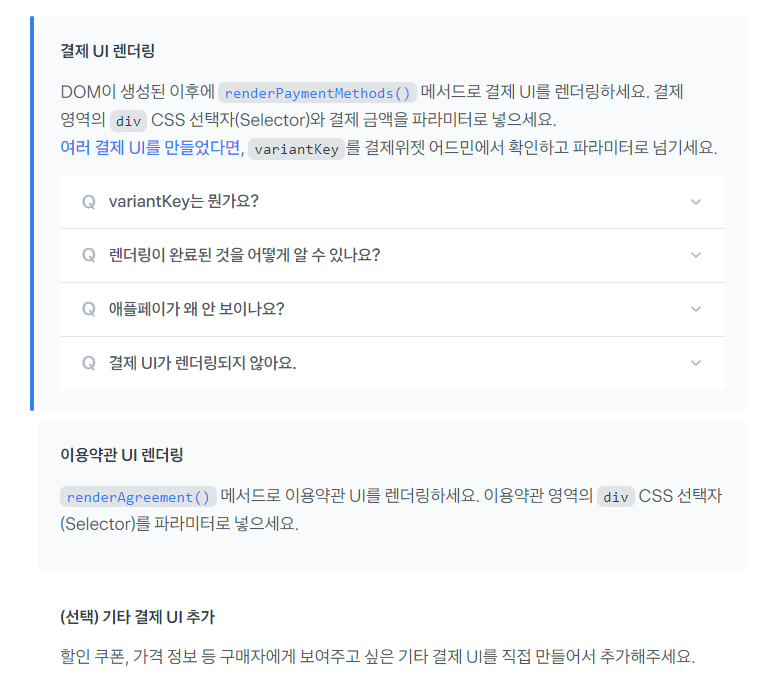
3. renderPaymentMethods
결제 위젯 렌더링
- method : 결제 위젯을 표시할 뷰
- amount : 결제 금액
- paymentWidgetStatusListener : 결제위젯의 렌더링 상태를 감지하는 리스너
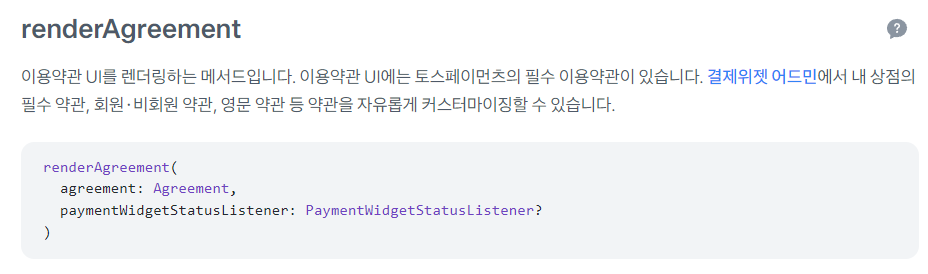
4. renderAgreement
이용약관 UI 렌더링
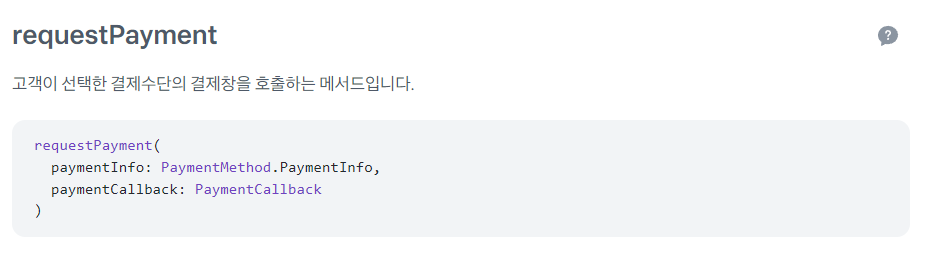
5. requestPayment
고객이 선택한 결제수단의 결제창을 호출하는 메서드
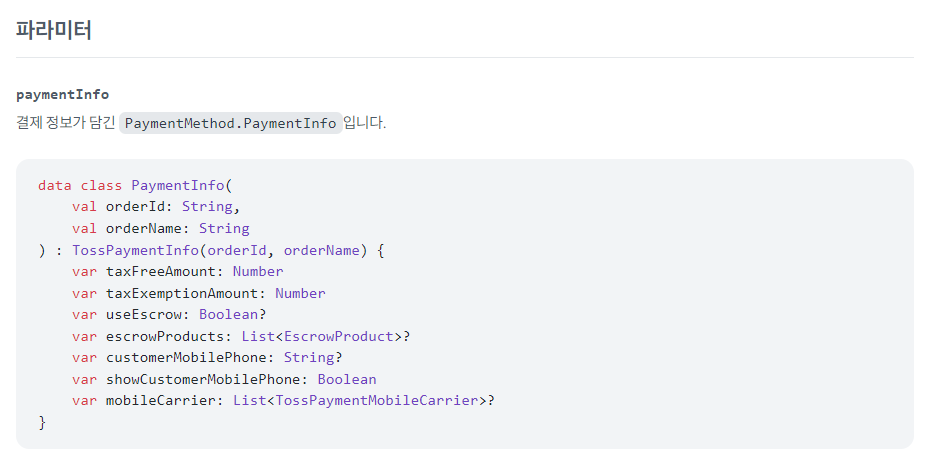
- PaymentInfo : orderId, orderName은 필수 정보

내가 이해하기 쉽게 쓰는 블로그