개요
이전에 Amazon Q와 Notion MCP를 연결하는 작업(Notion MCP 이용하기 with Amazon Q) 을 진행했었다. 당시에는 CLI와 VSCode에서 각각 MCP 서버를 실행하도록 설정했는데, 이는 Agent를 실행할 때마다 별도의 MCP 서버 프로세스가 생성되는 비효율적인 구조였다.
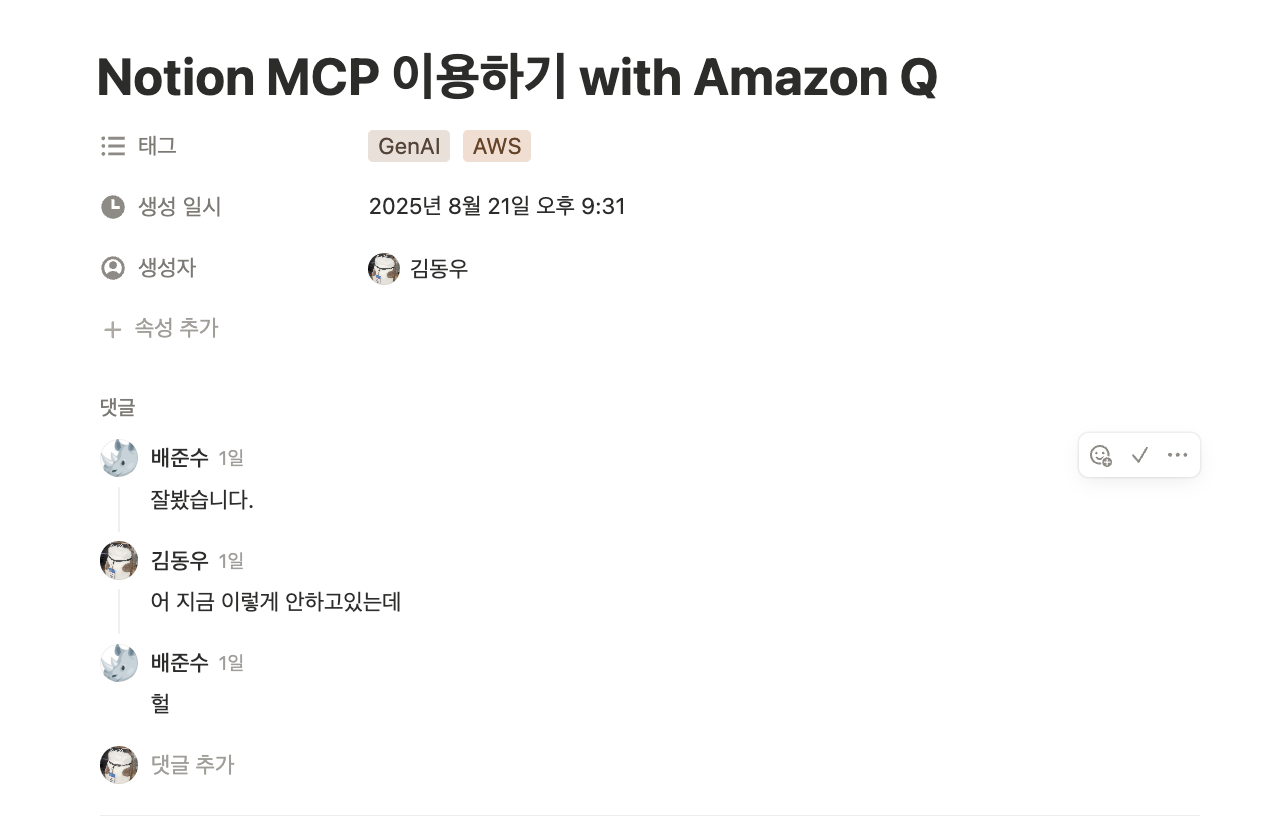 아티클 마지막에 TODO로 비효율적인 부분을 개선해야한다라고 언급하고 실제로 개선해서 사용 중이었지만 따로 글로 정리는 하지않았었다. 근데 무려 작년 8월 작성한 글을 이제와서(kiro도 아닌 시절...) 읽고 참고하려는 회사동료분이 계셨다.
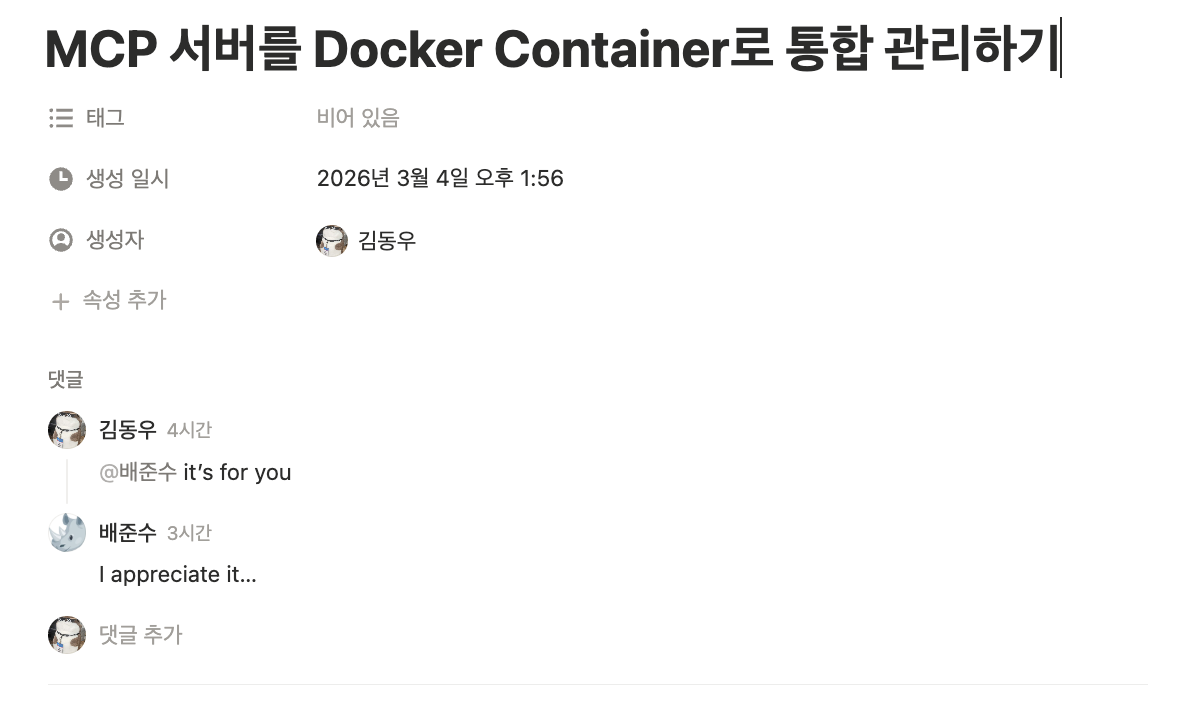 그래서 늦게나마 어떤 문제점을 어떻게 개선했는지 정리하고 공유드렸다. kiro를 기준으로 작성했지만 커서나 클로드코드와 같은 다른 agentic AI와도 크게 다르지 않을 것이다.
정리하자면 Docker Container를 활용해 로컬에 MCP 서버를 하나만 띄우고, 모든 Agent에서 이를 공유하도록 개선했다.
기존 방식의 문제점
Agent별 MCP 서버 생성
// .aws/amazonq/agents/default.json
{
  "mcpServers": {
    "notion": {
      "command": "npx",
      "args": ["-y", "@notionhq/notion-mcp-server"],
      "env": {
        "OPENAPI_MCP_HEADERS": "{\"Authorization\":\"Bearer {NOTION_API_KEY}\"}"
      }
    }
  }
}
이 방식은 Agent를 실행할 때마다 npx로 MCP 서버를 새로 시작하므로:
- 리소스 낭비 (중복 프로세스)
- 설정 중복 관리 필요
- 초기화 시간 소요
개선된 아키텍처
┌─────────────────────────────────────────┐
│  Kiro CLI / Amazon Q CLI / VSCode       │
│  (Multiple Agents)                      │
└──────────────┬──────────────────────────┘
               │ HTTP
               ↓
┌─────────────────────────────────────────┐
│  Docker Containers (Local)              │
│  ┌─────────────┐  ┌──────────────┐     │
│  │ Notion MCP  │  │  GitHub MCP  │     │
│  │ :3030       │  │  :8079       │     │
│  └─────────────┘  └──────────────┘     │
└──────────────┬──────────────────────────┘
               │
               ↓
         External APIs
핵심 변경사항:
- stdio → HTTP: 로컬 프로세스 통신에서 HTTP 기반 통신으로 전환
- 단일 서버: Docker로 MCP 서버를 상시 실행
- 중앙 설정:
~/.kiro/settings/mcp.json에서 통합 관리
구현
1. Docker Compose 설정
# ~/workspace/mcp/docker-compose.yml
services:
  notion-mcp:
    image: mcp/notion:latest
    container_name: notion-mcp
    ports:
      - "3030:3030"
    restart: unless-stopped
    command: [
      "npx",
      "@notionhq/notion-mcp-server",
      "--transport",
      "http",
      "--port",
      "3030"
    ]
    env_file:
      - .notion.env

  github-mcp:
    image: nginx:alpine
    container_name: github-mcp
    ports:
      - "8079:80"
    volumes:
      - ./nginx.conf:/etc/nginx/nginx.conf:ro
    restart: unless-stopped
2. 환경 변수 설정
# ~/workspace/mcp/.notion.env
NOTION_TOKEN=ntn_xxxxxxxxxxxxx
AUTH_TOKEN=kimphysicsman_local_token
3. 통합 MCP 설정
// ~/.kiro/settings/mcp.json
{
  "mcpServers": {
    "notion": {
      "url": "http://127.0.0.1:3030/mcp",
      "headers": {
        "Authorization": "Bearer kimphysicsman_local_token"
      },
      "timeout": 60000,
      "disabled": false
    },
    "github": {
      "url": "http://127.0.0.1:8079/mcp/",
      "timeout": 60000,
      "disabled": false
    }
  }
}
4. MCP 서버 실행
cd ~/workspace/mcp
docker-compose up -d
장점
리소스 효율성
- Agent 수와 무관하게 MCP 서버는 1개만 실행
- 메모리 및 CPU 사용량 감소
설정 통합 관리
- 모든 Agent가
~/.kiro/settings/mcp.json참조 - 설정 변경 시 한 곳만 수정
빠른 Agent 시작
- MCP 서버가 이미 실행 중이므로 초기화 시간 불필요
- Agent 실행 즉시 MCP 도구 사용 가능
독립적인 생명주기
- MCP 서버는 Agent와 독립적으로 관리
restart: unless-stopped로 안정성 확보
stdio vs HTTP 비교
| 항목 | stdio (기존) | HTTP (개선) |
|---|---|---|
| 통신 방식 | 프로세스 간 표준 입출력 | HTTP 요청/응답 |
| 서버 생명주기 | Agent와 동일 | 독립적 |
| 다중 클라이언트 | 불가능 (1:1) | 가능 (1:N) |
| 설정 관리 | Agent별 중복 | 중앙 집중식 |
| 적합한 용도 | 단일 Agent 개발/테스트 | 프로덕션, 다중 Agent |
추가 고려사항
보안
- 로컬 네트워크(127.0.0.1)만 허용
- 인증 토큰으로 접근 제어
.env파일은.gitignore에 추가
모니터링
# 컨테이너 상태 확인
docker ps

# 로그 확인
docker logs notion-mcp -f
자동 시작 (선택사항)
macOS에서 시스템 부팅 시 자동 실행:
# Docker Desktop 설정에서 "Start Docker Desktop when you log in" 활성화Ref
kimphysicsman