html 코드
    <form class="hidden" id="login-form">
    </form>
    <h2 id ="clock">00:00</h2>
    <h1 class = "hidden" id ="greeting"></h1>
    <script src="clock.js"></script>
    <script src="greeting.js"></script>```
js 코드
const clock =document.querySelector("h2#clock")

function sayHello(){
    console.log("hello");
}
setInterval(sayHello, 5000);
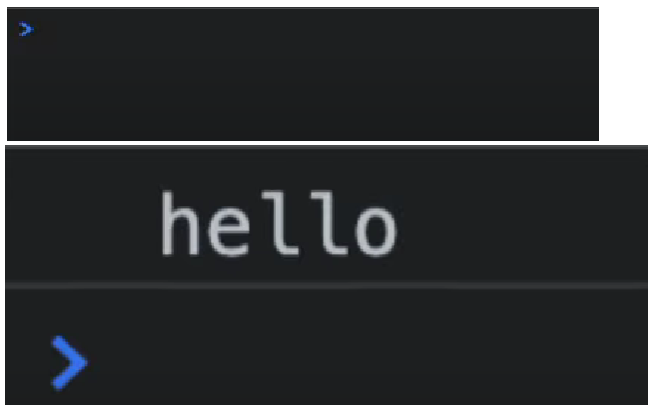
setInterval(sayHello, 5000);프로그램을 시작하면 5초 뒤에 hello 라고 console 창에 나오는 코드이며, 나중에 실시간으로 출력할수 있는 코드이다.
const clock =document.querySelector("h2#clock")

function getClock(){
    const date = new Date();
    clock.innerText = `${date.getHours()}:${date.getMinutes()}:${getSecond()}`
}

getClock()
setInterval(getClock, 1000);
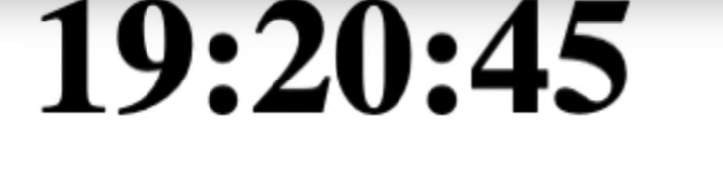
${date.getHours()}:${date.getMinutes()}:${getSecond()}
현재의 시간을 나타내도록 할 수 있도록 해주는 코드인데
const clock =document.querySelector("h2#clock")

function getClock(){
    const date = new Date();
    const hours = String(date.getHours()).padStart(2,"0");
    const minutes = String(date.getMinutes()).padStart(2,"0");
    const seconds = String(date.getSeconds()).padStart(2,"0");
    clock.innerText = `${hours}:${minutes}:${second}`;
}
getClock()
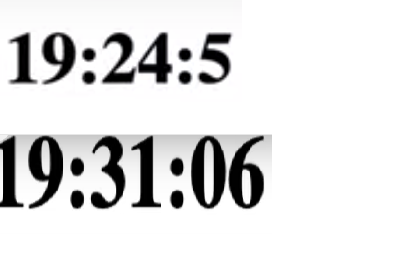
setInterval(getClock, 1000);- 현재 시간에서 계속 00초가 아닌 0초가 나와버린다 그래서 00초를 하기위해서
padStart(2,"0")를 사용해서 00초를 만들었다.

처음부터 다시 기본부터 잡아보자

열심히하네 민성아
4~5월중에 한번보쟈 맛잇눈거 사줄게
형아가