PostgreSQL
node js에서 typeORM과 함께 많이 쓰이는 오픈소스 DB이다.
RDBMS의 일종
windows용
https://dog-developers.tistory.com/122
위의 링크에서 windows에서 설치하는 방법이 쉽게 나와있다.
(설치 중의 비밀번호를 기억하고 있자)
pgAdmin 4도 같이 설치
SQL Shell을 띄워서 SELECT version(); 을 치면 postgreSQL이 설치된걸 확인할 수 있다.
pgAdmin 4
postgreSQL을 GUI로 볼 수 있는 프로그램이다.
매우 간단한 사용방법
따라해보다가,
mac이라서 방법을 좀 찾아보고 해야할 것 같다.
mac용
homebrew를 통해 PostgreSQL 설치하기
homebrew 없다면 먼저 깔기
https://backendcode.tistory.com/197#google_vignette
우선 PostgreSQL 최신 버전을 설치
brew install postgresql
설치 완료 후 버전 확인하기
postgres --version
postgres (PostgreSQL) 14.13 (Homebrew)
터미널을 통해 postgreSQL 접속하기
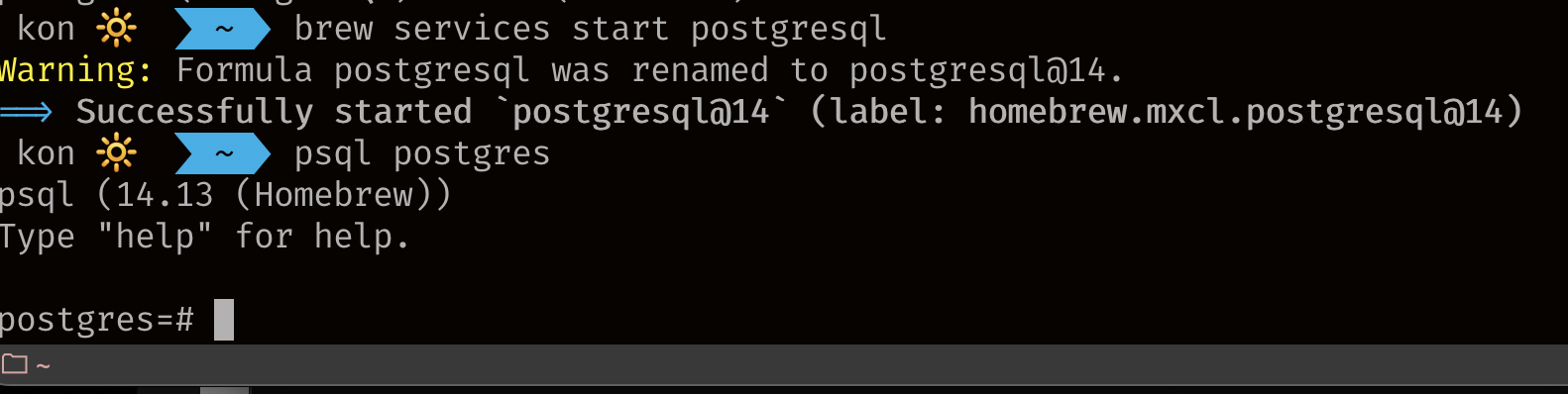
접속하기 전에 우선 터미널에서 postgreSQL을 실행해주는 명령어를 작성
혹시 몰라서 종료하는 명령어까지 같이 첨부하였다.
postgresql 실행 명령어
brew services start postgresql
postgresql 종료 명령어
brew services stop postgresql
postgres 접속 하기
psl postgres
권한 확인
\du
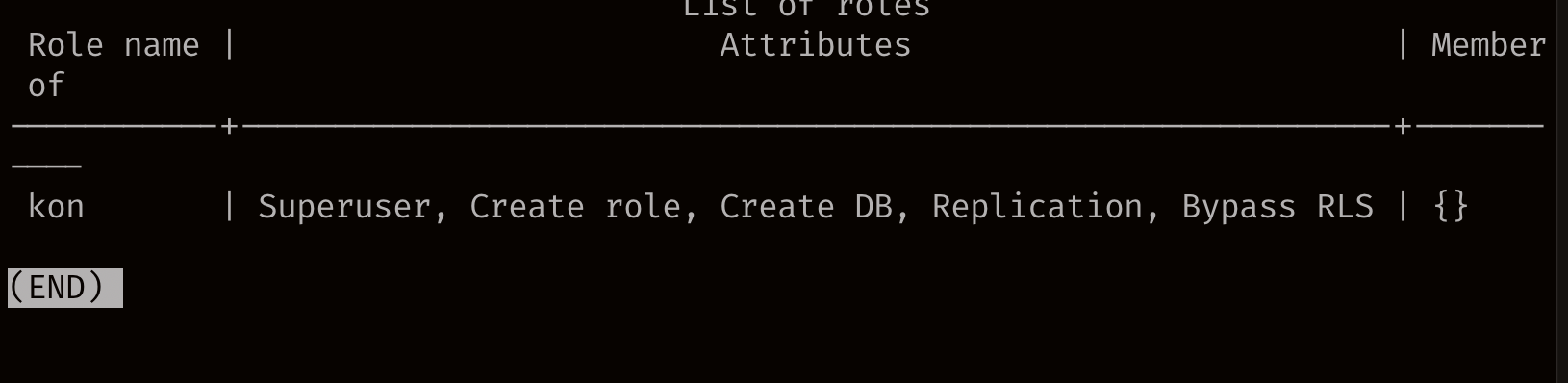
확인해보면 저는 kon이라는 이름으로 Superuser로 생성되어 있습니다.
Client로 접속하기
Client tool : TablePlus, Psequel, DBeaver 등등
dbeaver 설치
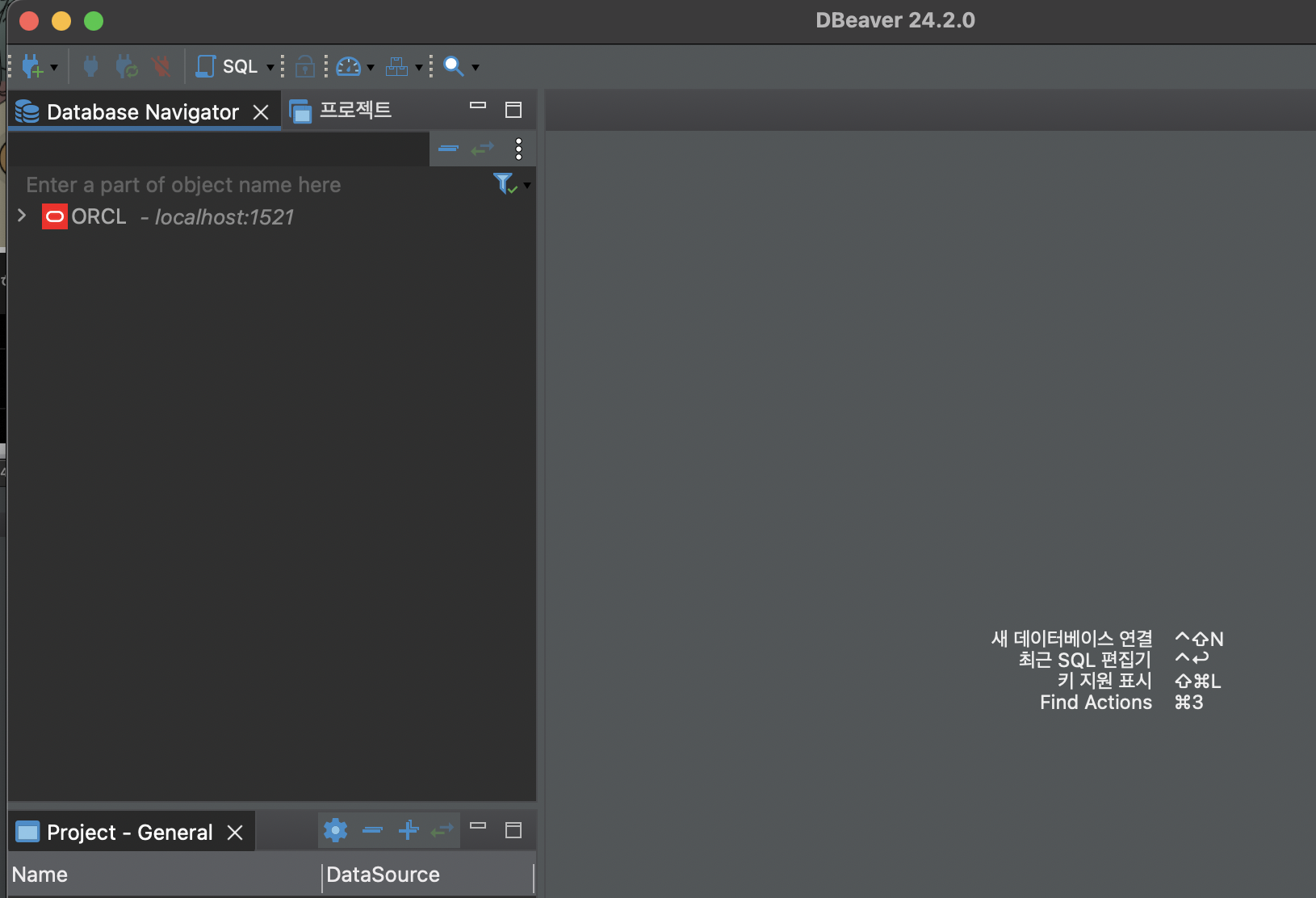
실행 후 플러그 + 버튼 클릭
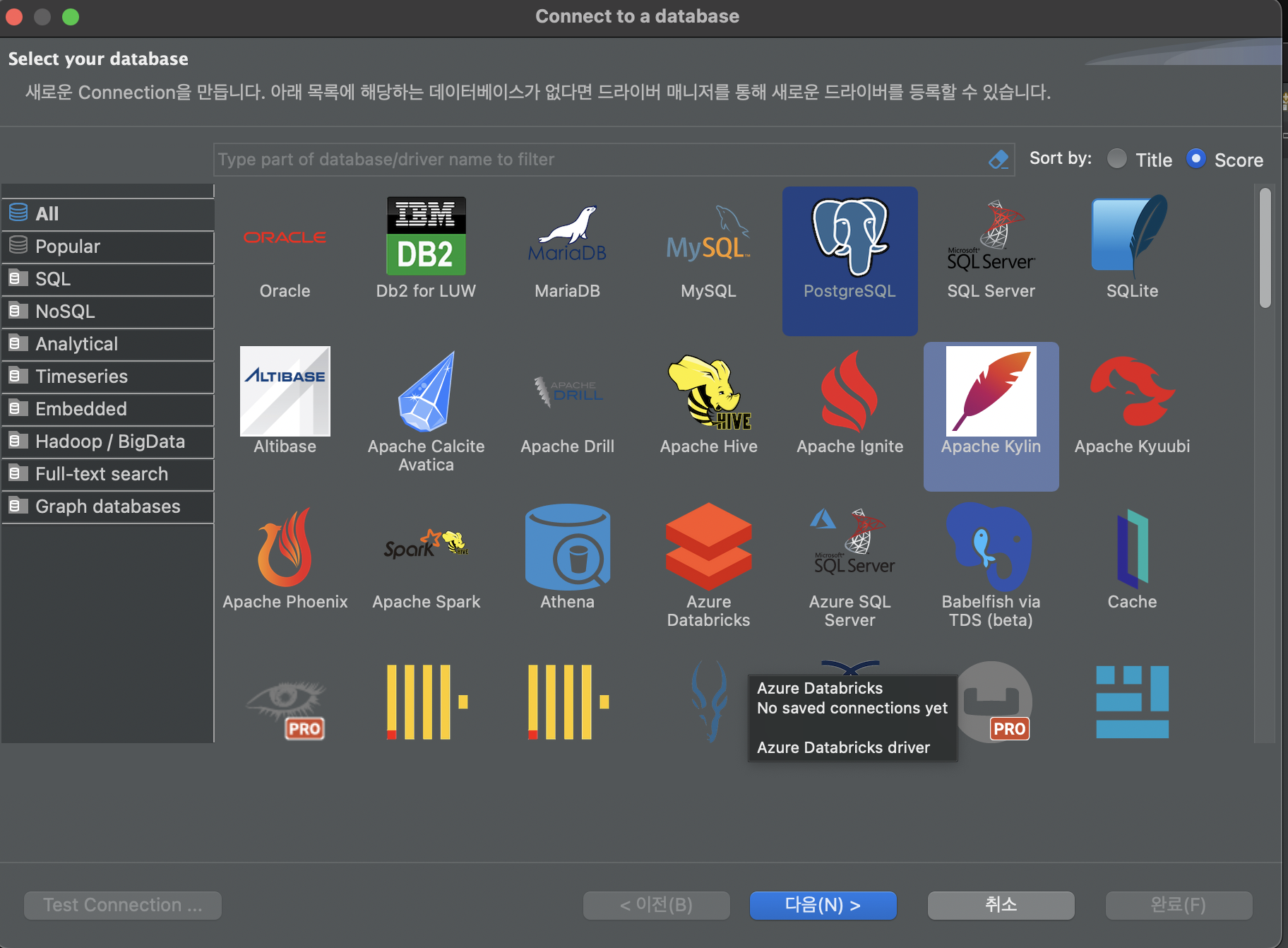
사용할 db 선택
username : kon
test 커넥션 누르고 드라이버 설치
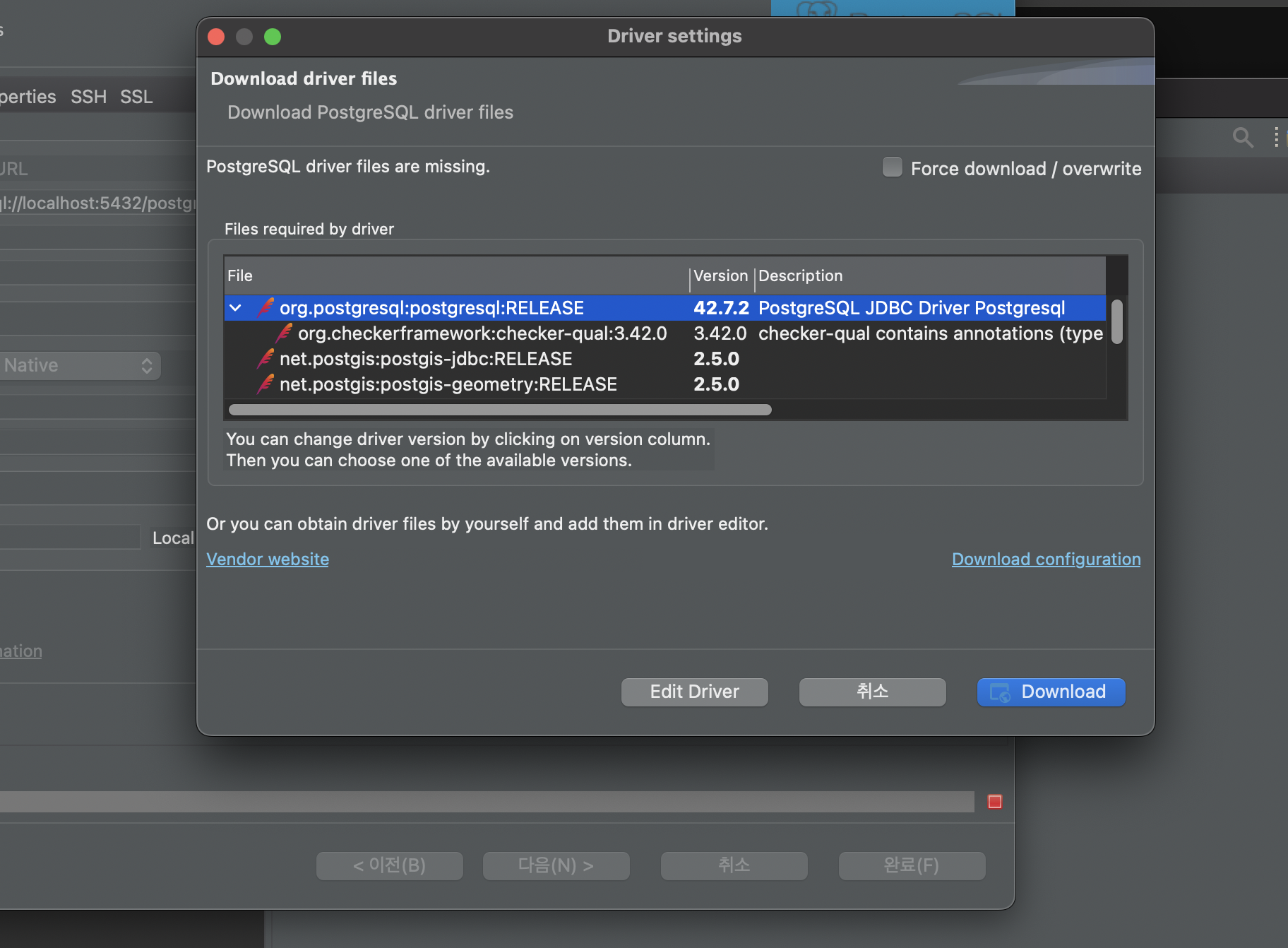
맨위꺼 release
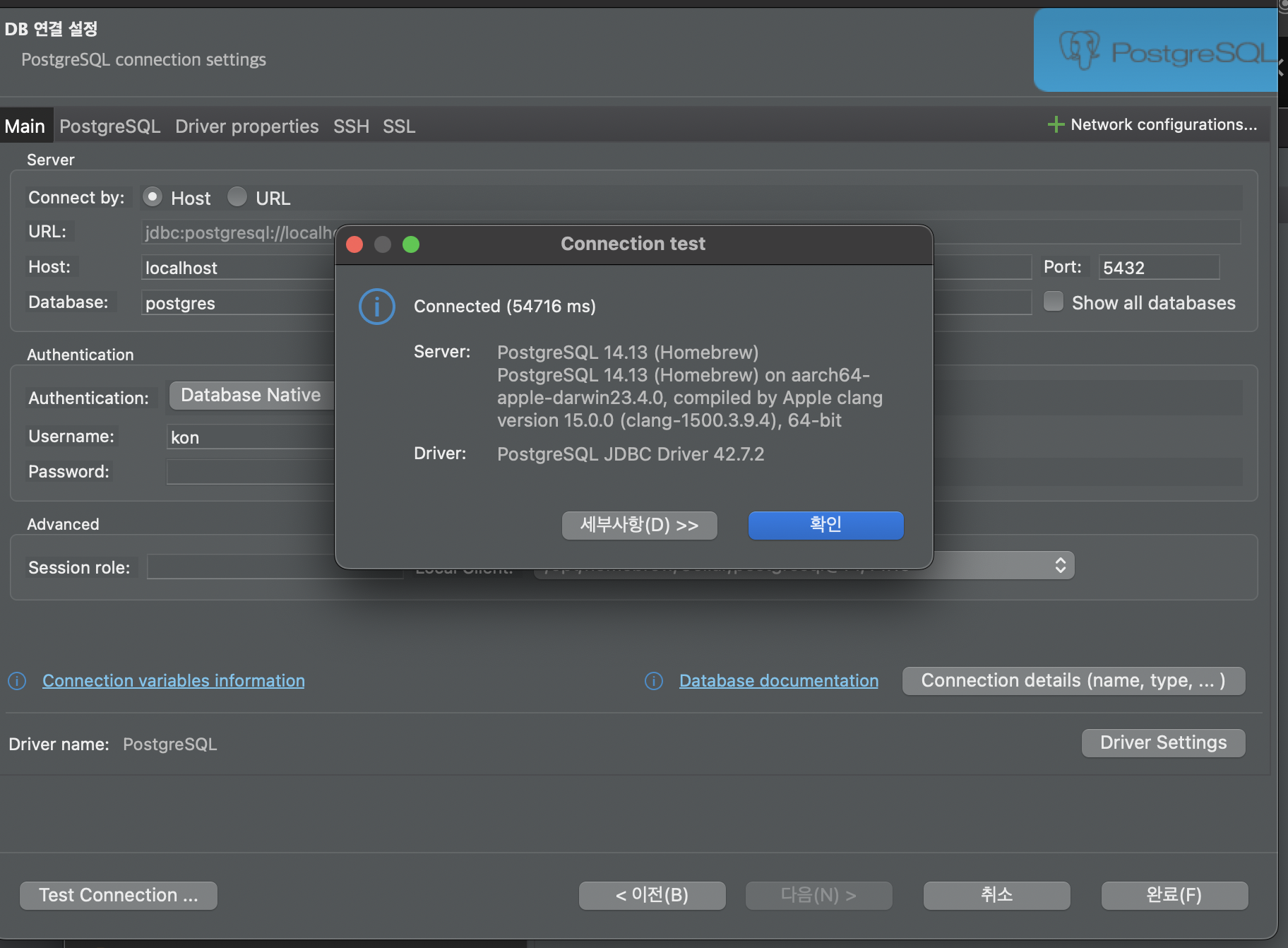
설치 완료된 후 정상적으로 연결된 것 확인 가능
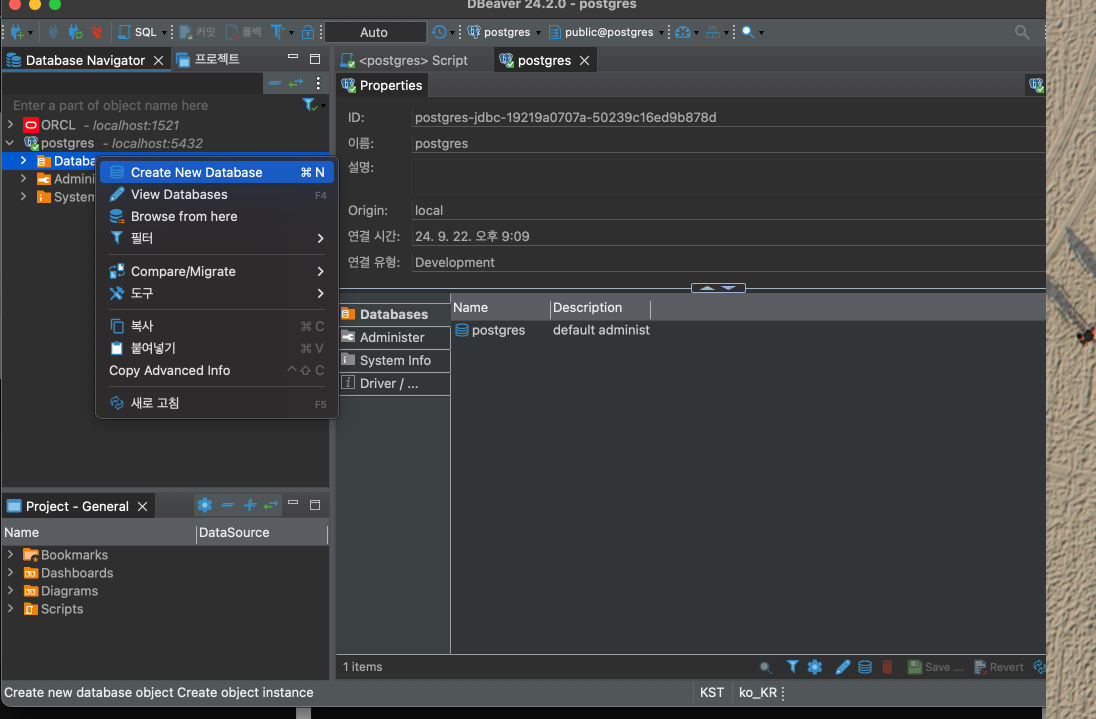
database 추가
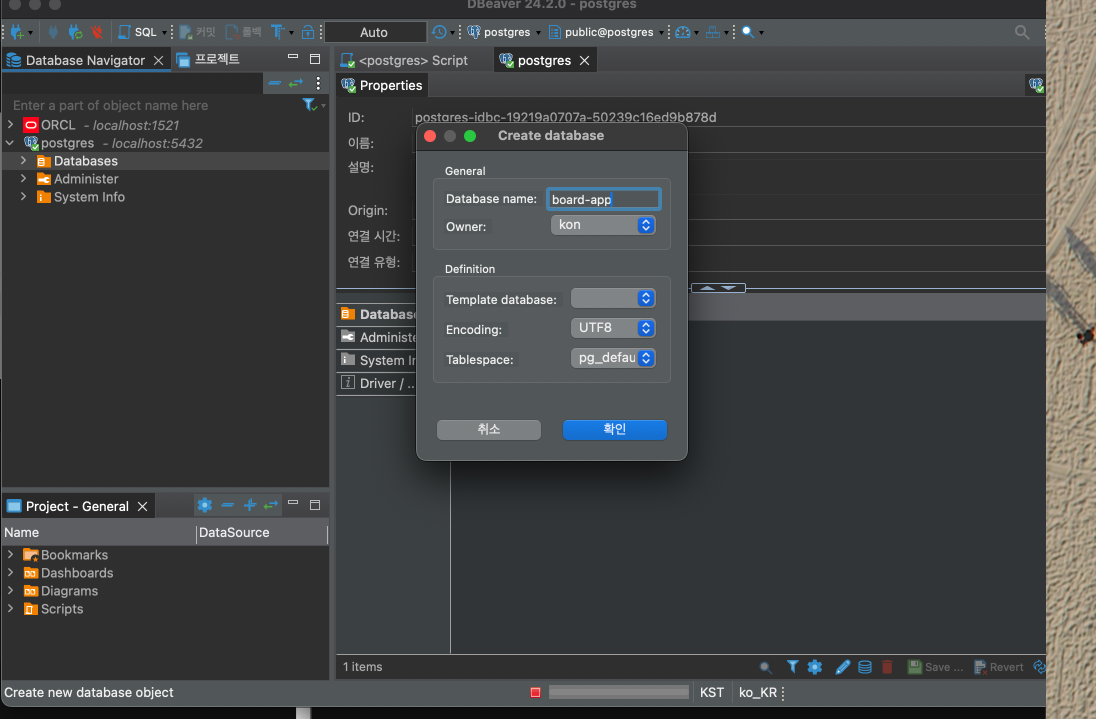
table 추가
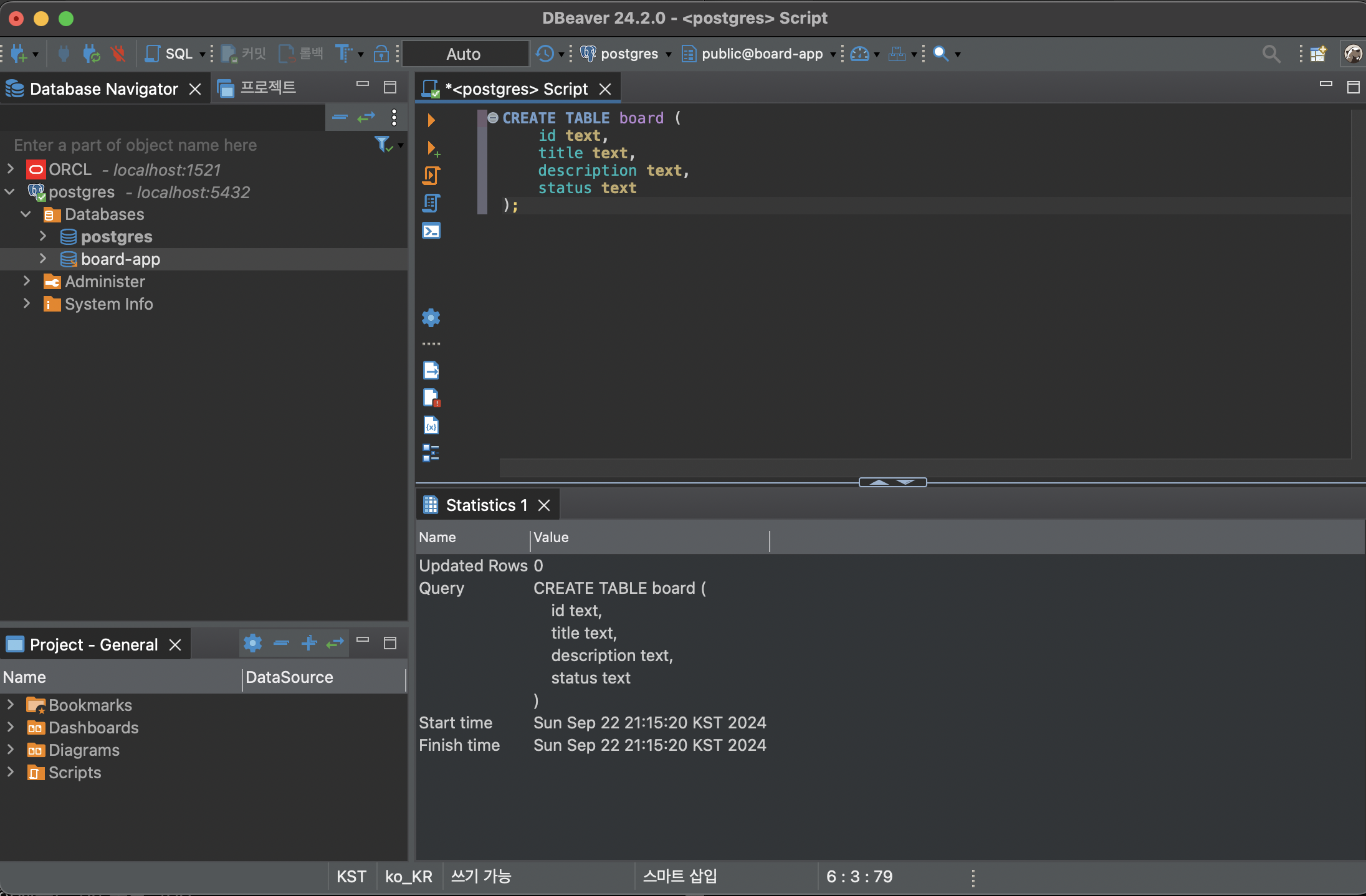
CREATE TABLE board (
	id text,
	title text,
	description text,
	status text
);
table 조회
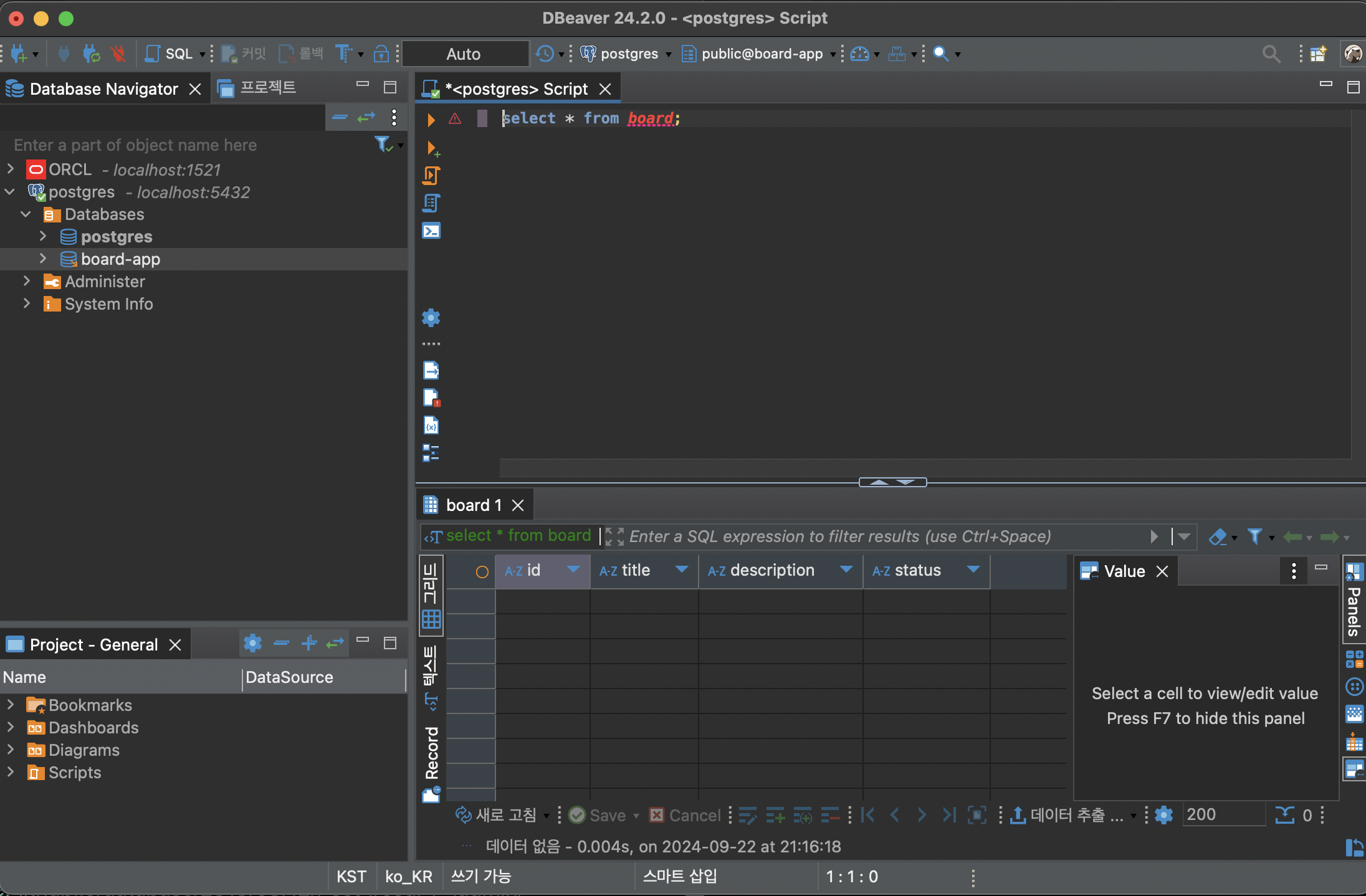
select * from board;
ORM
Object Relational Mapping 객체-관계 매핑
- 객체와 테이블을 자동으로 매핑시킴.!
ORM 사용 이유
- 객체 모델과 DB 테이블 모델 간의 불일치 존재.
- DB 접근 및 조작을 ORM 이용하여,프로그래밍 언어로 풀 수 있음!
TypeORM
- typeORM은 node.js에서 작동하며 typescript로 작성된 ORM 라이브러리
관련 모듈들
@nestjs/typeorm
- nestJS에서 typeorm을 사용하기 위해 연동시켜주는 모듈
typeorm
pg
- postgres 모듈(PostgreSQL을 쓰기 위한 것!)
관련 모듈 설치
$ npm install --save @nestjs/typeorm typeorm pg psql
typeOrmConfig 설정하기
configs(폴더 생성) > typeorm.config.ts 파일 생성
typeorm.config.ts
// typeorm.config.ts
import { TypeOrmModuleOptions } from '@nestjs/typeorm';

export const typeOrmConfig: TypeOrmModuleOptions = {
  type: 'postgres',
  host: 'localhost',
  port: 5432,
  username: 'postgres',
  password: 'postgres',
  database: 'board-app',
  entities: [__dirname + '/../**/*.entity.{js,ts}'],
  synchronize: true,
};
app.module.ts
import { Module } from '@nestjs/common';
import { TypeOrmModule } from '@nestjs/typeorm';
import { BoardsModule } from './boards/boards.module';
import { typeOrmConfig } from './configs/typeorm.config';

import { AppController } from './app.controller';
import { AppService } from './app.service';
@Module({
  imports: [TypeOrmModule.forRoot(typeOrmConfig),BoardsModule],
  controllers: [AppController],
  providers: [AppService],
})
export class AppModule {}
TypeOrmModule.forRoot(typeOrmConfig)을 추가한다.
forRoot는 typeorm config에 설정된 것을 sub module에도 적용하겠다라는 뜻.
Entity
Entity를 이용하여 DB 테이블을 생성한다.
Synchronize
true 값을 주면 앱을 실행할 때 entity에서 컬럼 수정사항이 있다면, 해당 테이블을 drop한 후 다시 생성한다.
db 접속 안되면 상단 수정
username: 'kon',
password: 'postgres',
적절한 id , pw 로 에러 없게 수정