1. home.html 정리
templates\store\home.html
    (... 생략 ...)
  <body>
    {% include 'layout/navbar.html' %}
    <!-- Header-->
    <header class="bg-dark py-5">
      <div class="container px-4 px-lg-5 my-5">
        <div class="text-center text-white">
          <h1 class="display-4 fw-bolder">Shop in style</h1>
          <p class="lead fw-normal text-white-50 mb-0">
            With this shop hompeage template
          </p>
        </div>
      </div>
    </header>
  (... 생략 ...)
2. templates\layout\navbar.html 파일 카트 아이콘 주석 해제
templates\layout\navbar.html
    (... 생략 ...)
       <form class="d-flex">
        <a href="#" class="btn btn-outline-dark">
          <i class="bi-cart-fill me-1"></i>
          Cart
          <span class="badge bg-dark text-white ms-1 rounded-pill" id="cart_quantity">1</span>
        </a>
      </form>
    (... 생략 ...)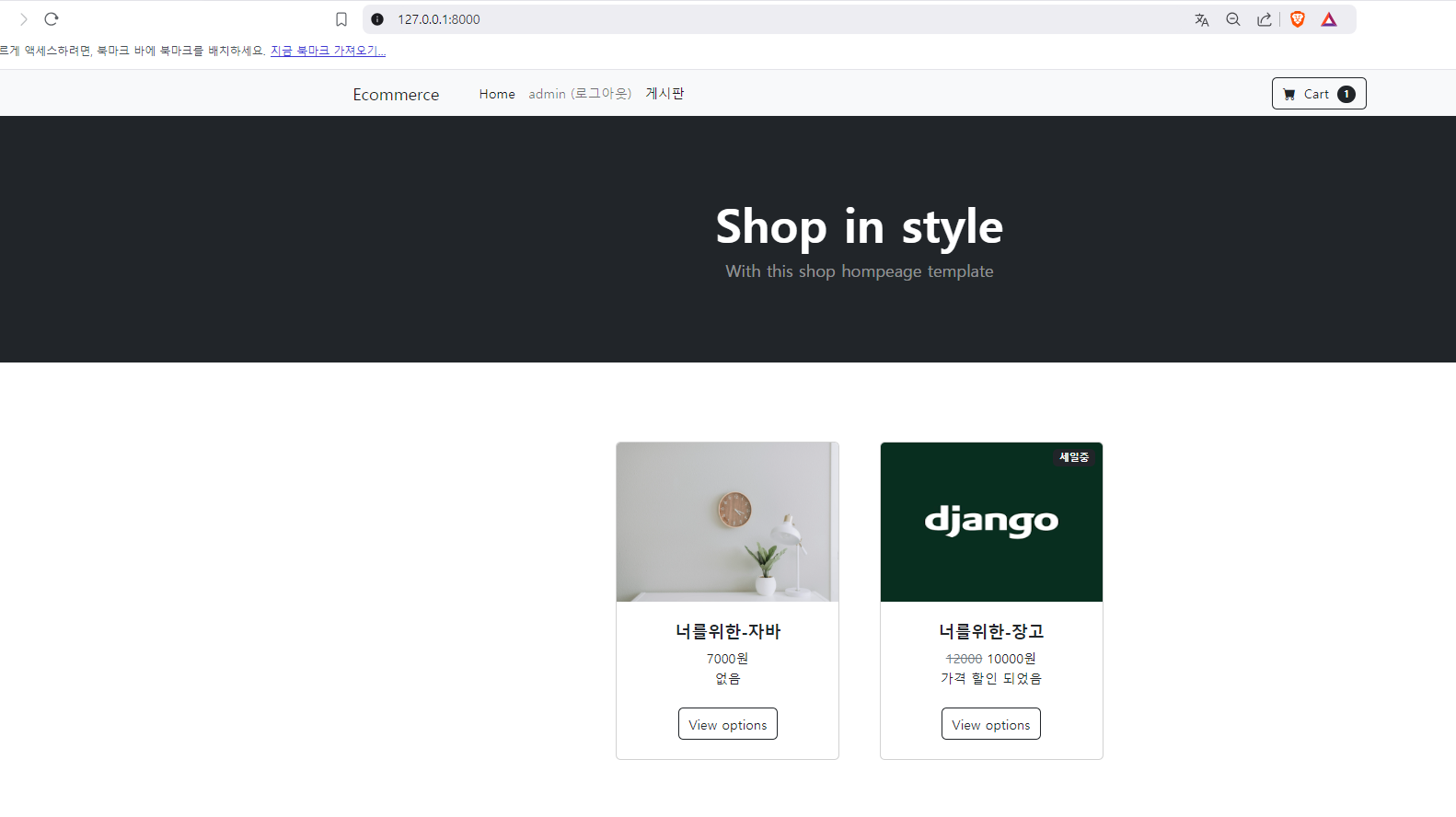
3. templates\layout\navbar.html 파일 카트 아이콘 주석 해제
       <form class="d-flex">
        <a href="#" class="btn btn-outline-dark">
          <i class="bi-cart-fill me-1"></i>
          Cart
          <span class="badge bg-dark text-white ms-1 rounded-pill" id="cart_quantity">1</span>
        </a>
      </form>
4.base.html 정리및 템플릿 파일 정리
templates\layout\base.html
{% load static %}
<!doctype html>
<html lang="ko">

  <head>
    <meta charset="utf-8"/>
    <meta name="viewport" content="width=device-width, initial-scale=1, shrink-to-fit=no"/>
    <meta name="description" content=""/>
    <meta name="author" content=""/>
    <title>Shop Homepage - Start Bootstrap Template</title>
    <!-- Favicon-->
    <link rel="icon" type="image/x-icon" href="{% static 'store/assets/favicon.ico' %}"/>
    <!-- Bootstrap icons-->
    <link href="https://cdn.jsdelivr.net/npm/bootstrap-icons@1.5.0/font/bootstrap-icons.css" rel="stylesheet"/>
    <!-- Core theme CSS (includes Bootstrap)-->
    <link href="{% static 'store/css/styles.css' %}" rel="stylesheet"/>
  </head>

  <body>
    <!-- 네비게이션바 -->
    {% include "layout/navbar.html" %}

    <!-- 기본 템플릿 안에 삽입될 내용 Start -->
    {% block content %}{% endblock %}
    <!-- 기본 템플릿 안에 삽입될 내용 End -->
    <!-- 자바스크립트 Start -->
    {% block script %}{% endblock %}
    <!-- 자바스크립트 End -->
    <!-- Bootstrap core JS-->
    <script src="https://cdn.jsdelivr.net/npm/bootstrap@5.3.3/dist/js/bootstrap.bundle.min.js"></script>
    <!-- Core theme JS-->
    <script src="{% static 'store/js/scripts.js' %}"></script>
  </body>

</html>
home.html 및 store 템플릿 정리
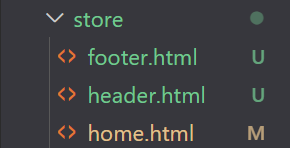
templates\store\footer.html
<!-- Footer-->
<footer class="py-5 bg-dark">
<div class="container">
<p class="m-0 text-center text-white">
Copyright © Your Website 2023
</p>
</div>
</footer>templates\store\header.html
<header class="bg-dark py-5">
  <div class="container px-4 px-lg-5 my-5">
    <div class="text-center text-white">
      <h1 class="display-4 fw-bolder">나의 쇼핑몰</h1>
      <p class="lead fw-normal text-white-50 mb-0">
        멋진 쇼핑몰을 만들어 보아요!!!
      </p>
    </div>
  </div>
</header>
templates\store\home.html
{% extends 'layout/base.html' %}
{% load static %}

{% block content %}
    <!-- Header -->
    {% include 'store/header.html' %}
    <!-- Section-->
    <section class="py-5">
      <div class="container px-4 px-lg-5 mt-5">
        <div class="row gx-4 gx-lg-5 row-cols-2 row-cols-md-3 row-cols-xl-4 justify-content-center">
          {% comment %} 이미지 처리 부분 {% endcomment %}

          {% for product in products %}
          <div class="col mb-5">
            <div class="card h-100">
              <!-- 세일 뱃지(sale badge) -->
              {% if  product.is_sale    %}
              <div class="badge bg-dark text-white position-absolute" style="top: 0.5rem; right: 0.5rem">세일중</div>
              {% endif %}

              <!-- Product image-->
              <img class="card-img-top" style="height:12rem;object-fit:fill;" src="{{ product.image.url}}" alt="..."/>
              <!-- Product details-->
              <div class="card-body p-4">
                <div class="text-center">
                  <!-- Product name-->
                  <h5 class="fw-bolder">{{product.name}}</h5>
                  <!-- Product price-->

                  {% if product.is_sale %}
                    <span class="text-muted text-decoration-line-through">{{product.price}}</span>
                    {{product.sale_price}}원
                  {% else %}
                    {{product.price}}원
                  {% endif %}
                  <br>
                  {{product.description}}
                </div>
              </div>
              <!-- Product actions-->
              <div class="card-footer p-4 pt-0 border-top-0 bg-transparent">
                <div class="text-center">
                  <a class="btn btn-outline-dark mt-auto" href="#">View options</a>
                </div>
              </div>
            </div>
          </div>
          {% endfor %}
        </div>
      </div>
    </section>

    <!-- Footer-->
    {% include 'store/footer.html' %}
{% endblock content %}
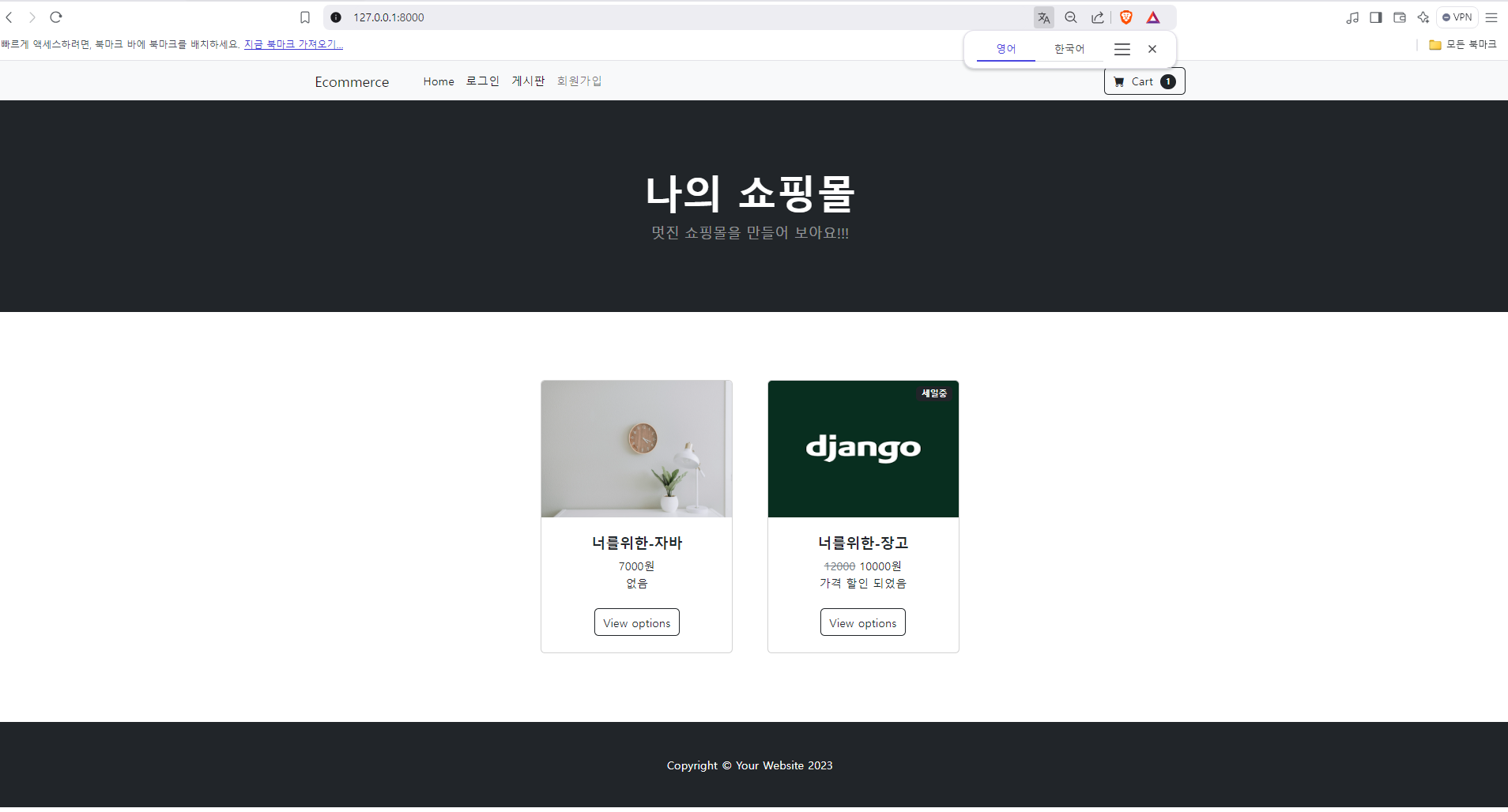
아래와 같이 문제 없이 나오는가 확인 해 보자

쿵스보이(얼짱뮤지션)