1. templates\cart\cart_summary.html
업데이트 ajax 수정
 <select class="form-select form-select-sm" id="select{{product.id}}" aria-label="Default select example">
                          {% for key, value in quantities.items %}
                            {% if key == product.id|slugify%}
                              <option selected="selected">{{ value }}</option>
                            {% endif %}
                          {% endfor %}
                          <option value="1">1</option>
                          <option value="2">2</option>
                          <option value="3">3</option>
                          <option value="4">4</option>
                          <option value="5">5</option>
                        </select>
                      </div>
                    </div>
                    <br/>
                    <a href="{% url 'store:home' %}" class="btn btn-secondary">홈으로</a>
                    {% comment %} <button type="button" value="{{product.id}}" id="add-cart" class="btn btn-secondary">Add to Cart</button> {% endcomment %}
                    <button type="button" data-index="{{product.id}}" class="btn btn-secondary update-cart">업데이트</button>
                  </center>
                </div>
              </div>
            </div>
          </div>
        {% endfor %}
      {% else %}
        There's Nothing in your cart
      {% endif %}
    </div>

    <script>
      $(document).on('click', '.update-cart', function (e) {
        let productid = $(this).data('index');
        let qty = $('#select' + productid + ' ' + 'option:selected').text();

        $.ajax({
          type: 'POST',
          url: '{% url "cart:cart_update" %}',
          data: {
            product_id: $(this).data('index'),
            product_qty: qty,
            csrfmiddlewaretoken: '{{  csrf_token }}',
            action: 'post'
          },
          success: function (json) {
            console.log(json);
            location.reload();
          },
          error: function (e) {
            console.log(e);
          }
        });
      });
    </script>
  {%endblock content%}
2.cart\views.py
def cart_update(request):
    cart = Cart(request)

    if request.POST.get('action') == 'post':

        #get stuff
        product_id = int(request.POST.get('product_id'))
        product_qty = int(request.POST.get('product_qty'))
        cart.update(product=product_id, quantity=product_qty)
        response = JsonResponse({'qty':product_qty})
        return response
3.cart\cart.py
아래부분을 추가
    def update(self, product, quantity):
        product_id =  str(product)
        product_qty = int(quantity)

        #Get cart
        ourcart = self.cart
        #{'4':3, '5':4}}

        #update dictionary
        ourcart[product_id] = product_qty

        self.session.modified = True
        thing = self.cart

        return thing
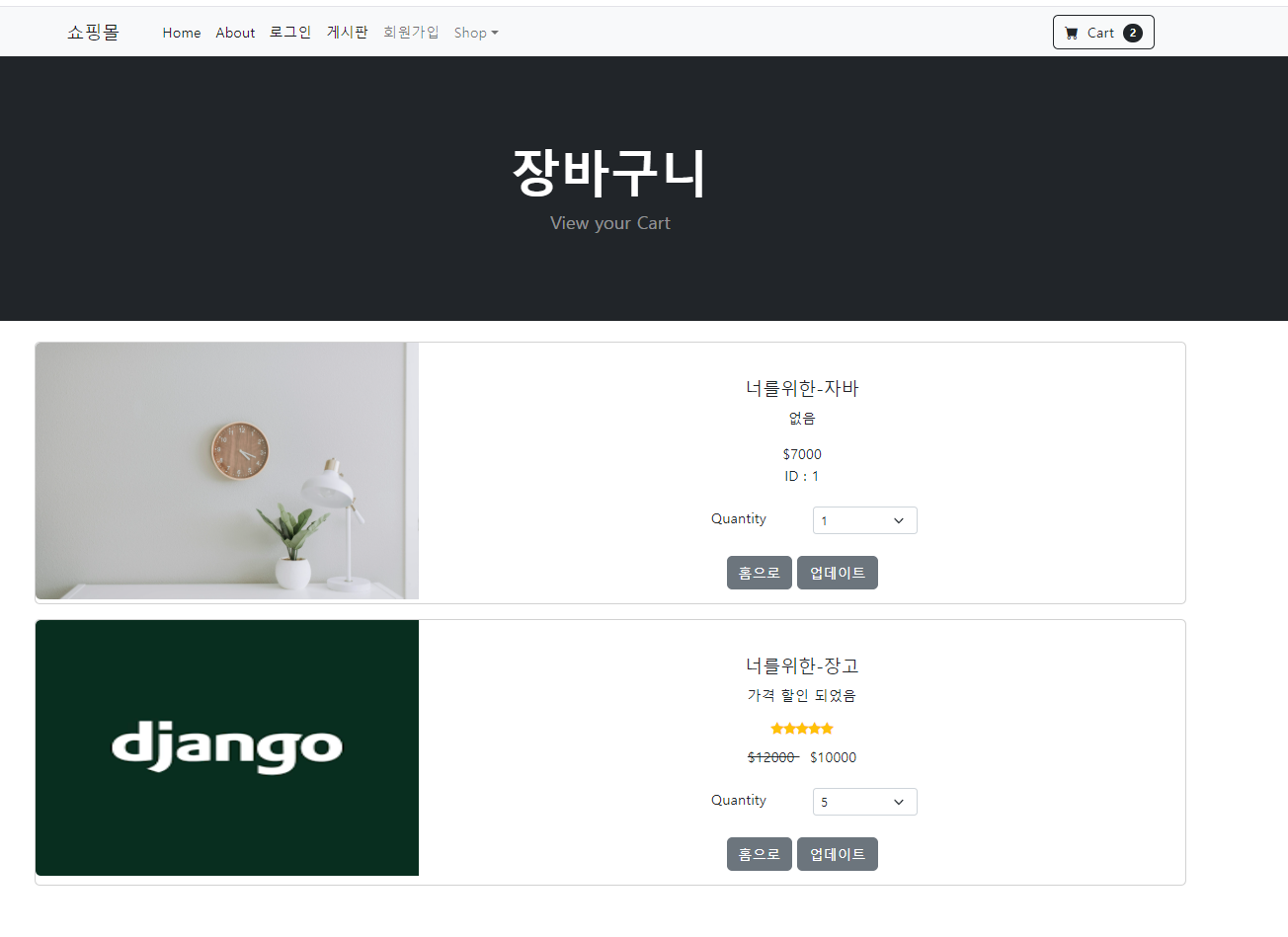
quantity 갯수를 바꾼후 홈으로 갔다가 해당 수량이 바꿔지는지 확인

쿵스보이(얼짱뮤지션)