1. drf 공식 사이트
drf의 모든 기본사항은 아래를 참고 한다.
https://www.django-rest-framework.org/
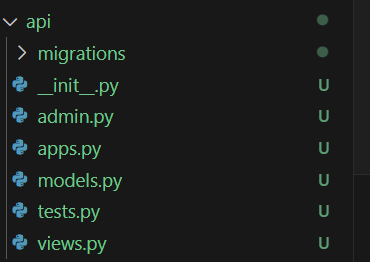
2. api 앱 생성
python manage.py startapp api
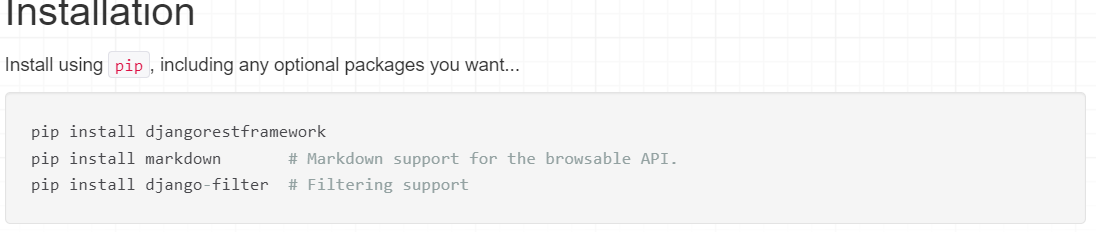
3. rest framework 설치
pip install djangorestframework
pip install markdown # Markdown support for the browsable API.
pip install django-filter # Filtering support
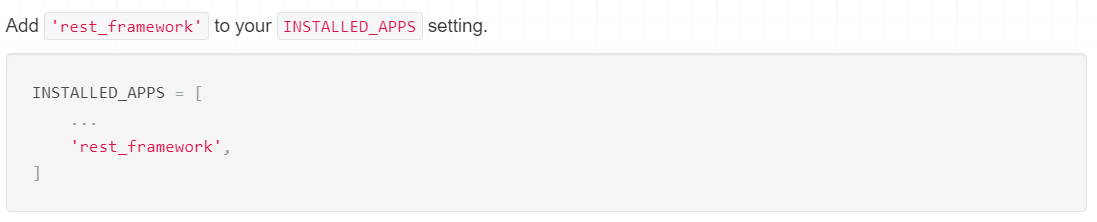
4.config\settings.py 추가
INSTALLED_APPS = [
    (... 생략 ...)
    'api',
    'rest_framework',
    'django_filters',
]
5.config\urls.py
urlpatterns = [
    (... 생략 ...)
    path("hello_world/", hello_world),
]
6.api\views.py
#dev_48
#기존방식
def hello_world(request):
    return HttpResponse('Hello World!')

#DRF 방식
아래와 같다
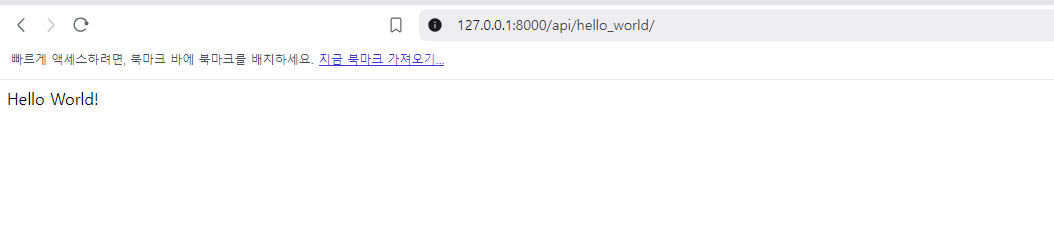
이제 DRF를 활용하여 보자.
api\urls.py
urlpatterns = [
    path("hello_world/", hello_world),
    path("hello_world_drf/", hello_world_drf),
]
api\views.py
Response 는 drf 에 있는 함수로 dictionary로 보내야 한다.
#https://www.django-rest-framework.org/api-guide/views/#api_view
#DRF 방식
@api_view(['GET'])
def hello_world_drf(request):
    return Response({"message":'Hello World!'})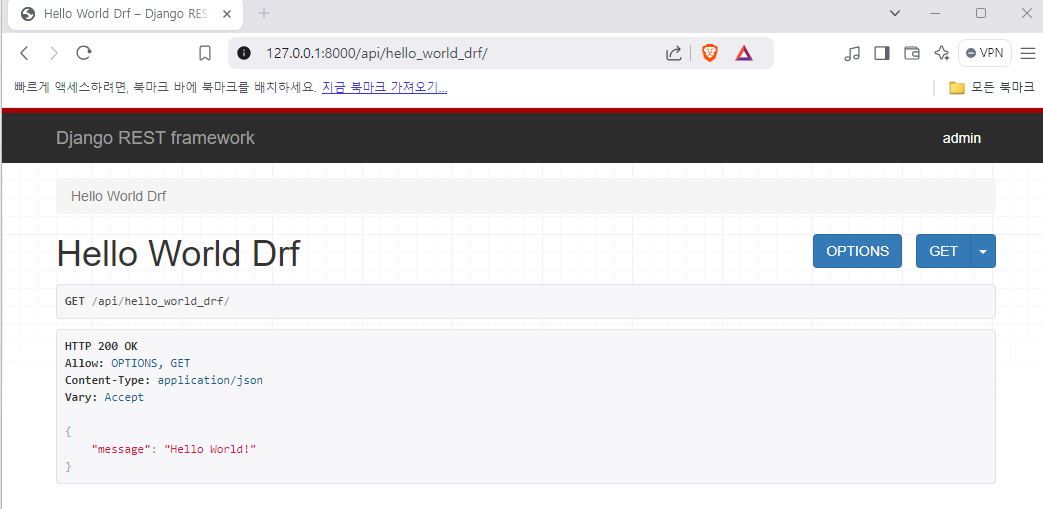

쿵스보이(얼짱뮤지션)