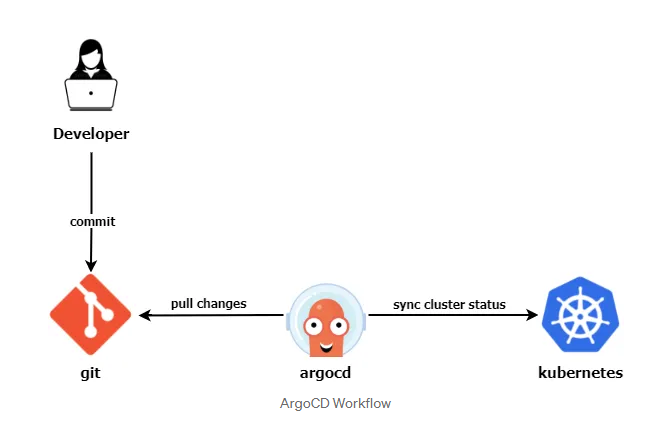
ArgoCD - 1
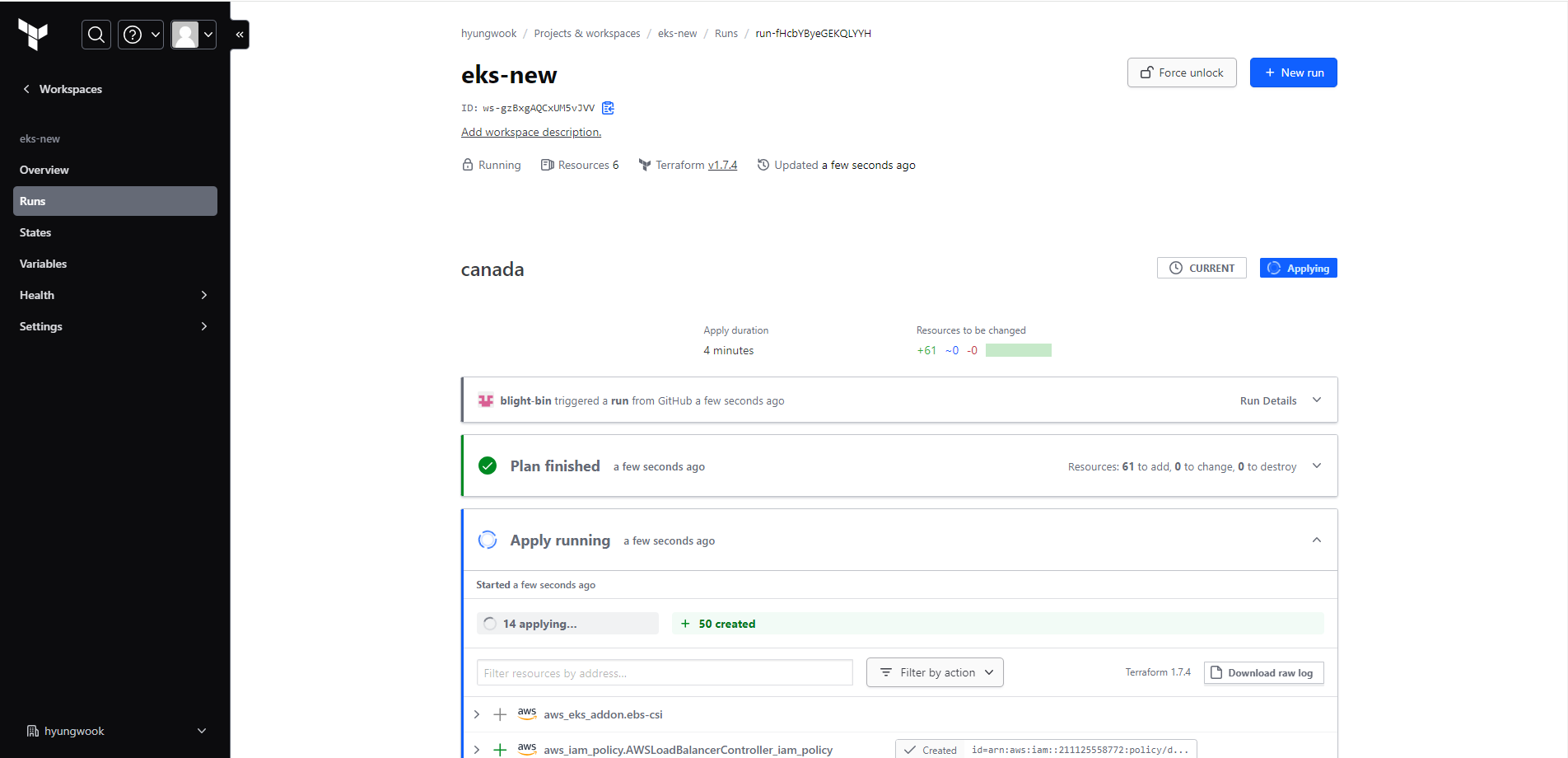
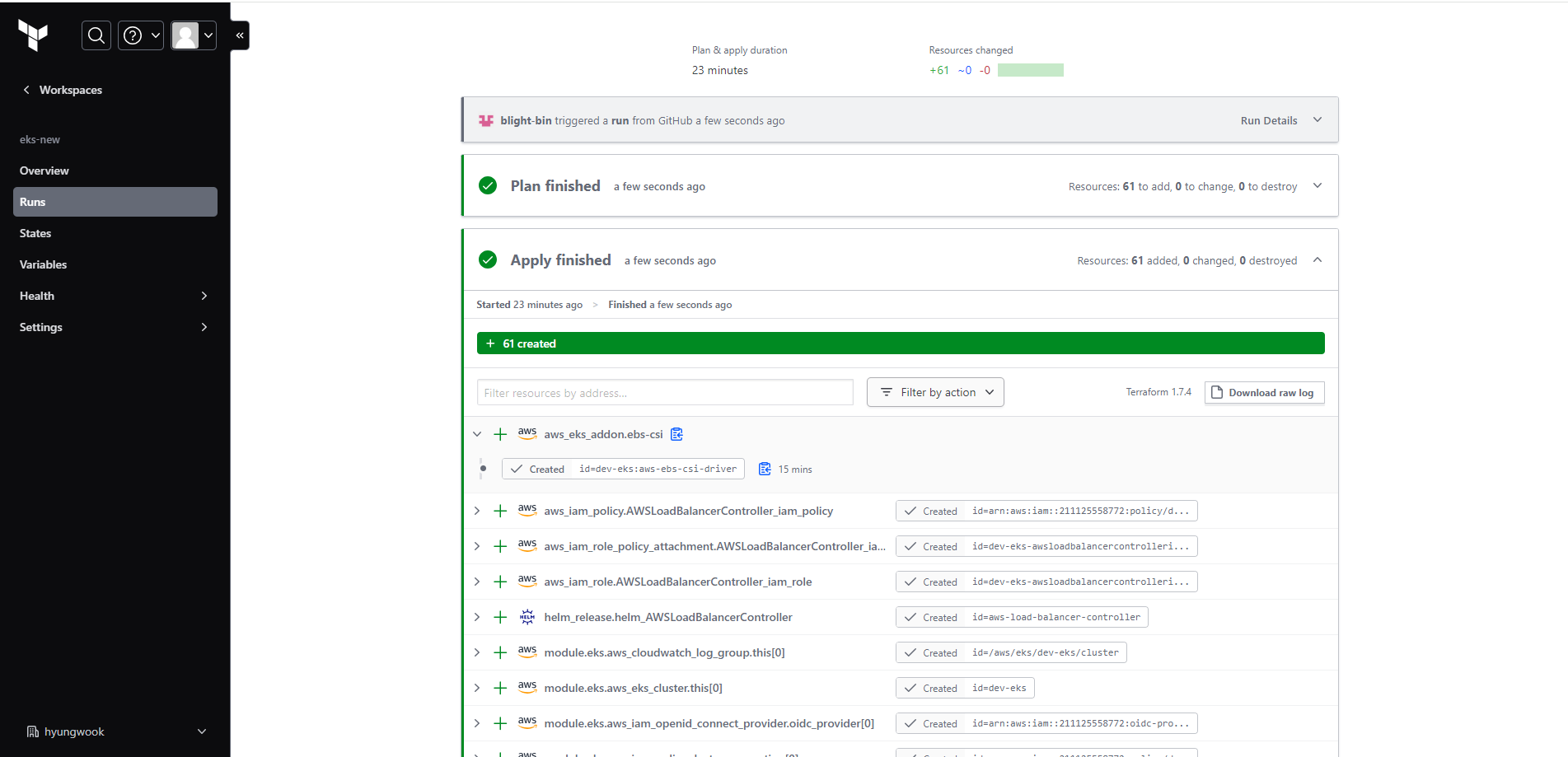
1. Canada region eks 인프라 배포
2. local 서버의 작업 환경 구축
- aws cli, aws configure, kubectl 은 설치되어 있음
1) helm 설치
curl -fsSL -o get_helm.sh https://raw.githubusercontent.com/helm/helm/master/scripts/get-helm-3
chmod 700 get_helm.sh
./get_helm.sh
2) ArgoCD CLI 설치
sudo curl -sSL -o /usr/local/bin/argocd https://github.com/argoproj/argo-cd/releases/latest/download/argocd-linux-amd64
chmod +x /usr/local/bin/argocd
3. eks에 ArgoCD 설치 및 접속
1) 로컬 서버의 aws eks 연동
aws eks --region ca-central-1 update-kubeconfig --name dev-eks
kubectl get nodes
2) eks에 ArgoCD 설치
(1) argocd 네임스페이스 생성
kubectl create ns argocd
kubectl get ns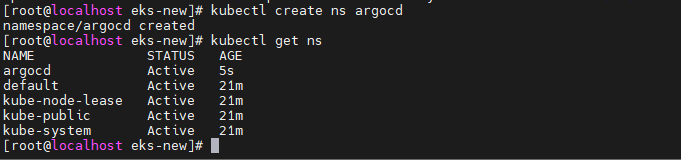
(2) ArgoCD 설치 및 확인
kubectl apply -n argocd -f https://raw.githubusercontent.com/argoproj/argo-cd/stable/manifests/install.yaml
kubectl get all -n argocd
(설치하는 데 시간이 1-2분 정도 소요)
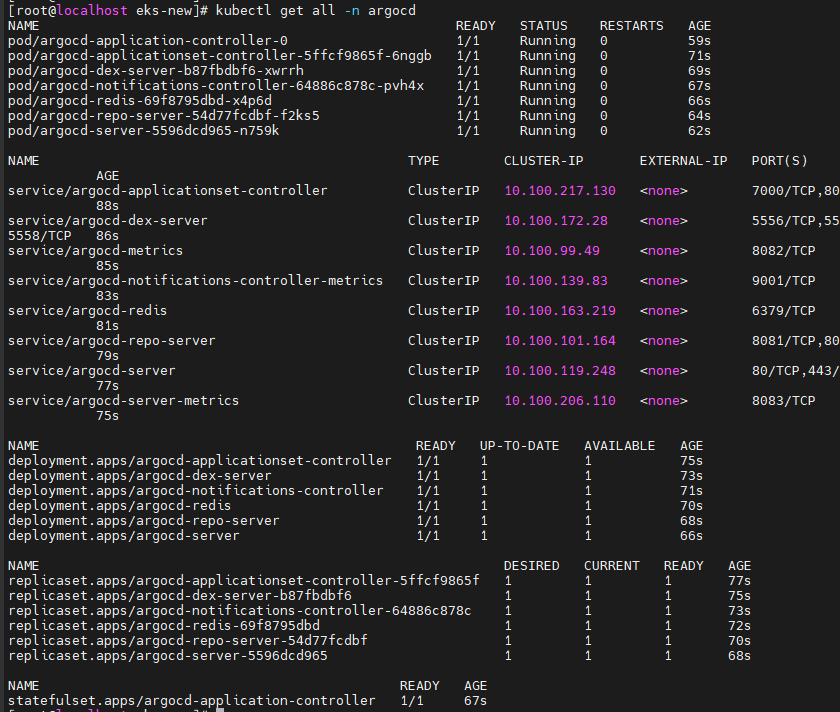
3) ArgoCD 서버 접속
(1) ArgoCD API 노출
kubectl patch svc argocd-server -n argocd -p '{"spec": {"type": "LoadBalancer"}}'

(2) ArgoCD 웹 서버 접속
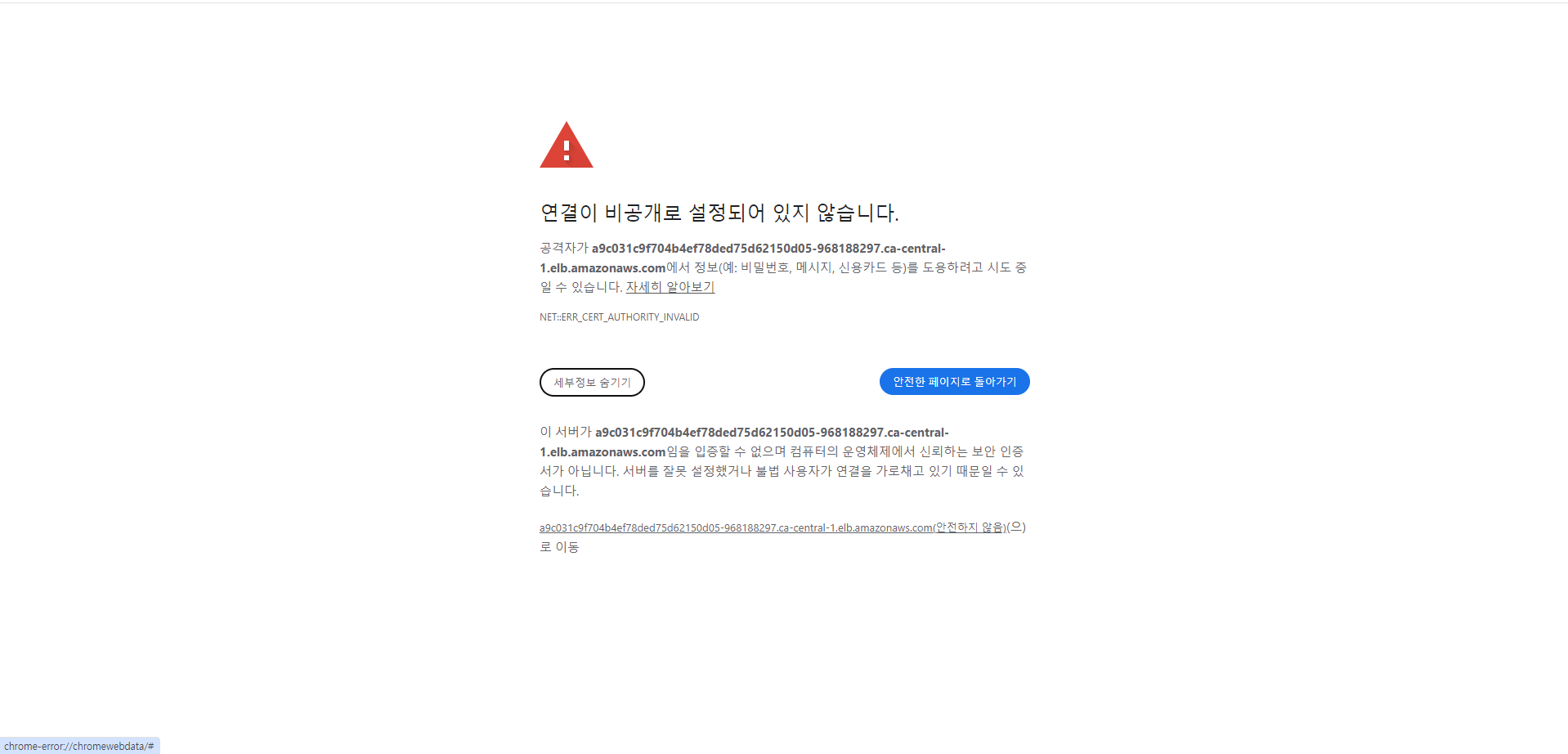
안전하지 않음으로 이동
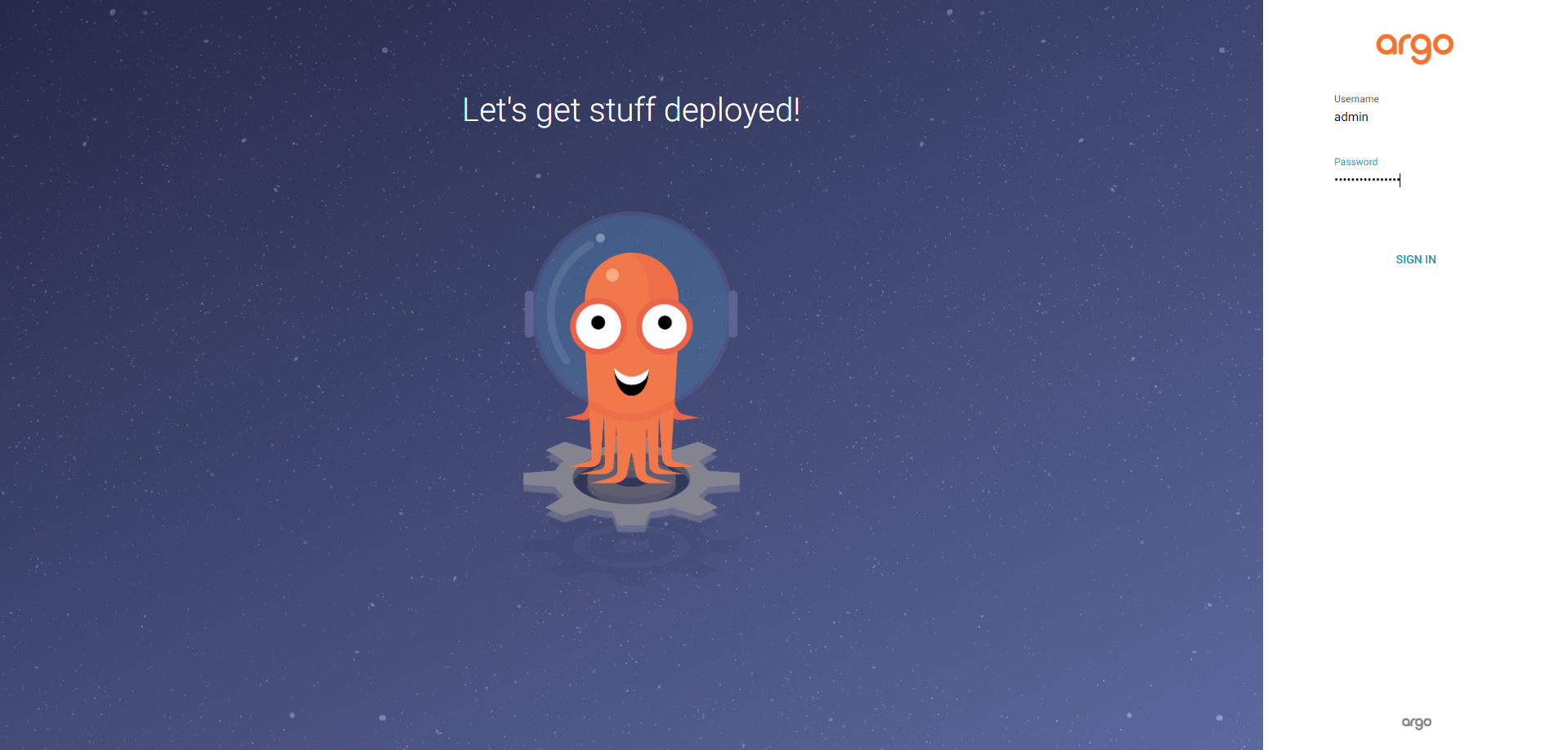
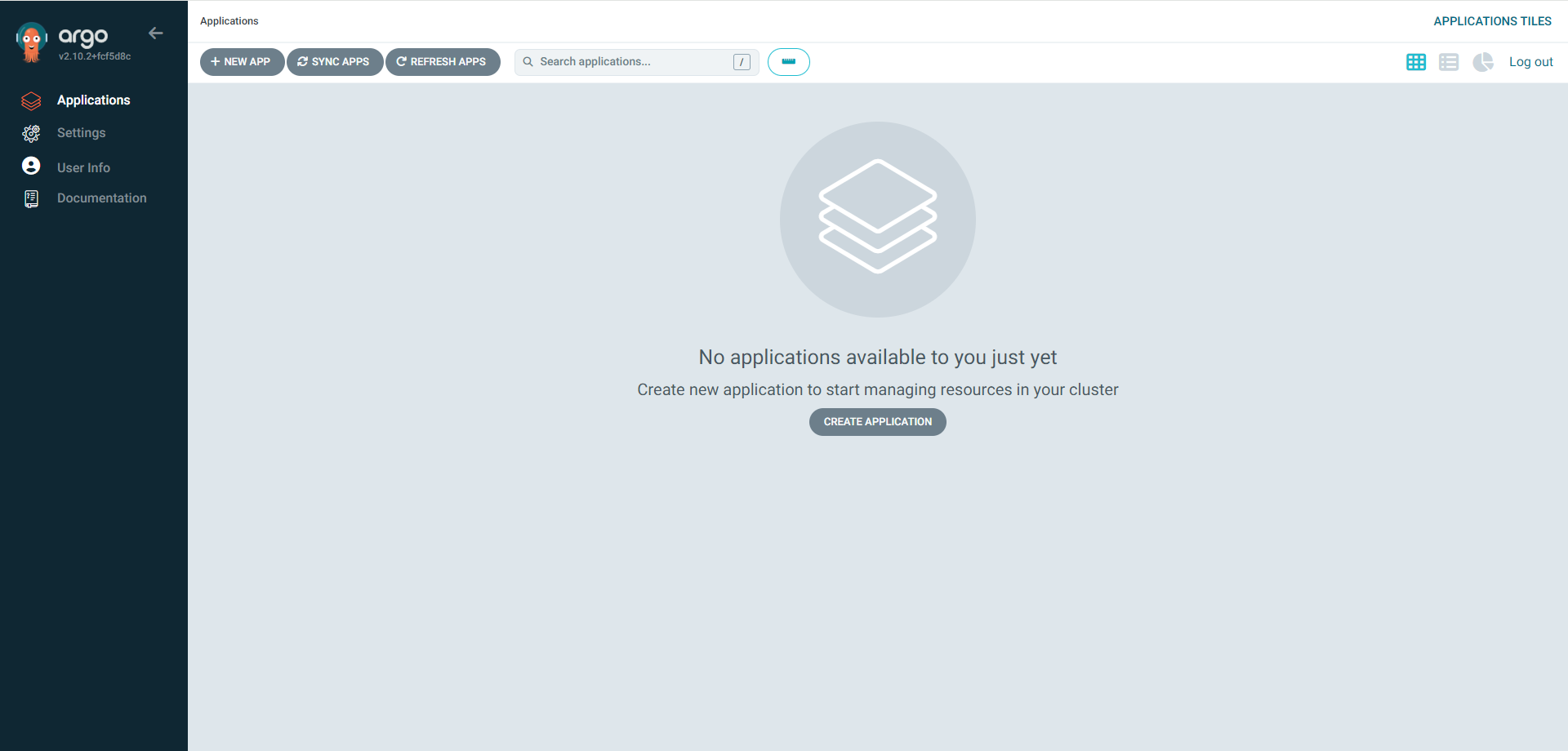
- 로그인 : 아이디 admin, 비밀번호는 다음 명령어로 확인
kubectl -n argocd get secret argocd-initial-admin-secret -o jsonpath="{.data.password}" | base64 -d; echo
4. ArgoCD 활용
1) ArgoCD Git repo 등록
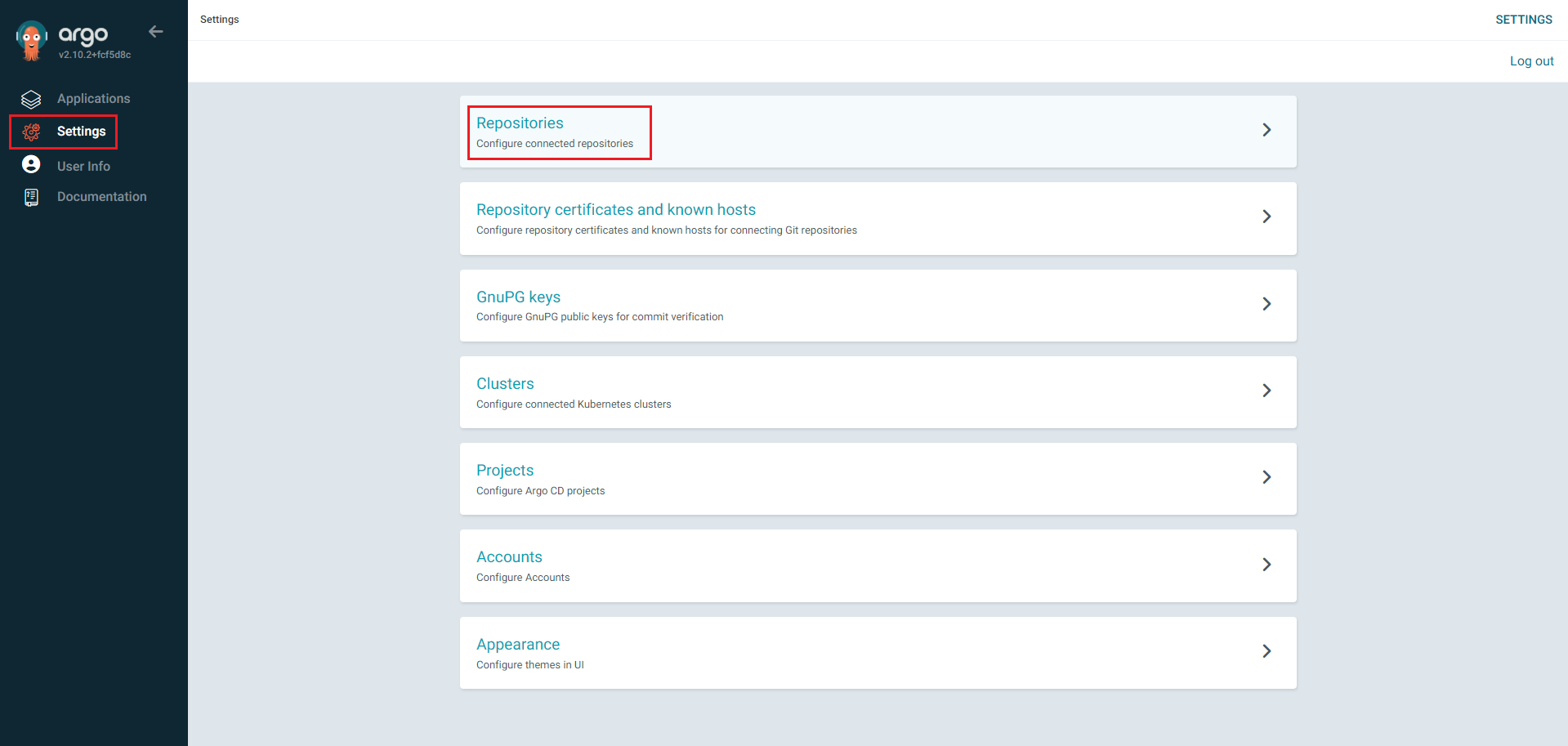
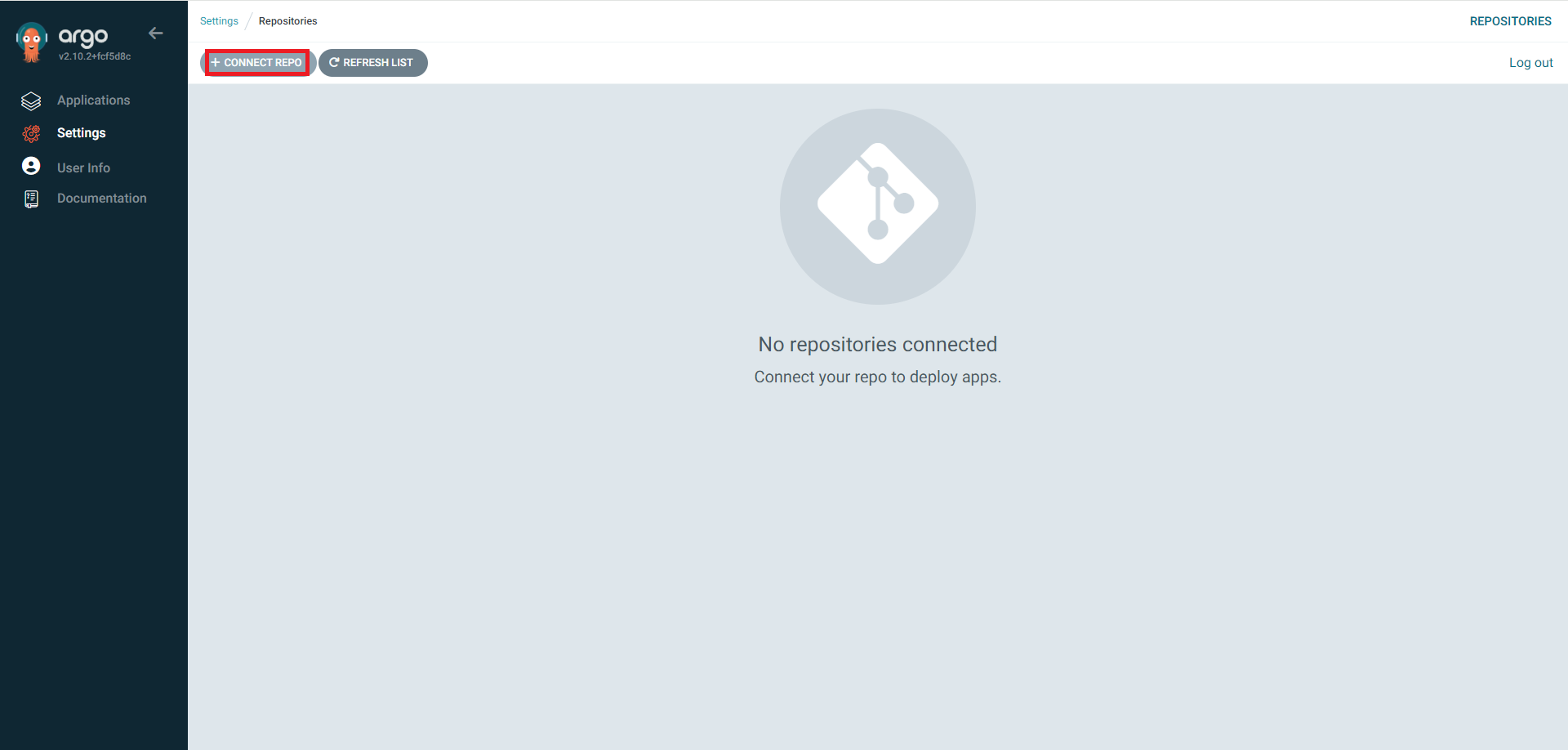
오류
- dev 네임스페이스 생성
kubectl create namespace dev
- argocd의 project.yaml 파일 작성
# cat > project.yaml << EOF
apiVersion: argoproj.io/v1alpha1
kind: AppProject
metadata:
  name: development
  labels:
    app: development
spec:
  # Project description
  description: Dev ArgoCD Project to deploy our app locally
  # Allow manifests to deploy only from Sokube git repositories
  sourceRepos:
  - "https://github.com/surenraju/*"
  # Only permit to deploy applications in the same cluster
  destinations:
  - namespace: dev
    server: https://kubernetes.default.svc
  # Enables namespace orphaned resource monitoring.
  orphanedResources:
    warn: false
EOF
- argocd 프로젝트 생성
kubectl create -n argocd -f project.yaml
- argocd 어플리케이션 작성(어플리케이션 배포 방법을 정의)
cat > application.yaml << EOF
apiVersion: argoproj.io/v1alpha1
kind: Application
metadata:
  name: nginx-app
  labels:
    app: nginx-app
spec:
  destination:
    namespace: dev
    server: 'https://kubernetes.default.svc'
  source:
    path: helm
    repoURL: 'https://github.com/surenraju/nginx-gitops.git'
    targetRevision: HEAD
    helm:
      valueFiles:
        - values.yaml
  project: development
  syncPolicy:
    automated:
      prune: true
      selfHeal: true
EOF
- argocd 어플리케이션 생성
k create -n argocd -f application.yaml
- 곧바로 sync 실행됨 => dev 네임스페이스에 여러 리소스가 생성 시작됨(?)
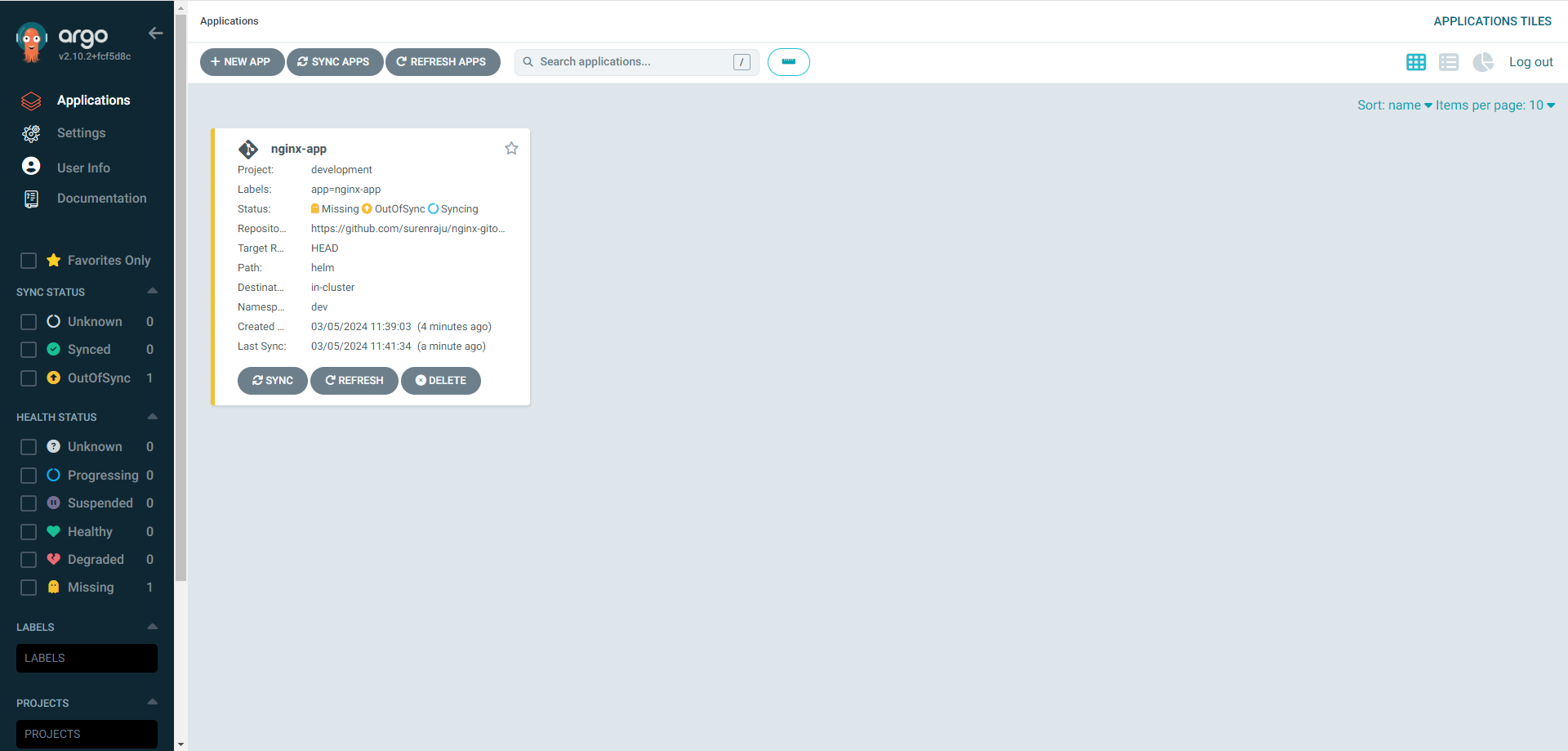
=> missing(sync fail)
- cli를 통해 application 삭제