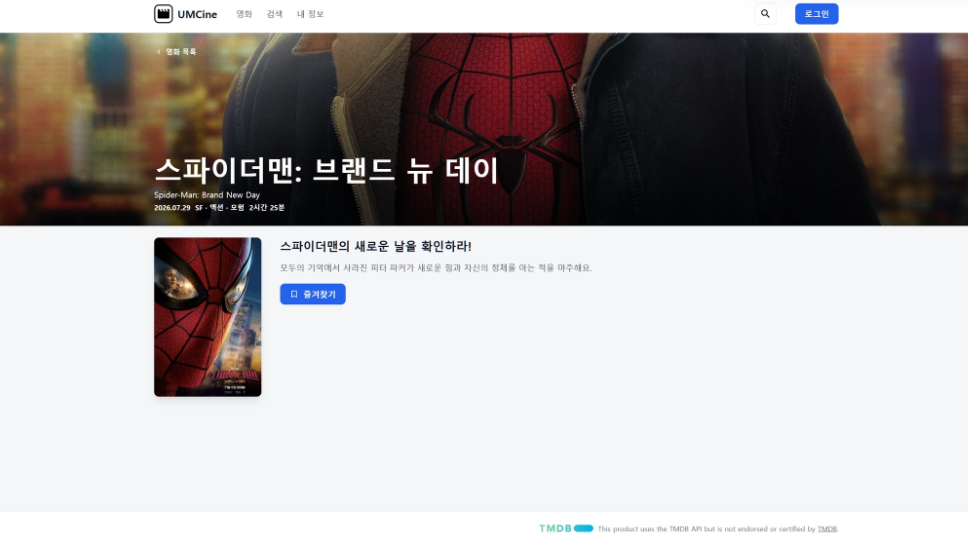
구조를 변경했다
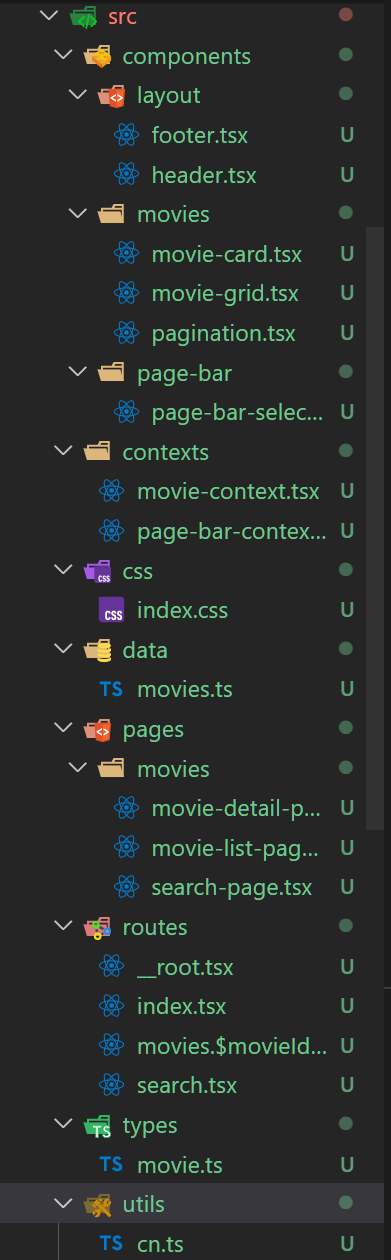
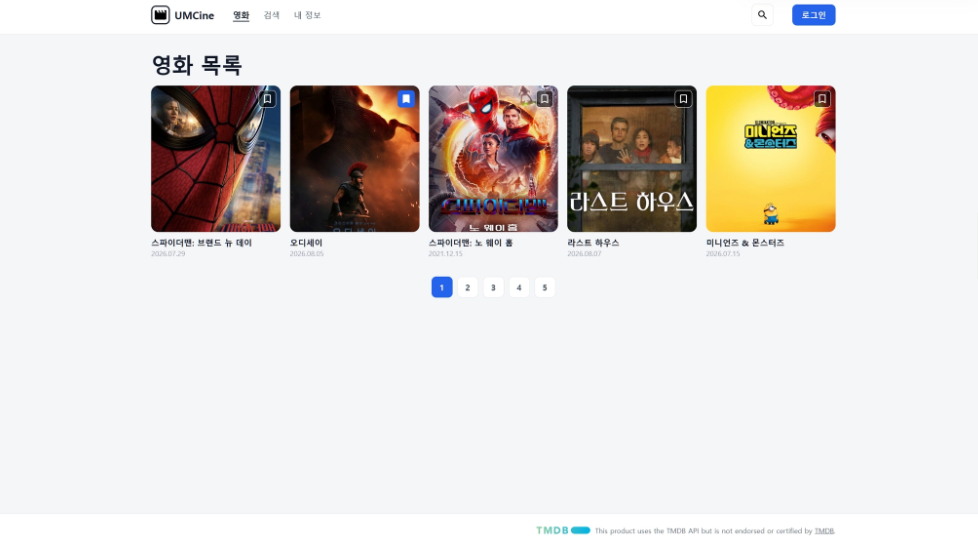
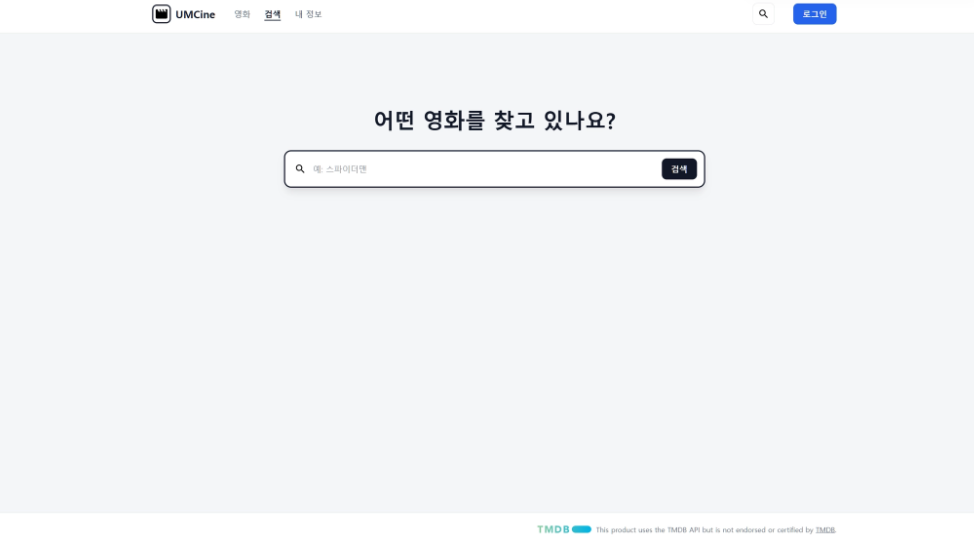
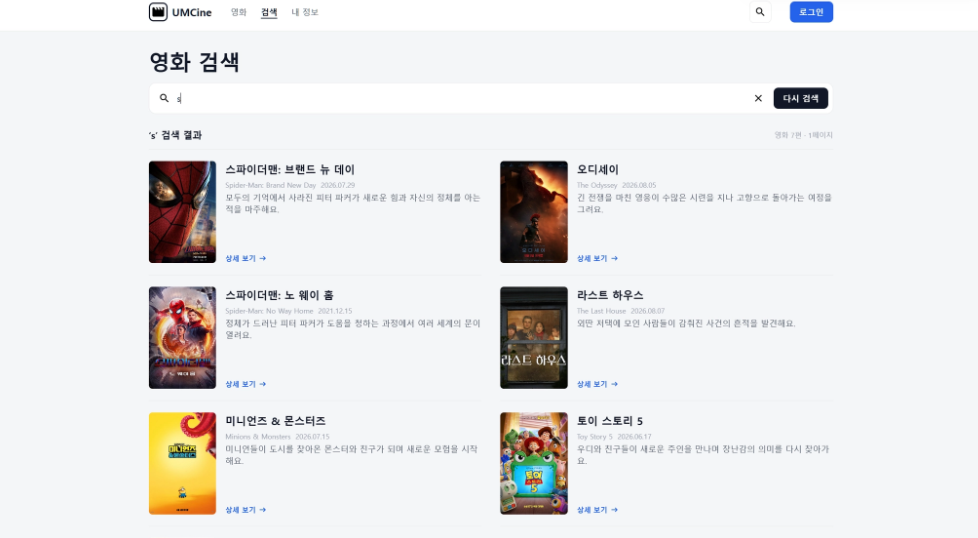
__root.tsx
import { Outlet, createRootRoute } from '@tanstack/react-router'
import Header from '../components/layout/header'
import Footer from '../components/layout/footer'
import { MovieProvider } from '../contexts/movie-context'

export const Route = createRootRoute({
  component: RootComponent,
  notFoundComponent: () => <main className="mx-auto w-full max-w-[1170px] flex-1 py-10">페이지를 찾을 수 없어요.</main>
})

function RootComponent() {
    return (
        <MovieProvider>
            <div className="flex min-h-screen flex-col">
                <Header />
                <Outlet />
                <Footer />
            </div>
        </MovieProvider>
    )
}
로 페이지 넘겨도 쓰이는 친구들을 쉽게 쓸 수 있다.
특히 tailwindcss 쓰고 cn을
import { clsx, type ClassValue } from "clsx";
import { twMerge } from "tailwind-merge";

export function cn(...inputs: ClassValue[]) {
    return twMerge(clsx(inputs));
}
로 하면 조건문으로 css를 쉽게 변경할 수 있다.
css와 tailwindcss 문법이 좀 다르니 유의
ai 시키면 참 잘 만든다.
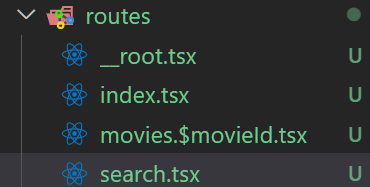
꼴로 라우터를 구성할 수 있다.
$는 path Variable
-
URL과 라우팅
-
URI, URL, path와 route는 각각 무엇이며 어떤 차이가 있을까요?
URI(Uniform Resource Identifier) : 자원 식별 문자열의 넓은 개념. 얘 아래에 URL, URN 있음.
URL(동일 Locator) : 접근 방식까지(http) 나타냄
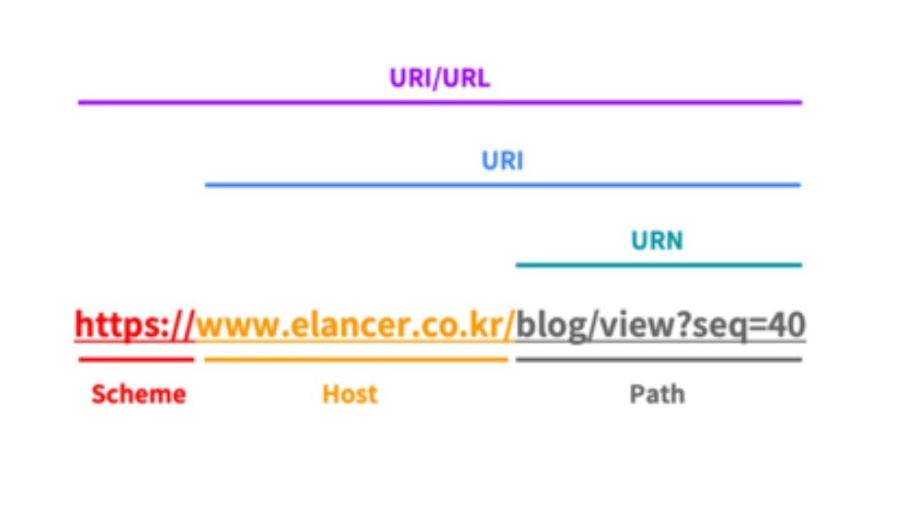
path : https://example.com/products/42?tab=reviews 에서 /products/42
route : https://example.com/products/42?tab=reviews 에서 /products/:id
URL은 자원의 주소, path는 그 경로, route는 해석 규칙
-
path param과 search param은 각각 어떤 값을 표현할 때 사용하는 것이 좋을까요?
path param은 자원의 정체성 나타낼 때 굿. /users/42 ⇒ 42번째 사용자 바로 보임
search param(query param)은 자세한 조건 처리에 굿. /producst?sort=price&page=2 같이 여러 조건이 추가되거나 빠질 때.
-
검색어, 필터나 현재 화면의 상태를 URL에 포함하면 공유와 새로고침에 어떤 장점이 있을까요?
공유하기 좋고, 앞이랑 뒤로가기 눌러도 멀쩡. 북마크도 사용 가능
-
-
SPA와 MPA
- SPA와 MPA는 각각 무엇이며 화면을 이동하는 방식에 어떤 차이가 있을까요? SPA(Single Page Application) : HTML 하나 받고 화면 처리를 주로 클라이언트 단에서 처리 MPA(Multi Page Application) : 페이지 이동할 때마다 계속 요청
- SPA의 클라이언트 내비게이션은 새로운 HTML 문서를 받는 일반적인 페이지 이동과 어떻게 다를까요? SPA : HTML 새로 요청 안하고 JS가 URL과 화면상태 갱신 MPA : 서버 전체에 요청하고 응답 받기에 문서 전체 다시 로드될 수 있음
- SPA와 MPA는 각각 어떤 서비스나 화면에 적합할까요? SPA : 사용자 상호작용 많고 계속 빠르게 바뀌는 서비스 MPA : 페이지 단위 중심이고 콘텐츠나 문서, 기업 같은 사이트
- SPA와 MPA는 각각 무엇이며 화면을 이동하는 방식에 어떤 차이가 있을까요? SPA(Single Page Application) : HTML 하나 받고 화면 처리를 주로 클라이언트 단에서 처리 MPA(Multi Page Application) : 페이지 이동할 때마다 계속 요청
-
Tailwind CSS
- CSS 규칙을 직접 작성하는 방식과 비교했을 때 Tailwind CSS의 특징은 무엇일까요? 작은 스타일 빠르게 적용 가능하고 수정 가능 길어지거나 같은 조합 반복할 때는 구조 신경
- styled-components와 Tailwind CSS는 스타일을 작성하고 생성하는 방식이 어떻게 다를까요? styled-components : JS안에서 컴포넌트별 CSS 정의. props에 따라 계산 방식 가능 Tailwind CSS : 클래스 이름을 붙여서 스타일 구성.
- Tailwind CSS에서
bg-${color}-500처럼 class 이름을 동적으로 조합하면 스타일이 생성되지 않을 수 있는 이유는 무엇일까요? 완성된 클래스 이름이 코드에 있는지 확인하기 때문에. 저거같은 조각은 css 못 만들수도
- 상태에 따라 달라지는 스타일은 완성된 class 이름의 매핑이나 CSS 변수를 이용해 어떻게 표현할 수 있을까요? 매핑하면 됨. 또는 cn 쓰기. 또는 CSS 변수 쓰기 const colorClasses = {
red: "bg-red-500 hover:bg-red-600",
blue: "bg-blue-500 hover:bg-blue-600",
};
- CSS 규칙을 직접 작성하는 방식과 비교했을 때 Tailwind CSS의 특징은 무엇일까요? 작은 스타일 빠르게 적용 가능하고 수정 가능 길어지거나 같은 조합 반복할 때는 구조 신경