Object 클래스
메소드
- boolean equals(Object obj)
- int hashCode()
- String toString() : 객체의 문자 정보를 리턴
🍋 롬북 사용하기
Project Lombok
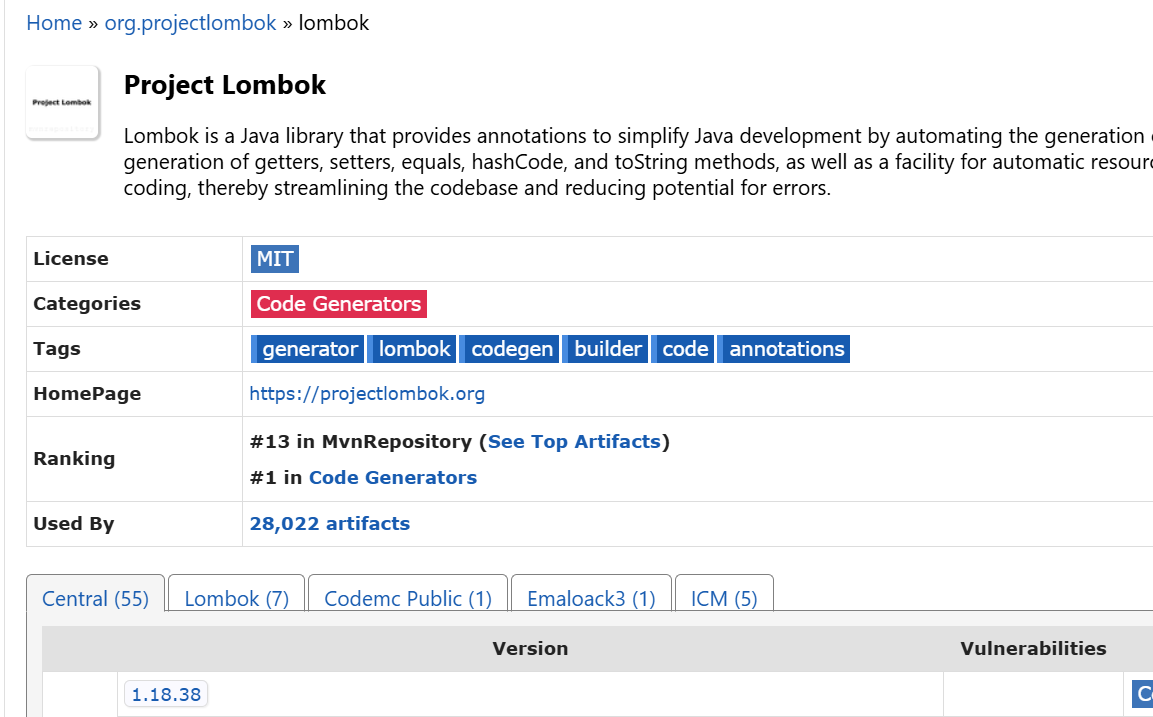
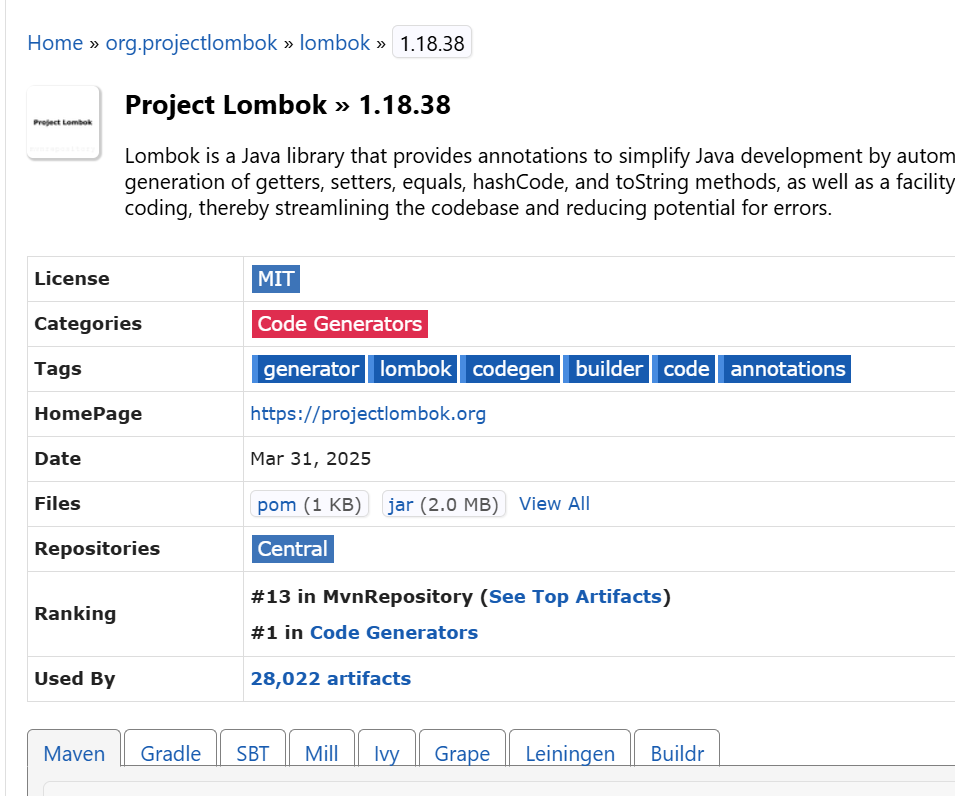
1.18.38 선택 > Files 에 jar 선택
다운받은 파일 저장
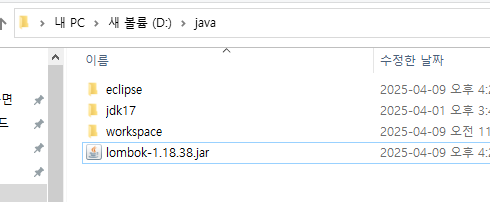
PS C:\Users\사용자이름> d:
PS D:\> cd java
PS D:\java> java -jar .\lombok-1.18.38.jar //-jar까지만 하고 tab키
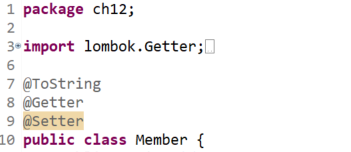
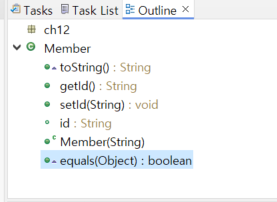
Getter Setter 알아서 만들어줌
🍋 String 클래스
메소드
파일명 바꾸기 숫자+한글 -> 현재시간
🍋 StringBuilder 클래스
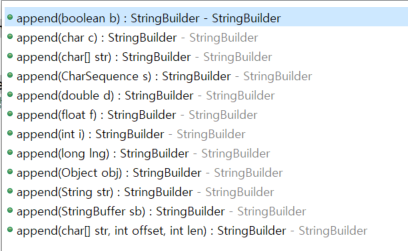
메소드
- append(String, int, char,.....) : StringBuilder
- toString() : String
🍋 포장 클래스 (Wrapper)
기본 자료형을 객체로 생성하고 싶을 때 포장해서 사용한다.
? 왜 필요할까? 컬렉션 객체 때문이다. 컬렉션 객체는 기본타입 값을 저장할 수 없고 객체만 저장가능하기 때문이다.
🍋 날짜와 시간 클래스
🍋 형식 클래스
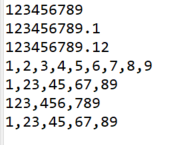
1. #
public static void main(String[] args) {
		// TODO Auto-generated method stub
		double a = 123456789.123456789;
		DecimalFormat df = new DecimalFormat("#");
		System.out.println(df.format(a));
		DecimalFormat df1 = new DecimalFormat("#.#");
		System.out.println(df1.format(a));
		DecimalFormat df2 = new DecimalFormat("#.##");
		System.out.println(df2.format(a));
		DecimalFormat df3 = new DecimalFormat("#,#");
		System.out.println(df3.format(a));
		DecimalFormat df4 = new DecimalFormat("#,##");
		System.out.println(df4.format(a));
		DecimalFormat df5 = new DecimalFormat("#,###");
		System.out.println(df5.format(a));

	}
.
🍋 정규 표현식 클래스
: 외우지는 않아도 읽을 줄은 알아야..
(010|02)-\d{3,4}-\d{4}

public static void main(String[] args) {
		String regExp = "(010|02)-\\d{3,4}-\\d{4}"; // \가 하나 더 붙은 이유는 이스케이프 문자를 잘못 사용했다고 오류가 뜨기 때문이다 JAVA는
		String data = "010-123-4567";
		boolean rslt = Pattern.matches(regExp, data);
		if(rslt) {
			System.out.println("정규식과 일치합니다.");
		}else {
			System.out.println("정규식과 일치하지 않습니다.");
		}

	}
\가 하나 더 붙은 이유는 JAVA는 \d만 쓰면 이스케이프 종류 중에 없는 걸 썼다고 오류가 뜨기 때문이다.

public static void main(String[] args) {
		// 컴파일
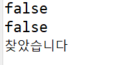
		Pattern p = Pattern.compile("b[a-z]");
		Matcher m = p.matcher("ball");
		System.out.println(m.matches());
		System.out.println(p.matcher("abatman").matches());

		p = Pattern.compile("(010|02)-(\\d{3,4})-(\\d{4})");// 괄호로 묶어서 그룹핑
		String source = "안녕하세요. 저는 홍길동입니다. 어떠주 하구요 제 전화번호는 010-1234-5678";

		m = p.matcher(source);
		while (m.find()) {
			System.out.println("찾았습니다");
		}
	}
그룹핑() 을 하는 이유
while (m.find()) {
			System.out.println(m.group());  //010-1234-5678
			System.out.println(m.group(1)); //010
			System.out.println(m.group(2));} //1234
	}
치열하게 살지는 않아도 후회되는 순간은 만들지 말자