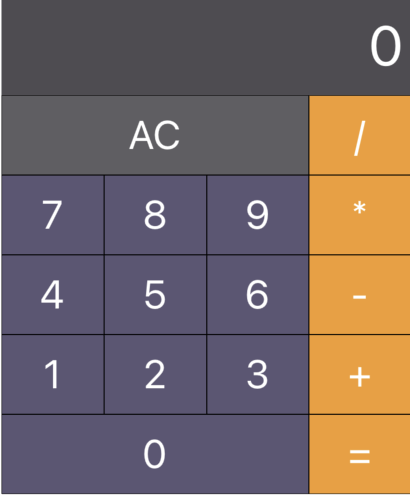
styled-component 사용하기
npm install styled-components
import styled from "styled-components/native"
const ButtonContainer = styled.View`
flex-direction:row;
width:100%;
`;
const InputContainer = styled.View`
background-color:${COLOR.RESULT};
min-height: 50px;
justify-content: center;
align-items: flex-end;
padding:10px 5px;
`;
Hook을 사용하여 Logic 부분과 UI부분을 나눌 수 있다.
const {
Input,
currentOperator,
result,
tempInput,
tempOperator,
hasInput,
onPressNum,
onPressReset,
OnOperator
} = useCalculator();
{__DEV__&&(
<>
<Text>input:{Input}</Text>
<Text>currentOperator:{currentOperator}</Text>
<Text>result:{result}</Text>
<Text>tempInput:{tempInput}</Text>
<Text>tempOperator:{tempOperator}</Text>
</>
)}
