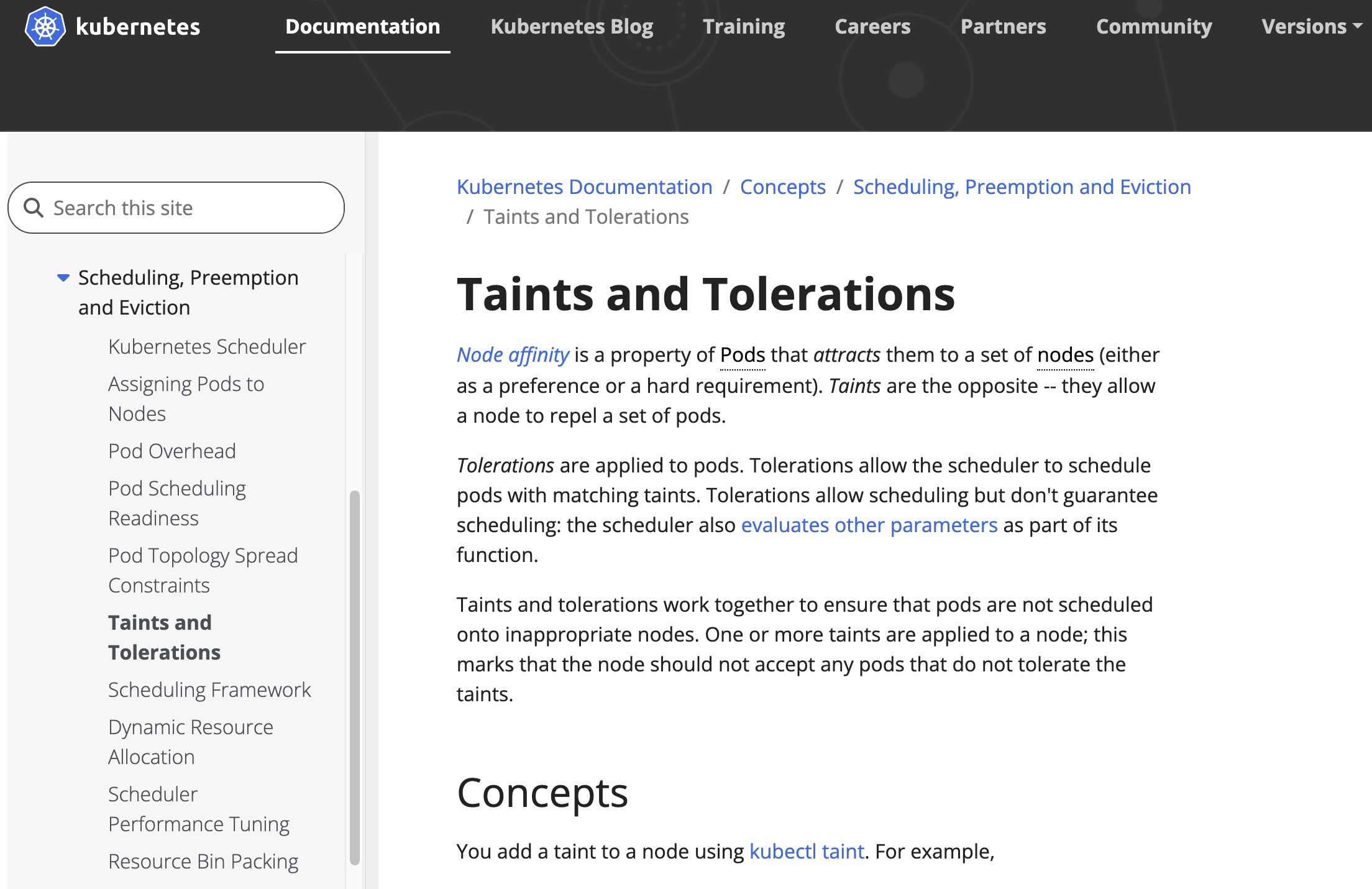
Taints
쿠버네티스에서 Node Affinity가 “특정 노드에 끌림”이라면,
Taints(테인트)는 반대로 “특정 노드가 거부”하는 개념이다.
여기에 Tolerations(톨러레이션)은 “그 거부 조건을 허용하는 예외권”을 의미한다.
기본 문법
노드에 taint 설정 방법
kubectl taint nodes node1 key1=value1:NoScheduletaint 삭제
kubectl taint nodes node1 key1=value1:NoSchedule-Pod에 Toleration 적용한 예시
Pod가 특정 Taint를 허용하려면 Toleration을 명시해야 한다.
apiVersion: v1
kind: Pod
metadata:
  name: nginx
spec:
  containers:
    - name: nginx
      image: nginx
  tolerations:
  - key: "key1"
    operator: "Equal"
    value: "value1"
effect: "NoSchedule"- Equal (기본값): key와 value가 정확히 일치해야 함
- Exists: key만 일치하면 value는 무시
작동 방식
스케줄러는 노드의 Taint를 모두 확인하며,
Pod의 Toleration으로 “허용 가능한” Taint는 무시한다.
남은 Taint가 있다면 그 효과에 따라 Pod를 거부 또는 퇴출하는 방식이다.
남은 Taint 효과 결과
- NoSchedule: 스케줄 불가
- PreferNoSchedule: 가능하지만 최대한 피함
- NoExecute: 기존 Pod 즉시 퇴출 또는 일정 시간 후 퇴출
NoExecute + tolerationSeconds
아래는 NoExecute 와 tolerationSeconds를 사용한 예시이다.
tolerations:
- key: "key1"
  operator: "Equal"
  value: "value1"
  effect: "NoExecute"
  tolerationSeconds: 3600
해당 Taint가 생겨도 3600초(1시간) 동안은 노드에 남아 있다가 이후 퇴출되는 것이다.
실제 활용 예시
사용 사례 설명 전용 노드(Dedicated Nodes) 특정 사용자 그룹 전용 노드로 설정 ( dedicated=group:NoSchedule)특수 하드웨어 노드(GPU 등) GPU 노드에 gpu=true:NoScheduleTaint 추가 → GPU 필요한 Pod만 Toleration으로 접근노드 장애 시 퇴출 node.kubernetes.io/not-ready또는unreachable상태 시 자동 Taint 추가
핵심 요약
-
Taint → 노드가 거부 조건 부여
-
Toleration → 파드가 그 조건을 허용
-
위 두 개가 짝을 이루어 동작한다.
-
NoSchedule / PreferNoSchedule / NoExecute
로 제어 강도를 달리할 수 있다.
참고자료:
[쿠버네티스 공식 홈페이지 - Taints and Tolerations]
https://kubernetes.io/docs/concepts/scheduling-eviction/taint-and-toleration/

정도를 걷는 엔지니어