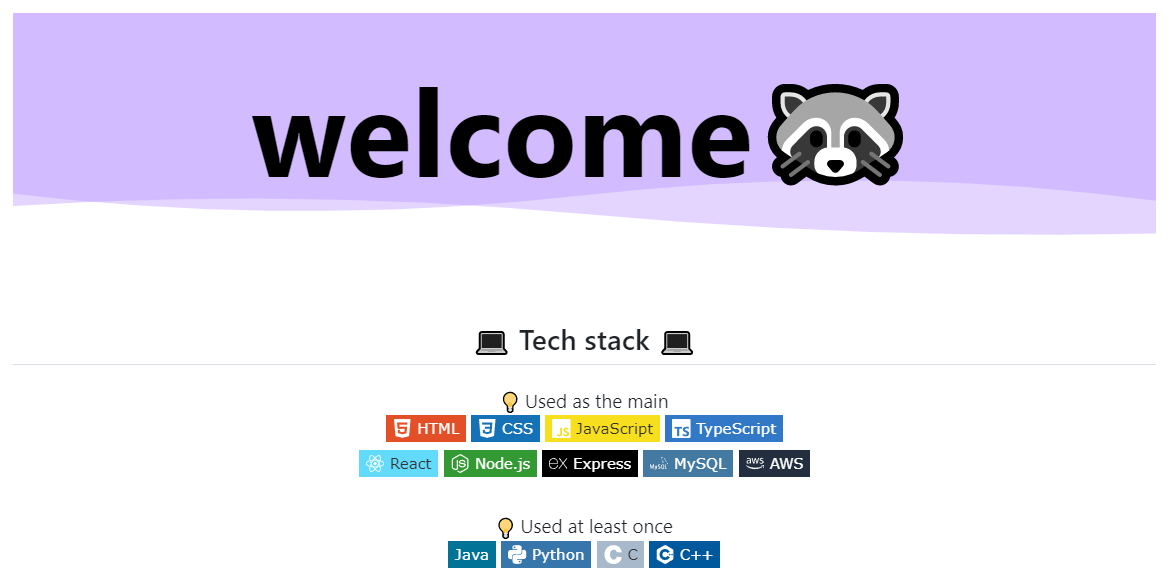
깃.꾸 시작...
🦝 Create a new repository → README.md
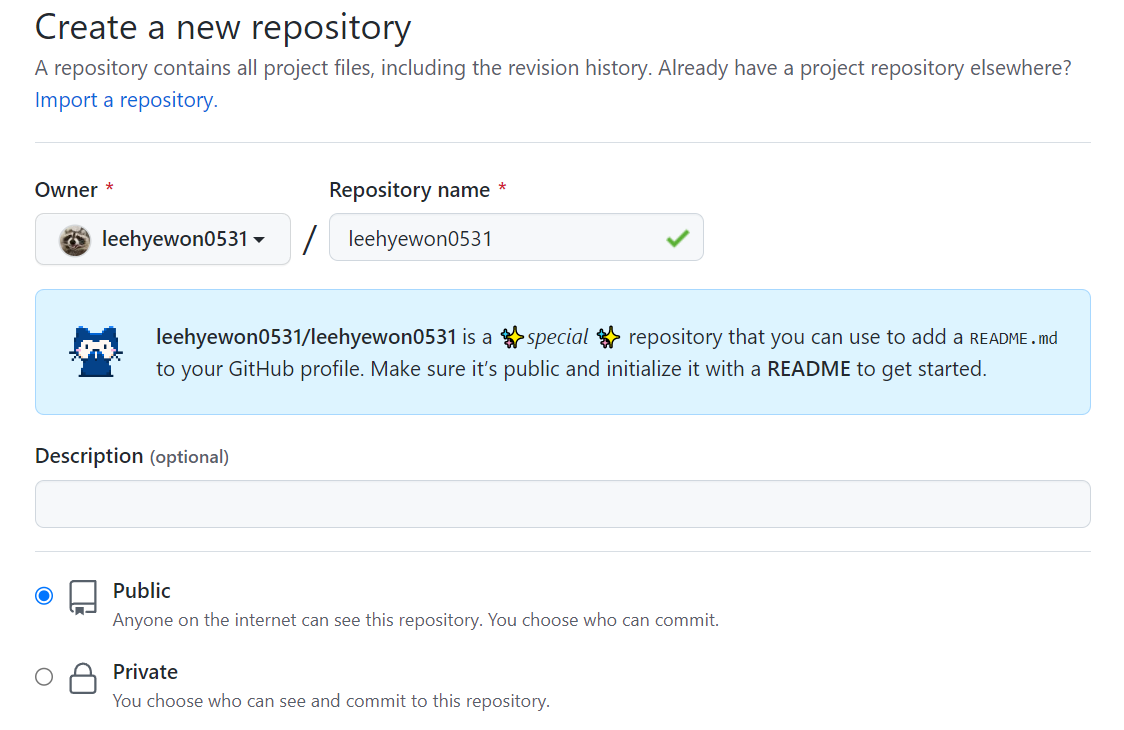
- username 과 동일한 이름의 Repository 생성
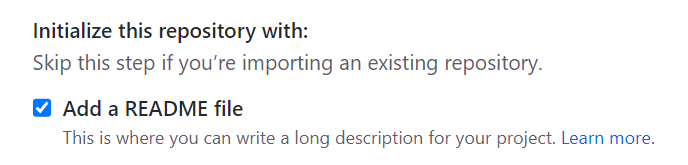
- README.md 파일 추가
🦝 헤더 이미지 추가
https://github.com/kyechan99/capsule-render#how-to-use
↑ capsule-render 이용

요런 식으로 간단하게 헤더 이미지를 추가할 수 있다.
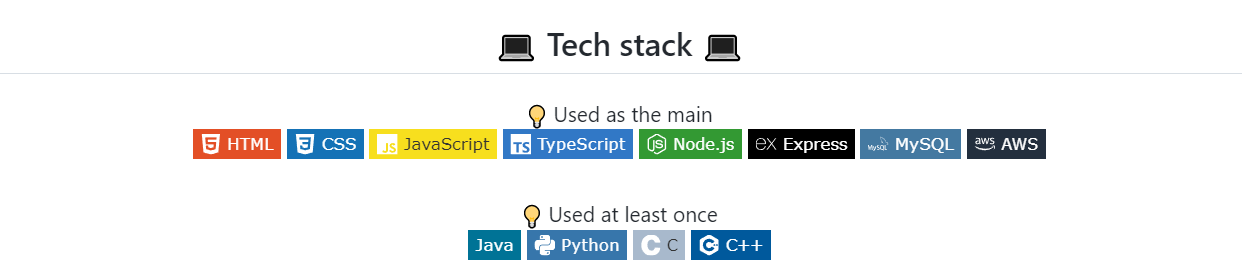
🦝 기술 스택 뱃지 추가하기
- 아이콘 사이트 : https://simpleicons.org/
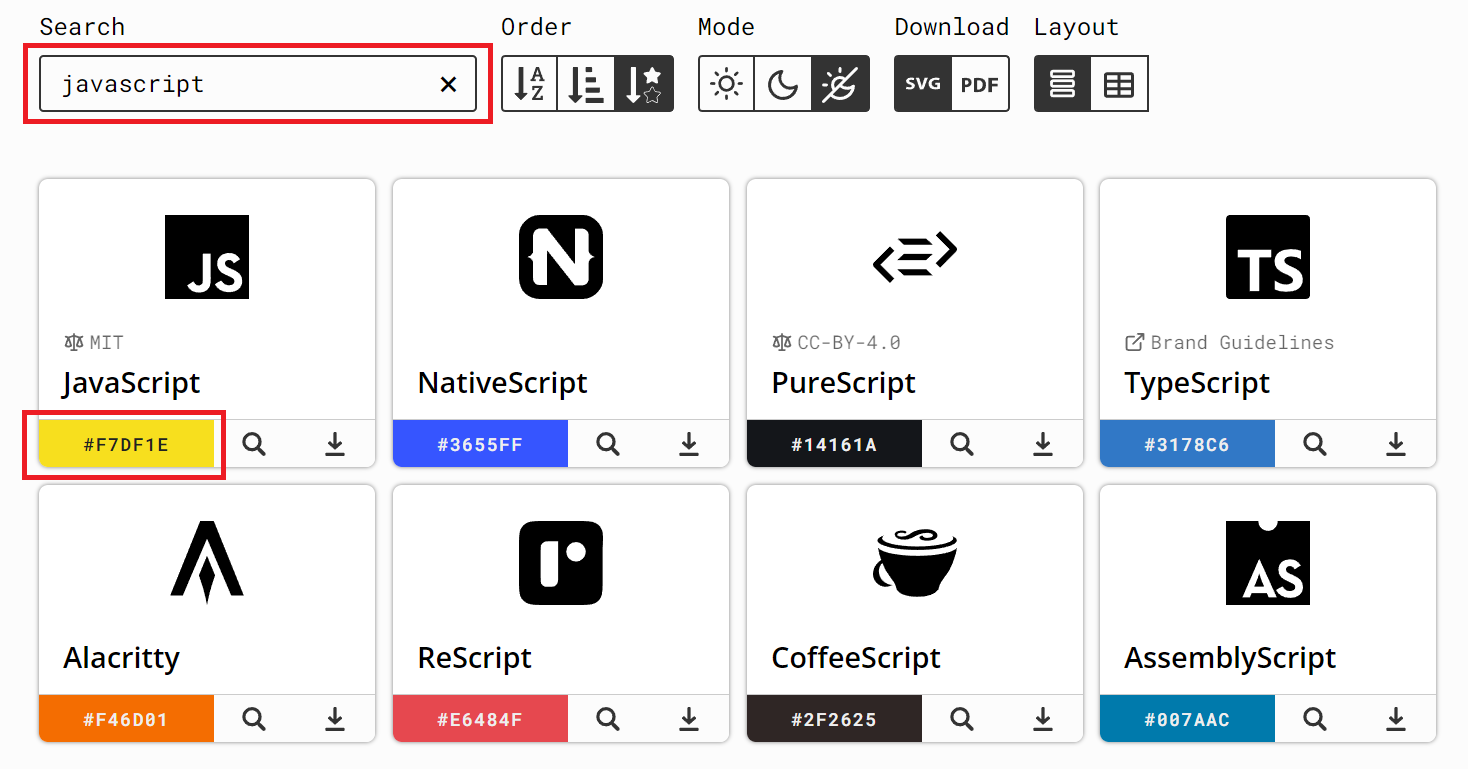
해당 사이트에서 사용하고 싶은 아이콘을 검색하고 컬러를 복사할 수 있다. 😃
<img src="https://img.shields.io/badge/JavaScript-f7df1e?style=flat-square&logo=JavaScript&logoColor=white"/>요런 식으로 아이콘 이름과 컬러 코드를 넣어주면, 
이런 식으로 뱃지가 나타남!
+) 참고로 C++은 '+' 그대로 치면 아이콘이 정상적으로 나타나지 않기 때문에 %2B로 치환해주어야 함😮
<img src="https://img.shields.io/badge/C%2B%2B-00599C?style=flat-square&logo=C%2B%2B&logoColor=white"/>🦝 GitHub Stats 표시하기
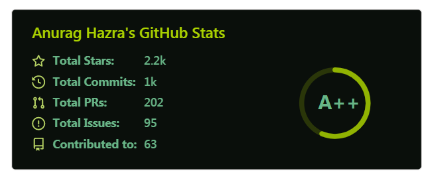
★ 중요 링크 : https://github.com/anuraghazra/github-readme-stats
자신의 username 을 넣어 코드를 수정하면 GitHub Stats 을 표시할 수 있음

[](https://github.com/leehyewon0531)잡담
1월 1일에 하기 적당한 컨텐츠였다... 근데 GitHub Stats 너무 빈약해서 열심히 살아야겠다는 생각이 들었다 ^^; ㅋㅋㅋㅋ

쉽게만살아가면재미없어빙고