
사이드 프로젝트 Day POP을 만들면서 팝송의 앨범 커버 이미지의 미리보기를 제공하면 좋겠다는 생각이 들었다.
그래서 알아본 FileReader!!
FileReader가 뭘까?
The FileReader object lets web applications asynchronously read the contents of files (or raw data buffers) stored on the user's computer, using File or Blob objects to specify the file or data to read.
https://developer.mozilla.org/en-US/docs/Web/API/FileReader
공식문서 내용에 따르면 FileReader 로 File/Blob 형태의 데이터를 읽어올 수 있는 역할을 한다.
다양한 메서드들을 통해 file이나 blob 데이터의 정보를 원하는 형태로 추출할 수 있다.
FileReader의 메서드
- readAsArrayBuffer()
- readAsBinaryString()
- readAsDataURL()
이 중 업로드한 파일의 미리보기를 구헌하기 위해 사용할 메서드는 readAsDataURL 이다.
The readAsDataURL method of the FileReader interface is used to read the contents of the specified Blob or File. When the read operation is finished, the readyState becomes DONE, and the loadend is triggered. At that time, the result attribute contains the data as a data: URL representing the file's data as a base64 encoded string.
https://developer.mozilla.org/en-US/docs/Web/API/FileReader/readAsDataURL
즉, readAsDataURL 메서드를 사용해 이미지 파일을 base64로 인코딩해 URL 데이터를 얻을 수 있다는 말이다!
미리보기 구현하기
FileReader 인스턴스를 먼저 정의해준 뒤 언급했던 메서드를 사용하면 된다.(정말 별거 없음)
const [img, setImg] = uesState("");

function encFileToBase64 (fileBlob: Blob | File) {
  const reader = new FileReader();
  if (fileBlob) {
    reader.readAsDataURL(fileBlob);
    reader.onloadend = () => {
      if (reader.result) setImg(reader.result as string);
    }
  }
}

function onChange(e: React.ChangeEvent<HTMLInputElement>) {
  const file = e.target.files![0];
  encFileToBase64(file);
}

return (
	<input onChange={onChange} accept="image/*" type="file" className="form-control" name="image" id="album" style={{ display: "none" }} required />
)
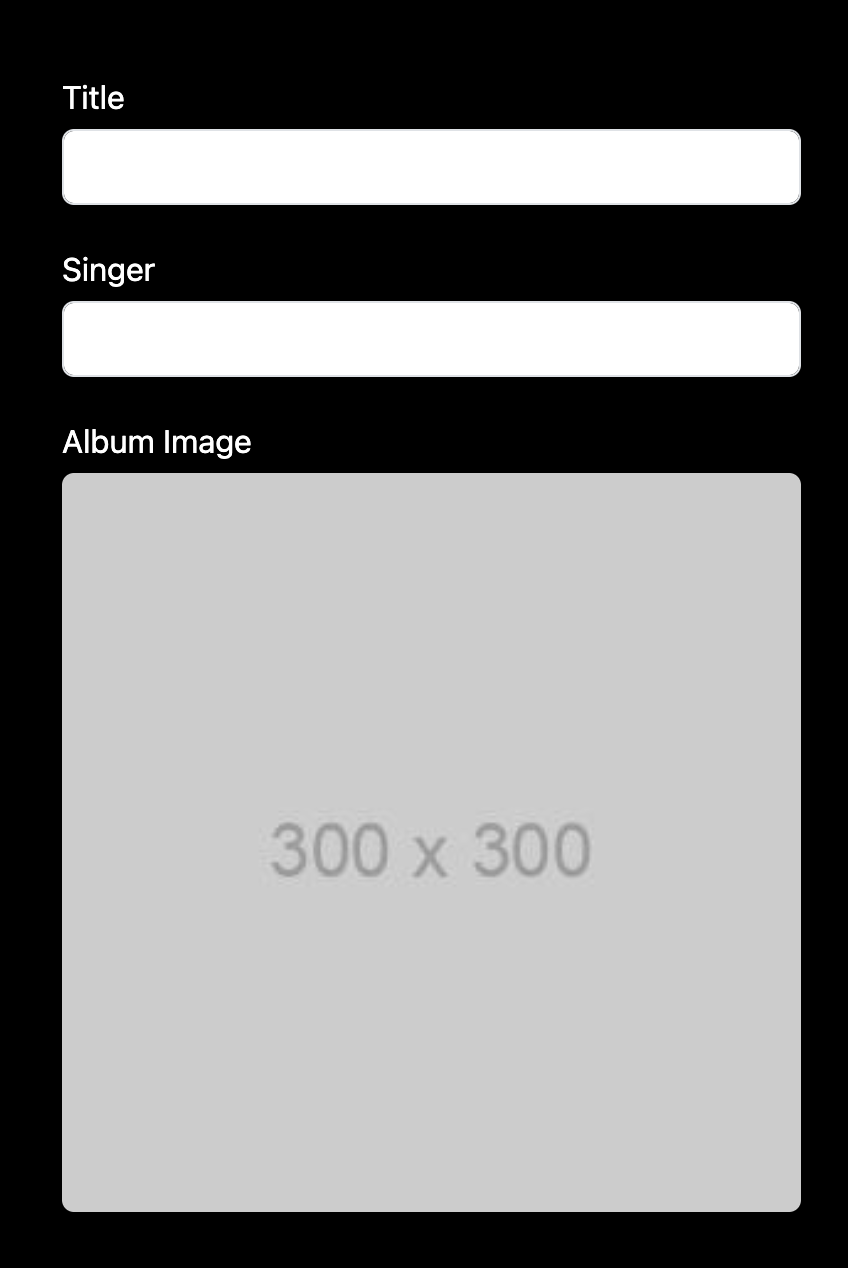
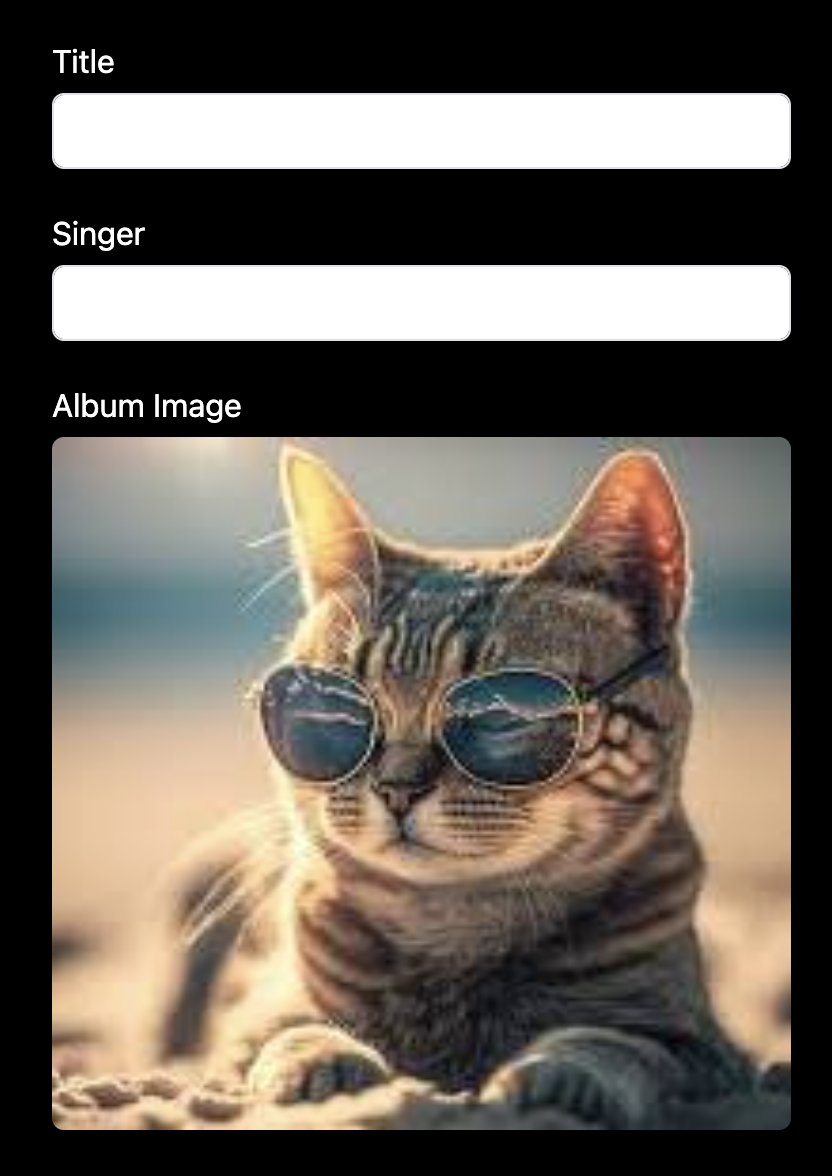
업로드 전 / 후
파일 인코딩이 완료되면 onloadend 메서드를 사용해 결과값을 가져올 수 있다. 이미지 url 데이터를 img태그의 src값에 넣어주면 끝이다!
 |  |
|---|