아 탑뷰 2D 형식의 움직임을 구현해야 했네
불필요한 코드 수정하고
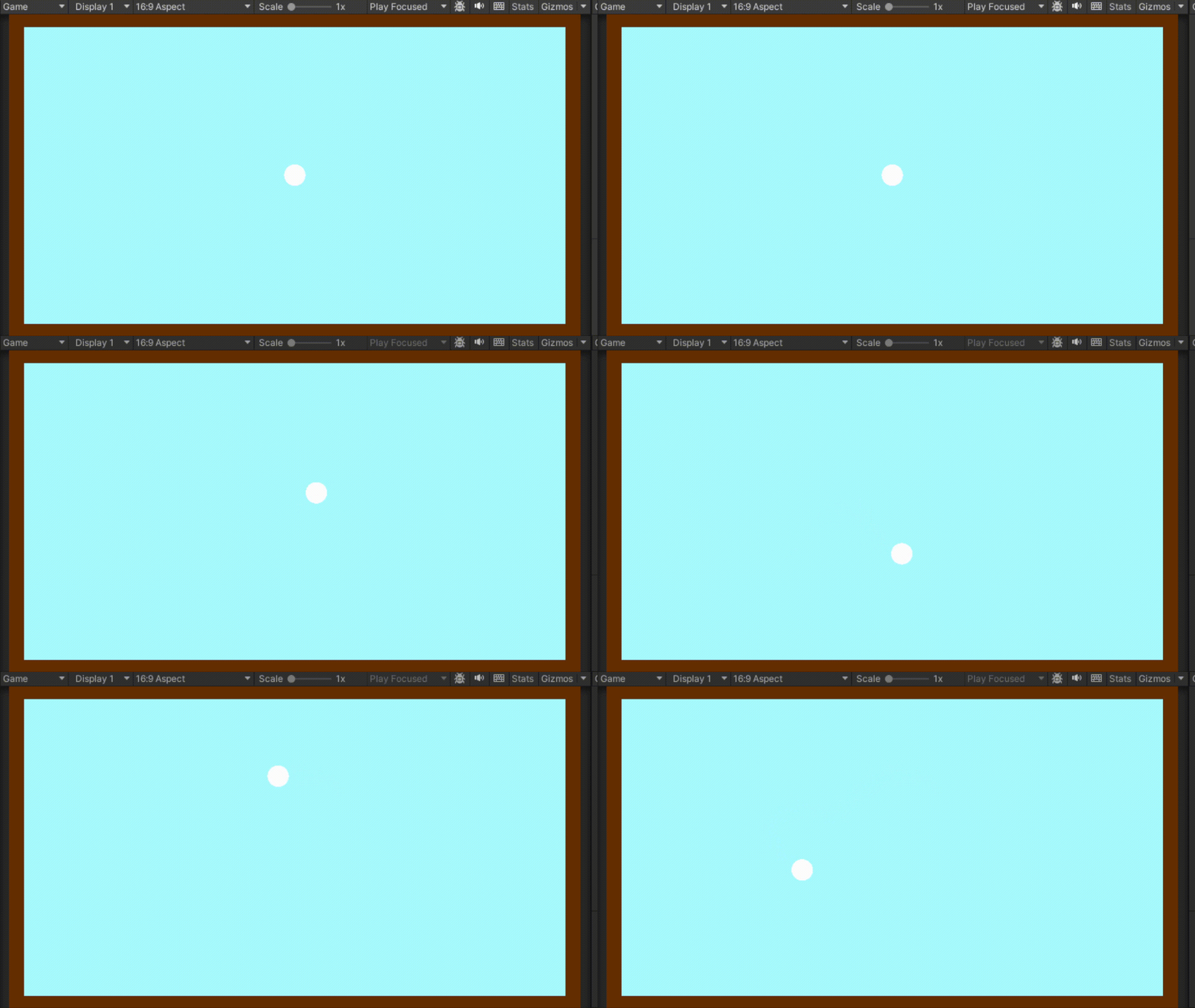
움직임 조정 완료
그 다음으로 상호작용을 적용시켜보자
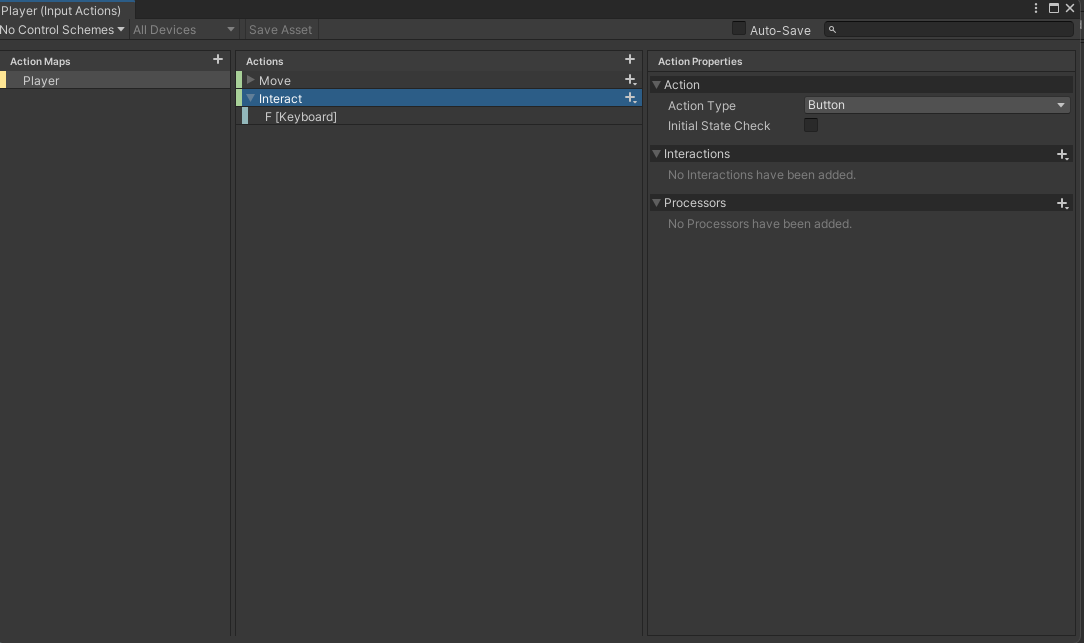
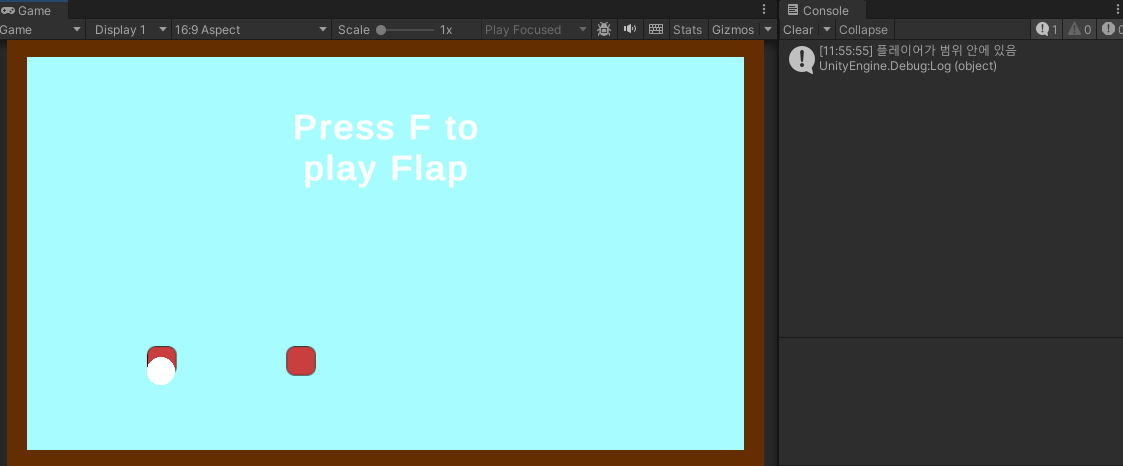
F키를 눌러 상호작용을 할 수 있도록 설정
새로운 스크립트에 상호작용 여부 작성
// 플레이어가 이 트리거 범위 안에 들어왔는지 여부
public bool playerInRange = false;

private void OnTriggerEnter2D(Collider2D other)
{
    // 충돌한 오브젝트의 태그가 "Player"일 경우
    if (other.CompareTag("Player"))
    {
        // 플레이어가 범위 안에 들어왔음을 표시
        playerInRange = true;

        // 플레이어에게 현재 상호작용 가능한 오브젝트(this)를 알려줌
        other.GetComponent<Player>().SetCurrentInteract(this);

        Debug.Log("플레이어가 범위 안에 있음");
    }
}

private void OnTriggerExit2D(Collider2D other)
{
    // 충돌 종료된 오브젝트의 태그가 "Player"일 경우
    if (other.CompareTag("Player"))
    {
        // 플레이어가 범위를 벗어났음을 표시
        playerInRange = false;

        // 플레이어의 currentInteract를 해제해줌
        other.GetComponent<Player>().SetCurrentInteract(null);

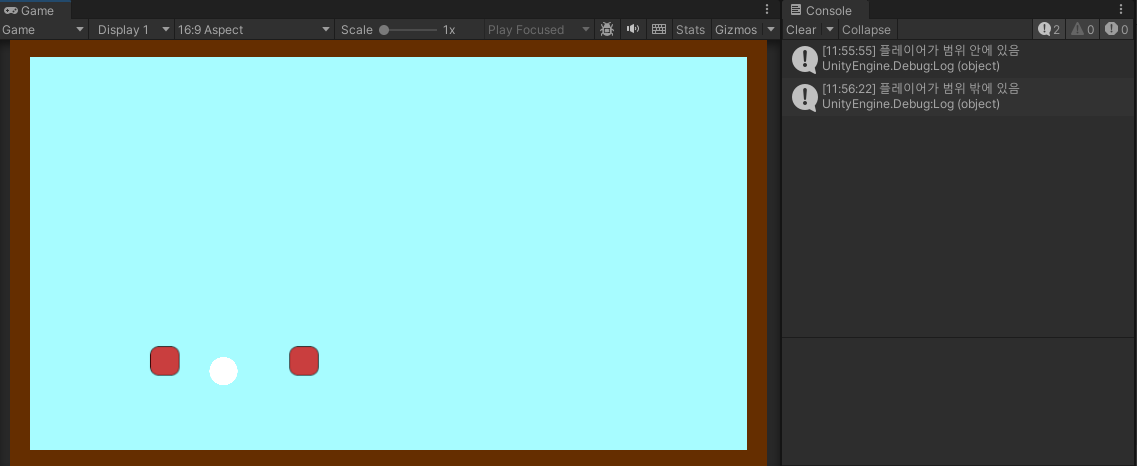
        Debug.Log("플레이어가 범위 밖에 있음");
    }
}
// 현재 상호작용 가능한 오브젝트를 저장 (범위 안에 있을 때만 값이 들어감)
private InteractTrigger currentInteract;
// 현재 범위 안에 있는 상호작용 오브젝트를 저장하는 메서드 (트리거에서 호출)
public void SetCurrentInteract(InteractTrigger interactable)
{
currentInteract = interactable;
}
// 상호작용 입력 처리 (Input System에서 'F' 키 바인딩)
void OnInteract(InputValue inputValue)
{
// F 키가 눌렸고, 상호작용 가능한 오브젝트가 범위 안에 있을 경우
if (inputValue.isPressed && currentInteract != null && currentInteract.playerInRange)
{
Debug.Log("상호작용 실행");
}
}상호작용 했을 때 게임이 켜질 수 있도록 설정
먼저 게임에 타입을 설정해주자
// 미니게임 타입 설정
public enum MinigameType { Flap, Stack }
public MinigameType minigameType;

// 미니게임 타입에 따라 나오는 문자 다르게 만들기
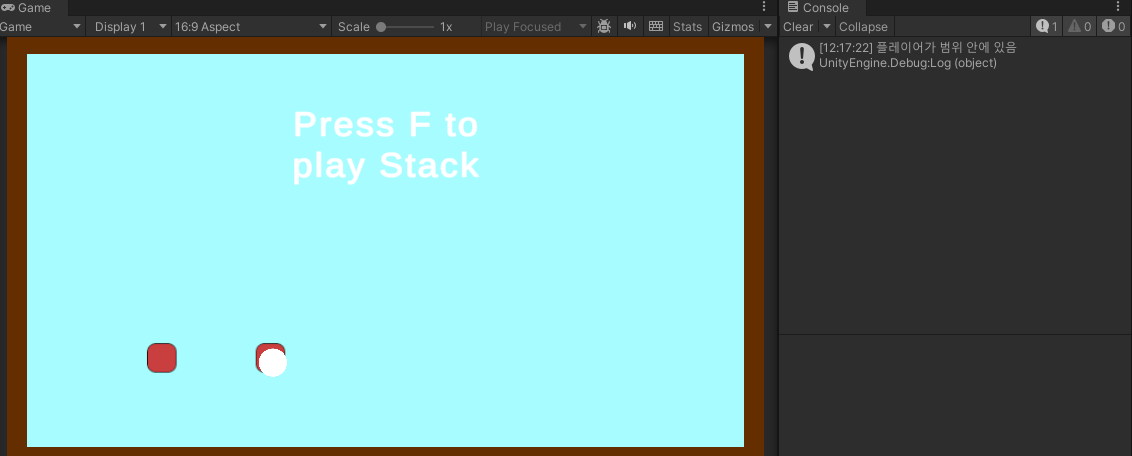
public string GetInteractionMessage()
{
    switch (minigameType)
    {
        case MinigameType.Flap:
            return "Press F to play Flap";
        case MinigameType.Stack:
            return "Press F to play Stack";
        default:
            return "Press F to Interact";
    }
}
플레이어 오브젝트에 어떤 텍스트를 보이게 할지 설정
[SerializeField] private GameObject interactPromptUI;
[SerializeField] private TMPro.TextMeshProUGUI interactPrimptText;
그 다음 범위 안에 있을 때 Ui가 나올 수 있도록 수정
public void SetCurrentInteract(InteractTrigger interactable)
{
    currentInteract = interactable;

    // 거리 안에 들어와있는 상태
    if (currentInteract != null && currentInteract.playerInRange)
    {
    	// UI 켜주고
        interactPromptUI.SetActive(true);
        // 설정한 텍스트를 불러온다
        interactPrimptText.text = currentInteract.GetInteractionMessage();
    }
    else
    {
        interactPromptUI.SetActive(false);
    }
}