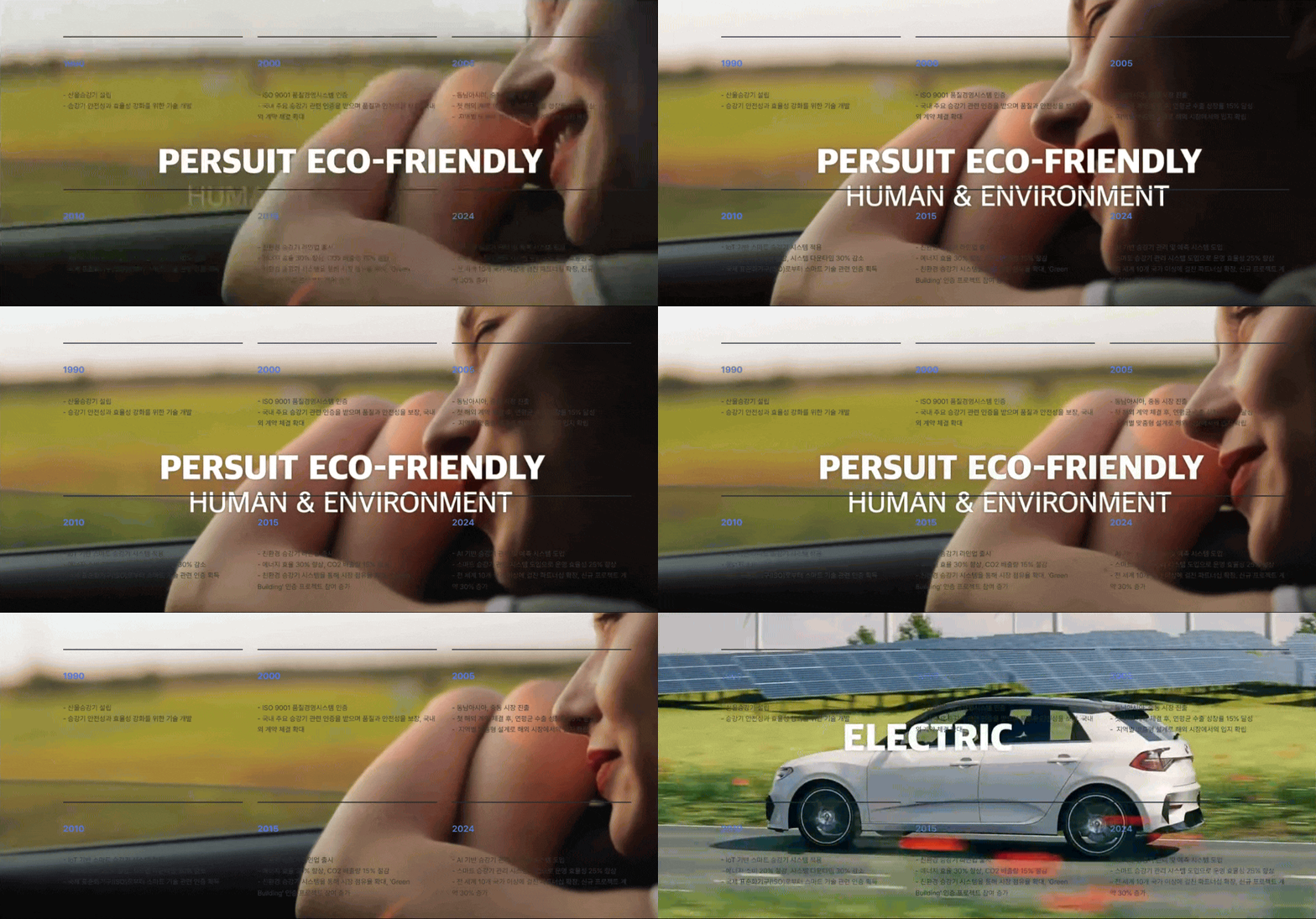
<div class="youtube-bg">
    <iframe
        src="https://www.youtube.com/embed/mpITLinZsGk?autoplay=1&mute=1&loop=1&playlist=mpITLinZsGk&controls=0&showinfo=0&modestbranding=1"
        frameborder="0"
        allow="autoplay; fullscreen"
        allowfullscreen>
    </iframe>
</div>

<style>
/* 🔹 유튜브 배경 컨테이너 */
.youtube-bg {
    position: fixed;
    top: 0;
    left: 0;
    width: 100vw;
    height: 100vh;
    overflow: hidden;
    z-index: -1;
}

/* 🔹 iframe을 화면에 맞게 조정 */
.youtube-bg iframe {
    position: absolute;
    top: 50%;
    left: 50%;
    width: 120vw; /* 확대해서 화면을 가득 채움 */
    height: 120vh;
    transform: translate(-50%, -50%);
    pointer-events: none; /* 클릭 방지 */
}
</style>
YouTube는 video 태그로 직접 적용 불가 → iframe 사용 필요
그 외 무료 비디오 제공 사이트에서 URL 가져오기
<!DOCTYPE html>
<html lang="ko">
<head>
    <meta charset="UTF-8">
    <meta name="viewport" content="width=device-width, initial-scale=1.0">
    <title>배경 비디오</title>
    <style>
        /* 🔹 배경 비디오 컨테이너 */
        .bg-video {
            position: fixed; /* 화면 전체를 채우도록 설정 */
            top: 0;
            left: 0;
            width: 100%;
            height: 100%;
            z-index: -1; /* 배경에 위치 */
            opacity: 0.3; /* 투명도 조절 (가독성 유지) */
            overflow: hidden;
        }

        /* 🔹 비디오 설정 */
        .bg-video__content {
            width: 100%;
            height: 100%;
            object-fit: cover; /* 배경 전체를 채우도록 설정 */
        }

        /* 🔹 콘텐츠 스타일 */
        .content {
            position: relative;
            z-index: 1; /* 배경보다 위에 배치 */
            text-align: center;
            color: white;
            font-size: 24px;
            font-weight: bold;
            display: flex;
            justify-content: center;
            align-items: center;
            height: 100vh; /* 화면 높이 전체 사용 */
        }

        /* 🔹 어두운 오버레이 (가독성 향상) */
        .overlay {
            position: fixed;
            top: 0;
            left: 0;
            width: 100%;
            height: 100%;
            background: rgba(0, 0, 0, 0.4); /* 반투명 검정 */
            z-index: 0;
        }

    </style>
</head>
<body>

    <!-- 🔹 배경 비디오 -->
    <div class="bg-video">
        <video class="bg-video__content" autoplay muted loop>
            <source src="https://www.w3schools.com/howto/rain.mp4" type="video/mp4">
            Your browser does not support the video tag.
        </video>
    </div>

    <!-- 🔹 어두운 오버레이 -->
    <div class="overlay"></div>

    <!-- 🔹 메인 콘텐츠 -->
    <div class="content">
        배경 비디오가 적용된 페이지입니다!
    </div>

</body>
</html>