위 단계에 이어서 Nginx에 ssl을 적용해서 https로 서비스한다.
인증서 발급
가비아에서 인증서 발급
- 내가 발급받은 제품(가장 저렴한것으로 구매함)

- 인증서 및 개인키 파일 다운로드
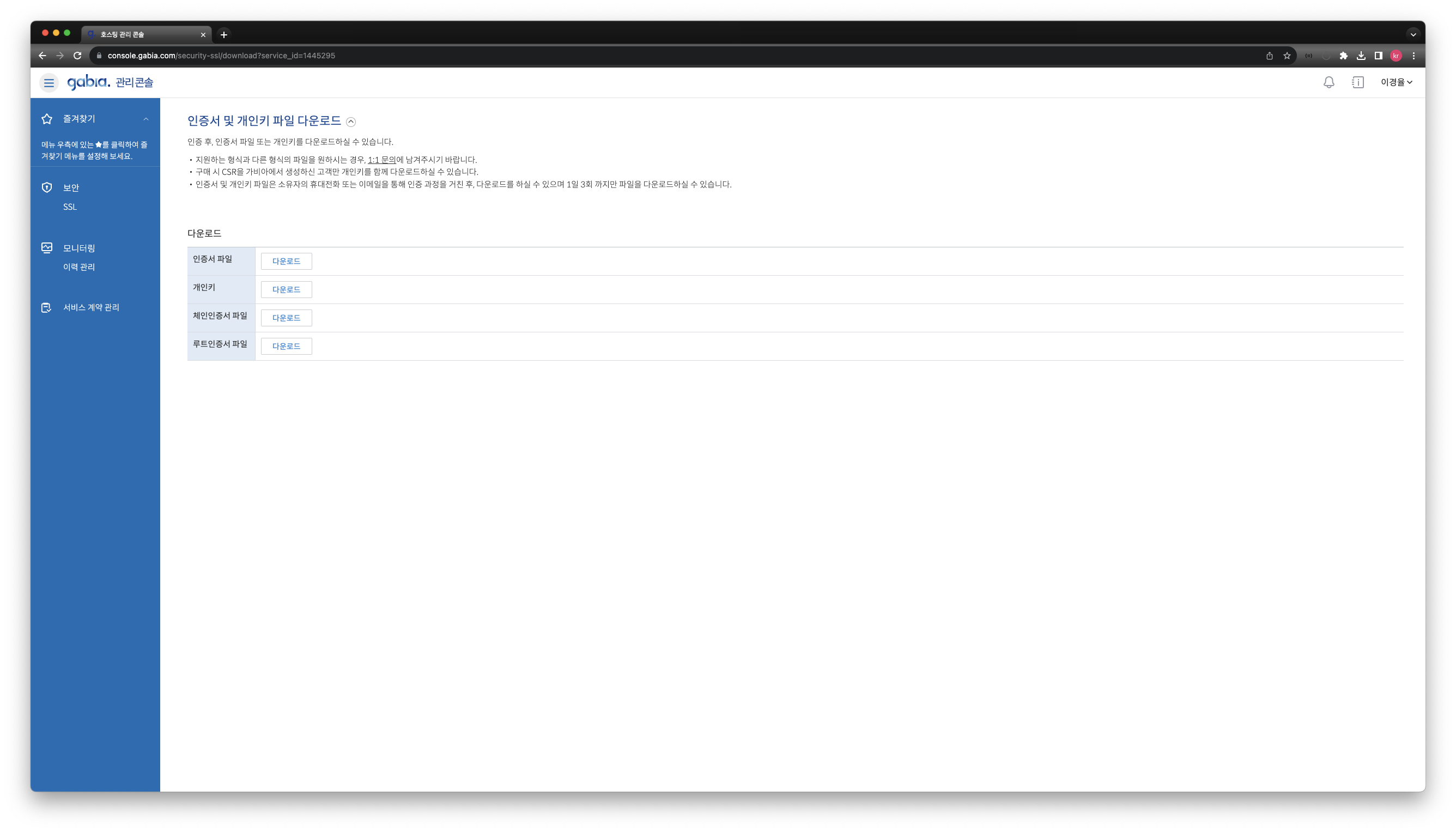
- 서버로 파일을 이동(sftp로 이동)
# ssl 디렉터리를 새로 만들고 그곳에 위에서 다운로드 받은 파일들을 보관했다.
mkdir /etc/nginx/ssl
mv /etc/nginx/ssl/
인증서 파일 편집
다운로드 받은 인증서 파일들을 그대로 사용하면 문제가 있다.
웹 브라우저에서는 문제가 없었으나 api 호출시에는 "Unable to verify the first certificate"가 발생하였다.
Chat gpt 확인결과 서버의 SSL 인증서와 개인 키만을 정의하고 있습니다. 추가적으로 중간 CA 인증서와 루트 CA 인증서를 포함하여 완전한 SSL 인증서 체인을 구성해야 합니다. 라고 답변을 받았다.
다운로드 받은 파일 중 서버 인증서 파일인 lovely-onyu_com_cert.crt 파일과 lovely-onyu_com_chain_cert.crt 파일을 합쳐 lovely-onyu_com_combined_cert_chain.crt이라는 이름의 새로운 인증서 파일을 생성하였다.
Nginx 설정파일 수정
cd /etc/nginx/conf.d
vi default.conf
# loadbalancing & clstering 테스트를 위해서 서버 3대 가동
upstream myweb {
    server localhost:8080;
    server localhost:8081;
    server localhost:8082;
}
# 80으로 들어오는 http요청은 443으로 redirect
server {
    listen       80;
    server_name  lovely-onyu.com;
    return 301 https://$server_name$request_uri;
}
# 443으로 들어오는 요청에 대하여 인증처리
server {
    listen       443 ssl;
    server_name  lovely-onyu.com;
    # 위에서 편집해서 새로 생성한 인증서 파일
    ssl_certificate /etc/nginx/ssl/lovely-onyu_com_combined_cert_chain.crt;
    # 개인키
    ssl_certificate_key /etc/nginx/ssl/lovely-onyu_com.key;
    # 옵션
    ssl_trusted_certificate /etc/nginx/ssl/lovely-onyu_com_chain_cert.crt;
    ssl_protocols TLSv1.1 TLSV1.2;

    #access_log  /var/log/nginx/host.access.log  main;

    location / {
        # root   /usr/share/nginx/html;
        # index  index.html index.htm;
        proxy_pass http://myweb;
        #proxy_next_upstream error timeout invalid_header http_500 http_502 http_503 http_504;
        #proxy_redirect off;
        #proxy_buffering off;
        proxy_set_header Host $host;
        proxy_set_header X-Real-IP $remote_addr;
        proxy_set_header X-Forwarded-For $proxy_add_x_forwarded_for;
        proxy_connect_timeout 300;
        proxy_send_timeout 300;
        proxy_read_timeout 300;
        send_timeout 3000;
    }

    #error_page  404              /404.html;

    # redirect server error pages to the static page /50x.html
    #
    error_page   500 502 503 504  /50x.html;
    location = /50x.html {
        root   /usr/share/nginx/html;
    }

    # proxy the PHP scripts to Apache listening on 127.0.0.1:80
    #
    #location ~ \.php$ {
    #    proxy_pass   http://127.0.0.1;
    #}

    # pass the PHP scripts to FastCGI server listening on 127.0.0.1:9000
    #
    #location ~ \.php$ {
    #    root           html;
    #    fastcgi_pass   127.0.0.1:9000;
    #    fastcgi_index  index.php;
    #    fastcgi_param  SCRIPT_FILENAME  /scripts$fastcgi_script_name;
    #    include        fastcgi_params;
    #}

    # deny access to .htaccess files, if Apache's document root
    # concurs with nginx's one
    #
    #location ~ /\.ht {
    #    deny  all;
    #}
}

# nginx 설정파일 이상유무 확인
nginx -t
Nginx 재시작
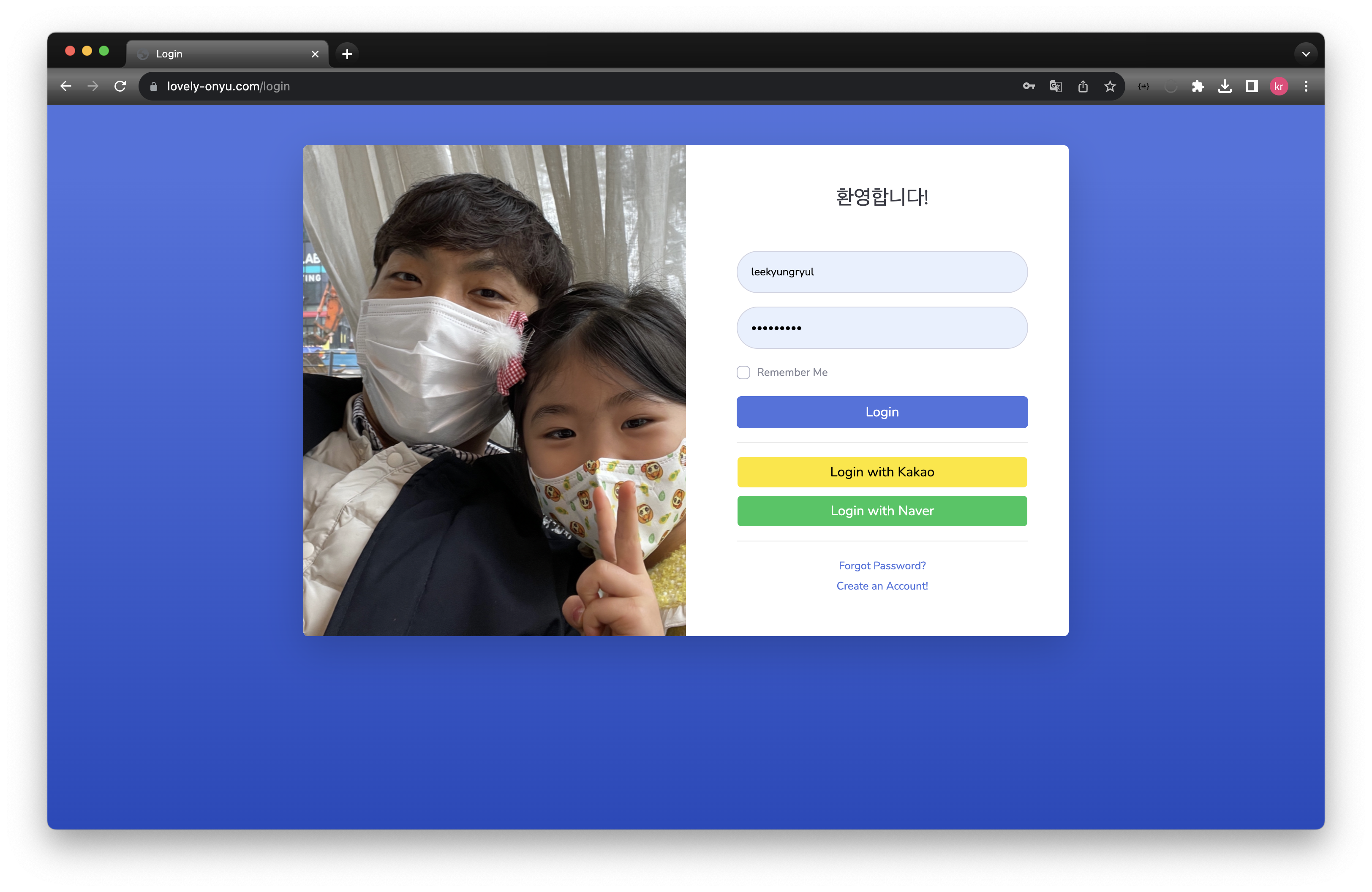
systemctl restart nginx확인

끊임없이 노력하는 개발자