환경 세팅
- 설치
https://nodejs.org/ko/download 에서 node.js를 설치했다.
설치 후 버전 확인

- 초기화
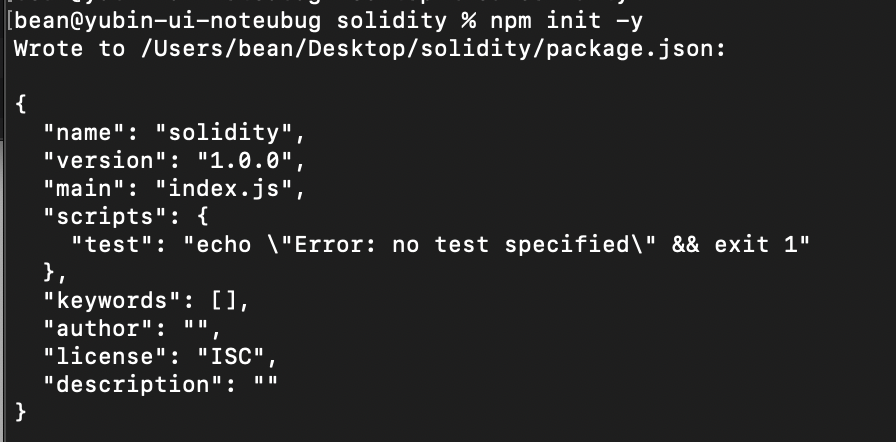
폴더 내에 package.json 생성됨
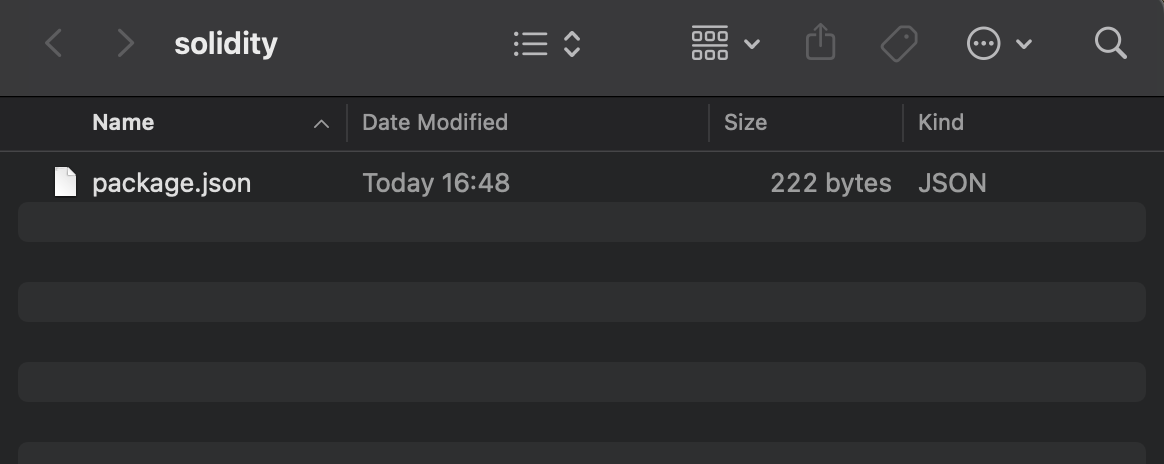
- hardhat 설치
npm install --save-dev hardhat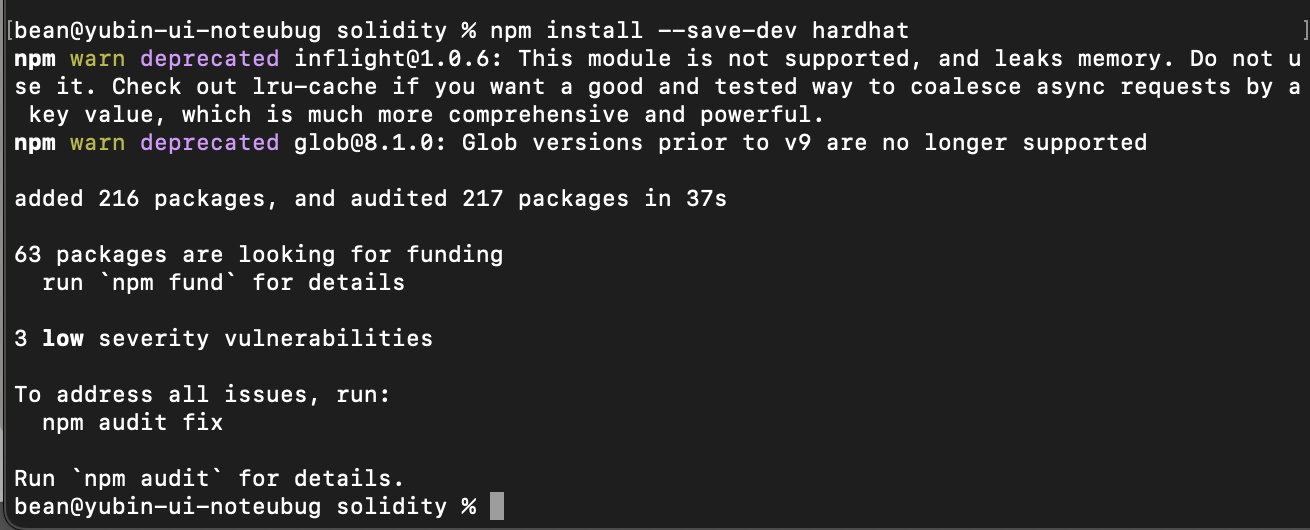
폴더 내에 package-lock.json과 node-modules 디렉토리가 생성됨
- hardhat 프로젝트 생성
npx hardhat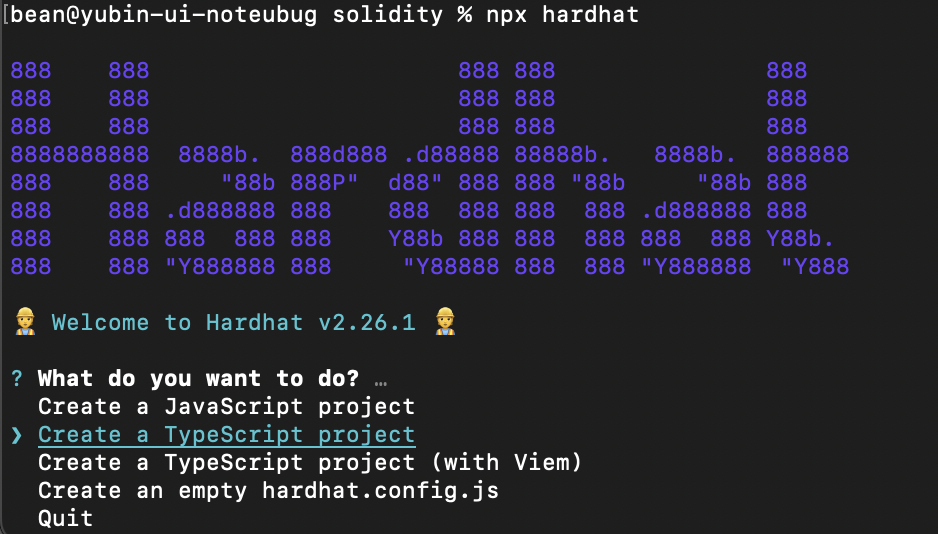
typescript로 선택해줬다.
몇가지 옵션만 선택해주면 프로젝트가 생성된다.
연습
간단하게 counting 하는 파일을 생성해줬다. Counter.sol
// SPDX-License-Identifier: MIT
pragma solidity ^0.8.0;

contract Counter {
    uint public count;

    function increment() public {
        count += 1;
    }

    function reset() public {
        count = 0;
    }
}
그리고 배포용 파일 작성 deploy.ts
import { ethers } from "hardhat";

async function main() {
  console.log("▶️ 배포 시작");

  const Counter = await ethers.getContractFactory("Counter");
  const counter = await Counter.deploy();
  await counter.waitForDeployment();

  const address = await counter.getAddress();
}

main().catch((error) => {
  console.error("❌ 에러 발생:", error);
  process.exitCode = 1;
});
로컬호스트로 배포했다.

접속

테스트.
가용 함수 확인

함수 테스트
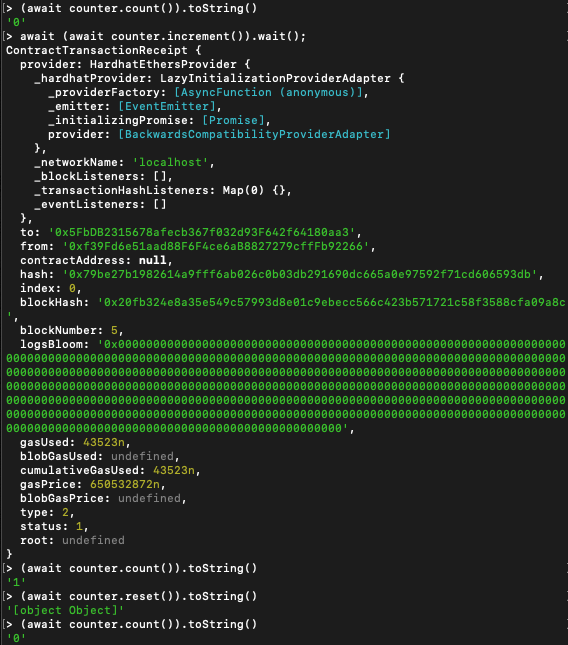
이상 로컬에서 간단한 스마트 컨트랙트를 생성하고 Hardhat을 통해 배포와 호출을 해 보았다.

고민고민고민