npm install @nestjs/common@7.6.17 @nestjs/core@7.6.17 @nestjs/platform-express@7.6.17 reflect-metadata@0.1.13 typescript@4.3.2
간단 설명
@nestjs/common:
NestJS 프레임워크의 핵심 기능 중 일부를 제공하는 패키지.
로거, 미들웨어, 필터, 가드, 인터셉터와 같은 기본적인 구성 요소들을 포함하고 있다.
@nestjs/core:
NestJS 애플리케이션 인스턴스를 생성하고, 애플리케이션의 생명주기를 관리하는 데 필요한 기능을 제공.
이 패키지는 NestJS 애플리케이션을 부트스트랩하는 데 필수적.
@nestjs/platform-express:
NestJS 애플리케이션을 Express 프레임워크 위에서 실행하기 위한 어댑터를 제공.
Express는 Node.js를 위한 가장 인기 있는 웹 프레임워크 중 하나.
이 패키지를 사용하면 NestJS가 Express의 기능을 활용할 수 있게 됨.
reflect-metadata:
TypeScript에서 데코레이터와 함께 메타데이터를 사용할 수 있도록 하는 라이브러리.
NestJS는 데코레이터를 사용하여 다양한 프레임워크 레벨의 메타데이터를 정의하며, 이 메타데이터는 실행 시간에 NestJS에 의해 활용.
typescript:
JavaScript에 타입 시스템을 추가하여 개발하는 언어로, 컴파일 시 JavaScript로 변환됨.
NestJS는 TypeScript를 기반으로 하며, 이 때문에 NestJS 프로젝트에서 TypeScript를 사용함
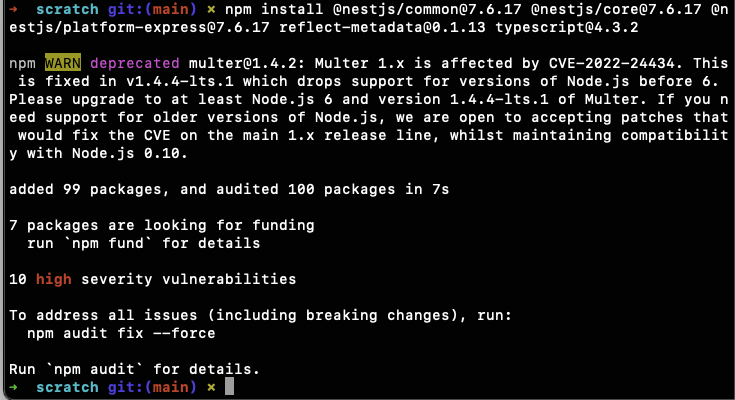
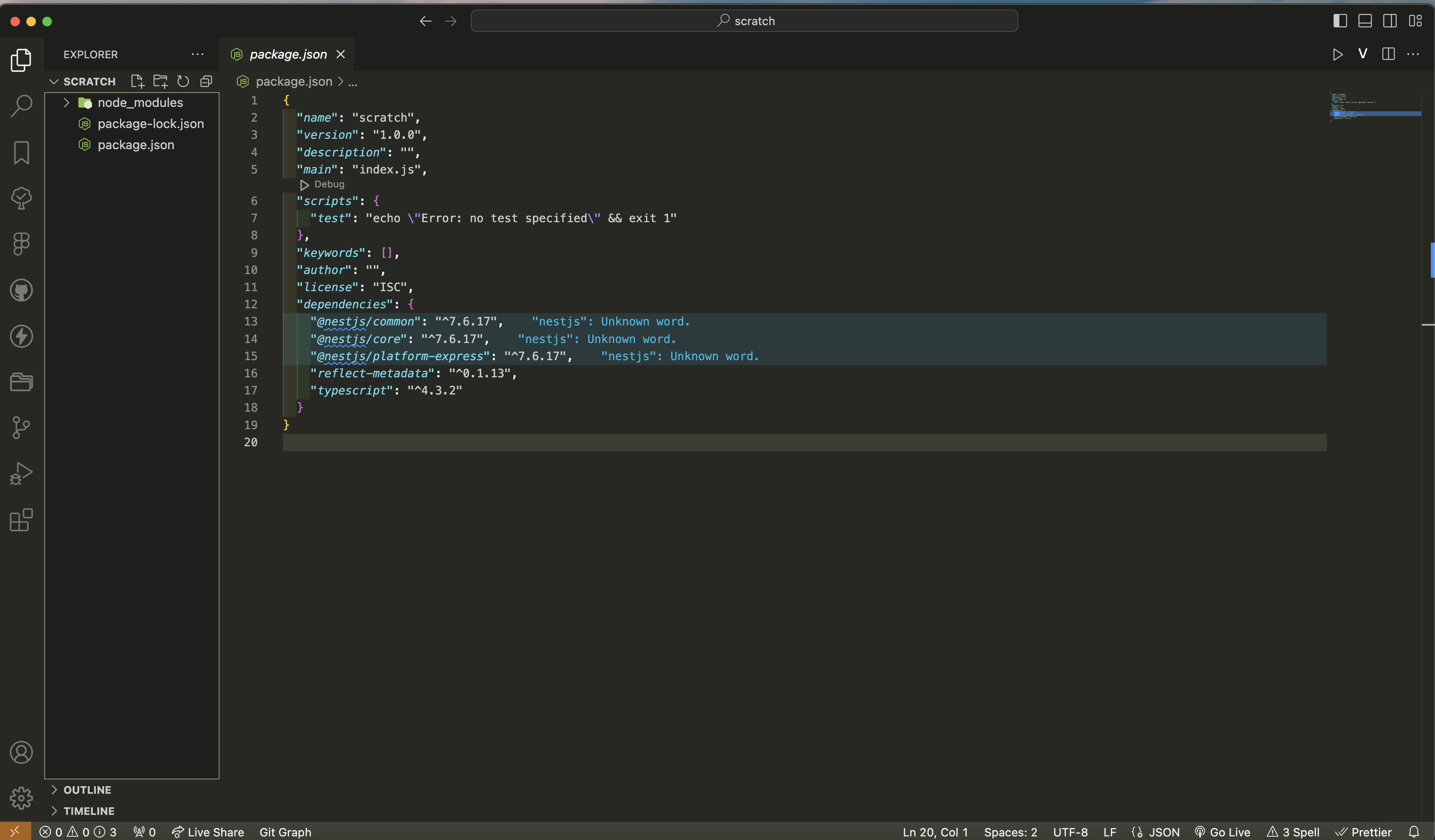
잘 설치된 것을 볼 수 있다.
마찬가지로 tsconfig도 생성
{
    "compilerOptions": {
        "module": "commonjs",
        "target": "es2017",
        "experimentalDecorators": true,
        "emitDecoratorMetadata": true,
    }
}
컨트롤러 생성
main.ts
import { NestFactory } from "@nestjs/core";
import { AppModule } from "./app.module";

async function bootstrap() {
    const app = await  NestFactory.create(AppModule);


    await app.listen(3000);
}
bootstrap();
app.module.ts
import { Module } from "@nestjs/common";
import { AppController } from './app.controller';
@Module({
    controllers: [AppController]
})
export class AppModule {

}
app.controller.ts
import { Controller, Get } from "@nestjs/common";

@Controller()
export class AppController {
@Get("/")
getRootRoute() {
return 'hi there!';
}


@Get('/bye')
getByeThere(){
    return 'bye there!';
}
}
