개발일지 2021/06/03
학습한 내용
**8. science
9. right1
-
night2
-
morning
-
kitchen**
-
color1
-
color2
-
color3
-
science
-
night1
- night2 설계도면 작업

- 모바일 버전 변화에서 신경써야할 것
bottom: initial; -> 모바일에서는 하단 바턴값을 적용하지 않겠다.
* 안나올때? 개발자 도구를 본다.
-
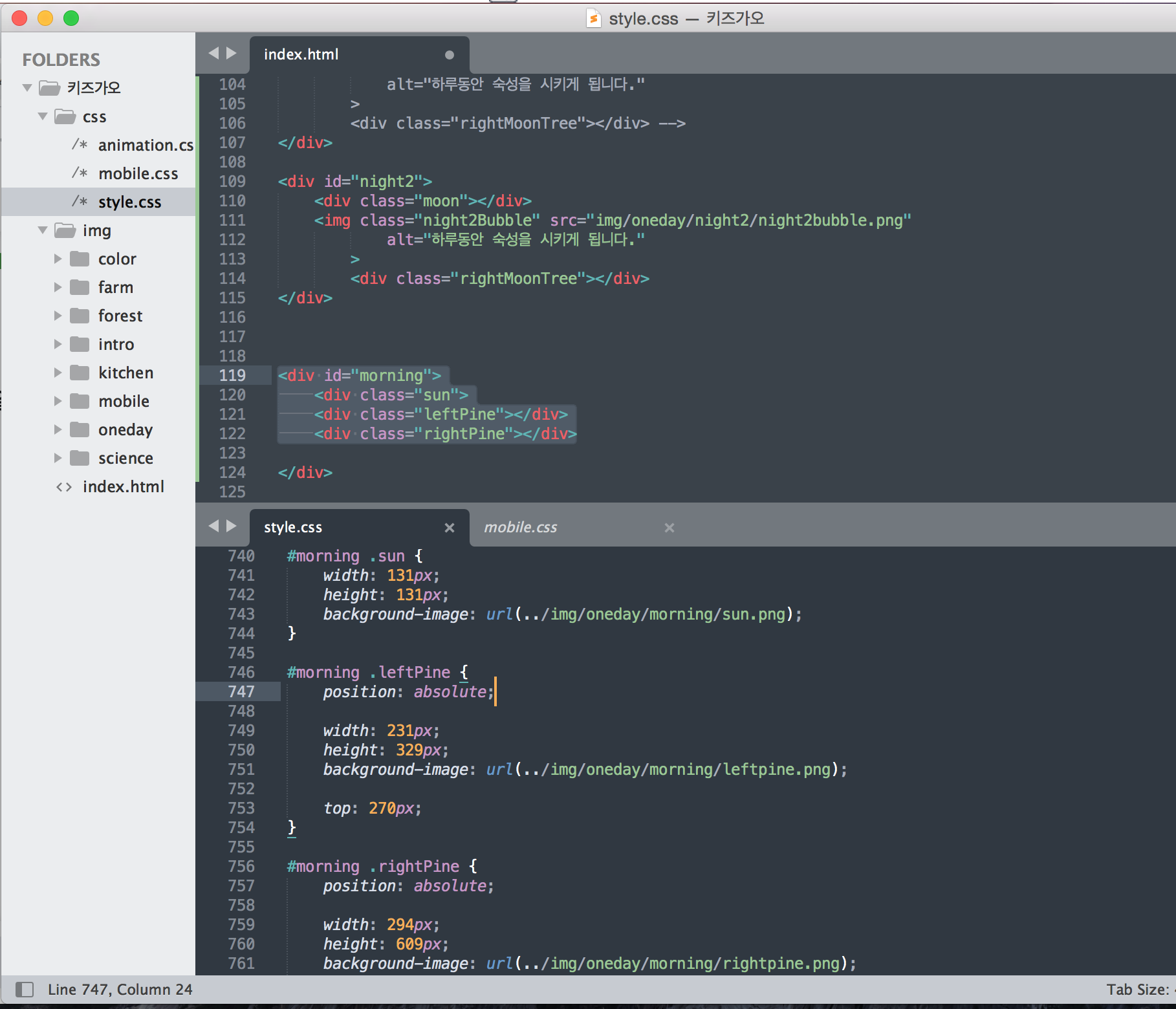
morning
-
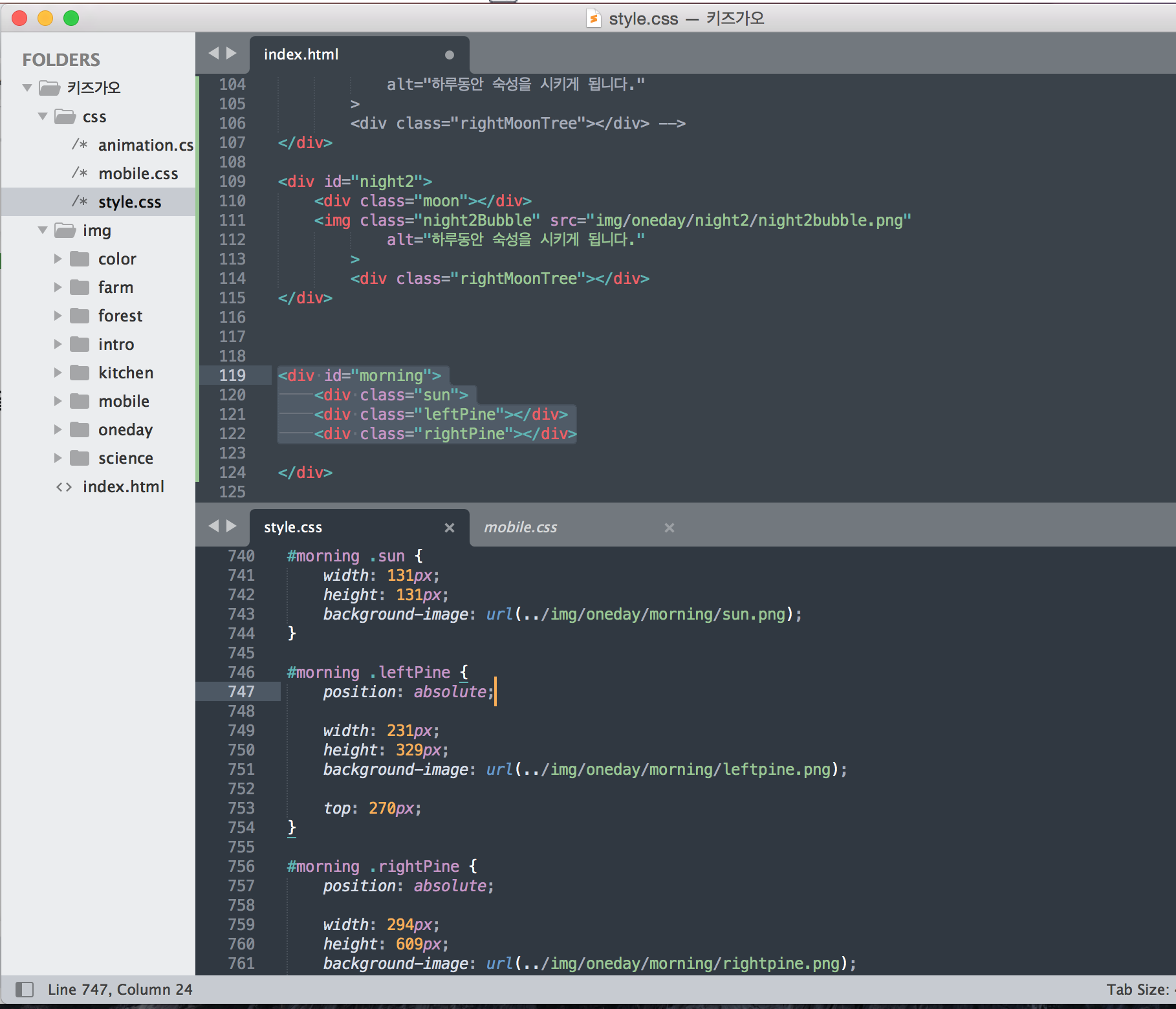
kitchen
- 애니매이션 연기 나오기 모물선 들기
1) https://jeremyckahn.github.io/stylie/
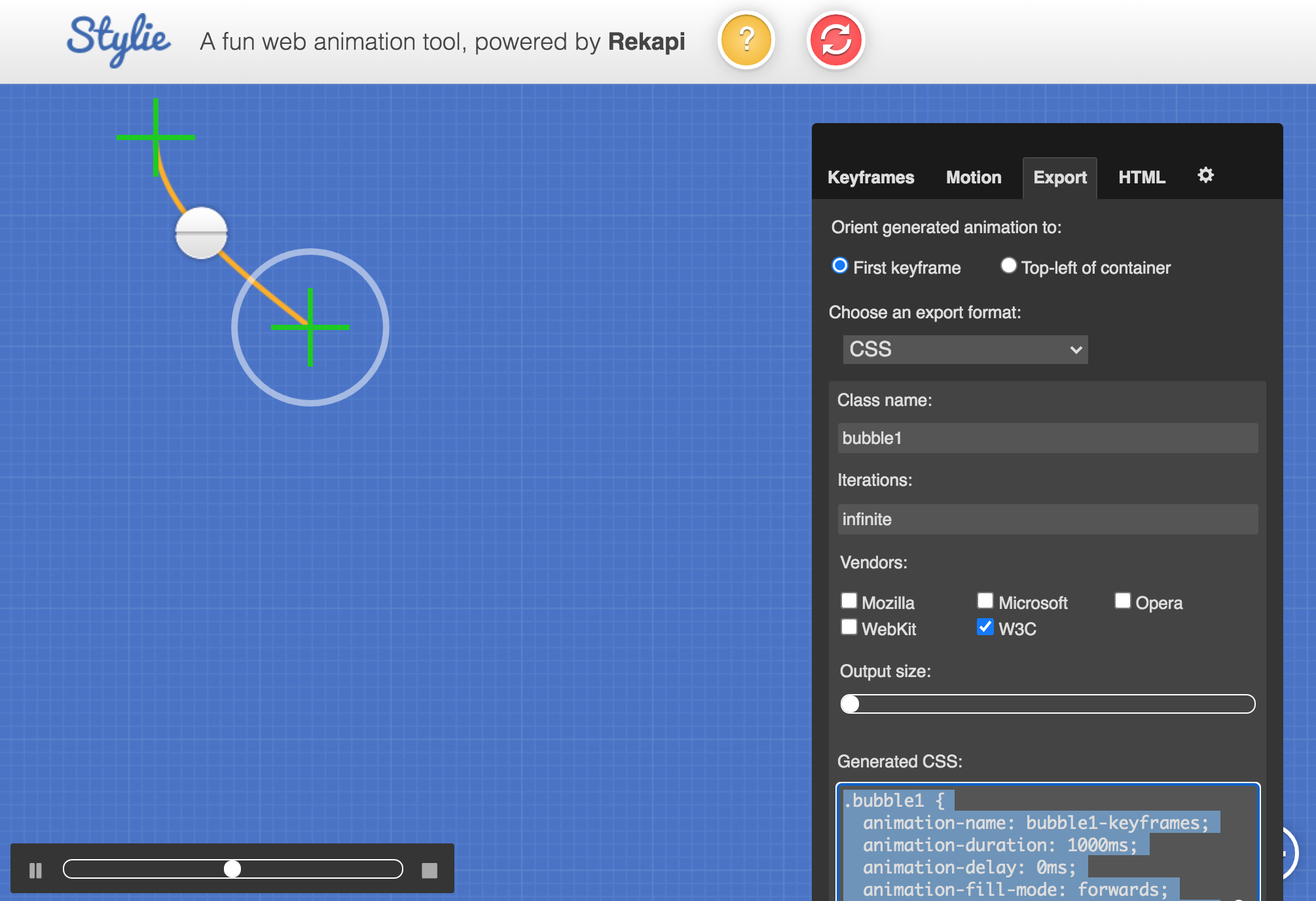
.bubble1 {
animation-name: bubble1-keyframes;
animation-duration: 1000ms;
animation-delay: 0ms;
animation-fill-mode: forwards;
animation-timing-function: linear;
animation-iteration-count: infinite;
transform-origin: 0 0;
}
@keyframes bubble1-keyframes {
0% {transform:translate(0px, 0px) scale(1) rotateX(0deg) rotateY(0deg) rotateZ(0deg) translate(-50%, -50%);}
100% {transform:translate(-118px, -145px) scale(1) rotateX(0deg) rotateY(0deg) rotateZ(0deg) translate(-50%, -50%);}
}html::after { content: url(https://ga-beacon.appspot.com/UA-42910121-1/stylie?pixel); position: absolute; left: -999em; }
학습한 내용 중 어려웠던 점 또는 해결못한 것들
- 애니매이션이 적용이 안된다.
- farm 영역 이후부터 이미지가 동떨어져서 작업되었다.
- 모바일 영역이 아예 안잡힌다.
해결방법 작성
-
css/ 파일 내용이 빠져있었음.
-
farm 영역 이후부터 이미지가 동떨어져서 작업되었다.
-> 해결 못함. 페이지 소스 보기 확인해보니 intro 부분 부터 적용이 안된걸 확인함. : 질응답문의 -
모바일 영역이 아예 안잡힌다.
-> 해결 못함. 페이지 소스 보기 확인해보니 intro 부분 부터 적용이 안된걸 확인함. : 질응답문의
학습 소감
처음부터 다시 영상 확인해야겠다.
color1 이후부터 학습~
TODO 개발서 만들기