저번 시간에 이어서 영화를 등록 할 포스팅 박스를 만들어보자
-
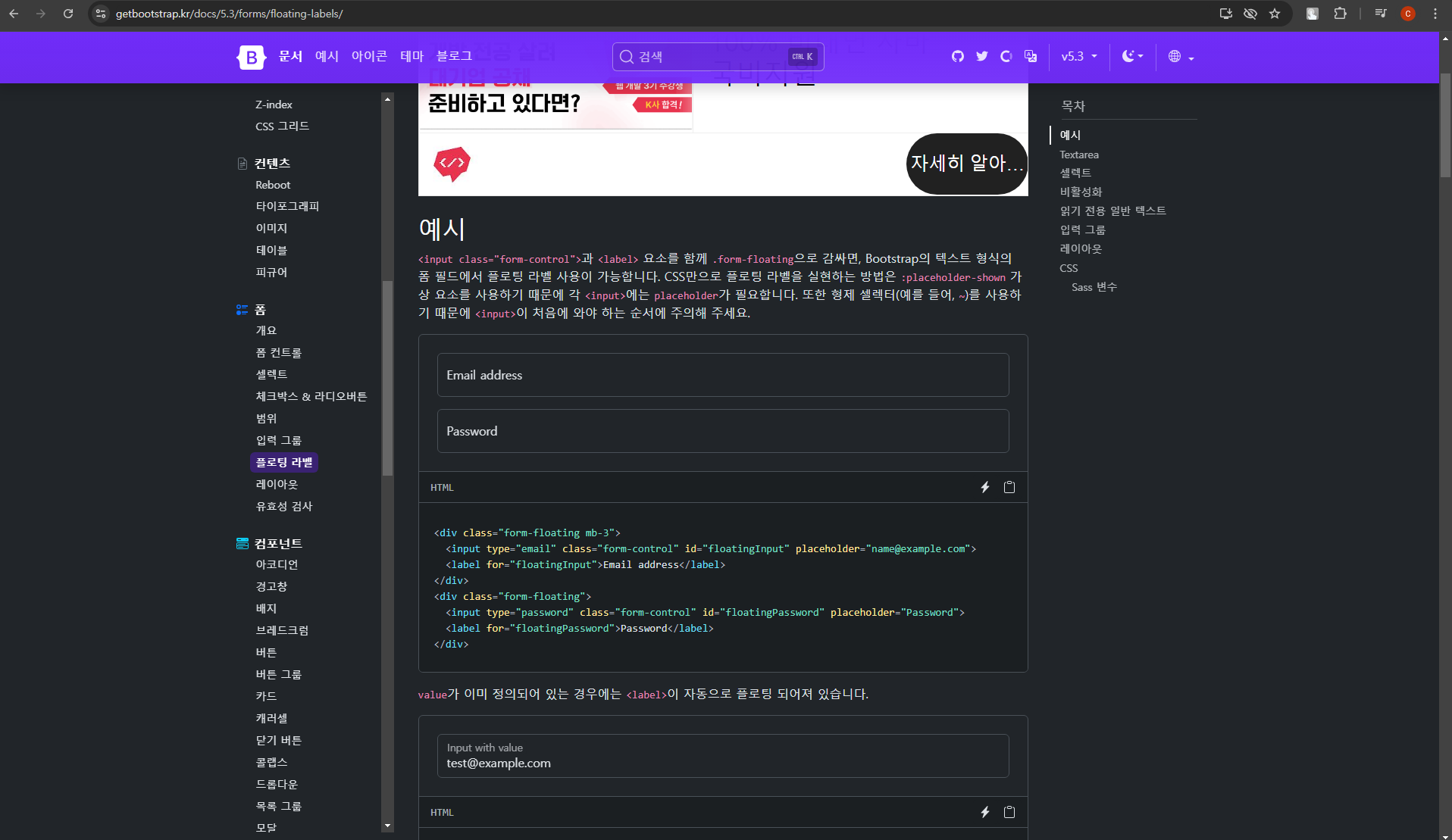
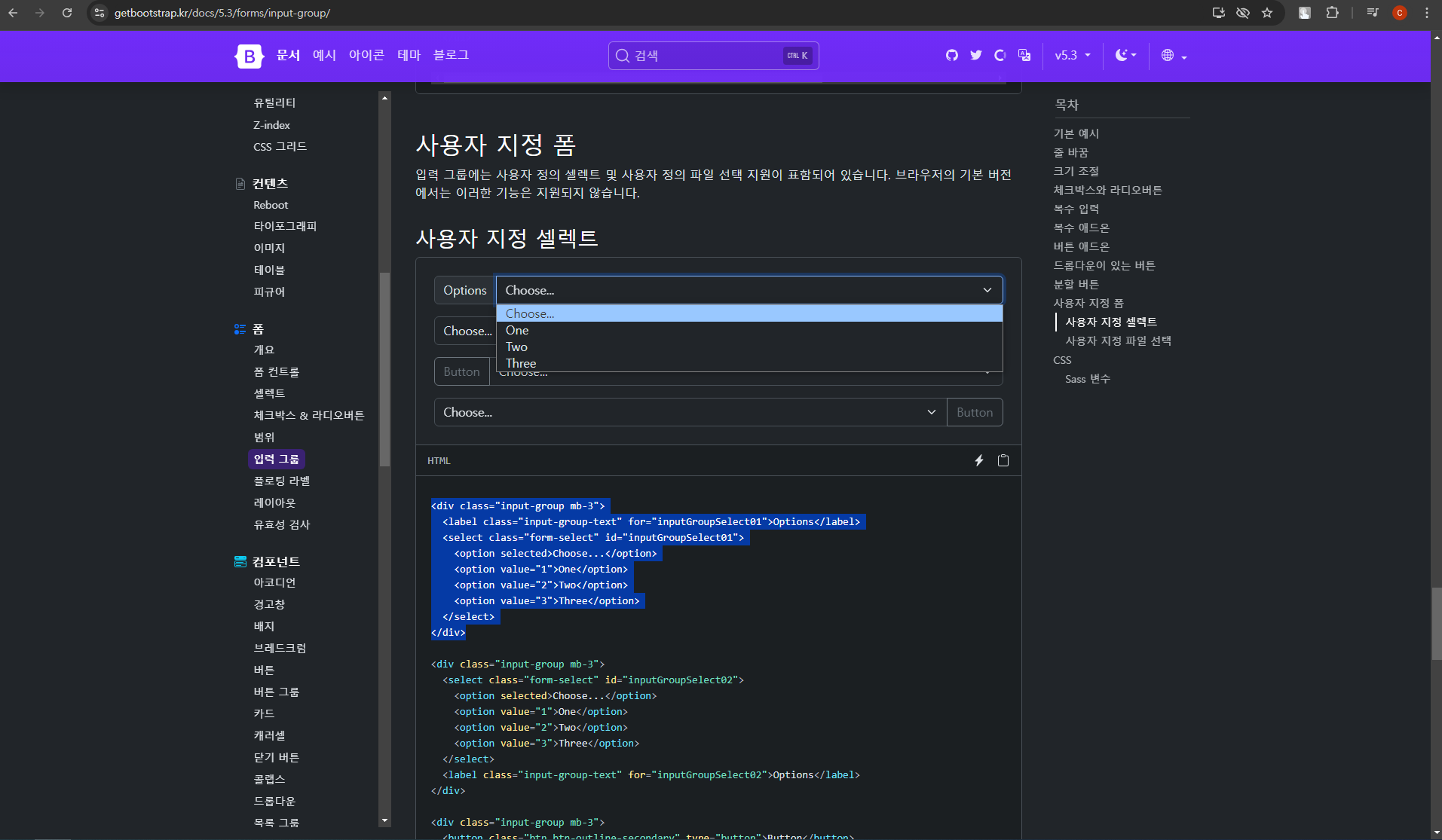
마찬가지로 부트스트랩에 들어가 floating Label 쪽과 input Group 쪽을 찾아보면 맛있게 생긴 예시가 많은데 적당히 복사해서 골라 오면 된다.
-
-
-
가져온 html 들을 웹 페이지의 목적 형식에 맞춰 바꿔주자
<body>
  <div class="mypostingbox">
    <div class="form-floating mb-3">
      <input type="email" class="form-control" id="floatingInput" placeholder="영화 이미지 주소">
      <label for="floatingInput">영화 이미지 주소</label>
    </div>
    <div class="form-floating mb-3">
      <input type="email" class="form-control" id="floatingInput" placeholder="영화 제목">
      <label for="floatingInput">영화 제목</label>
    </div>
    <div class="input-group mb-3">
      <label class="input-group-text" for="inputGroupSelect01">별점</label>
      <select class="form-select" id="inputGroupSelect01">
        <option selected>별점 선택</option>
        <option value="1">⭐</option>
        <option value="2">⭐⭐</option>
        <option value="3">⭐⭐⭐</option>
        <option value="4">⭐⭐⭐⭐</option>
        <option value="5">⭐⭐⭐⭐⭐</option>
      </select>
    </div>
    <div class="form-floating mb-3">
      <input type="email" class="form-control" id="floatingInput" placeholder="추천 이유">
      <label for="floatingInput">추천 이유</label>
    </div>
    <button type="button" class="btn btn-danger">등록하기</button>
  </div>
</body>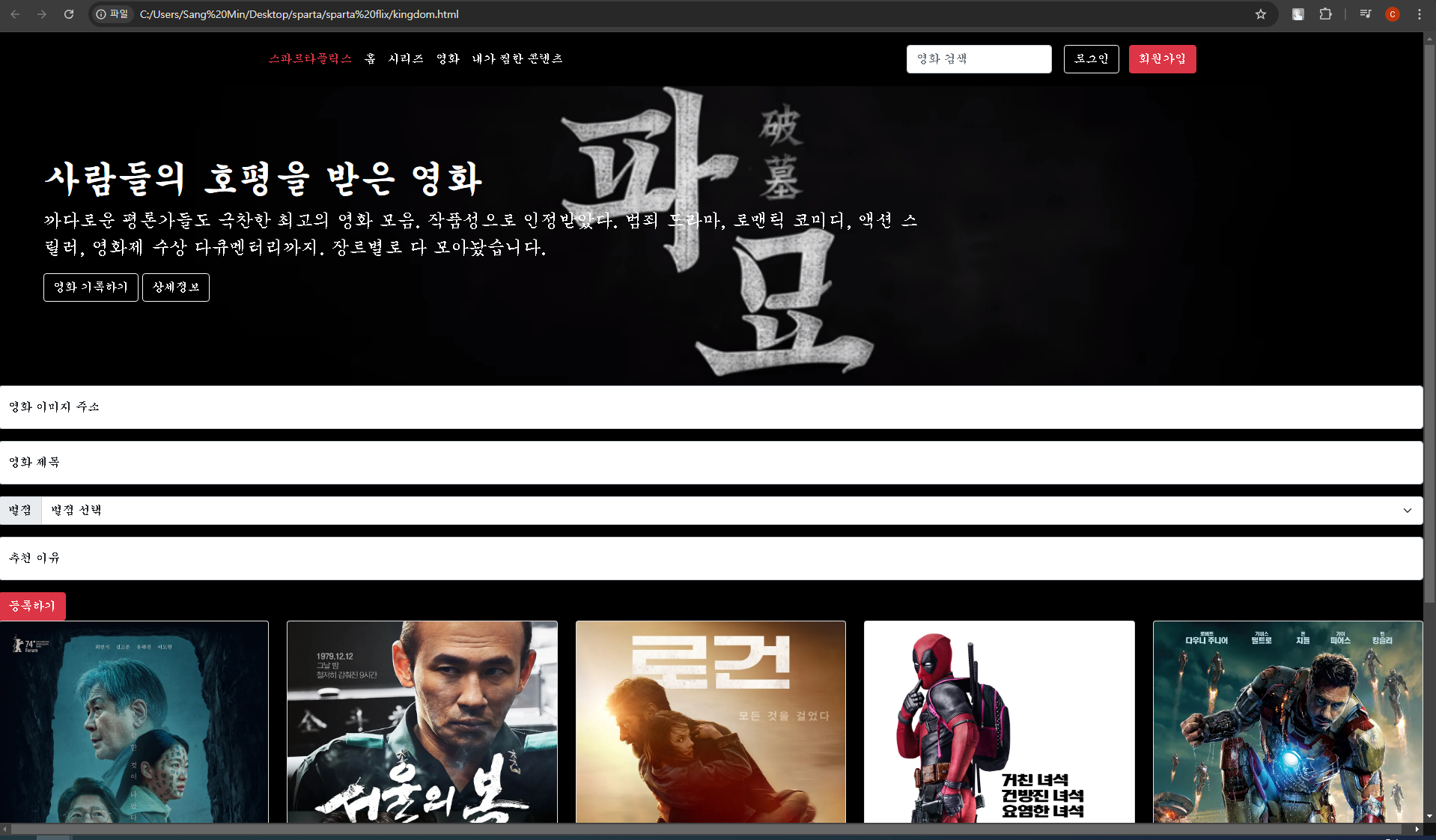
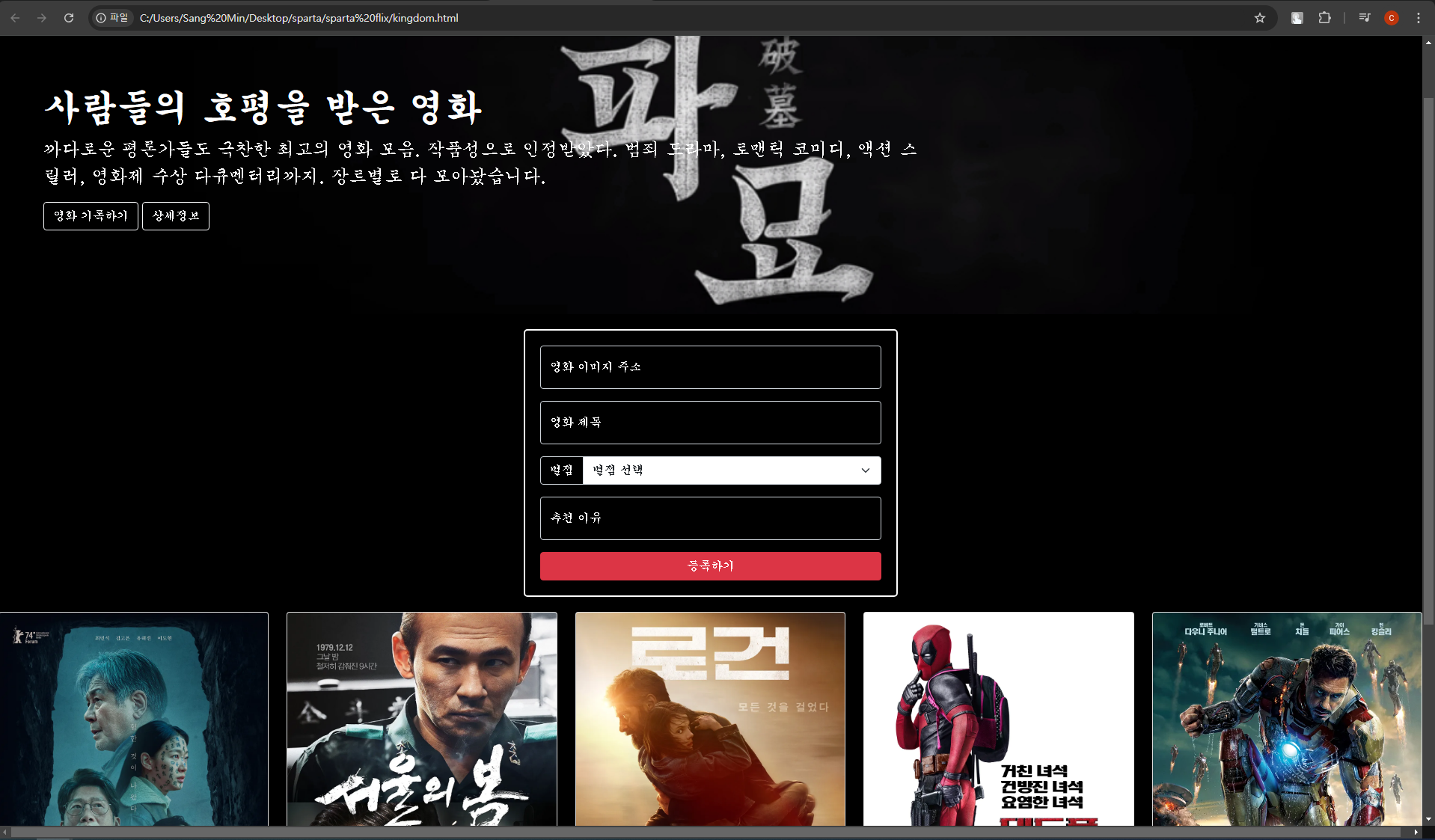
- 이제 여기서 저 요소들을 박스 형식으로 만든 뒤 가운데 정렬이 되도록 꾸며보자
<div class="mypostingbox">mypostingbox 라는 클래스명을 정해준 뒤, 테두리, 여백 등 가운데까지 정렬해주면
    .mypostingbox {
      /* 상자 가로길이 500px */
      width: 500px;
      /* 위 아래 바깥쪽 여백 20px 좌우 가운데 정렬 */
      margin: 20px auto 20px auto ;
      /* 안쪽 여백 20px */
      padding: 20px;
      /* 테두리 두께 2px 일반 실선 */
      border: 2px solid white;
      /* 모서리 둥글게 */
      border-radius: 5px;
      background-color: black;
    }

    .form-floating > input {
      background-color: transparent;
      color: white;

    }

    .form-floating > label {
      color: white;

    }

    .input-group > label {
      background-color: transparent;
      color: white;

    }
    .mypostingbox > button {
      width: 100%;
    }
- 박스 완성 !

TIL