Spring Security
Spring 기반 애플리케이션에서 보안과 인증을 담당하는 강력한 프레임워크입니다. Spring Security를 사용하면 사용자 인증, 권한 부여, 보안 설정 등을 손쉽게 구현할 수 있습니다.
Spring Security를 사용하기 위해 LoginController를 수정하겠습니다.
LoginController.class
수정 전
import org.springframework.stereotype.Controller;
import org.springframework.ui.ModelMap;
import org.springframework.web.bind.annotation.RequestMapping;
import org.springframework.web.bind.annotation.RequestMethod;
import org.springframework.web.bind.annotation.RequestParam;
import org.springframework.web.bind.annotation.SessionAttributes;

@Controller
@SessionAttributes("name")
public class LoginController {

    private AuthenticationService authenticationService;

    public LoginController(AuthenticationService authenticationService) {
        this.authenticationService = authenticationService;
    }

    @RequestMapping(value = "/", method = RequestMethod.GET)
    public String gotoLoginPage(ModelMap model) {
        model.put("name", "tester1");
        return "welcome";
    }

    @RequestMapping(value = "/login", method = RequestMethod.POST)
    public String gotoWelcomePage(@RequestParam String name, @RequestParam String password, ModelMap model) {

        if (authenticationService.authenticate(name, password)) {

            model.put("name", name);
            //Authentication
            //name - testname
            //password - testpassword
            return "welcome";
        }

        model.put("errorMessage", "Invalid Credentials! Please try again.");
        return "login";
    }
}
수정 후
로그인 관련 기능은 Spring Security가 담당하기 때문에 로그인 관련 로직을 삭제합니다.
import org.springframework.stereotype.Controller;
import org.springframework.ui.ModelMap;
import org.springframework.web.bind.annotation.RequestMapping;
import org.springframework.web.bind.annotation.RequestMethod;
import org.springframework.web.bind.annotation.SessionAttributes;

@Controller
@SessionAttributes("name")
public class LoginController {
    @RequestMapping(value = "/", method = RequestMethod.GET)
    public String gotoLoginPage(ModelMap model) {
        model.put("name", "tester1");
        return "welcome";
    }
}
이제 AuthenticationService.class도 사용을 하지 않기 때문에 login 패키지에서 삭제합니다.
localhost:8080으로 접속한 결과 welcome.jsp가 잘 보이기 때문에 이제 login.jsp는 필요없습니다. 삭제 해줍니다.
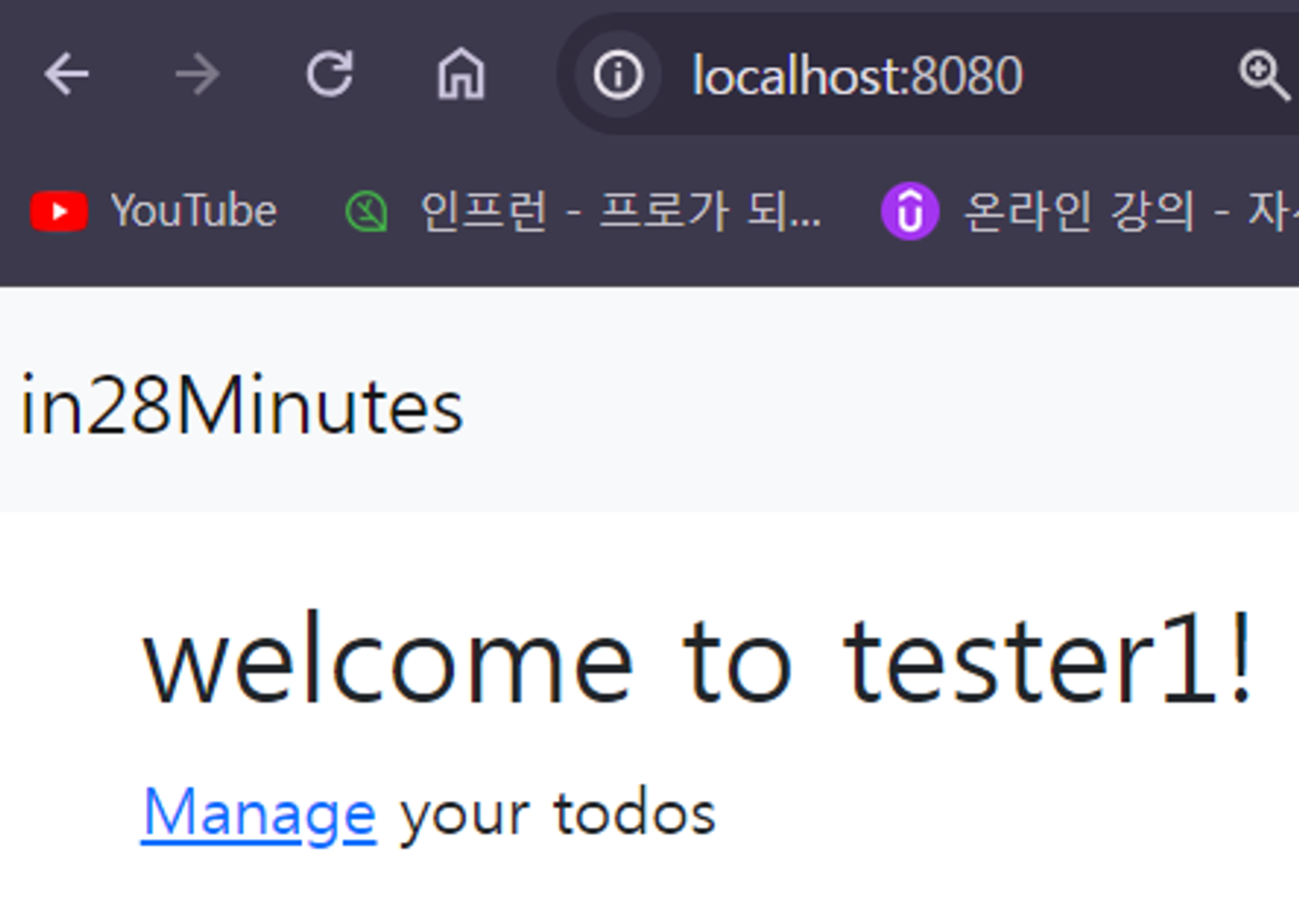
이제 welcome페이지를 담당하는 Controller이기 때문에 LoginController.class로 가서 클래스 이름을 WelcomeController.class로 변경을 합니다. 또한 gotoLoginPage()를 gotoWelcomePage()로 변경해 줍니다.
LoginController.class → WelcomeController.class
gotoLoginPage() → gotoWelcomePage()
import org.springframework.stereotype.Controller;
import org.springframework.ui.ModelMap;
import org.springframework.web.bind.annotation.RequestMapping;
import org.springframework.web.bind.annotation.RequestMethod;
import org.springframework.web.bind.annotation.SessionAttributes;

@Controller
@SessionAttributes("name")
public class WelcomeController{
    @RequestMapping(value = "/", method = RequestMethod.GET)
    public String gotoWelcomePage(ModelMap model) {
        model.put("name", "tester1");
        return "welcome";
    }
}
변경을 해도 잘 작동하는지 확인하겠습니다.
실행
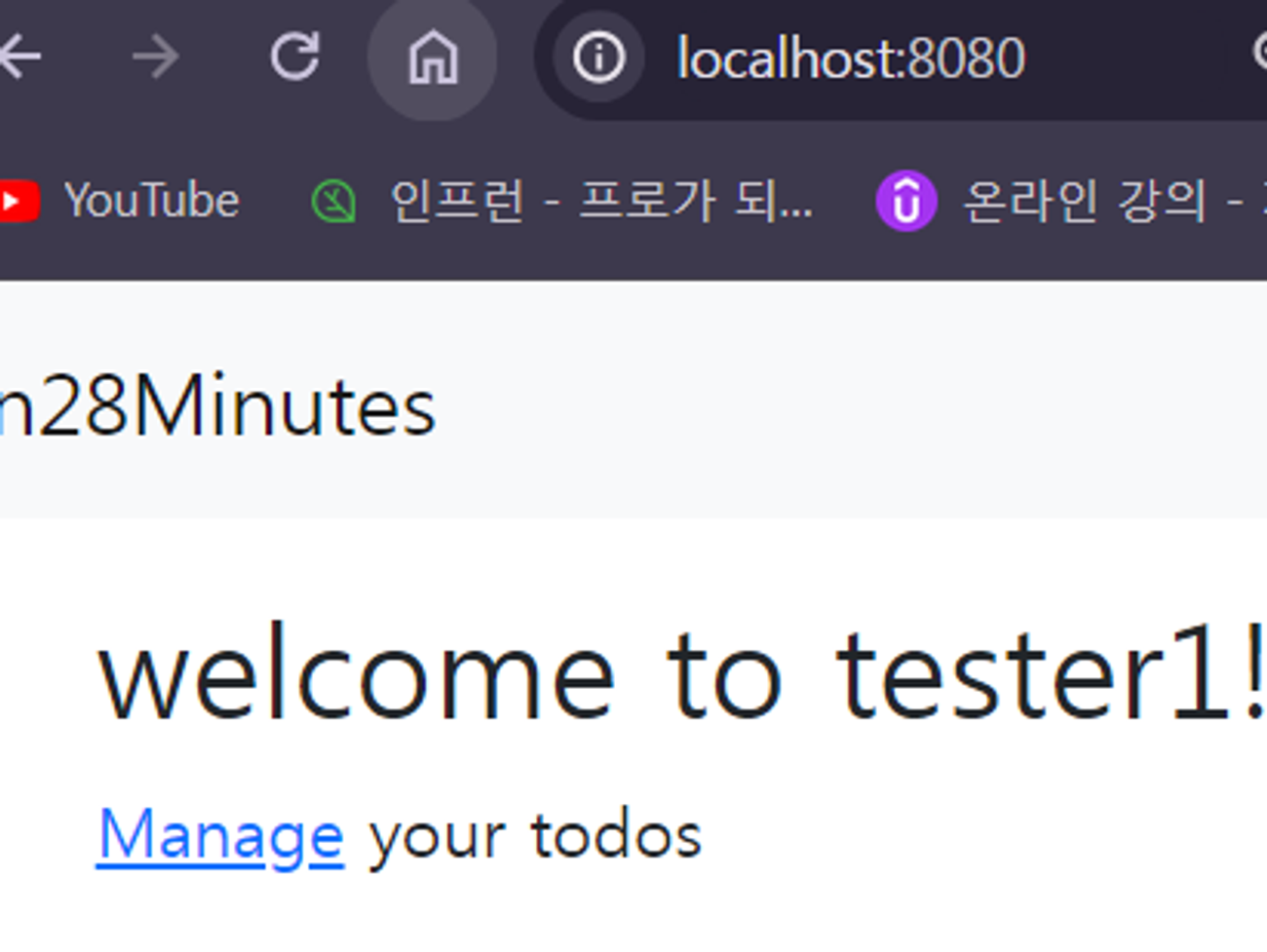
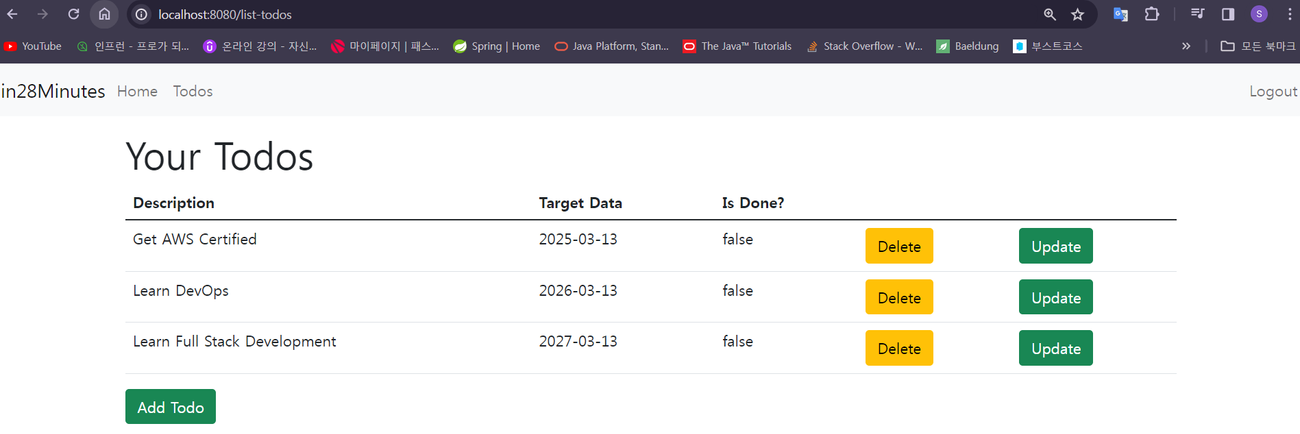
모든 버튼이 잘 작동하는 걸 확인할 수 있습니다.