Slack MCP Setting
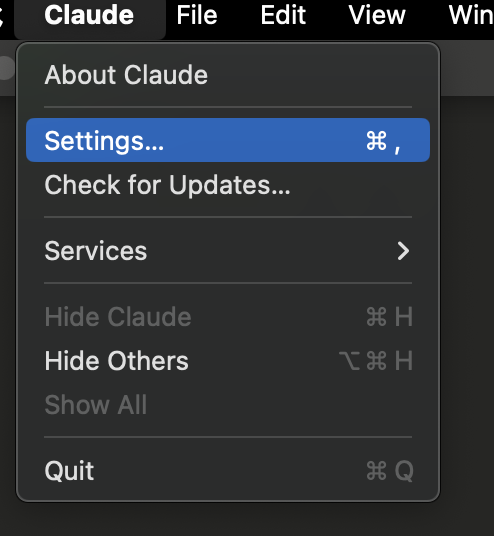
- Claude Desktop > Settings
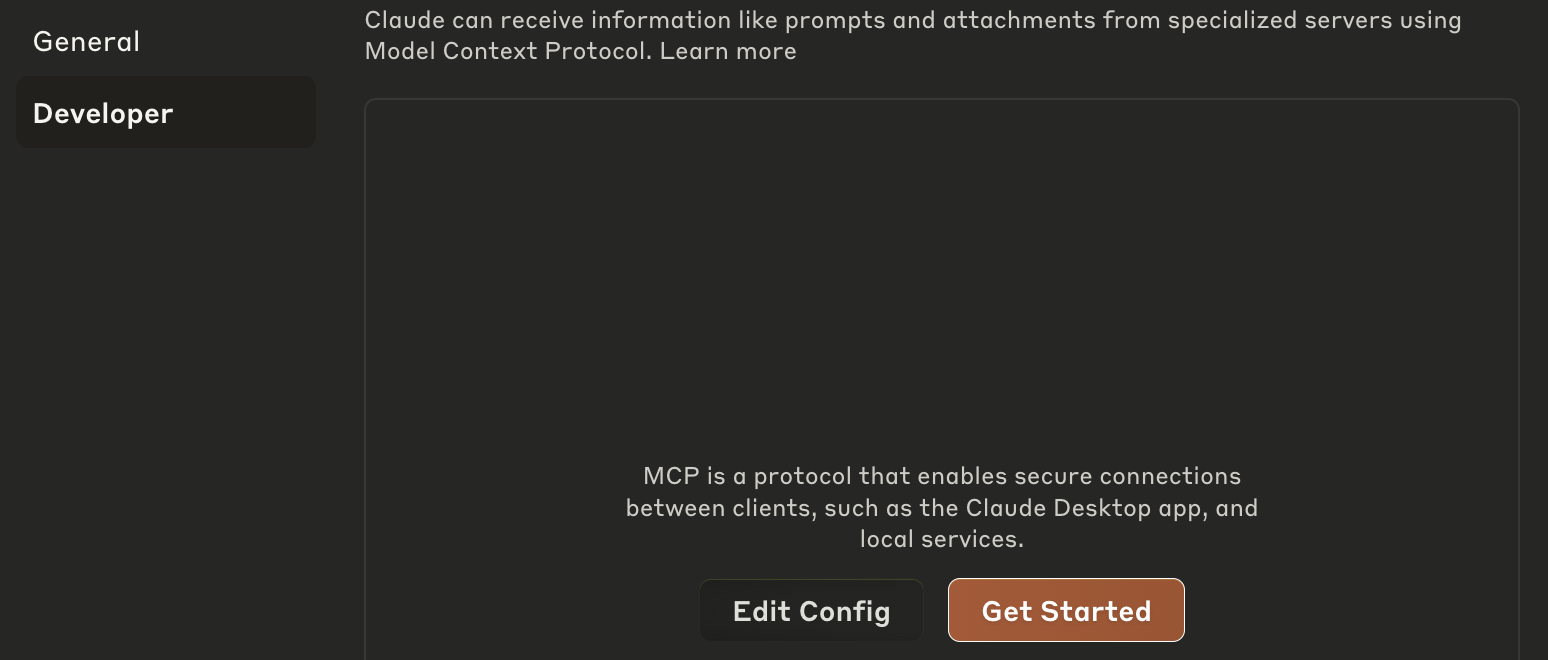
- Developer > Edit Config
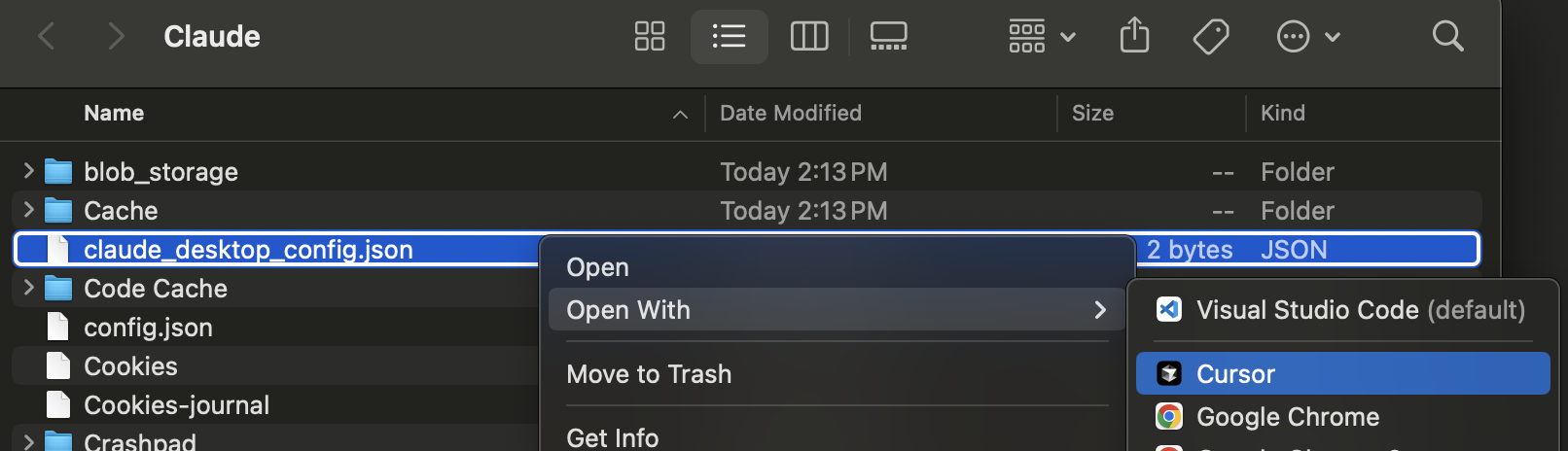
- claude_desktop_config.json > Open With > Cursor
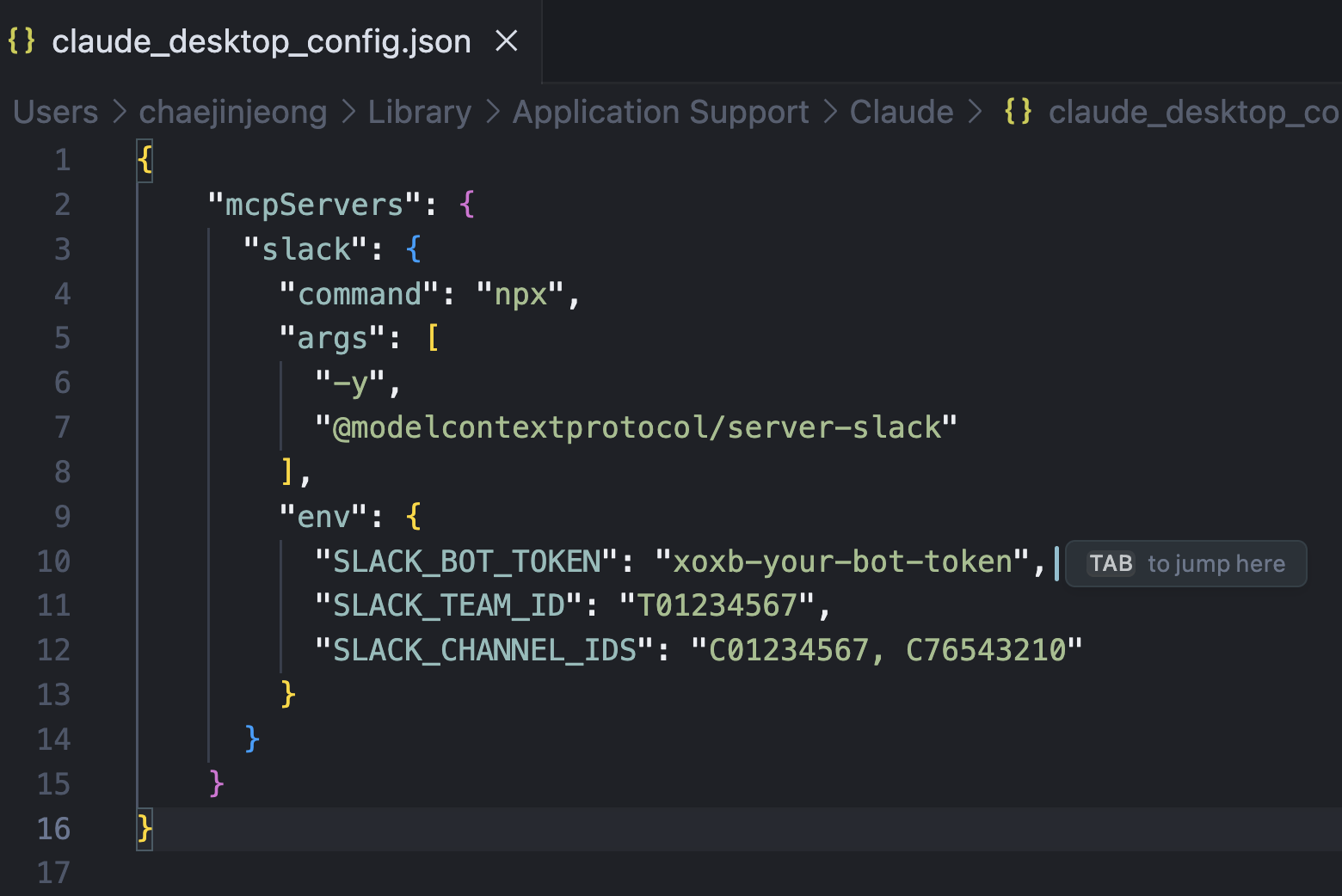
{
  "mcpServers": {
    "slack": {
      "command": "npx",
      "args": [
        "-y",
        "@modelcontextprotocol/server-slack"
      ],
      "env": {
        "SLACK_BOT_TOKEN": "xoxb-your-bot-token",
        "SLACK_TEAM_ID": "T01234567",
        "SLACK_CHANNEL_IDS": "C01234567, C76543210"
      }
    }
  }
}- MCP Slack Server Example 대로 적어줍니다. npx로 넣어줬어요
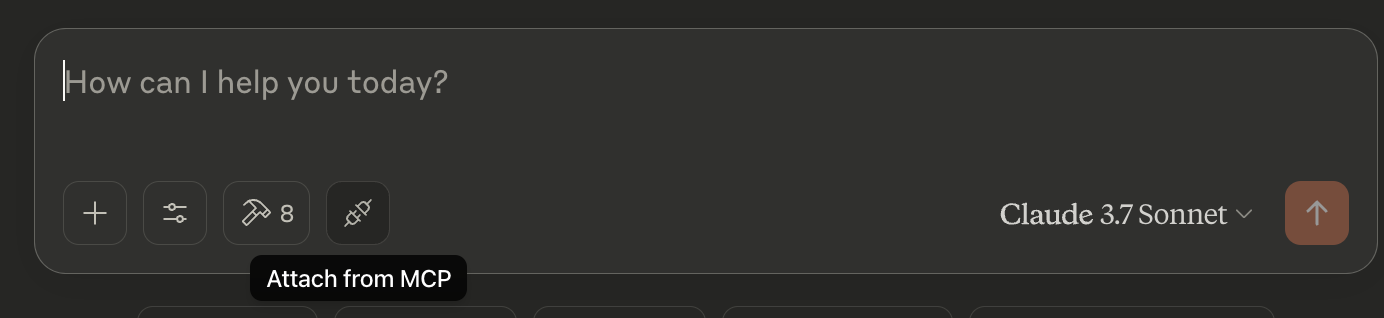
- Claude를 껐다가 켜줍니다.
- Attach from MCP 버튼을 눌러줍니다.
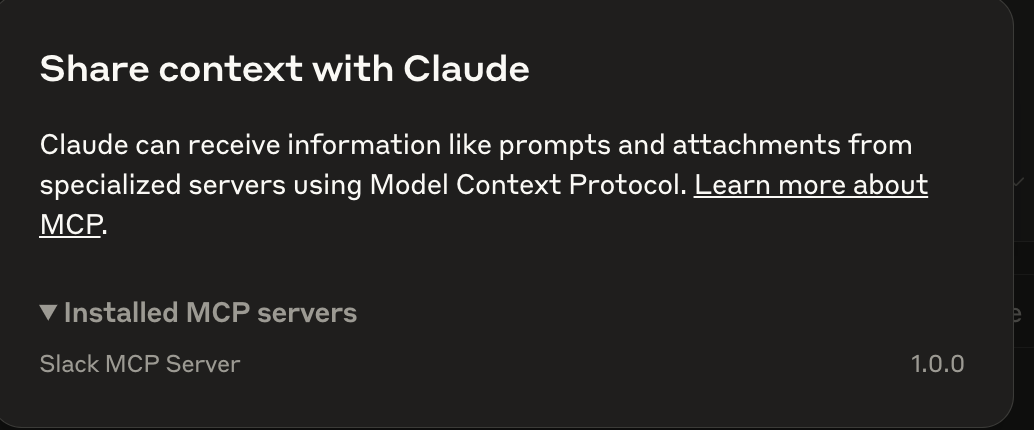
- Slack MCP Server가 등록되어 있는 것을 확인할 수 있습니다.

AI SoftWare 활용기를 기록합니다