1. Add the font file to your project file
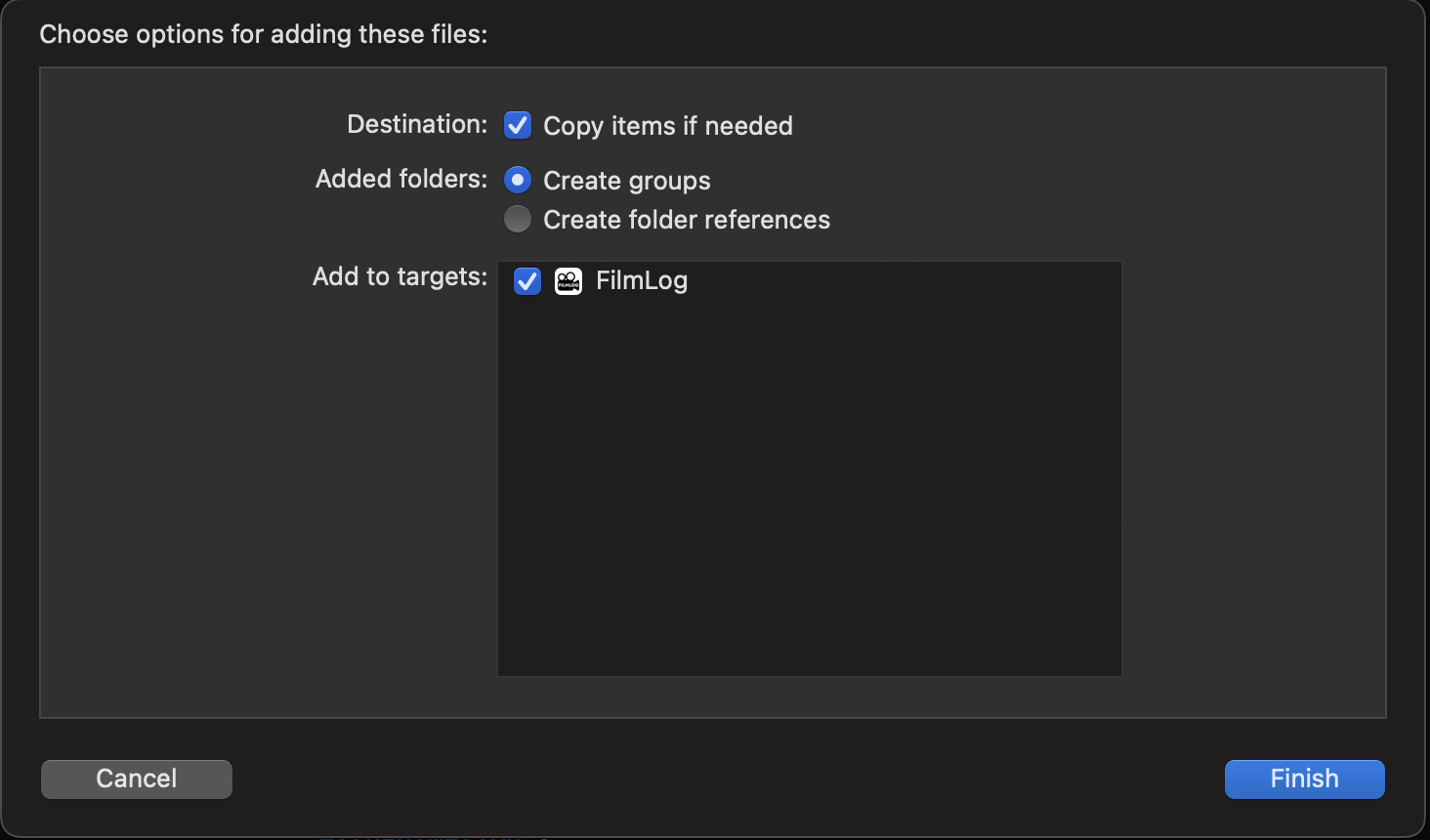
.ttf, .otf both are fine. Make sure font file is a target member of your app.
2. Register Your Font File with iOS
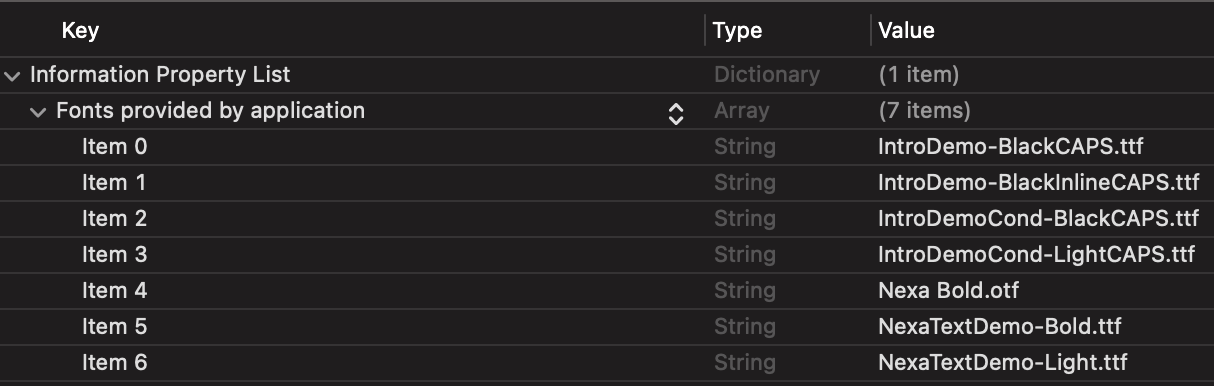
Add the key "Fonts provided by application" to Info.plist. Value must include file extension as well.
3. Use your custom font in source code
struct FontManager {
    struct Nexa {
        static let bold = "Nexa Bold"
        static let textBold = "NexaTextDemo-Bold"
        static let textLight = "NexaTextDemo-Light"
    }
}
Text("Type something")
.font(.custom(FontManager.Nexa.bold, size: 16))