[Next.js] Error: Hydration failed because the initial UI does not match what was rendered on the server.
Error: Hydration failed because the initial UI does not match what was rendered on the server. Next 13으로 업그레이드 한 후, 블로그 페이지 코드를 수정하려고 npm run dev를 돌리니 다음과 같은 에러가 떴다. Hydration이라는 단어를 들어만봤지 정확히 무엇인지는 몰라, 우선 Hydration에 대해 검색하였다.
React의 Hydration
In web development, hydration or rehydration is a technique in which client-side JavaScript converts a static HTML web page, delivered either through static hosting or server-side rendering, into a dynamic web page by attaching event handlers to the HTML elements.
간단하게 설명하자면 Server-side rendering 된 정적인 웹에 Client-side rendering에 필요한 js파일을 전달해주어 동적인 웹으로 변환해주는 것을 말한다. 자세한 건 여기에 잘 설명이 되어있다.
Hydration Error in Next.js

Next.js 공식 문서에서 Hydration Error가 발생하는 이유과 예시, 해결방법을 소개한다.
먼저 렌더링 되는 DOM과 브라우저에서 처음으로 렌더링 되는 DOM이 다를 때 발생한다고 하며, 그 예시로는
1) brower 렌더링이 된 후 접근 가능한 window 객체로 조건을 걸어놨을 때
2) 유효하지 않은 HTML 구조를 가졌을 때
3) Css-in-js를 사용할 때
가 있다고 한다.
나의 경우에는 2번에 해당했다. Next 13에서 변경된 것들의 영향으로 기존에는 유효했던 HTML이 유효하지 않게 변했기 때문이다.
Next/Link는 더 이상 자식 <a>를 가질 필요가 없어졌다.
- The
next/linkchild can no longer be<a>. Add the legacyBehavior prop to use the legacy behavior or remove the<a>to upgrade. A codemod is available to automatically upgrade your code.
Next.js 13의 큰 변경점 중 Next/link에 대한 설명이다. (공식 문서 2)
기존에는 자식 요소로 a 태그를 가졌어야 했으나, next 13에서는 Link 자체가 a가 되어 그럴 필요가 없어졌다.
이 때문에 기존에 내가 작성했던 Next/link를 활용한 코드는 <a>안에 <a>를 갖는 구조가 되었고, 유효하지 않은 HTML 구조가 되어버렸다.
<Link href={`/blog/content/${slug}`} passHref>
  <a>
    <Post data={post} />
  </a>
</Link>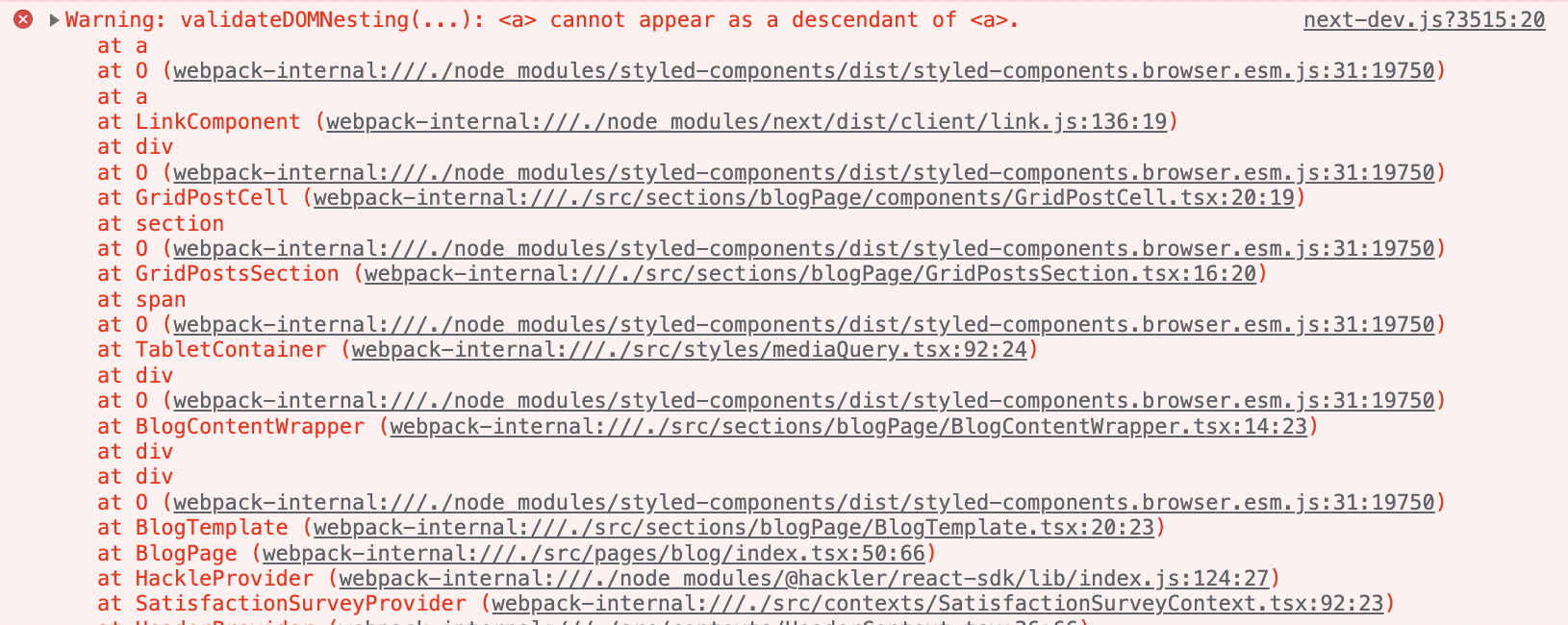
<Link> 하위의 <a>를 삭제하니 에러가 해결되었다.