모니터링 서버
| OS | HW |
|---|---|
| Rocky 9 | 2Core 8GB |
모니터링 대상 서버
| OS |
|---|
| Windows Server 2019 Standard |
패키지 업그레이드 및 Selinux 끄기
# 패키지 업그레이드
dnf update -y && dnf upgrade -y

# selinux Off
vi /etc/selinux/config
===
SELINUX=disabled
===
setenforce 0
getenforce
===
Disabled
# Rocky 8 이하는 Permissive
===
한국어팩 설치
dnf install -y glibc-langpack-koZabbix Server 구축
DB 설치
# 2024/08 기준 10.5.x 설치됩니다.
dnf install -y mariadb-server
systemctl enable mariadb --now
mysql_secure_installation
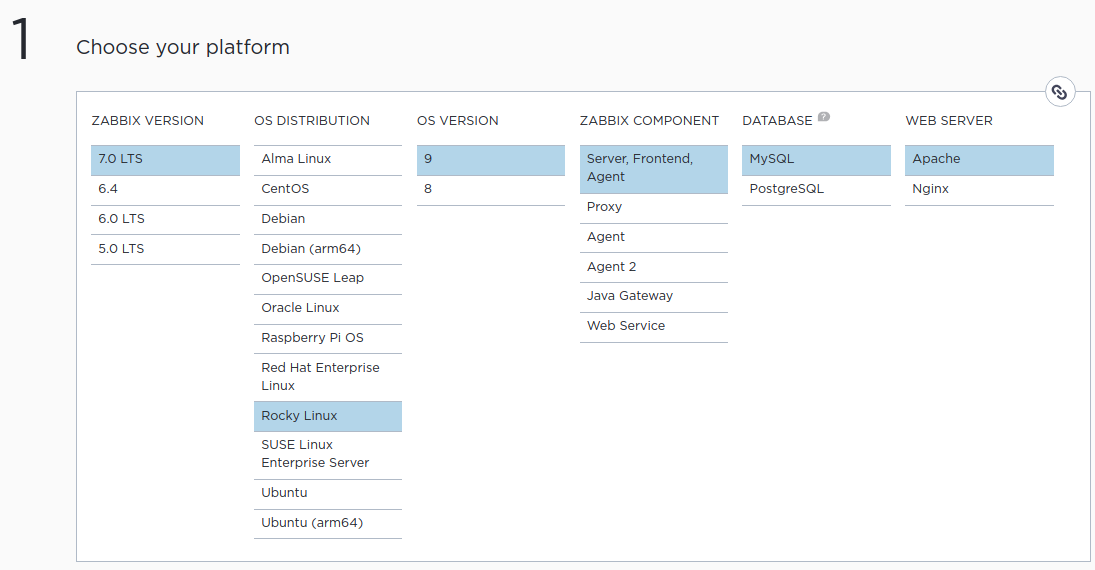
ZBX 설치
https://www.zabbix.com/download?zabbix=7.0&os_distribution=rocky_linux&os_version=9&components=server_frontend_agent&db=mysql&ws=apache
cd /usr/local/src
rpm -Uvh https://repo.zabbix.com/zabbix/7.0/rocky/9/x86_64/zabbix-release-7.0-5.el9.noarch.rpm
dnf install -y zabbix-server-mysql zabbix-web-mysql zabbix-apache-conf zabbix-sql-scripts zabbix-selinux-policy zabbix-agent
DB 연동
# DB 설정
mysql -uroot -p
MariaDB [(none)]> create database zabbix character set utf8mb4 collate utf8mb4_bin;
MariaDB [(none)]> create user zabbix@localhost identified by 'password';
MariaDB [(none)]> grant all privileges on zabbix.* to zabbix@localhost;
MariaDB [(none)]> set global log_bin_trust_function_creators = 1;
MariaDB [(none)]> quit;
zcat /usr/share/zabbix-sql-scripts/mysql/server.sql.gz | mysql --default-character-set=utf8mb4 -uzabbix -p zabbix

mysql -uroot -p
MariaDB [(none)]> set global log_bin_trust_function_creators = 0;
MariaDB [(none)]> flush privileges;
MariaDB [(none)]> quit;
vi /etc/zabbix/zabbix_server.conf
===
DBPassword=password
===systemctl enable zabbix-server zabbix-agent httpd php-fpm --nowhttp://IP/zabbix 입력하여 설치 페이지 접속
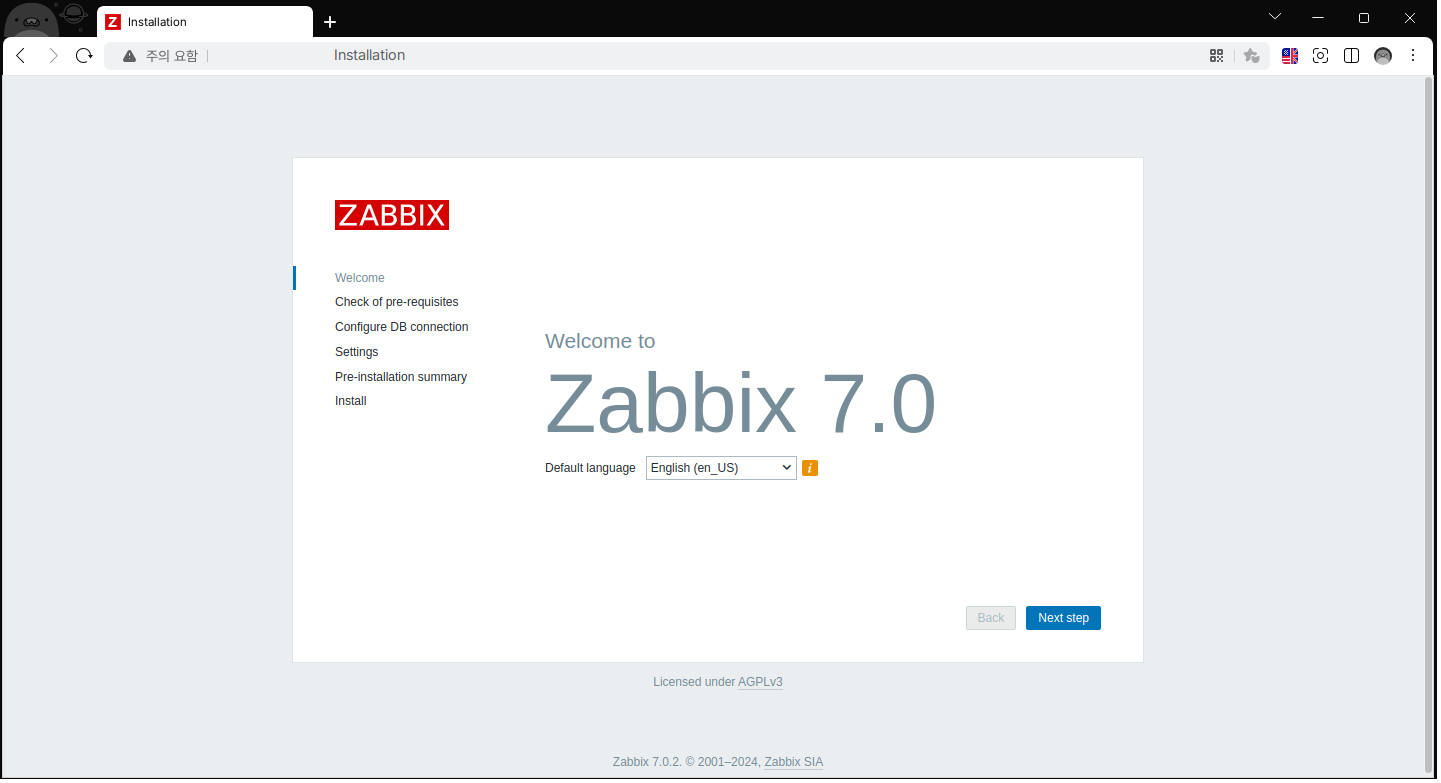
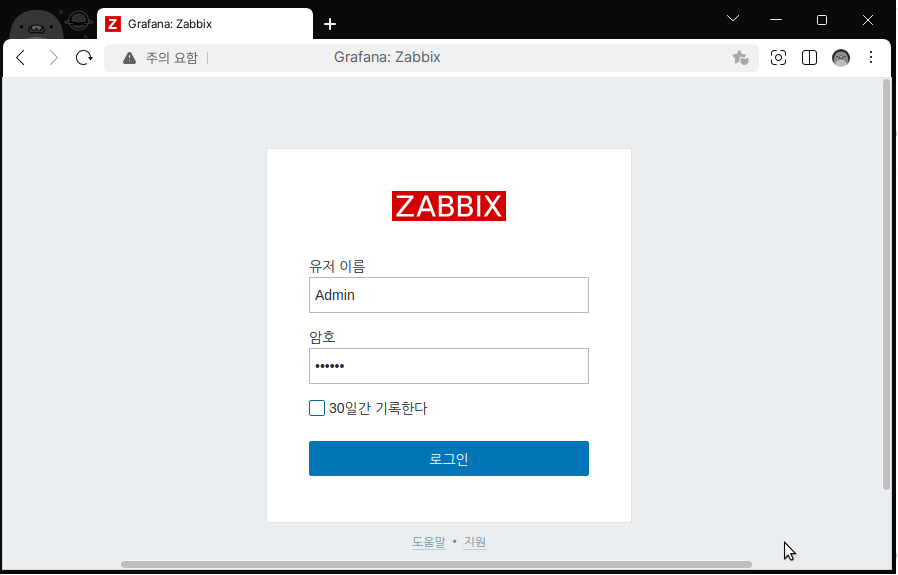
최초 접속정보: Admin / zabbix
이후 Agent 서버를 호스트로 추가하였습니다.
Grafana 구축
Grafana 설치
# 필요 패키지 설치
dnf install -y initscripts urw-fonts wget
https://grafana.com/grafana/download
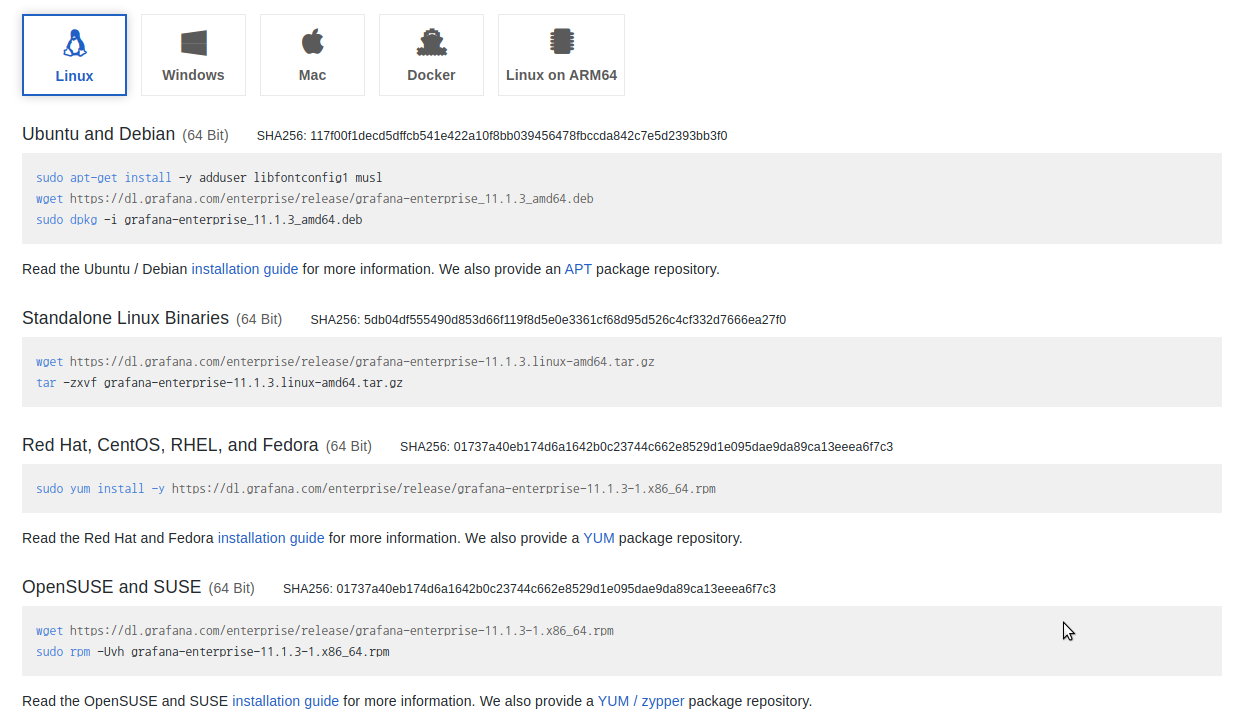
cd /usr/local/src
dnf install -y https://dl.grafana.com/enterprise/release/grafana-enterprise-11.1.3-1.x86_64.rpm
systemctl enable grafana-server --now
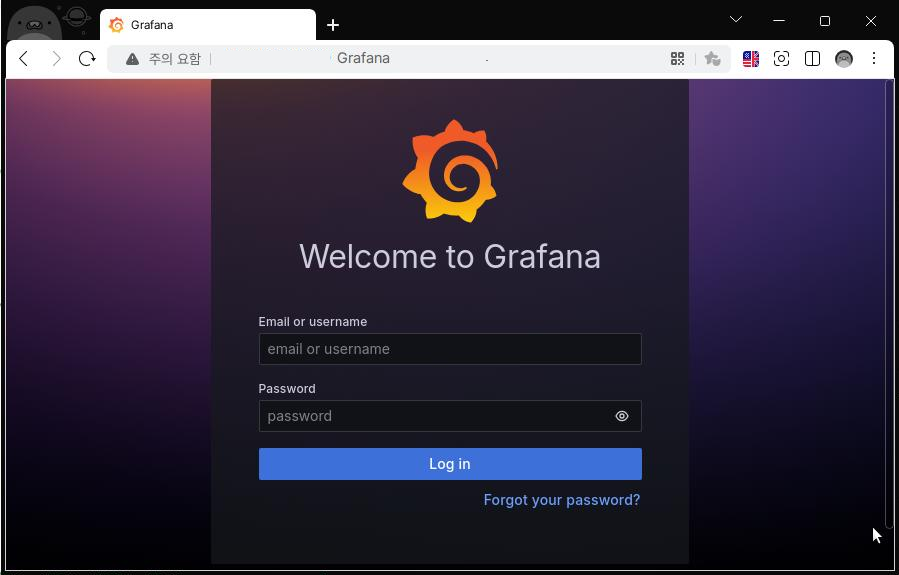
http://IP:3000 으로 접속
초기 접속 정보: admin / admin 로그인 시 비밀번호 변경 후 접속 가능합니다.
ZBX plugin 설치
# 라이브러리 경로 권한 설정
chown -R grafana:grafana /var/lib/grafana/plugins
권한 설정을 하지 않을 경우 아래처럼 에러 로그가 출력됩니다.
tail -f /var/log/grafana/grafana.log
===
logger=context userId=1 orgId=1 uname=admin t=2024-08-06T11:03:24.875991404+09:00 level=error msg="Failed to install plugin" error="failed to extract plugin archive: open /var/lib/grafana/plugins: permission denied" remote_addr= traceID=
===
Cli 설치
# ZBX plugin 설치
grafana-cli plugins install alexanderzobnin-zabbix-app
grafana-cli plugins remove alexanderzobnin-zabbix-app
systemctl restart grafana-server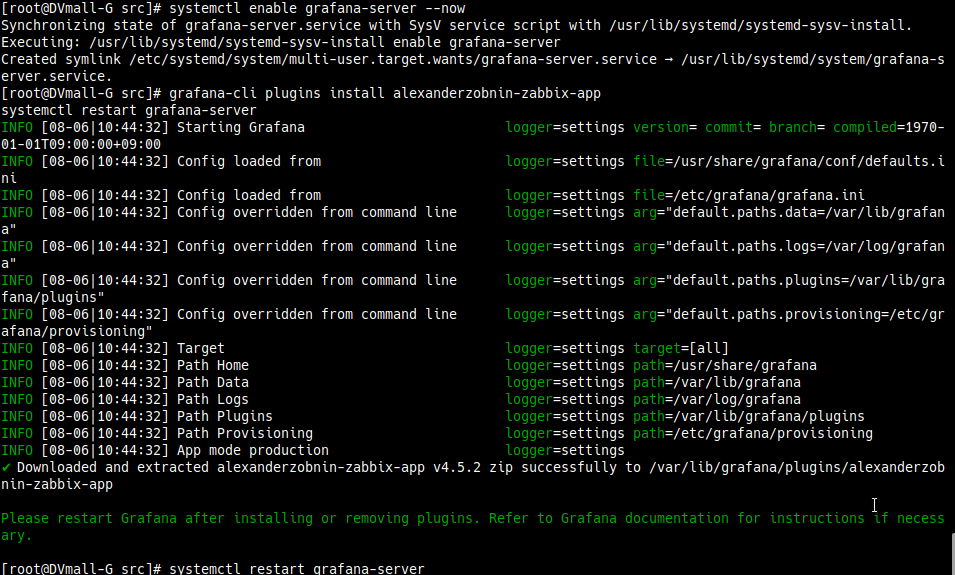
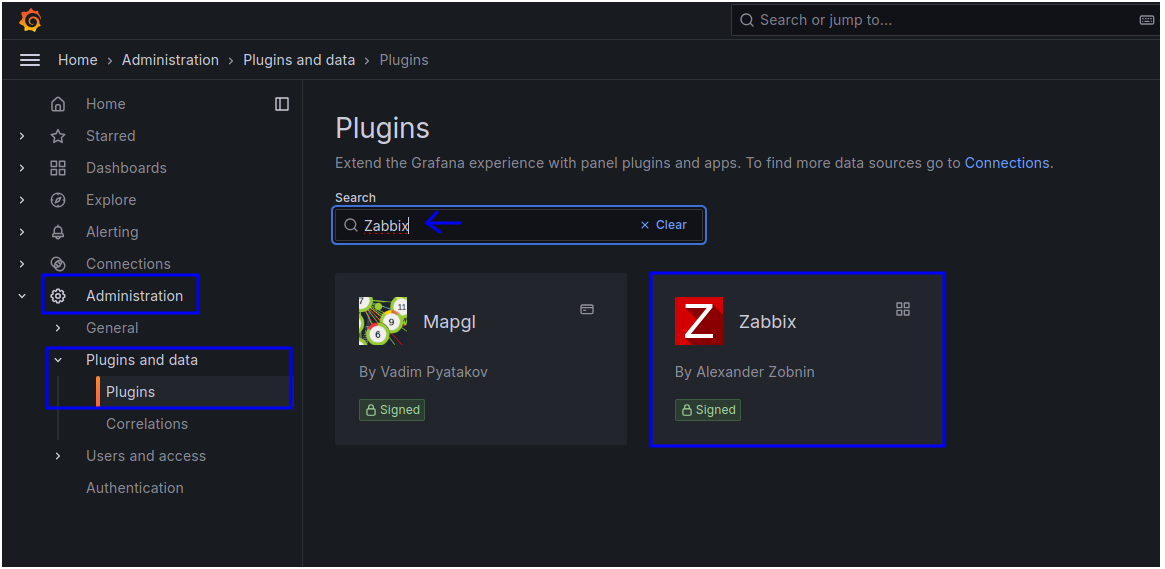
WEB UI 설치
Administration → Plugins and data → Plugins → 'Zabbix' 검색 → 결과 클릭
Install

Enable

Zabbix 서버와 연동
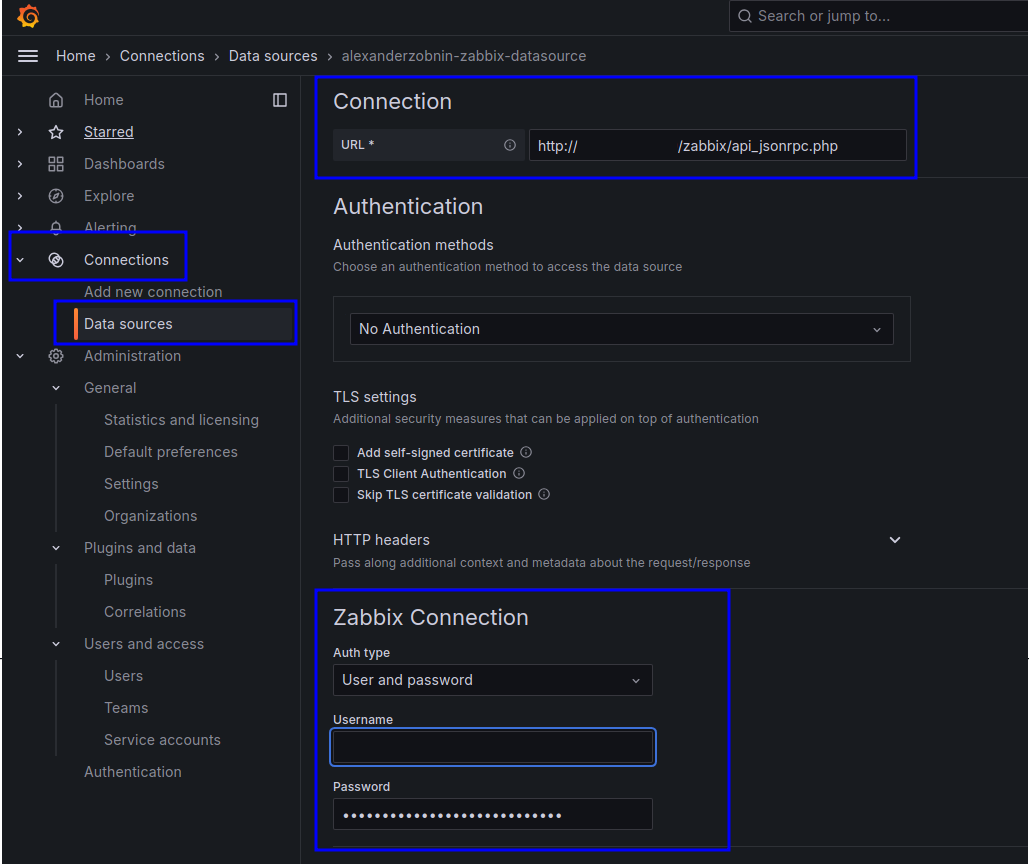
Connections → Data sources → Add → Zabbix → URL, 접속정보 입력
URL: http://ZBXSRVIP/zabbix/api_jsonrpc.php
ID, PW는 zabbix WEB UI User 정보
연결 성공 시 대시보드 생성하라는 팝업 알림이 출력됩니다.

ZBX 데이터 대시보드 생성
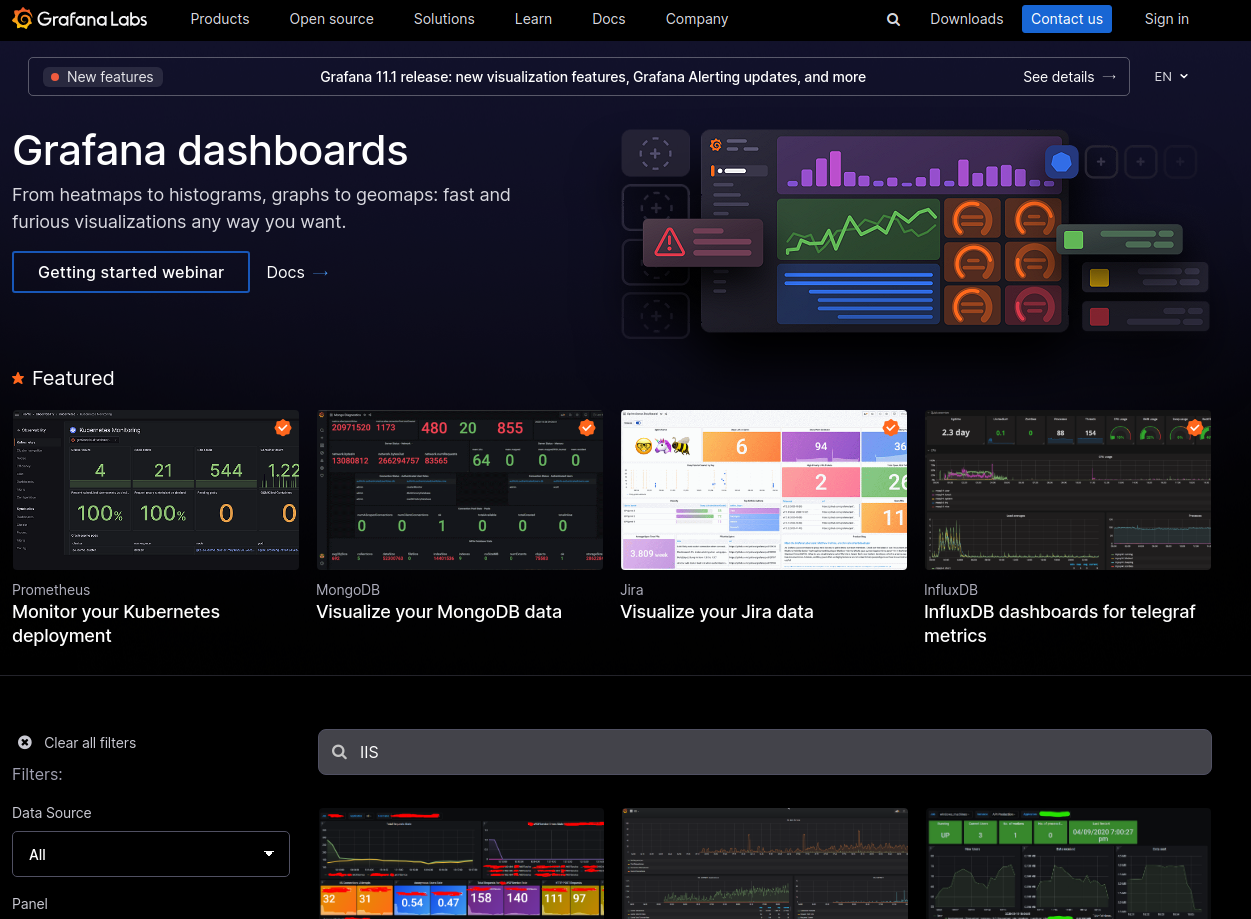
https://grafana.com/grafana/dashboards/
원하는 대시보드 양식을 검색 후 선택합니다. 원하는 방식으로 템플릿을 가져옵니다.

Raiju Hantu Goryo Obake