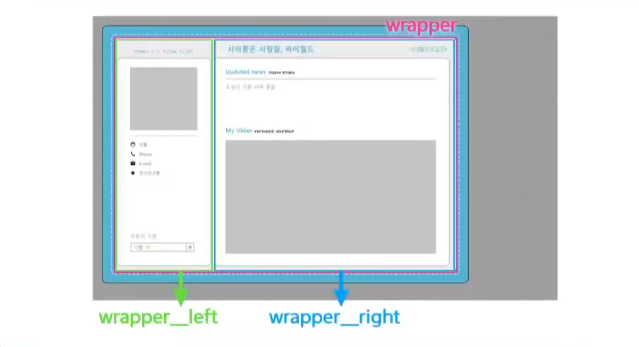
2일차 진도 목표
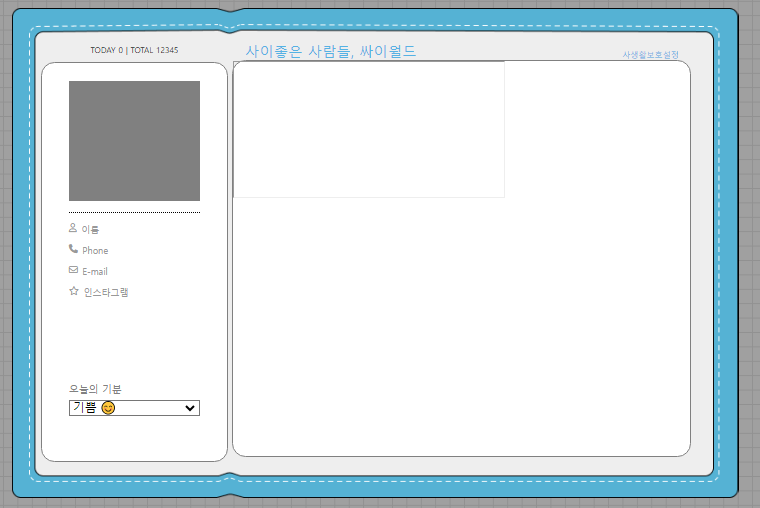
현재 상황

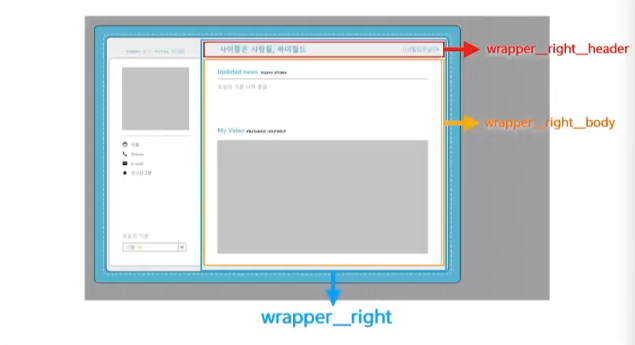
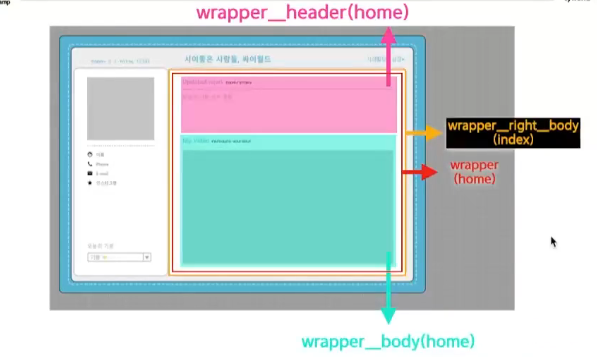
wrapper__right__header 부분은 상시 유지되고
body 부분은 조작에따라 변경되는 부분임.먼저 header 와 body의 구조를 만들어주고 자리를 잡아줌
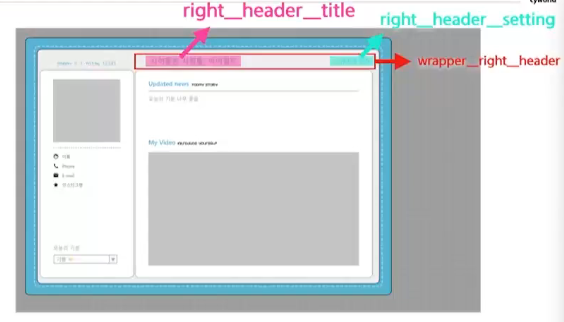
또한 header 부분에는 title과 setting 부분으로 나뉨
<div class="wrapper__right">
  <div class="wrapper__right__header">
    <div class="right__header__title">
      사이좋은 사람들, 싸이월드
    </div>
    <div class="right__header__setting">
      사생활보호설정
    </div>
  </div>
  <div class="wrapper__right__body"></div>
</div>
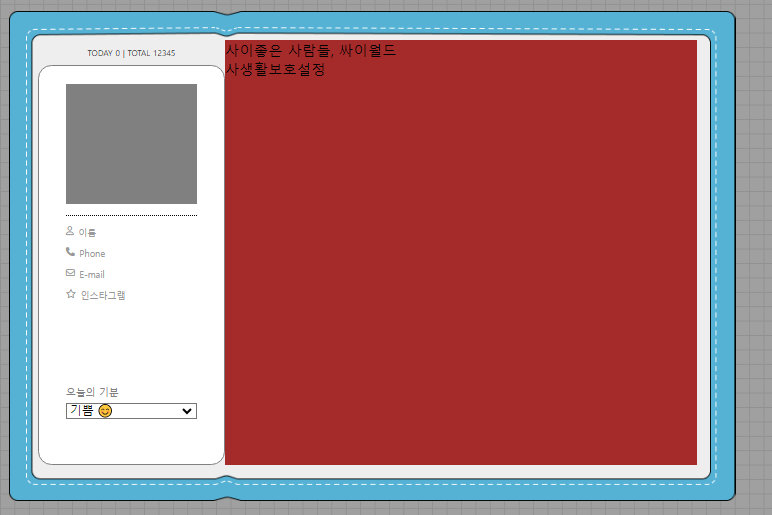
별도 정렬등을 안해서 그냥 글만 보임
하부 부분은 값이 수시로 바뀌기에 우측에 버튼을 만들어서 해당 버튼을 누를때마다 안쪽만 바뀌도록 하는기능 iframe 태그를 사용해 보자right__header
<div class="wrapper__right__header"> <div class="right__header__title"> 사이좋은 사람들, 싸이월드 </div> <div class="right__header__setting"> 사생활보호설정 </div> </div>.wrapper__right{ width: 524px; height: 472px; display: flex; flex-direction: column; justify-content: flex-end; padding: 5px; } .wrapper__right__header{ width: 510px; display: flex; flex-direction: row; justify-content: space-between; align-items: flex-end; padding: 0px 14px; } .right__header__title, .right__header__setting{ color: #55B2E4; font-size: 9px; } .right__header__title{ font-size: 16px; }
right__body
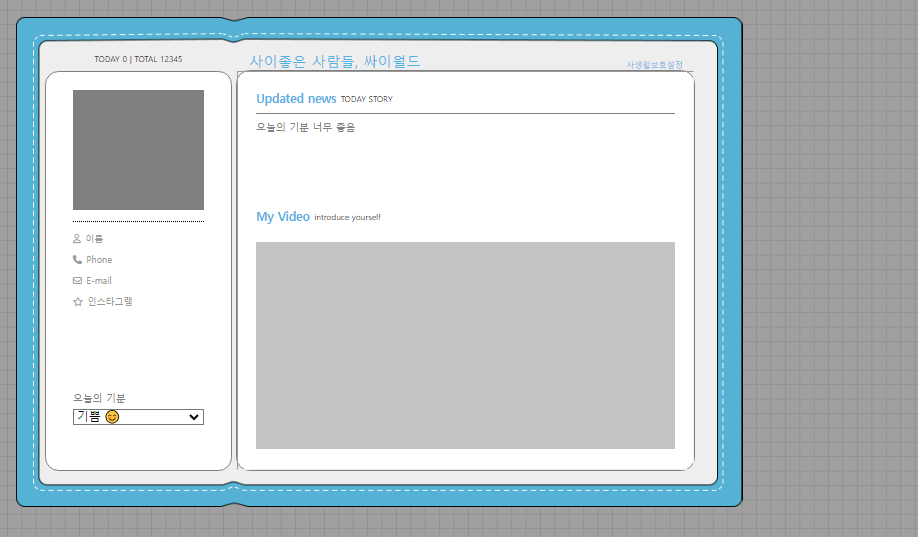
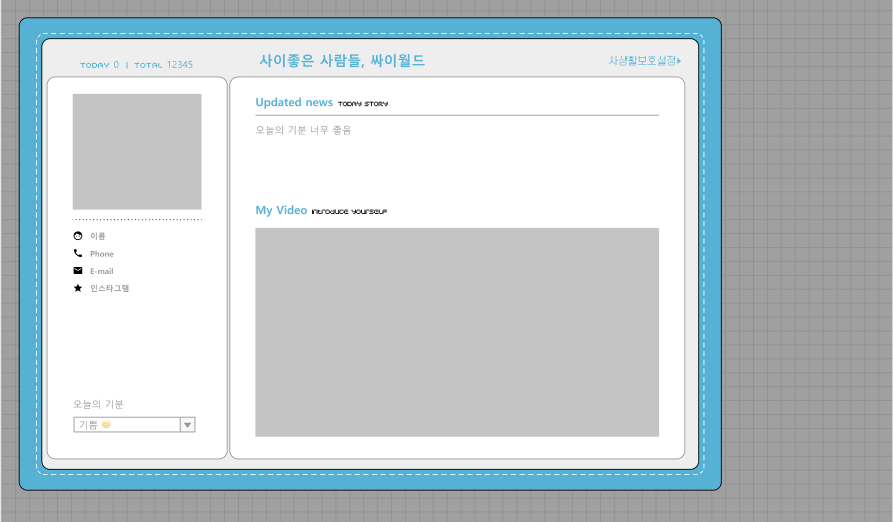
우측 화면은 iframe 태그를 사용하여 home.html 을 따로 만들어서 동작하도록 하자<body> <div class="wrapper"> <div class="wrapper__header"> <div class="contents__title"> <div class="title">Updated news</div> <div class="subtitle">TODAY STORY</div> </div> <div class="divideLine"></div> <div class="contents__body">오늘의 기분 너무 좋음</div> </div> <div class="wrapper__body"> <div class="contents__title"> <div class="title">My Video</div> <div class="subtitle">introduce yourself</div> </div> <div class="body__myvideo"></div> </div> </div> </body>* { box-sizing: border-box; margin: 0px; } html,body{ width: 100%; height: 100%; } .wrapper{ width: 100%; height: 100%; padding: 20px; display: flex; flex-direction: column; justify-content: space-between; } .wrapper__header{ width: 100%; height: 48px; display: flex; flex-direction: column; justify-content: space-between; } .contents__title{ display: flex; flex-direction: row; align-items: center; } .title{ font-size: 13px; color: #55B2E4; font-weight: 700; } .subtitle{ font-size: 9px; padding-left: 5px; } .divideLine{ width: 100%; border-top: 1px solid gray; } .contents__body{ font-size: 11px; color: gray; } .wrapper__body{ width: 100%; height: 270px; } .body__myvideo{ width: 100%; height: 230px; margin-top: 20px; background-color: rgb(196, 196, 196); }오늘의 결과물