React에서의 규칙 정리
JSX를 사용유무의 장단점
JSX를 사용하지 않아도 되지만 편의성이 좋다.
<div id="content">
	<p> Hellow World! </p>
</div>
JSX를 사용한 것.
-> 보통 사용하기 더 쉽고, 가독성이 훨씬 뛰어나다.
React.createElement (
	'div'
    { id: 'content' },
    react.createElement (
    	'p',
        null,
        'Hello World'
    )
)
리액트에서 노출한 createElement 메소드를 사용한 것.
-> HTML 코드와 구조가 동일하다.
-> 빌드 과정이 없는 프로젝트를 원한다면 위와 같이 사용하면 된다.
-> 장황하고 직관적이지 않다.
컴포넌트 분리를 언제 해야할까?
function App() {
  const [selectedTopic, setSelectedTopic] = useState();

  function handleSelect(selectedButton) {
    // selectedButton => 'components', 'jsx', 'props', 'state'
    setSelectedTopic(selectedButton);
    // console.log(selectedTopic);
  }

  let tabContent = <p>Please select a topic.</p>;

  if (selectedTopic) {
    tabContent = (
      <div id="tab-content">
        <h3>{EXAMPLES[selectedTopic].title}</h3>
        <p>{EXAMPLES[selectedTopic].description}</p>
        <pre>
          <code>{EXAMPLES[selectedTopic].code}</code>
        </pre>
      </div>
    );
  }

  return (
    <Fragment>
      <Header />
      <main>
        <section id="core-concepts">
          <h2>Core Concepts</h2>
          <ul>
            {CORE_CONCEPTS.map((conceptItem) => (
              <CoreConcept key={conceptItem.title} {...conceptItem} />
            ))}
          </ul>
        </section>
        <section id="examples">
          <h2>Examples</h2>
          <menu>
            <TabButton
              isSelected={selectedTopic === 'components'}
              onSelect={() => handleSelect('components')}
            >
              Components
            </TabButton>
            <TabButton
              isSelected={selectedTopic === 'jsx'}
              onSelect={() => handleSelect('jsx')}
            >
              JSX
            </TabButton>
            <TabButton
              isSelected={selectedTopic === 'props'}
              onSelect={() => handleSelect('props')}
            >
              Props
            </TabButton>
            <TabButton
              isSelected={selectedTopic === 'state'}
              onSelect={() => handleSelect('state')}
            >
              State
            </TabButton>
          </menu>
          {tabContent}
        </section>
      </main>
    </Fragment>
  );
}
위와 같은 코드에서 section id="examples" 부분에서 TabButton을 통해 버튼을 클릭 할 시 handleSelect가 매번 재실행된다.
section id="core-concepts" 부분까지 재실행되어 개발자의 의도와는 다르게 작동 할 수 있다.
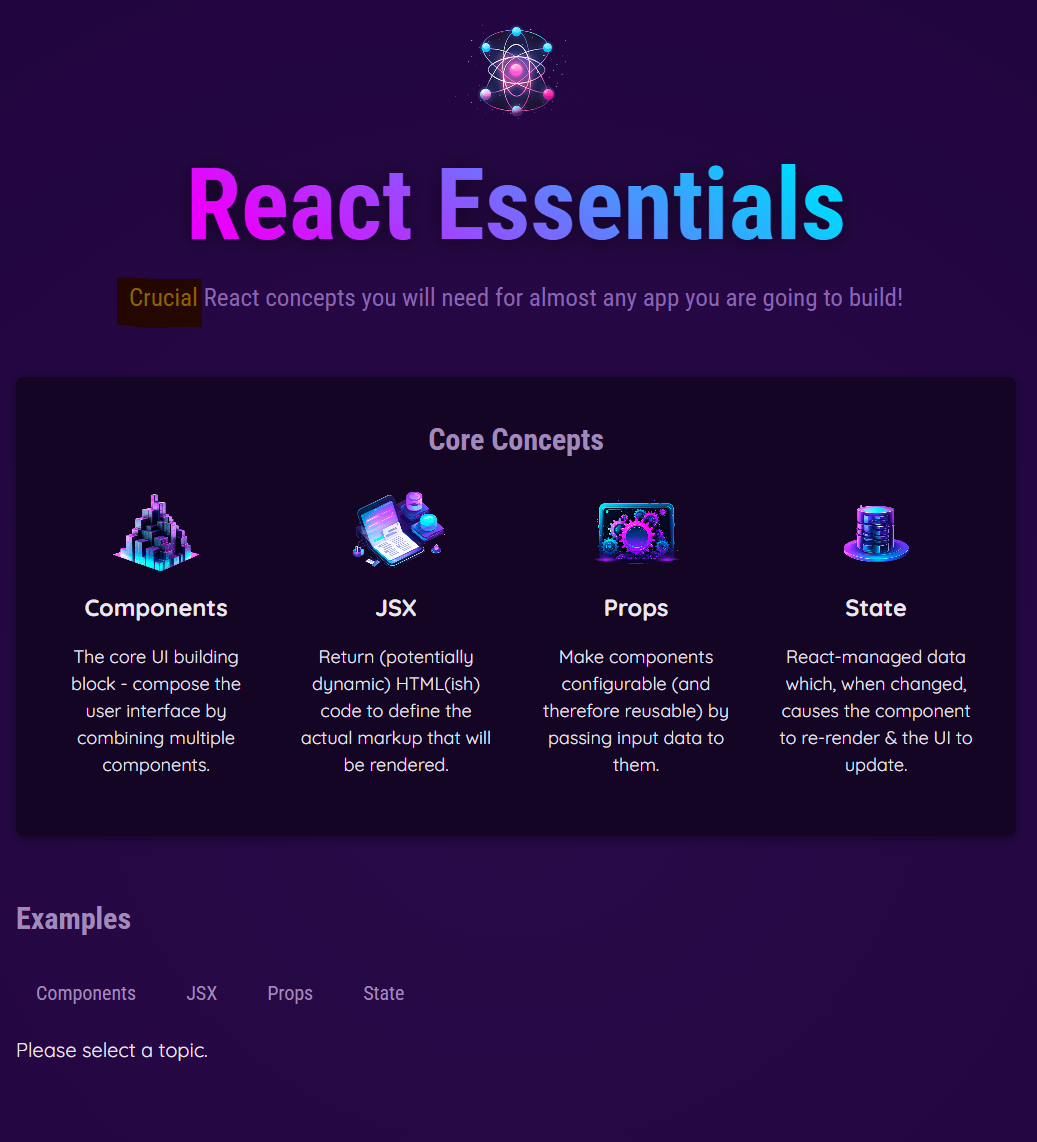
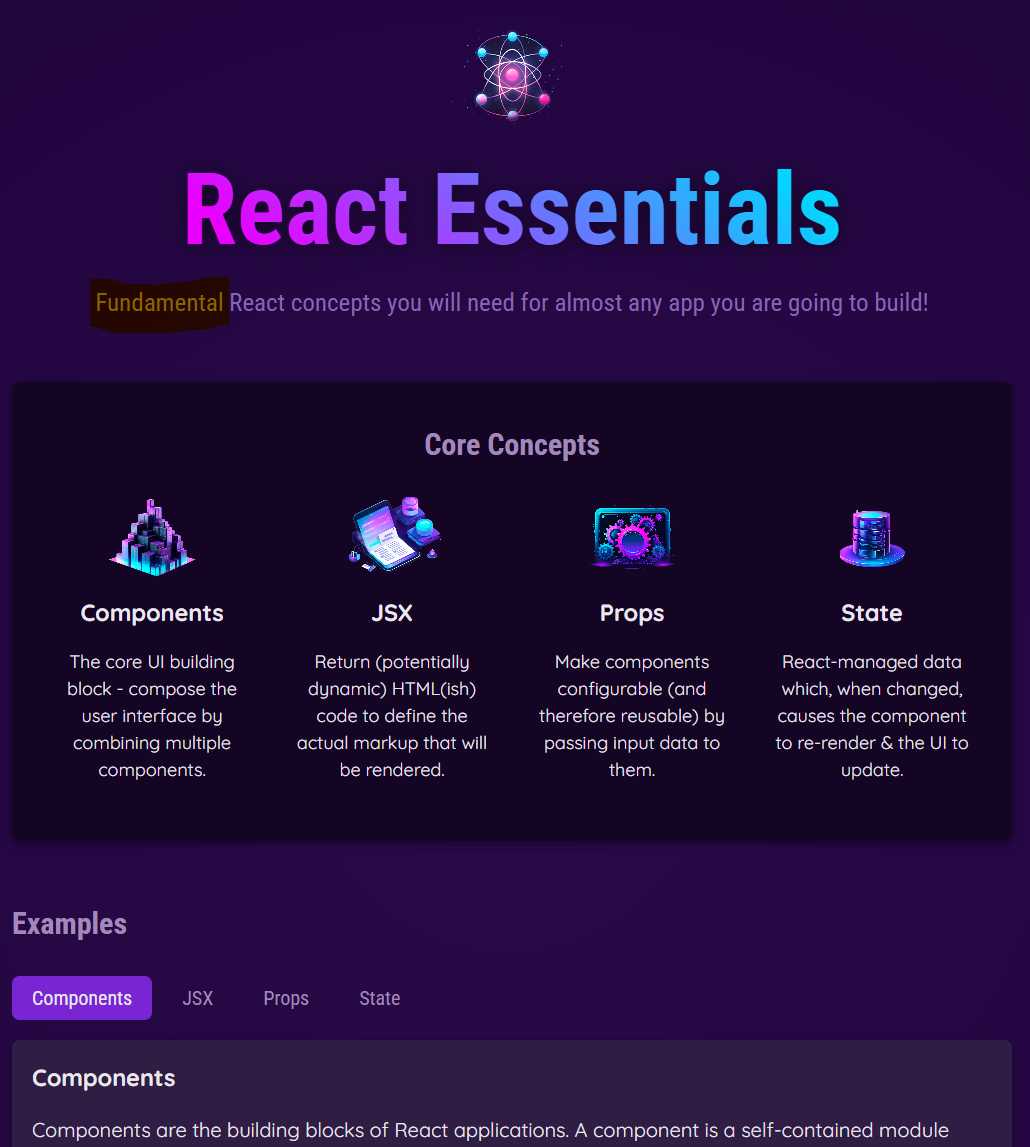
위와 같은 문제가 발생할 수 있기 때문에 각 section을 컴포넌트로 관리하여 책임을 분할하는 것이다.
ex)
function App() {
  const [selectedTopic, setSelectedTopic] = useState();

  function handleSelect(selectedButton) {
    // selectedButton => 'components', 'jsx', 'props', 'state'
    setSelectedTopic(selectedButton);
    // console.log(selectedTopic);
  }

  let tabContent = <p>Please select a topic.</p>;

  if (selectedTopic) {
    tabContent = (
      <div id="tab-content">
        <h3>{EXAMPLES[selectedTopic].title}</h3>
        <p>{EXAMPLES[selectedTopic].description}</p>
        <pre>
          <code>{EXAMPLES[selectedTopic].code}</code>
        </pre>
      </div>
    );
  }

return (
    <Fragment>
      <Header />
      <main>
        <CoreConcepts />
        <Examples />
      </main>
    </Fragment>
  );
}
모든 컨텐츠가 컴포넌트에 보관될 이유는 없다.
정적인 마크업들은 index.html에 두어서 노출시킬 수 있다.
<!DOCTYPE html>
<html lang="en">
  <head>
    <meta charset="UTF-8" />
    <link rel="icon" type="image/svg+xml" href="/vite.svg" />
    <meta name="viewport" content="width=device-width, initial-scale=1.0" />
    <title>React Essentials</title>
  </head>
  <body>
    <div id="root"></div>
    <script type="module" src="/src/index.jsx"></script>
  </body>
</html>
위코드에서 id="root"부분이 react가 관리하는 부분이다.
body바로 밑에 마크업을 작성할 수 있다. 이러한 코드의 장점은
1. props나 state등에 의해 변하지 않는다는 것이다.
보통 header와 같은 정적인 마크업을 이곳에 많이 작성한다.
2. public폴더의 파일들은 웹사이트 방문객에게 공개된다.
때문에 쉽게 이름으로 참조될 수 있다는 장점이 있다. (따로 경로를 지정하지 않고 파일이름으로 바로 참조 가능)

Mee-