Discord Bot을 만들어 볼 생각으로 막연히 구글링을 하던 도중 discord.py라는 것이 있다는 것을 알았다. 나는 바로 이거다! 싶어서 간단하게 만들어볼 예정이다.
환경설정
기본 공식 문서 : https://discordpy.readthedocs.io/en/latest/#getting-started
1. 개발자 포털에 들어가기
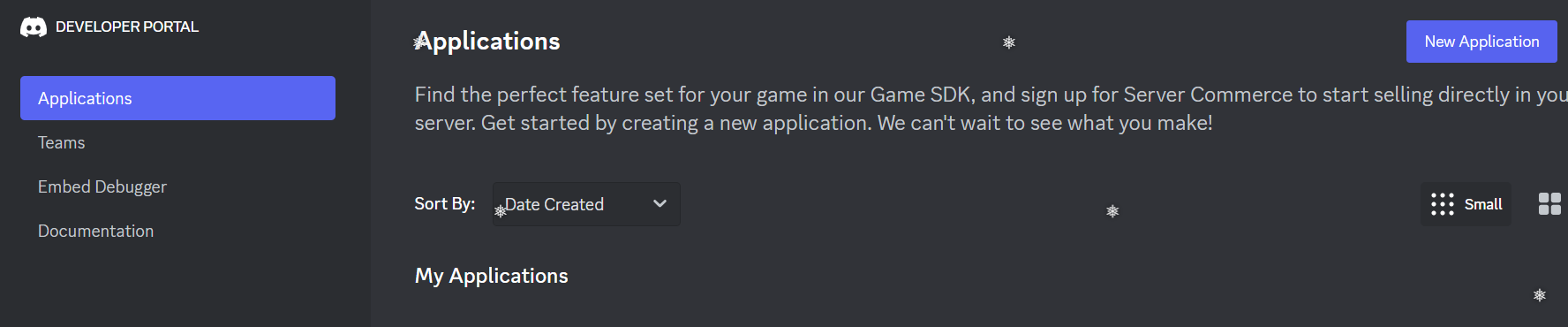
- 좌측 메뉴의 Applications 선택
- New Application 클릭
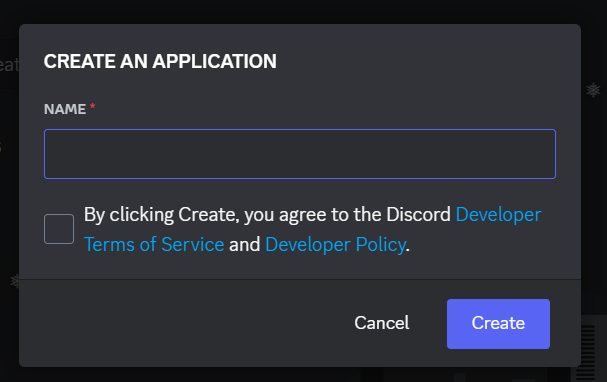
- 프로젝트의 이름을 지정
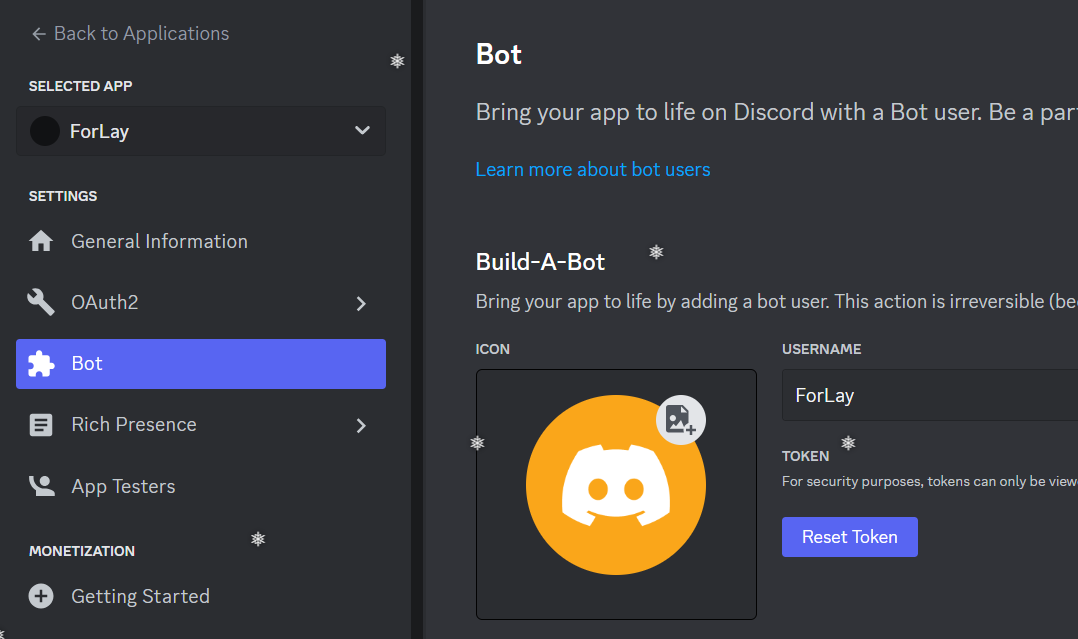
- 좌측 메뉴의 Bot 선택
- Reset Token 버튼을 눌러 토큰 발행
- 좌측 메뉴의 OAuth2 선택
- 좌측 메뉴의 URL Generator 선택
- Bot 선택
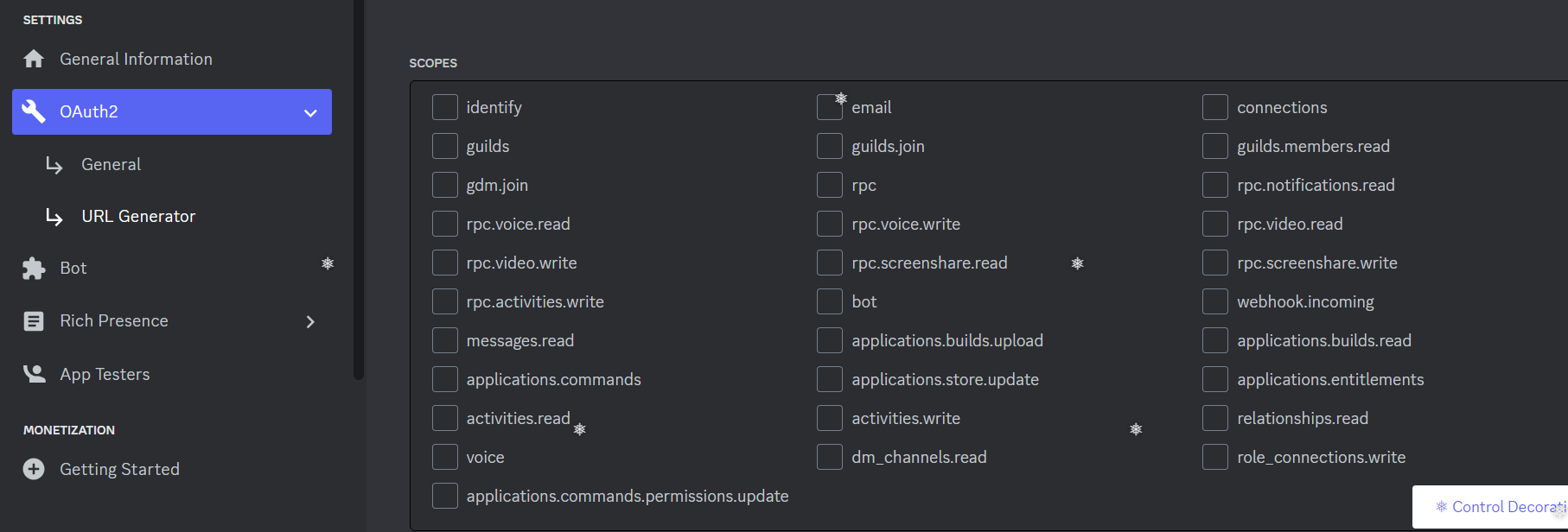
- 원하는 기능에 맞춰 체크
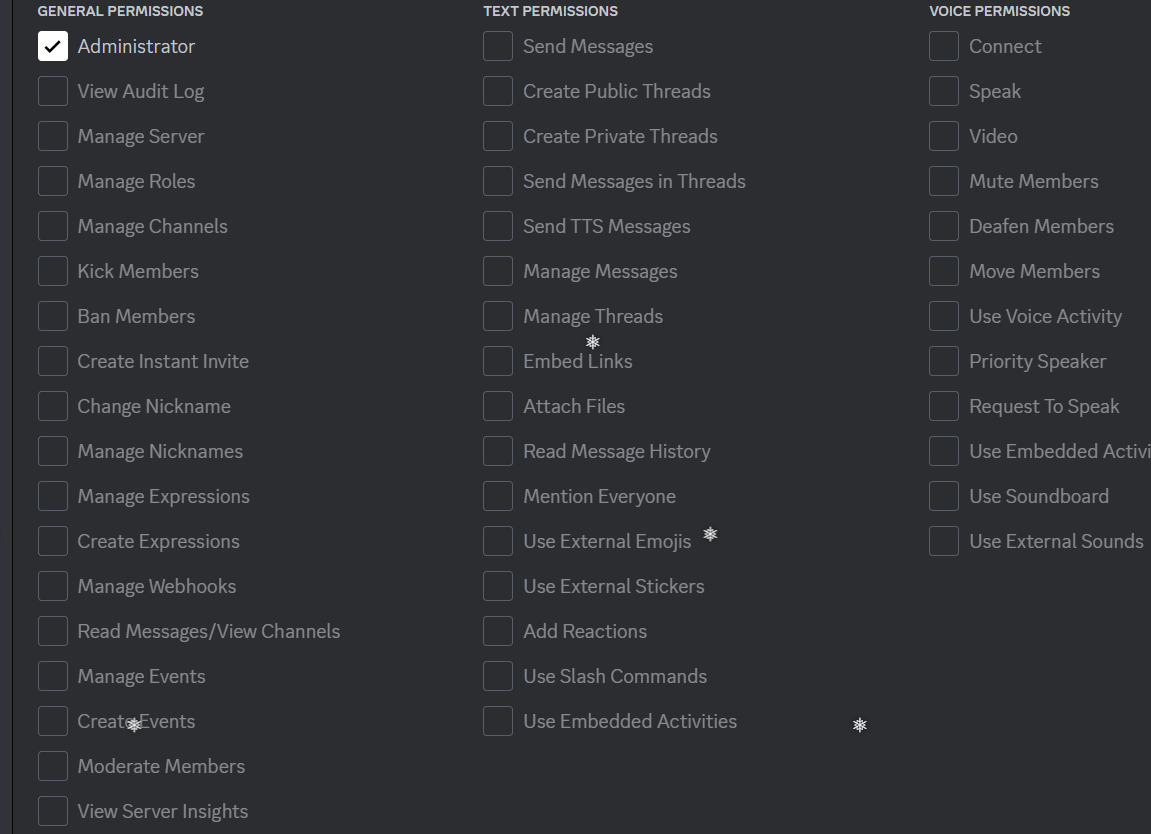
- 최 하단에 나오는 링크를 복사하여 웹에서 열기
- 웹에 들어가면 봇을 개인 채널에 추가 가능
VS Code 설정
-
터미널에서 pip install discord.py 입력
-
아래 코드로 동작 확인
-
보안을 위해 Token은 따로 파일을 만들어서 저장
import discord
from discord.ext.commands import Bot
from dico_token import Token

client = discord.Client()
# 사용자가 명령어 입력 시 ./를 입력하고 명령어 입력
client = commands.Bot(command_prefix='./')

# on_ready는 시작할 때 한번만 실행.
@client.event
async def on_ready():
    print('Login...')
    print(f'{client.user}에 로그인하였습니다.')
    print(f'ID: {client.user.name}')
    await client.change_presence(status=discord.Status.online, activity=discord.Game('VS Code로 개발'))

@client.event
async def on_message(message):
	# message.content.startswith()는 해당 문자로 시작하는 단어에 대해서
	# 인식하여 메시지 전송. ==로 비교 시 해당 문자만 인식
	if message.content.startswith('테스트'):
		await message.channel.send("{} | {}, 안녕!".format(message.author, message.author.mention))

	if message.content == '테스트':
 		# 채널에 메시지 전송
 		await message.channel.send("{} | {}, 어서오세요!".format(message.author, message.author.mention))

 	# 아래 코드는 개인 메시지로 전송
 	await message.author.send("{} | {} 유저님, 환영합니다.".format(message.author, message.author.mention))

# 아래 코드들은 client.event의 on_message를 주석 처리하고 실행
@client.command(aliases=['hi'])
async def hello(ctx):
    await ctx.send("안녕하세요!")

@client.command(aliases=['로그인', '접속하기'])
async def login(ctx):
    await ctx.channel.send("{} | {}님, 어서오세요!".format(ctx.author, ctx.author.mention))

client.run(Token)
# discord_token.py
Token="토큰"