🥢 nori 다운로드
- elasticsearch 파일 경로에 들어가 명령어를 실행한다.
elasticsearch-plugin install analysis-nori-
elasticsearch를 재시작한다.
-
cmd에서도 확인할 수 있지만 나는 kibana를 이용하여 nori를 확인할 것이다.
키바나 Dev Tools
- 실행 코드
GET _analyze
{
  "tokenizer": "nori_tokenizer",
  "text": [
    "동해물과 백두산이"
  ]
}
- 반환 코드
{
  "tokens": [
    {
      "token": "동해",
      "start_offset": 0,
      "end_offset": 2,
      "type": "word",
      "position": 0
    },
    {
      "token": "물",
      "start_offset": 2,
      "end_offset": 3,
      "type": "word",
      "position": 1
    },
    {
      "token": "과",
      "start_offset": 3,
      "end_offset": 4,
      "type": "word",
      "position": 2
    },
    {
      "token": "백두",
      "start_offset": 5,
      "end_offset": 7,
      "type": "word",
      "position": 3
    },
    {
      "token": "산",
      "start_offset": 7,
      "end_offset": 8,
      "type": "word",
      "position": 4
    },
    {
      "token": "이",
      "start_offset": 8,
      "end_offset": 9,
      "type": "word",
      "position": 5
    }
  ]
}- 내 인덱스에 설정
PUT /one // - 인덱스 이름
{
  "settings": {
    "analysis": {
      "tokenizer": {
        "nori_tokenizer": {
          "type": "nori_tokenizer"
        }
      },
      "filter": {
        "nori_stopwords": {
          "type": "stop",
          "stopwords": "_nori_"
        }
      },
      "analyzer": {
        "nori_analyzer": {
          "type": "custom",
          "tokenizer": "nori_tokenizer",        // nori_tokenizer 사용
          "filter": ["nori_stopwords"]          // 불용어 필터 사용
        }
      }
    }
  },
  "mappings": {
    "properties": {
      "filedName": {
        "type": "text",
        "analyzer": "nori_analyzer"  // nori_analyzer 적용
      },
      "filedName2": {
        "type": "text",
        "analyzer": "nori_analyzer"  // nori_analyzer 적용
      }
    }
  }
}
- 실제 내 인덱스에서 사용
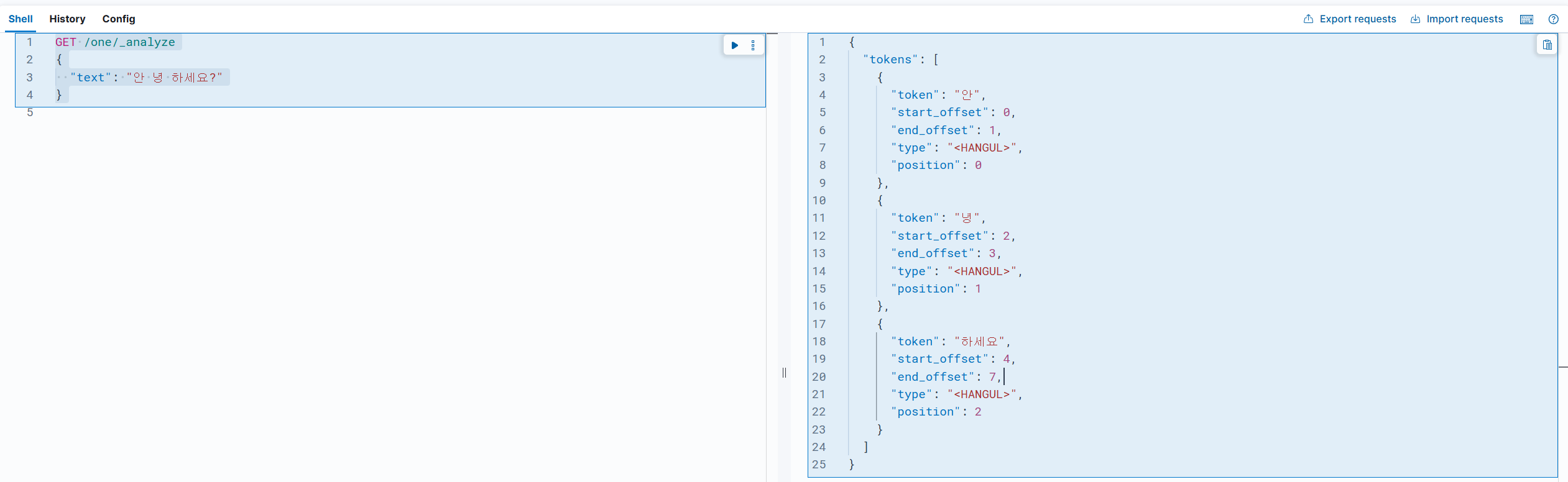
GET /one/_analyze
{
  "text": "안녕하세요?제 이름은 홍길동입니다."
}- 실제 내 인덱스 반환 코드
{
  "tokens": [
    {
      "token": "안녕하세요",
      "start_offset": 0,
      "end_offset": 5,
      "type": "<HANGUL>",
      "position": 0
    },
    {
      "token": "제",
      "start_offset": 6,
      "end_offset": 7,
      "type": "<HANGUL>",
      "position": 1
    },
    {
      "token": "이름은",
      "start_offset": 8,
      "end_offset": 11,
      "type": "<HANGUL>",
      "position": 2
    },
    {
      "token": "홍길동입니다",
      "start_offset": 12,
      "end_offset": 18,
      "type": "<HANGUL>",
      "position": 3
    }
  ]
}
개발 경험치 쌓는 곳