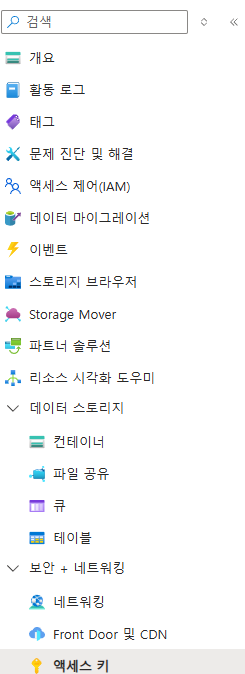
🥊 프로젝트에서 Azure 연결
Azure Storage Name
- 생성한 Storage Name를 환경변수에 저장해준다.
Azure Storage Key
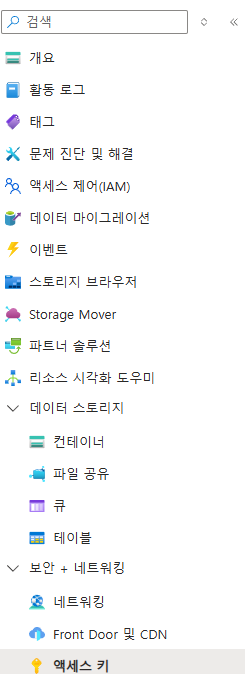
- key1, key2 둘 중 하나를 환경변수에 저장해준다.
Azure Storage Container
- 생성한 Container Name을 환경변수에 저장해준다.
service 로직
  // Azure 클라우스 서비스에 저장하기
  async uploadToAzureBlob(
    filePath: string,
    userId: string,
    fileType: 'audio' | 'video',
  ): Promise<string> {
    // Azure 설정 환경변수 가져오기
    const azureAccount: string = this.configService.get<string>(
      'AZURE_STORAGE_ACCOUNT',
    ) as string;

    const azureAccountKey: string = this.configService.get<string>(
      'AZURE_STORAGE_KEY',
    ) as string;

    const azureContainerName: string = this.configService.get<string>(
      'AZURE_STORAGE_CONTAINER',
    ) as string;

    if (!azureAccount || !azureAccountKey || !azureContainerName) {
      throw new BadRequestException('AZURE 설정 실패');
    }

    // azure storage name과 key를 이용해 azure에 인증한다.
    const realAzureAccount = new StorageSharedKeyCredential(
      azureAccount,
      azureAccountKey,
    );

    // azure 계정을 이용해 azure blob storage에 접속한다.
    const blobServiceClient = new BlobServiceClient(
      `https://${azureAccount}.blob.core.windows.net`,
      realAzureAccount,
    );

    const folderName: string = userId; // 유저 아이디를 이용해 저장
    const fileName: string = uuidv4(); // uuid를 이용해 파일 저장

    // 파일 경로 설정: audio 또는 video 폴더에 저장
    const blobName = path.join(
      folderName,
      fileType,
      `${fileName}.${fileType === 'audio' ? 'mp3' : 'mp4'}`,
    );

    // 컨테이너를 선택한다.
    const containerClient =
      blobServiceClient.getContainerClient(azureContainerName);

    // 파일을 저장한다.
    const blockBlobClient = containerClient.getBlockBlobClient(blobName);
    const fileStream = fs.createReadStream(filePath);

    await blockBlobClient.uploadStream(fileStream);

    // 파일 url 을 리턴해준다.
    return blockBlobClient.url;
  }
개발 경험치 쌓는 곳