How to Send Mass Message on Facebook: A Comprehensive Marketing Strategy
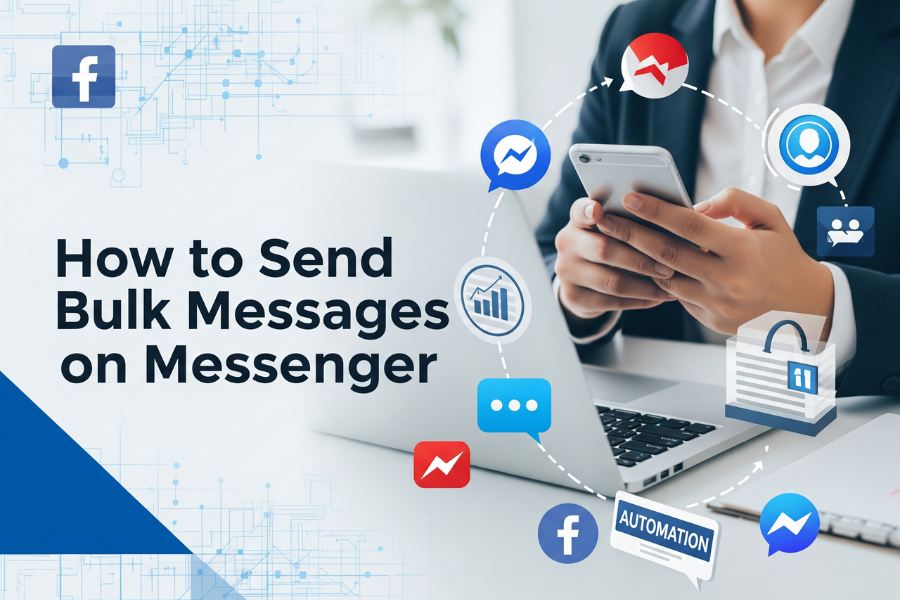
In today’s fast-paced digital landscape, connecting with your audience efficiently is not just an advantage—it’s essential. Facebook Messenger has become one of the most powerful tools for marketers, business owners, and influencers to reach their audience directly. Understanding how to send mass message on Facebook is critical for anyone who wants to improve engagement, save time, and drive conversions.
Mass messaging goes beyond sending the same message to multiple recipients. It is about strategic, personalized communication that nurtures relationships, builds trust, and motivates action. Whether your goal is to announce a new product, promote a special offer, or engage with loyal customers, mass messaging can significantly enhance your marketing results.
Why Mass Messaging on Facebook is Essential
Messenger messages have one of the highest engagement rates in digital marketing. Users are more likely to open and interact with messages than with emails or public social media posts. Some key benefits include:
High Open Rates: Messages are delivered directly to users’ inboxes, ensuring higher visibility.
Personalized Engagement: Users perceive messages as more personal than generic ads.
Time Efficiency: Automation allows you to reach hundreds or thousands of users without manual effort.
Cost-Effectiveness: Mass messaging provides an affordable alternative to paid campaigns.
Manual messaging works for small groups, but larger campaigns require automation to scale effectively while staying compliant with Facebook policies.
Step-By-Step Guide to Sending Mass Messages
1. Build and Segment Your Audience
Effective campaigns begin with audience segmentation. Identify users who have engaged with your page, joined your groups, or opted in for updates. Segmenting your audience ensures messages are relevant, personalized, and actionable.
Segmentation examples:
New Followers: Recently joined your page or group
Engaged Users: Frequently interact with your posts
Existing Customers: Users who purchased your products or services
Segmenting audiences allows you to create messages that resonate with different groups, increasing engagement and conversions.
- Craft Personalized, Engaging Messages
Personalization is crucial. Generic messages are often ignored or reported as spam. Use recipient names, reference previous interactions, and tailor content based on their preferences or behavior.
Example message:
“Hi {Name}, we noticed you enjoyed our recent post! Check out our latest collection here: [link] 🎁 Don’t miss this exclusive offer!”
Incorporate multimedia such as GIFs, images, videos, or emojis to make messages more engaging and visually appealing. Personalization paired with multimedia increases the chances of user interaction and click-throughs.
- Choose a Reliable Automation Tool
Automation tools streamline bulk messaging while ensuring compliance. Platforms like MaxCare Facebook Software
allow marketers to:
Send messages to hundreds or thousands of recipients simultaneously
Schedule messages for optimal timing
Reduce the risk of spam or account restrictions
Track performance analytics, including opens, clicks, and replies
A reliable automation tool ensures efficiency, compliance, and measurable results, making mass messaging safe and scalable.
- Schedule Messages Strategically
Timing is critical to maximize engagement. Sending too many messages at once can trigger Facebook spam filters, while poorly timed messages may be ignored. Use automation tools to schedule messages when your audience is most active.
Scheduling tips:
Spread messages naturally throughout the day
Target peak engagement hours based on audience activity
Avoid sending messages too early in the morning or late at night
Strategic scheduling ensures your messages are noticed, read, and acted upon.
- Monitor, Test, and Optimize
Tracking key performance metrics is essential for improving campaigns. Monitor:
Delivery success rates
Open rates
Click-through rates
Replies and interactions
Use A/B testing to experiment with message formats, multimedia content, and calls-to-action. Optimization based on analytics ensures maximum campaign effectiveness.
Best Practices for Mass Messaging
Message only opted-in users: Avoid messaging users who have not interacted with your page to prevent negative responses.
Personalize content: Include names, references to interactions, and tailor offers to user preferences.
Avoid spammy language: Overly promotional content may reduce trust and engagement.
Use multimedia wisely: Enhance the message without overwhelming recipients.
Continuously analyze performance: Adjust campaigns based on results for better ROI.
Use Cases for Mass Messaging
E-commerce Businesses: Promote new products, seasonal discounts, and flash sales.
Marketing Agencies: Manage multiple client campaigns efficiently, nurture leads, and maintain high engagement.
Local Businesses: Update customers on services, events, promotions, or loyalty programs.
Affiliate Marketers: Broadcast offers to opted-in leads with personalized content to increase conversions.
Advanced Strategies
Triggered Messages: Send automated follow-ups based on user actions, clicks, or replies.
Behavioral Segmentation: Target users based on engagement, purchase history, or interactions.
Test Calls-to-Action: Experiment with CTAs to maximize conversions.
CRM Integration: Connect messaging campaigns with customer relationship management software for tracking and optimization.
Common Mistakes to Avoid
Ignoring personalization: Generic messages reduce engagement.
Over-messaging: Too many messages can annoy users and increase unsubscribes.
Neglecting analytics: Without tracking, campaigns cannot be optimized.
Violating Facebook policies: Always comply with Facebook rules to avoid restrictions.
Getting Started
To begin, learn how to send mass message on Facebook
. Select a reliable automation tool, segment your audience, craft personalized messages, schedule strategically, and monitor results. Start with smaller campaigns, optimize based on performance, and scale for maximum impact.
Mass messaging saves time, increases engagement, and drives conversions. Begin connecting with your audience today!
https://minsoftwareglobal.com/how-to-send-mass-message-on-facebook-2/