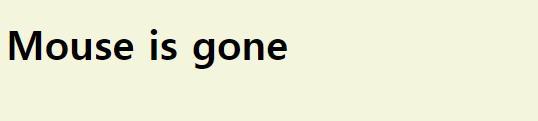
자바스크립트로 브라우저에서 elements를 바꾸어 보았다.
step
step 1. element를 찾아라
const h1 =document.querySelector("div.hello:first-child h1");step 2. element를 listen해라
h1.addEventListener("click",handleTitleClick);step 3. 그 event에 반응해라(무언가를 보여주거나, 감추거나, 색깔 바꾸기 등)
function handleTitleClick(){
	h1.style.color="blue";
    h1.innerText = "clicked";
}
[전체 코드]
const h1 = document.querySelector("div.hello:first-child h1");

function handleTitleClick(){  //click시
    h1.style.color="blue";    //색상 파란색 변경
    h1.innerText="clicked";   //브라우저에서 텍스트 clicked변경
}
function handleMouseEnter(){  //마우스가 글자 위 올라와 있을때
    h1.innerText="Mouse is here";  //브라우저에서 텍스트 mouse is here변경
}
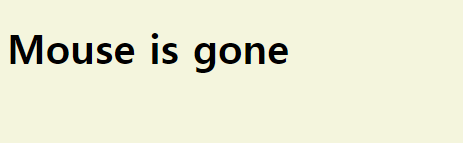
function handleMouseLeave(){  //마우스가 글자 위 없을때
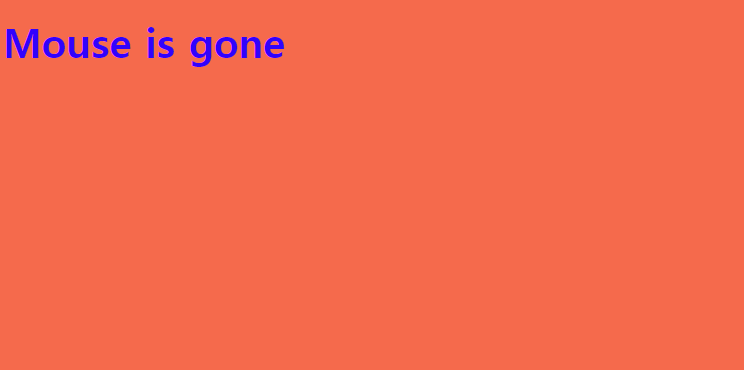
    h1.innerText="Mouse is gone"; //브라우저에서 텍스트 mouse is gone변경
}
function handleWindowResize(){  //window창 사이즈 조절시
    document.body.style.backgroundColor="tomato";  //tomato색으로 배경색 바뀜
}
function handleWindowCopy(){  //윈도우 창에서 ctrl+c혹은 복사할때
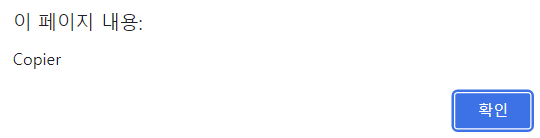
    alert("Copier");  //alert copier 창 뜸
}
function handleWindowOffline(){  //wifi가 offline일때
    alert("SOS, no wifi");    //sos, no wifi 창 뜸
}
function handleWindowOnline(){  // wifi가 online일때
    alert("online");   //online 창 뜸
}
h1.addEventListener("click", handleTitleClick);
h1.addEventListener("mouseenter", handleMouseEnter);
h1.addEventListener("mouseleave", handleMouseLeave);


window.addEventListener("resize",handleWindowResize);
window.addEventListener("copy",handleWindowCopy);
window.addEventListener("offline",handleWindowOffline);
window.addEventListener("online",handleWindowOnline);
index.html코드
<!DOCTYPE html>
<html lang="en">
<head>
    <meta charset="UTF-8">
    <meta http-equiv="X-UA-Compatible" content="IE=edge">
    <meta name="viewport" content="width=device-width, initial-scale=1.0">
    <link rel="stylesheet" href="style.css">
    <title>Momentum</title>
</head>
<body>
    <div class="hello">
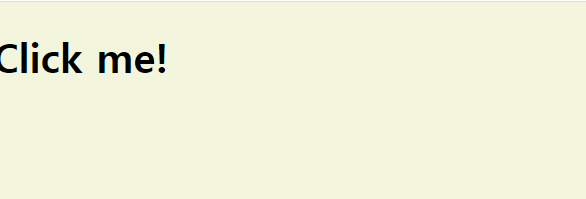
        <h1>Click me!</h1>
    </div>
    <script src="app.js"></script>
</body>
</html>
제일 위 자바스크립트 코드는 index.html의 h1 element를 자바스크립트 코드로 변경하기 위한 코드다.
ⓐ 제일 위 자바스크립트 코드는 index.html의 h1 element를 자바스크립트 코드로 변경하기 위한 코드다.
ⓑ 마우스가 텍스트 위에 없을 때
ⓒ 텍스트 클릭 시
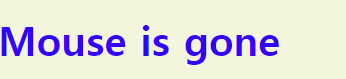
ⓓ window창 사이즈 조절 시
ⓔ copy시

프론트엔드 취미 공부생